Smashing Magazine we smash you with the information that will make your life easier. really.
Adobe Photoshop Tutorials - Rainbows, Glows and Light Effects
April 3rd, 2008 in Tutorials | 117 Comments
by Sean Hodge
Lighting effects in Adobe Photoshop are used to add flare and polish to images. They communicate feelings of creativity, technology, magic, and fantasy. Creating beams, glows, motion trails, rainbows, or an assortment of other lighting effects, give your images ambiance and depth.
Now it’s time for a sparkling dose of related Photoshop learning material. This article provides a resource of Adobe Photoshop Light Effects tutorials. These tutorials offer an assortment of techniques for making your work creatively glow.
Please consider them as an extension of our ultimate Adobe Photoshop series:
- Adobe Photoshop Tutorials - Best Of features some of the best Adobe Photoshop tutorials out there,
- Adobe Photoshop Video Tutorials - Best Of showcases 80 excellent Adobe Photoshop video tutorials which you can use as a starting point to improve your skills or observe how professionals do their job.
Photoshop Light Effects Tutorials
-
Lines Tutorial
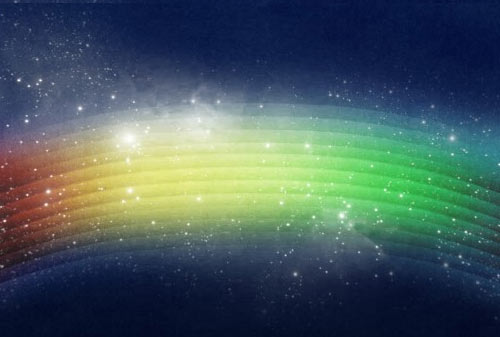
A super simple tutorial that makes rainbow colored lines. It shows you how to give them an appearance of brightness and depth. -
Expressive lighting effects
This tutorial combines both vector and raster based techniques to achieve a glowing floral design. The glows are applied in Photoshop. -
Vector Polishing Techniques
This tutorial covers numerous ways to transform your vector illustrations into masterpieces by using Photoshop lighting techniques, glows, and filters. -
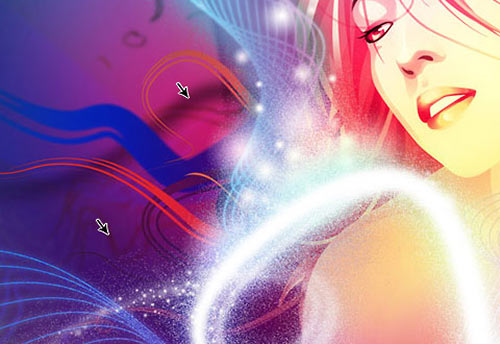
How to Make the “Flare” Effect As Seen On WPCustomization.com
In this tutorial, the Lens Flare filter is used on the background. Then the lighting is created with brushes and different blending modes. -
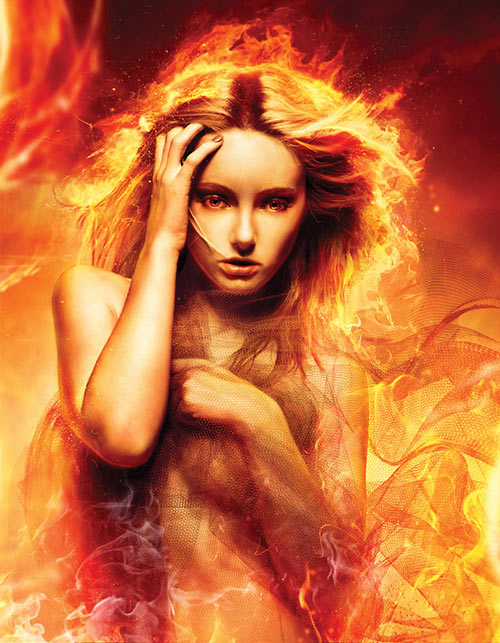
Sparkling Hot Girl in Photoshop
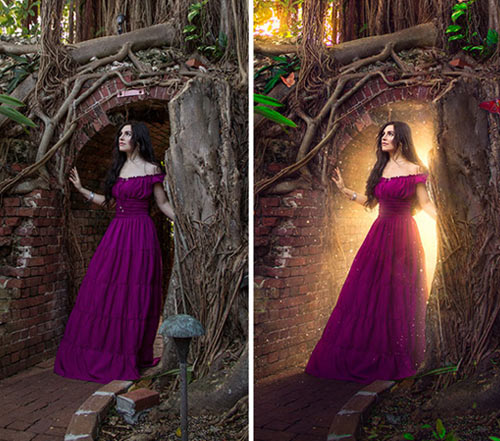
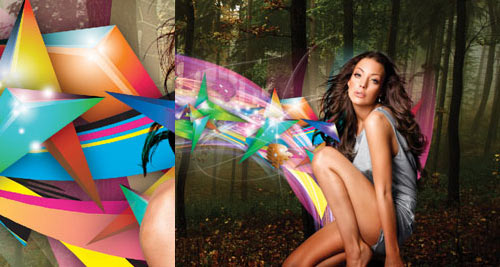
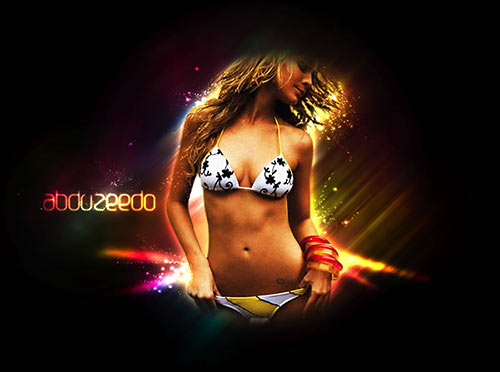
Utilize an assortment of techniques to achieve a sparkling design. Masks, blurs, brushes, layers styles and other effects are used in this tutorial. -
Amazing Photoshop light effect in 10 Steps
“If you know a bit of Layer Styles and the Brush engine in Photoshop you will be able to create amazing effects. It will depend exclusively on your imagination and playing with the tool. Sometimes just changing some settings and you get a totally different effect.” This tutorial applies lighting effects to a coffee cup icon. -

Creating A Fantastic Fantasy Night Sky In Photoshop
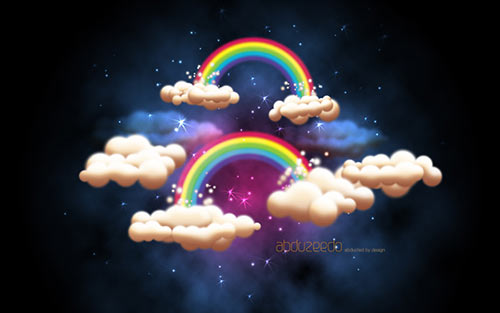
Create cartoon style clouds with rainbows, stars, and glowing effects. Based on a Nik Ainley design. -
Neon lights with Photoshop
Tutorial on how to make glowing lights effects out of vector shapes and brushes. -
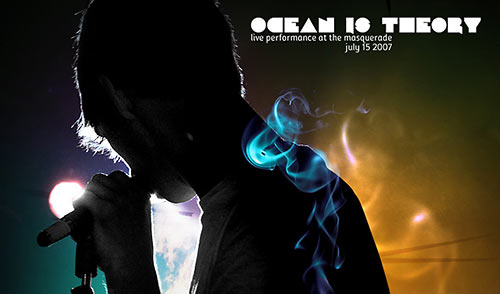
Electrifying Energy Beams
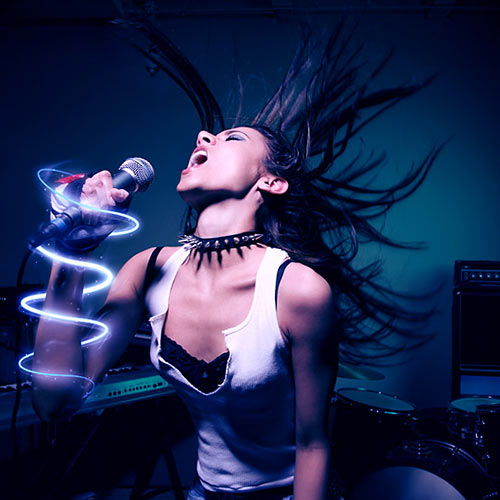
In this tutorial you start with the pen tool by drawing a line. Then you transform that line into an energy beam with layer effects. This makes it glow white and purple around a microphone. -
Add Another Dimension
Use glows and blending modes to “add another dimension” to your Photoshop artwork -
Magic lighting effect in Photoshop
Learn to magically make text wave and glow out of a magician’s hat. -
Extreme sports branding
This tutorial first covers creating a logo then it gets into the main snowboard illustration. Vector shapes are applied with layer effects and brushes to make the illustration stand out. This is part one in a series. -
How to Create Intense Light Streaks in Photoshop
This tutorial shows you how to create light streaks that appear to flow around an object. -
Chroma Wallpapers
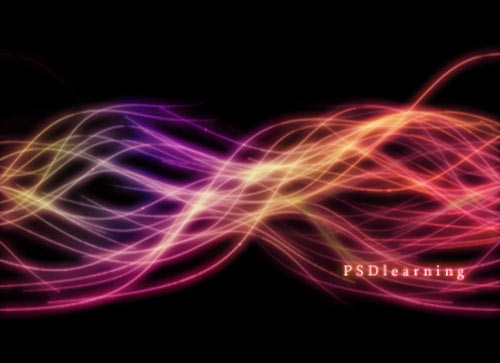
This tutorial explains how to create an energetic design with lines. Utilize blurs, warps, and other effects. Add glowing and vibrating colors to give this image a dynamic feeling. -
Advanced Glow Effects
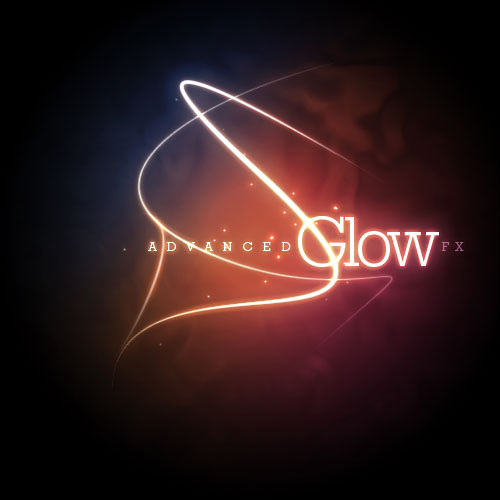
This tutorial teaches how to create glow effects using layer styles, the pen tool, and some color blending effects. -
Lighting Effects - Beam Wave
Learn to transform a one pixel lines into a glowing beam. Then add radial balls of light to emulate a pulse explosion. -
Add A Sparkle Trail To A Photo
Learn how to add a sparkling trail of stars to your photos using brushes, layer styles, and effects. -
Creating light motion trails & glowing sparks
This tutorial covers creating light motion trails by using the pen tool with layer styles. It also covers creating sparkling stars in Illustrator and then importing them into the Photoshop design. -
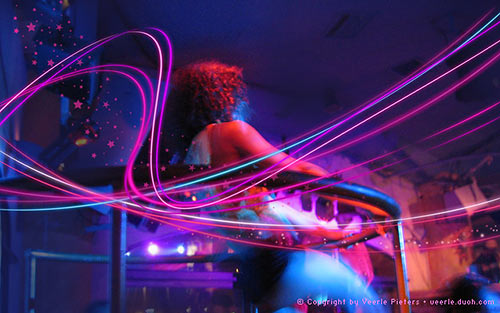
Blue Glow Layout
This tutorial reviews the process for creating a simple layout in Photoshop, while revealing techniques for creating an abstract glowing centerpiece design. -
Fantasy Art Photoshop tutorial
Learn to create a fantasy image with glowing halos of lights and stars. Notice how you can apply glow directly to a cropped image. The tutorial creates the halos with the Elliptical Marquee tool. It applies a stroke and then a glow to the selection, on its own layer. -
Photoshop: Light Beam
This tutorial reviews the basic process of creating a light beam in Photoshop; however, it does refer to other tutorials for some effects. The techniques in this tutorial involve using different brushes to paint the light, and then they are smeared with the Smudge Tool. There are a few filters used as well. -
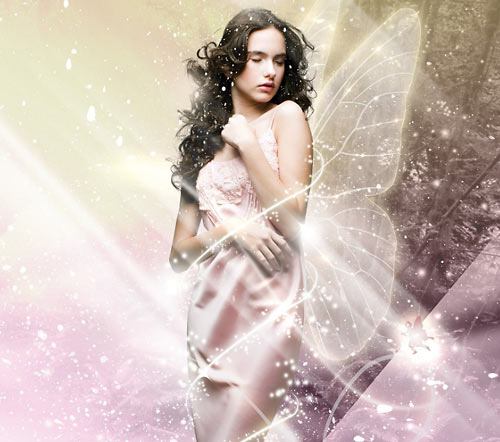
Even fairies have to rest - glow and lightning tutorial
First, the photograph is treated to make it a little darker so that the points of light in the design will stand out. Both a linear wrapping beam and points of radiating light are covered in this tutorial. -
Beautiful lighting FX effect in Photoshop
This tutorial will show you how to make a beautiful lighting effect with the scatter brush. This tutorial covers the basics. -
High-Tech Swirling Aurora
This tutorial covers how to apply the Wind Filter to a waving light beam to create an aurora effect. -
Slow shutter text effect - Photoshop
Layers of blurred elements are used in this tutorial. This blurring technique is worked into glowing linear text and circle shapes. -
Seriously Cool Photoshop Explosion Effect
Use layer masks and light effects to creatively break apart an image. Points of bright lights, swirly brushes, and warped lines help bring this design together.
Which techniques can be applied?
At the compositional level, these effects are often applied through shapes. So, you might start with the pen tool by drawing a curvy line. Or, grab a brush and draw some scattered stars. Or, open up Illustrator first to compose design elements that you then pull back into Photoshop. The tutorial Expressive lighting effects demonstrates how to use interesting design shapes first and then apply glowing effects to them.
Once you know how you’d like to use shapes, you can apply effects to them. Layer styles and Blending Modes are common effects used to create this look. With Layer Styles, you might apply Glow. Or, with Blending Modes, you might set the layer to Lighten, Overlay, or Color Dodge – get the element you’re working with to sparkle and shine.
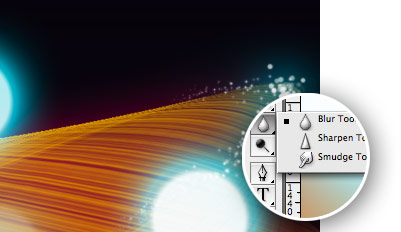
In the tutorial Chroma Wallpapers, lines are bent with the Warp Transform tool before being given a glow treatment.
There are more techniques often used; such as different types of blurs and gradients. You could play with Photoshop’s built in lighting effects, like Lens Flare, as well. Or get creative. Mix in rainbows. Paint glowing bursts of light. Manipulate the lines and shapes your working with.
In the tutorial Chroma Wallpapers lines are bent with the Warp Transform tool before being given a glow treatment. This puts a new spin on the use of glowing light techniques.
Where can I get some inspiration?
Consider raising it to the next level, after you’ve mastered the basics of lighting and glow techniques. To raise the quality of your glowing work you’ll need inspiration and imagination.
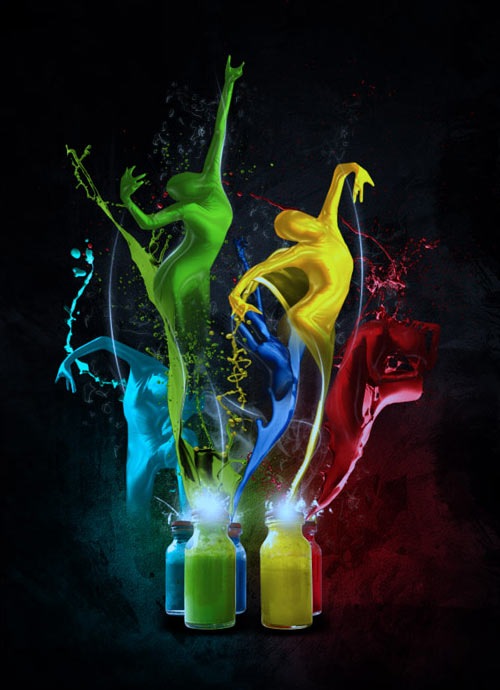
Look at artists, such as Chuck Anderson, that have mastered these techniques. Try to figure out what they have done – beyond the basics.
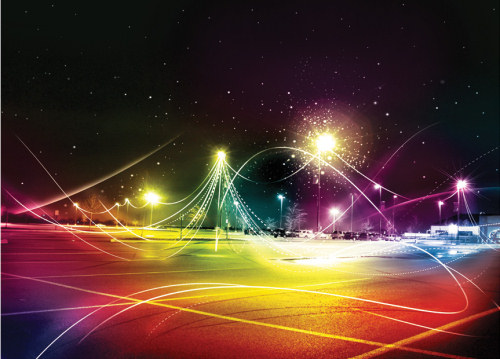
Chuck Anderson’s work impresses with the beauty of its lightning effects.
Also, look at photographic effects; for example, look at how light appears to blur and travel in long exposure photography. See the Flickr Group Light Stream for samples of this kind of photography.
Keep your eyes and mind open. You’ll start to see these effects in the real world. Or look to fantasy art; the sparkling feel of these effects can be used to supersede reality, magically transforming your designs.

Sean Hodge is the creative mind behind AiBURN.com, a Weblog about design, creativity, inspiration and graphics.
Leave a Reply
Sponsors
- Advertise with us!
Smashing Links
Popular Posts
- 100 Wordpress Themes
- 83 Wordpress Themes
- 80 AJAX Solutions
- 53 CSS Techniques
- 40 Free Fonts
- 50 Beautiful Designs
- 50 Simple Designs
- 45 Fresh Designs
- 30 Dark Designs
- 65 Flash Designs
- Beautiful Icon Sets
- Beautiful Wallpapers
- Beautiful Photos
- Free Design Templates
- Free CSS Layouts
- Photoshop Tutorials
- Illustrator Tutorials
All Posts
- 35 Designers × 5 Questions
- 50 Designers × 6 Questions
- 404 Error Pages
- AJAX Libraries
- AJAX Solutions
- Badges and Pins
- Black & White Photography
- Block Quotes
- Blog Designs
- Blog Headers
- Book Covers
- Brochures and Booklets
- Browsers Round-Up
- Browser Test Suites
- Buzz-Monitoring
- Calendar Designs
- Charts and Diagrams: Tools
- Cheat Sheets
- Code Beautifier
- Copyright Explained
- CSS Coding Techniques
- CSS Designs 1, 2, 3, 4, 5
- CSS Editors
- CSS Expert Ideas
- CSS Float Theory
- CSS Frameworks
- CSS Free Templates
- CSS Footers
- CSS Forms 1, 2
- CSS Frameworks
- CSS Galleries
- CSS Ideas
- CSS Layouts
- CSS Menus
- CSS Print-Layouts
- CSS Specificity
- CSS Styleguides
- CSS Tables
- CSS Tutorials
- CSS-Techniques
- CSS Tools
- Data Grids and Tables
- Data Visualization 1, 2
- Date Stamps
- Design Books 1, 2
- Design Magazines
- Designer's Checkpoints
- Divine Proportion
- Domain Tools
- Dreamweaver Tutorials
- E-Mail Delivery
- Favicons 1, 2, 3, 4, 5, 6
- Firefox Themes
- Fireworks Tutorials
- Flash Designs
- Flash Slideshows
- Flash Tutorials
- Fonts 1, 2, 3, 4, 5, 6
- Form Design Patterns
- Forums
- Gadgets 1, 2, 3
- Google AdSense
- Google PageRank
- Graphics Design
- Grid-Based Design 1, 2
- Grunge Design 1, 2
- Hand-Drawing Style 1, 2
- Handwriting and Lettering
- Hotkeys
- HDR Pictures
- HTML Template Systems
- Icon Sets 1, 2, 3, 4, 5
- Icons, Templates 1, 2, 3
- Illustrator Tutorials 1, 2
- Laptop Sleeves
- Laptop Designs
- Link Building
- Links in New Windows?
- Mascots
- Motion Graphics
- Music Videos
- Navigation Menus
- Newspaper Designs
- Online Converters
- Online Generators
- Packaging Design
- Pagination
- PDF Magazines
- Photoshop Tutorials 1, 2
- Pixel Art
- Podcasts
- PNG Transparency
- Portfolios
- Product Designs
- RSS Best Design Practices
- RSS Feed Icons
- Screensavers
- SEO Tools
- Shopping Carts
- Short Movies
- Slideshows & Lightboxes
- Source Code Editors
- Splash Pages
- Start Pages
- Stock Icons
- Space, Nebula wallpapers
- Tab-Based Interfaces
- Tag Clouds
- Textures
- Textures & Backgrounds
- Texture Design
- Tooltips Scripts
- Tutorials
- Typefaces 1, 2
- Type Setting Principles
- Typography Showcase
- Typography BIG 1, 2
- Typographic Posters
- Typography In Motion
- Typography Showcase
- Usability Books
- Usability Glossary
- Usability Nightmares
- Usability Principles
- User Interfaces
- Vintage and Retro
- Wallpapers 1, 2, 3, 4
- Web 2.0 Tutorials
- Whitespace & Simplicity
- Wordpress Plugins
- Wordpress Themes 1,


JoomlaNinja (April 3rd, 2008, 6:11 am)
Smashing mag strikes again!
Love this one :)
giackop (April 3rd, 2008, 6:19 am)
uooooooooooo my tutorial in smashing mag?!?!?!? thanx!!!!!!
Mike (April 3rd, 2008, 6:38 am)
the best photoshop tutorial collection i’ve seen.
thanks SM! *thumbs up*
YUI (April 3rd, 2008, 6:44 am)
another bunch of photoshop tutorials, thanks
David (April 3rd, 2008, 6:54 am)
Once again, an absolutely amazing collection!
Altair (April 3rd, 2008, 6:56 am)
Great article… i love light effect…
Arriane (April 3rd, 2008, 7:24 am)
This is superb! Thanks for the collection of tutorials!
Aria (April 3rd, 2008, 7:34 am)
Wow! Great! thx so much!!
Gautch (April 3rd, 2008, 8:07 am)
So are lighting effects and glows the new bevel or drop shadow?
At what point is it an old out dated style?
anwar (April 3rd, 2008, 8:23 am)
that,s amazing whit photoshop!!
Haobam (April 3rd, 2008, 8:47 am)
PSDTuts.com is one cool Photoshop tutorial site - Link [www.haobam.com]
Vlad Gerasimov (April 3rd, 2008, 8:55 am)
Hey! I’ve read Psdtuts tutorial and I thought I could try to make it better! So I wrote my own Rainbows tutorial, please check it out:
Link [www.vladstudio.com]
ali (April 3rd, 2008, 9:14 am)
pretty much all of them were from psdtuts
Shobhit (April 3rd, 2008, 9:15 am)
Stunning TUTORIALS!!!!!
Great to see them all in ONE…
Smashing u guys are the best
fabio Sasso (April 3rd, 2008, 10:02 am)
Thanks a lot for listing some of the tuts I wrote ;)…
abduzeedo.com
David (April 3rd, 2008, 2:45 pm)
Sweet, now this is what I want to see more of!
Light makes such beautiful motion within pictures!
I’ll be back for sure now ;)
- Link [xeoncross.com]
The Fachia (April 3rd, 2008, 3:28 pm)
I like the flare effect for Wordpress logo. I’ll try using that tutorial to make a flare Link [www.thefachia.com]. Just wait..
flko (April 3rd, 2008, 4:20 pm)
GREAT TUTTOS, i like all
Link [www.quintohache.com]
imsraaia (April 3rd, 2008, 4:51 pm)
Excellent collection…
Chris (April 3rd, 2008, 6:16 pm)
@”Anonymous”
I’m not seeing any degrading pictures here, but then again, that’s a bit subjective. Care to clue me in?
Kim (April 3rd, 2008, 7:26 pm)
@”Anonymous”
I’m not remotely offended by anything in the article but like Chris said, something that is offensive to one may not be to another. Sadly, the only think that offends me on this page is your comment…
Oscar (April 3rd, 2008, 7:49 pm)
Espectaculares!!!.
Link [www.dimarkin.com]
christopher jack (April 3rd, 2008, 9:50 pm)
wow, coool. that is what i want to study : )
thanks.
Rohil (April 3rd, 2008, 10:16 pm)
I am sorry but this is getting very repetitive. We have seen most of the tutorials before. Anyone who reads Smashing magazine surely reads PSDtuts and other good graphic sites as well. and thus. These tutorials have already been publicised enough.
Paulo (April 3rd, 2008, 10:19 pm)
Great tutorials guys, as always!
Frank Felix (April 3rd, 2008, 10:55 pm)
Die beste und schönste PS Tutorial-Sammlung, die ich je gesehen habe! Danke!
The best and nicest PS tutorial-collection i’ve ever seen! Thanks! :P
Psycho2481 (April 3rd, 2008, 11:50 pm)
damn, you did it again xD
best collection, awesome things,…
SM rockz
gr8pixel (April 3rd, 2008, 11:56 pm)
hold on.. hold on… is this for real?? wait imma scroll back and see… LOL
awesome tutorials! thanks guys!
cheers SM \m/
One Winged Angel (April 4th, 2008, 1:28 am)
I really love this tutorials collection. They sure help me a lot. Thanks SmashMag!
Jason (April 4th, 2008, 5:19 am)
Although these are great tutorials… this style has seen its day. Its over used these days.
Beppone (April 4th, 2008, 6:14 am)
Veeery nice… thanks….. :)
designlabel (April 4th, 2008, 6:22 am)
Thanks for this list though i knew most of em’ already but its good to have a list. :-)
DesignLabel
Skeku (April 4th, 2008, 6:54 am)
Sorry, but I find this post very repetitive. Ok, nice effects but in most cases, same things about glows and lighting effects.
VTFootballGrad (April 4th, 2008, 7:23 am)
This is why Photoshop rocks.
kidslovemusic (April 4th, 2008, 8:20 am)
Absolutely great. Thank you!
bobo (April 4th, 2008, 4:45 pm)
starting to double up from other ps posts. maybe less is more in this case so you can post more later
Ex (April 4th, 2008, 7:10 pm)
Nice tutorials guys, as always!
Mikkel (April 4th, 2008, 11:47 pm)
I absolutely agree, its like its so over used..
Jason Reed (April 5th, 2008, 5:56 am)
Wonderful resource list. I can’t wait to try some of the new ones that I haven’t seen before.
Reginald (April 5th, 2008, 9:42 am)
This post is literally jam packed with exceptional hard to find yet practical and useful information.
Thanks for investing the time and effort this post may have required.
Lorelei (April 6th, 2008, 2:33 am)
Hi,
Thank you so much for adding my tutorial (fantasy art, by loreleiweb.com) to your list, it’s a great honour for me!
alex (April 6th, 2008, 9:32 am)
the greatest ever..thank you very much for your precious information.
pocketfullofroses (April 6th, 2008, 1:08 pm)
wow that’s stunning… thanks a lot for all these awesome tutorials!!!
Avasilcai Daniel (April 6th, 2008, 3:47 pm)
For every lightning effect you’ll need a dark background, that’s the first rule,
as you see in your examples are almost all with a dark background.
John Nelson (April 8th, 2008, 1:52 am)
Wow, pretty usefull.
mellowdesign (April 8th, 2008, 12:05 pm)
Lighting is one of my favourite areas of Photoshop - a great post!
iuliux (April 13th, 2008, 1:49 am)
hey, what took you so long? :)
I’ve been searching for this effect for some time
bojja (April 14th, 2008, 11:08 pm)
Best stuff, excellent !!!
Thank You :-)
JB Burayag (April 27th, 2008, 8:54 pm)
its awesome!!! very addictive….
Prashant (April 29th, 2008, 12:12 pm)
Awesome tuts. Lovely works and great learning for newbies like me.
VIDA (April 29th, 2008, 10:19 pm)
U are the best ..it really helped me a lot..thanks !
rodrigo (May 6th, 2008, 3:13 pm)
Hola podrian colocar esta misma pagina pero en español
para ver los controles
espero respuestas
gracias
Web Design (May 15th, 2008, 9:41 pm)
Great Tutorials!
euge (May 19th, 2008, 6:45 pm)
amazing..i really like it..:)
Kumar D'signer (May 19th, 2008, 9:27 pm)
Awsomeeeeeeeeeee tutorials. Smashing Guys trully doing amazing Job.
Holly (May 30th, 2008, 12:30 am)
im so glad i came accross this website youve helped me out loads :D thankyouuuu
Bisri (June 4th, 2008, 1:24 am)
Woww .. :) great list SM. Todays trend : Glow and Light Effects … Rockkkkss …
I’ve created a social link share about tutorial links for designer. Visit Link [www.tutzz.com]. I hope it will be useful.
sanza (June 5th, 2008, 12:12 am)
Sweeeeeeeet! thanks
Malshan (June 8th, 2008, 1:54 am)
Nice very nice thanks for adding this stuffs I very much appriciate your work thanks again
musique101 (June 18th, 2008, 5:09 pm)
All of them are beautiful to look at But some of the tutorials are hard to follow and too long. I know that everyone likes to show off but I think it will be muh better if someone can post the basic steps to get those effects instead of “do this do that”.
Denny (July 15th, 2008, 6:41 pm)
so coooooooooooool!!!!!!!!!!
perrycoke (July 17th, 2008, 10:45 am)
very good stuff here
Sebel (July 18th, 2008, 3:53 am)
I wonder how this pictures would be print. If I change the Color-Profile to CMYK the colors are natural not that bright as in RGB…
Oneal (July 22nd, 2008, 8:56 am)
HOOOOOAAAAAAAAAAAAAAAAAA nice really nice
Qyounk (July 30th, 2008, 12:39 pm)
you’re the best
R3X (August 15th, 2008, 2:04 am)
I’m truly grateful for all your effort into helping us noobs.
oso vaquero (August 25th, 2008, 12:07 pm)
esta de nalgas este articulo
erwin15155 (August 27th, 2008, 5:58 pm)
mantabs……
me (August 30th, 2008, 3:17 pm)
utterly speechless
Gemma (September 2nd, 2008, 2:15 am)
Yet another fantastic compilation. This one is especially inspiring. So well done, Smashing Magazine - never failing to impress!
StormVonk (September 5th, 2008, 8:47 am)
dammmmm awesome!!! Really Well Done Once Agian!
Zach D. (September 9th, 2008, 1:14 pm)
Dude, I love you! I have been looking for stuff like this everywhere. Very nice collection, you rock!!!
Robert (September 18th, 2008, 10:54 pm)
So Far this is one of the best collection of tutorials I ever got on the internet. Keep up the great job.