Smashing Magazine ~ we smash you with the information that will make your life easier. really.
Smashing Magazine we smash you with the information that will make your life easier. really.

70 Beautiful Dual-Screen Desktop Wallpapers

By Vailancio Rodrigues, December 10th, 2008 in Graphics | 134 Comments | Forum

Advertisement

by Vailancio Rodrigues and the Smashing Editorial Team

Dual displays come in handy when you are working on several projects at the same time. They allow you to separate everything, organize and work efficiently. Dual displays are highly suitable for Web designers, Web developers and graphic designers and they are rapidly gaining on popularity in last years.

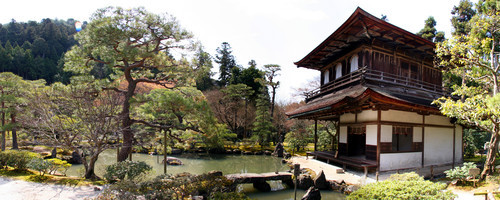
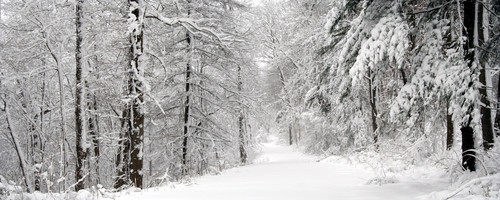
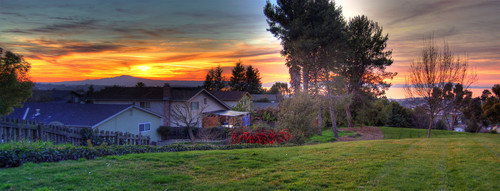
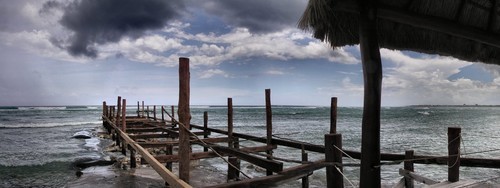
We presented hundreds of fullscreen and widescreen wallpapers in our previous selections; however, we did not cover dual screen wallpapers so far. It’s time to change that. In this post, we present 70 beautiful dual screen desktop wallpapers, collected from around the Web. Each screenshot is clickable and linked to its source. You can find even more excellent wallpapers at the sources themselves.
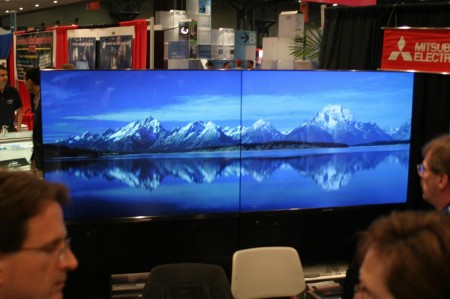
Screenshot
Dual Screen Wallpapers in action.

Nature

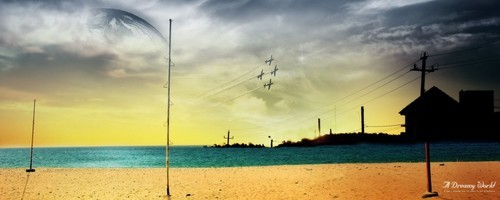
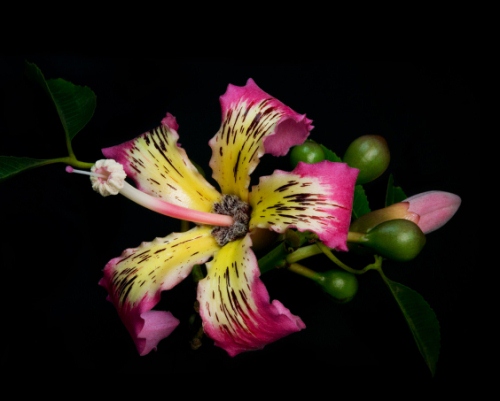
UFO / Flower
Dual screen wallpaper: the one for the left monitor (up to 2560×1600), the one for the right monitor (up to 2560×1600).
Screenshot

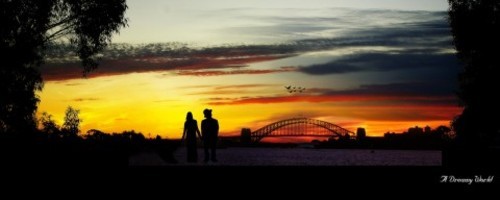
The Dock and Parker’s Pier
3200×1200px.

Screenshot

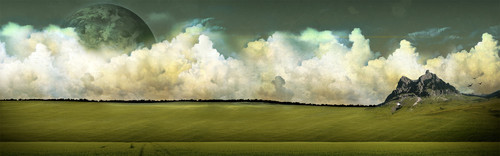
Blood Mountain
2560×1024px.

Screenshot

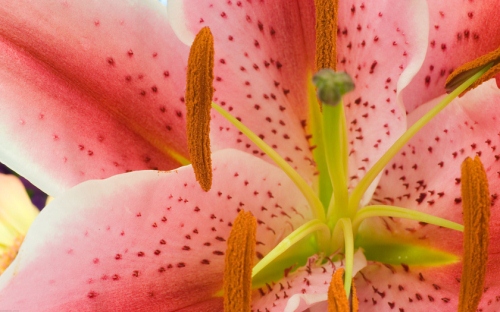
Stinker Deux
Dual screen wallpaper: the one for the left monitor (up to 2560×1600), the one for the right monitor (up to 2560×1600).
Screenshot

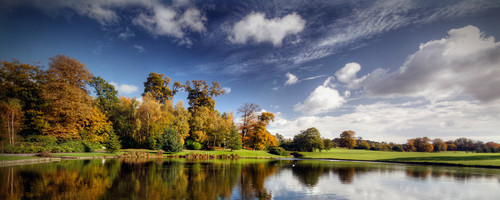
Leeds Castle Grounds
2560×1024px.

Screenshot

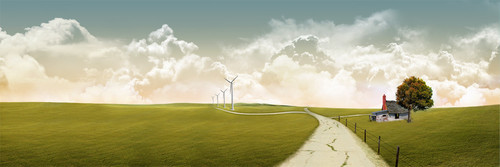
Clouds
3200×1200px.

Screenshot

Tree
2560×1024px.

Screenshot

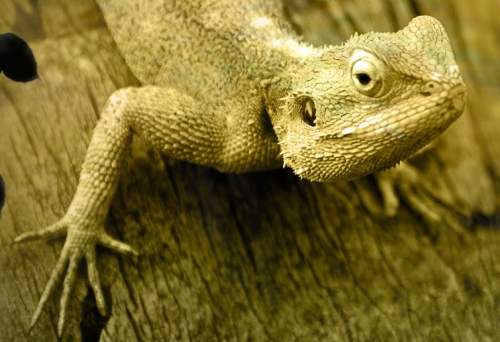
3DataDesign Dual Screen Wallpapers
2560×1024px and 3200×1200px.
Screenshot

Screenshot

Screenshot

Nature Dual Screen Wallpapers
40 nature-related dual screen wallpapers in resolutions up to 2880×900px.

Screenshot

Screenshot

Screenshot

Screenshot

Mandolux Dual Screen Wallpapers
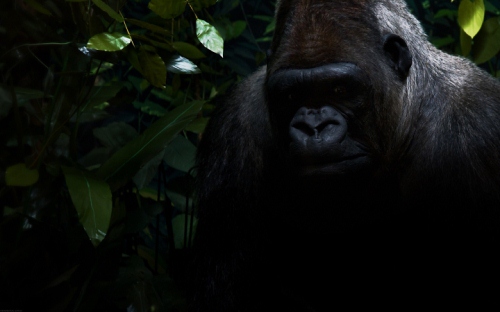
A huge collection of over 150 beautiful dual screen wallpapers in various resolutions. Created and presented by Mando Gomez. Examples: Silverback
Two wallpapers, the one for the left monitor (up to 2560×1600) and the one for the right monitor (up to 2560×1600).

Screenshot

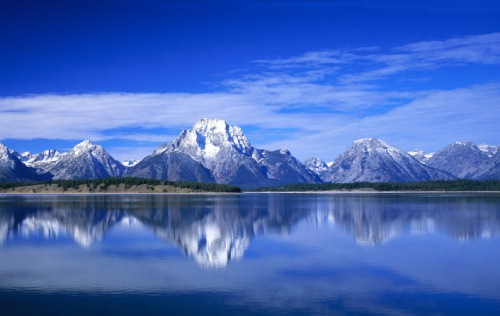
Mountains
4000×1111px.

Screenshot

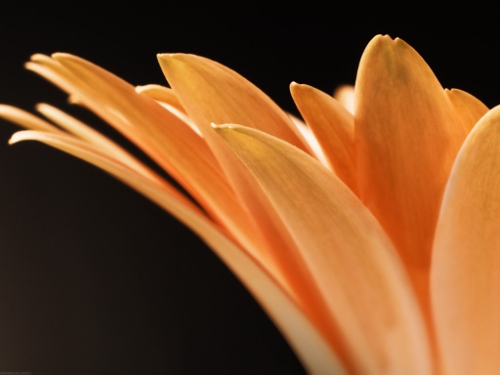
Gerbera
Two wallpapers, the one for the left monitor (up to 2560×1600), the one for the right monitor (up to 2560×1600).

Screenshot

Valeria
Dual screen wallpaper: the one for the left monitor (up to 2560×1600), the one for the right monitor (up to 2560×1600).

Screenshot

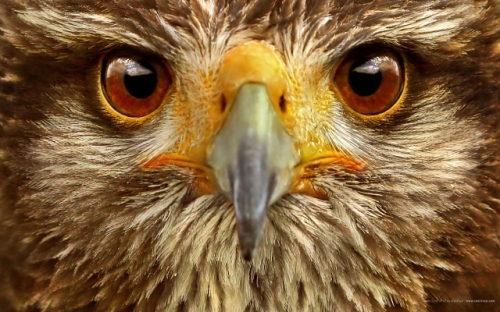
Hawk Close-Up
Full Screen, Wide Screen, from 1024×768 up to 2560×1600px.

Screenshot

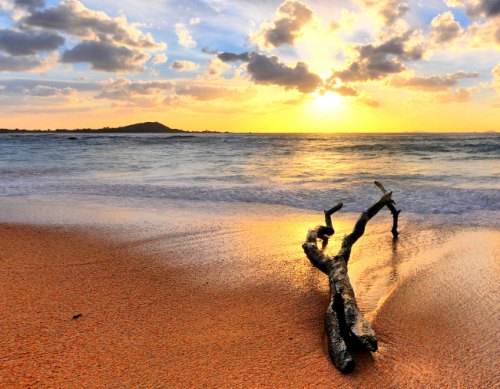
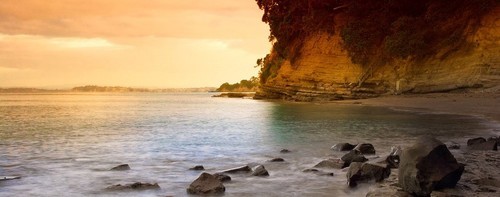
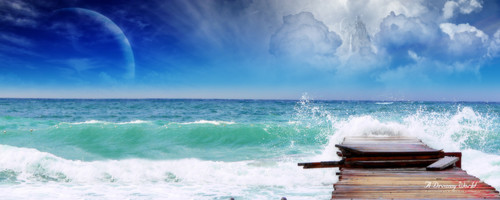
Wood at the beach
2560×1024px.

Screenshot

Panoramas

World Panoramas
48 world panoramas in resolutions up to 2560×1024px.

Screenshot

Screenshot

Screenshot

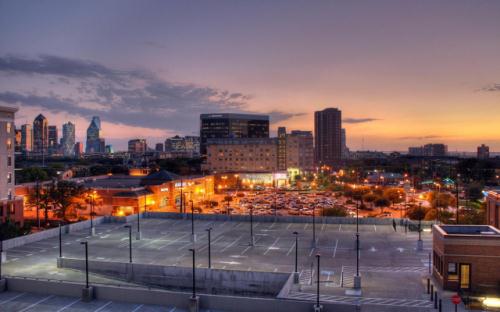
Dallas at Dusk
2560×1600px.

Screenshot

Azul, Spain
3400×1160px.

Screenshot

Castore
2000×800px.

Screenshot

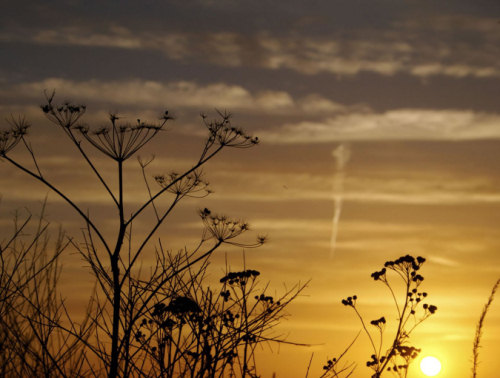
3DataDesign Dual Screen Wallpapers
2560×1024px and 3200×1200px.
Screenshot

Screenshot

Toledo, Skyline
4215×2002px.

Screenshot

Silky Skies
2541×1233px.

Screenshot

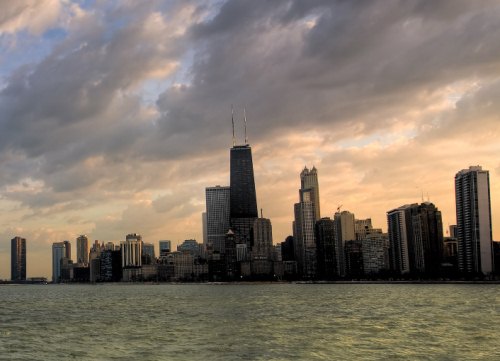
Chicago Skyline
2560×1024px.

Screenshot

Here I Go Again
3200×1200px.

Screenshot

San Francisco in Ruins 1906
7000×2748px.

Screenshot

Cosmos and Space

Deep Sky
3200×1200px.

Screenshot

Eagle Nebula
3200×1200px.

Screenshot

Dawn
2560×1024px.

Screenshot

The Iron Tide
2560×1024px.

Screenshot

Dual Neurons
2560×1024px.

Screenshot

Games

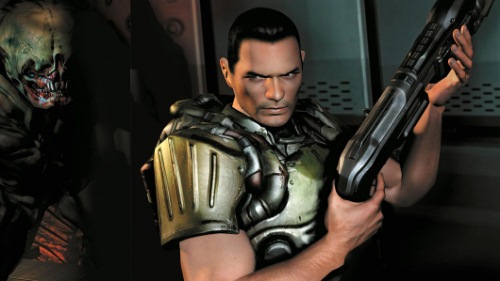
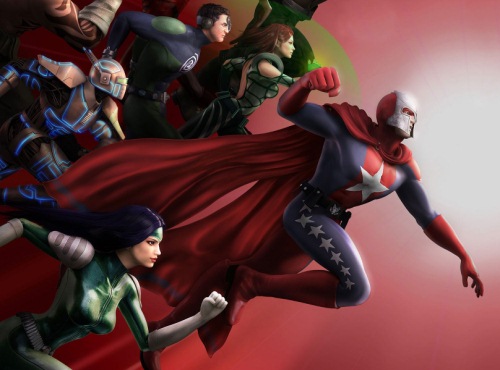
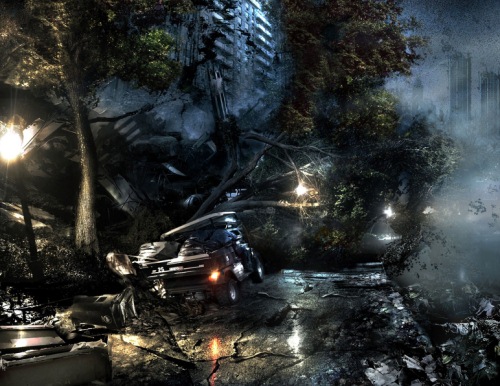
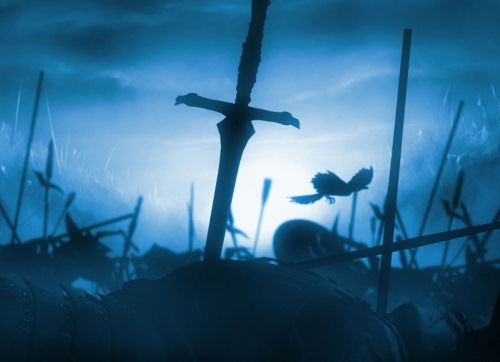
Dual Screen Game Wallpapers
Over 60 game-related wallpapers in the resolution 3200×1200px.

Screenshot

Screenshot

Screenshot

Screenshot

Screenshot

Screenshot

Screenshot

Fantasy

Fantasy Dual Screen Wallpapers
23 fantasy dual screen wallpapers in resolutions up to 2560×1024px.

Screenshot

Screenshot

Bowbay 2
This wallpaper, designed by Stefan Sicher, is available in multiple resolutions: 5120×1600, 5120×2048, 2560×960, 2048×768, 3200×1200, 3840×1200, 2560×800px.

Screenshot

Abstract

Hard Drive 500 Gb
Three wallpapers, the one for the left monitor (up to 2560×1600), the one for the middle monitor (up to 2560×1600px) and the one for the right monitor (up to 2560×1600).
Screenshot

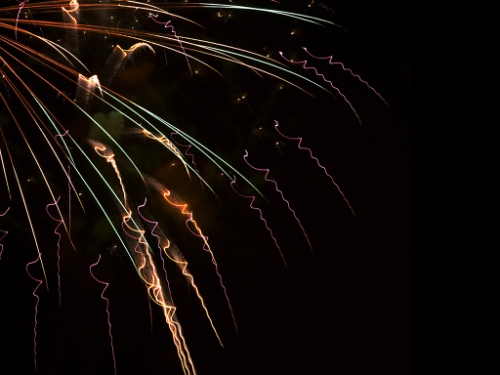
Fireworks
Three wallpapers, the one for the left monitor (up to 2560×1600), the one for the middle monitor (up to 2560×1600px) and the one for the right monitor (up to 2560×1600).
Screenshot

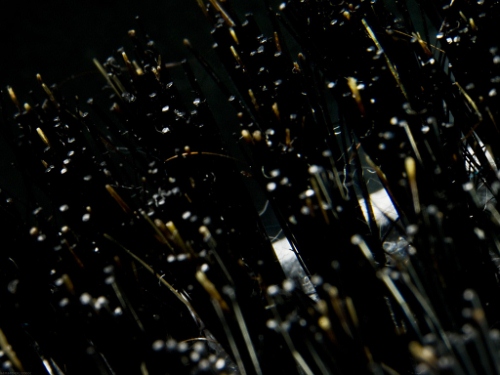
Dirty Brush
Three wallpapers, the one for the left monitor (up to 2560×1600), the one for the middle monitor (up to 2560×1600px) and the one for the right monitor (up to 2560×1600).

Screenshot

Rock
Dual screen wallpaper: the one for the left monitor (up to 2560×1600), the one for the right monitor (up to 2560×1600).
Screenshot

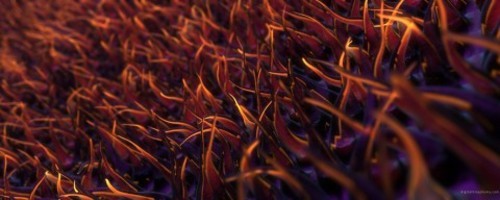
Fibers
2560×1024px.

Screenshot

Further Resources

Social Wallpapering
Lots of wallpapers uploaded by anonymous users around the world.

Screenshot

Screenshot

Screenshot

InterfaceLIFT Wallpapers
A collection of thousands of beautiful wallpapers for widescreens, HDTV, dual-screen monitors, triple-screen monitors and mobile devices.
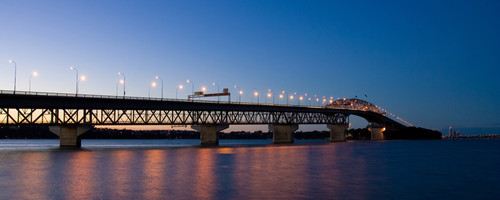
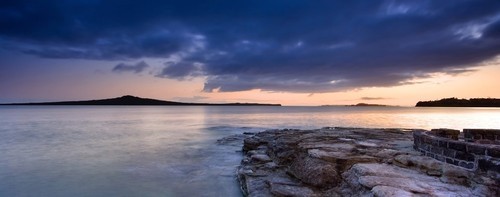
Screenshot

Screenshot

Screenshot

Screenshot

Digital Blasphemy!
High-resolution, original 3D-rendered computer desktop wallpapers. Members have unrestricted access to the entire collection of 3D wallpapers, which have been created over the last 10 years. Although a small collection, the wallpapers are free for personal use.
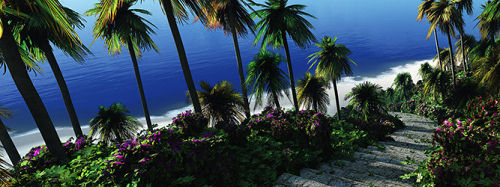
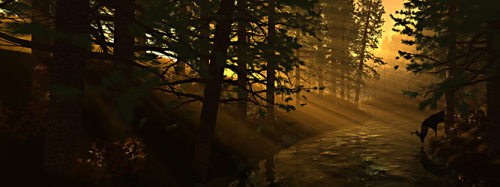
Screenshot

Screenshot

Dual Monitor Desktop Background

Screenshot

Screenshot

Screenshot

Dual monitor backgrounds
The largest collection of dual-monitor backgrounds on the Web.

Screenshot

Screenshot

Deviant Art

Screenshot

Screenshot

Screenshot

Screenshot

Screenshot

Screenshot

Screenshot

Screenshot

Dualscreenwallpaper
A huge collection of dual-screen wallpapers: 2560×1024, 1920×1600, 1680×1050, 1440×900, 1280×800.


Screenshot

Screenshot

Screenshot

Screenshot

SoDesk

Screenshot

Screenshot

Screenshot

Screenshot

Customize.org

Screenshot

Screenshot

Wallpaperpimper
A huge archive of dual-screen wallpapers.
Screenshot

Screenshot

Screenshot

Prowallpapers
Amazing collection of professional wallpapers for all resolutions: HDTV, dual-screen, widescreen, PSP, iPod, 2560×1600, 1920×1200, 1680×1050, 1440×900, 1280×800, 1600×1200, 1280×960, 1024×768, 2560×1024.
Screenshot

Screenshot

Screenshot

Screenshot

Screenshot

Flickr

Screenshot

Screenshot

Screenshot

Screenshot

Screenshot

Screenshot

Screenshot

Screenshot

Screenshot

Screenshot

Screenshot

Screenshot

Screenshot

Last Click

Famous People Painted
2600×1127px.

Screenshot

Further Resources

Related posts

Also consider our previous related articles:

(al)

Delicious button Stumbleupon Spread the word on Twitter!

Advertisement
  1. 1.

    gaurav (December 10th, 2008, 8:20 pm)

    Game posters i always love them ;)

  2. 2.

    Jigar Chauhan (December 10th, 2008, 8:24 pm)

    Great Post!!!!!!!!! and Great Wallis..

    Thanks SM

  3. 3.

    David (December 10th, 2008, 8:34 pm)

    Beautiful, Excellent, Stunning, Useful … ha. Smashing needs some new words.

  4. 4.

    tweak (December 10th, 2008, 8:40 pm)

    The Dual Neurons image does not originate from that dualscreenwallpaper.com.

    It actually originates from Link [fweak.deviantart.com]. Link [fweak.deviantart.com] and Link [fweak.deviantart.com] versions are also available.

  5. 5.

    Aaron Spence (December 10th, 2008, 8:51 pm)

    G’day Guys,

    Link [wallpaper.panedia.com]

    We have more original dual & triple monitor wallpaper than just about any other website there is, and every single one is cut up for use on single, dual & triple monitor Macs & PCs from 800×600 to 2560×1600, plus heaps of them are free… and there is a new one made free for 24hrs every week day.

    Anyhoo… maybe you’ll consider us for next time :)

  6. 6.

    david (December 10th, 2008, 8:52 pm)

    “sorry, remote linking is not allowed”

    BUSTED!! lol

    some nice wallpapers here … i particularly like the nature ones.

    thanks for sharing.

    david

  7. 7.

    culvi (December 10th, 2008, 9:05 pm)

    NICE! Thanks SM!

  8. 8.

    Cely (December 10th, 2008, 9:29 pm)

    Here’s another great one:
    Link [tinyurl.com]

  9. 9.

    Digideth (December 10th, 2008, 9:30 pm)

    Amazing! might wanna ask permission next time for linking to their pictures……

  10. 10.

    Ravikumar (December 10th, 2008, 9:56 pm)

    anybody can help me out to set the wallpapers in dual monitor? I tried and i’m getting the same wallpaper displayed in both monitors. Thanks in advance.

  11. 11.

    Curt Simon Harlinghausen (December 10th, 2008, 10:52 pm)

    Nice idea. I like it.

  12. 12.

    Esben (December 10th, 2008, 11:06 pm)

    Nice post!

    I’ve got two 24″ inch monitors running Windows XP. I can’t figure out how to setup one wallpaper that stretches accross both monitors. Anyone how knows how to configure that?

  13. 13.

    Marco (December 10th, 2008, 11:14 pm)

    Great collection of resources! Thanks for adding my article as a “Further reading” one.

    You guys will need to fix that “Remote hosting” thingie ;) .

  14. 14.

    Mihai (December 10th, 2008, 11:25 pm)

    Like the last one “famous people painted” :). Thanks!

  15. 15.

    segfault (December 10th, 2008, 11:49 pm)

    hotlinking in a blog that has as much readers as this? shame on you!

  16. 16.

    Sean OBrien (December 10th, 2008, 11:59 pm)

    Yeap, someone totally needs to put a link here how to stretch wallpapers across two monitors … I feel so amateur.

    Great selection though. Would be cool to have some more snow related ones. I like really ambient backgrounds because I grafitti my desktops in shortcut icons, so snowy mountains, clouds and oceans make great backgrounds for me ;)

  17. 17.

    Stefan (December 11th, 2008, 12:14 am)

    Thanks for featuring my wallpaper not once but twice. :) (linking to the Link [ubersuper.com] download page on my blog would have been even more awesome)

  18. 18.

    Kayzah (December 11th, 2008, 12:26 am)

    Totally rocks!
    I neeeeeed mmmmhhhmmmmoorrreeeee!!!!1

  19. 19.

    Ronan (December 11th, 2008, 12:53 am)

    Any link to the orginal source on the Famous People image, just want them to know it totally rocks.
    Nice collection.

  20. 20.

    bhavik (December 11th, 2008, 1:23 am)

    Really nice collection. Like a lot. Thanks

  21. 21.

    Igor Klajo (December 11th, 2008, 1:28 am)

    Again, excellent wallpaper show off :D… Like such articles where I have many great wallpapers at one place :D

  22. 22.

    evalica (December 11th, 2008, 1:49 am)

    my desktops are vertical (one on top of the other) with resolution 1280 x 1824. Do you have wallpapers for this type of screens? :P

  23. 23.

    Andris (December 11th, 2008, 2:36 am)

    Very nice wallpapers. Too bad I don’t have a dualscreen.

  24. 24.

    Hambone (December 11th, 2008, 2:41 am)

    Excellent post and thanks.

    Here is what I found after a little google search to get wallpaper on two monitors

    Link [www.binaryfortress.com]

  25. 25.

    Daisy Morgan (December 11th, 2008, 3:42 am)

    To stretch a single image across 2 or more monitors, try this Lifehacker article Link [lifehacker.com] (and google throws up some other good info too: Link [www.google.com]

  26. 26.

    Daisy Morgan (December 11th, 2008, 3:44 am)

    (Sorry, just realised the Lifehacker link is in the article!)

  27. 27.

    gUiLe (December 11th, 2008, 3:49 am)

    Hello there, nice post thanx !

    For the guys who search how to use it on windows dual screen, I found it !

    In fact, you have to open photoshop (or similar) and merge the two wallpaper. And then, go to the screen parameter , choose your big wallpaper and choose Mosaic ! It works on my screens.

    Sorry, I’m french, and not so good in english ^^

    Have fun,

    ++

    gUiLe

  28. 28.

    Rakesh.S (December 11th, 2008, 3:56 am)

    Amazing great and cool !!

  29. 29.

    Chillstarr (December 11th, 2008, 4:07 am)

    To have your image go across both monitors in XP:

    First off you’ll need the background to be one big image. I’ve got 2 1280×1024 monitors, so I needed a 2560×1024 image.
    Next right-click on your desktop -> Properties -> Desktop -> [ Browse ] for the new image, choose Tile in the position dropdown (important!)
    As if by magic, windows will split your image across both screens.

    Only problem is if your primary window (the one with the start button) is to the right, you’ll have to cut the image in half and put it back together as one big file with the halves the wrong way round. What, you expected Windows to do something completely properly?!

  30. 30.

    Photographer (December 11th, 2008, 6:22 am)

    Very nice collection! Never thought one of my photos would be smashed on here!

  31. 31.

    DKumar M. (December 11th, 2008, 6:29 am)

    Really nice collection….

    I usually looks around for widescreen & dual screen wallpapers.
    Again, a nice list.

  32. 32.

    Ivan (December 11th, 2008, 6:46 am)

    Very nice wallpapers! Is it okay if I will try to use them with one wide screen?

  33. 33.

    Ray (December 11th, 2008, 7:15 am)

    Love em’! But I tried some of them - and they do not work, even after I slapped the setting to “tile” - simply too small for i.e. like the Venice shot. :(

    Well, not off that bat at least - maybe some Photoshop is required, not just the “Set as Background” option :D

  34. 34.

    Carlos (December 11th, 2008, 7:49 am)

    Excellent collection!!!

  35. 35.

    Brett (December 11th, 2008, 8:17 am)

    Nice collection. If only I could keep all these applications (Photoshop, Dreamweaver, Outlook, etc.) minimized so I could enjoy them.

  36. 36.

    shivaas (December 11th, 2008, 8:48 am)

    awesome backgrounds. Am gonna use them for my mac backgrounds :)

  37. 37.

    Wayne John (December 11th, 2008, 9:05 am)

    Great stuff, but how are you supposed to actually get them to stretch across two screens on Win XP? Is it possible???

  38. 38.

    adit shukla (December 11th, 2008, 9:54 am)

    “Down on Earth” is actually by me:
    Link [adit.deviantart.com]

    Its actual title is “Dawn” and I would appreciate it if the credit was corrected to me.

  39. 39.

    Aleso (December 11th, 2008, 10:23 am)

    very nice collection

  40. 40.

    Dan (December 11th, 2008, 10:31 am)

    Use Ultramon for Dual Monitor Wallpaper on XP

  41. 41.

    www.devlim.com (December 11th, 2008, 10:42 am)

    Great Collection

  42. 42.

    Vitaly Friedman & Sven Lennartz (December 11th, 2008, 10:57 am)

    @adit shukla (#37): fixed, sorry.

  43. 43.

    adit shukla (December 11th, 2008, 11:26 am)

    Quite alright, thanks for your prompt response.

  44. 44.

    Manko10 (December 11th, 2008, 12:55 pm)

    Beautiful! Amazing! Awesome!
    Just the Game and Fantasy posters are not right up my alley, but nethertheless they are great too.

  45. 45.

    Zixpk.com (December 11th, 2008, 1:10 pm)

    Also make sure to visit zixpk.com for some really great HD Wallpapers!

  46. 46.

    greg (December 11th, 2008, 2:23 pm)

    More ammo for ultramon. Great finds!

  47. 47.

    Okibi (December 11th, 2008, 3:28 pm)

    I appreciate the work gone into compiling this collection but I don’t get it, these are dual screen but almost all your thumbnails are 16:9, they should be 32:9. At least give a proper representation of the design. There’s a few designs here where the main focus is right in the middle (so split between both monitors) ..that’s NOT good design.

  48. 48.

    Vitaly Friedman & Sven Lennartz (December 11th, 2008, 3:53 pm)

    @Okibi (#47): the problem was that if the thumbnails were 32:9, it would be really hard to recognize anything on the image. Therefore we decided to present some parts of the wallpapers instead of the whole image.

  49. 49.

    neysi (December 11th, 2008, 6:39 pm)

    Muy buen post

  50. 50.

    david (December 11th, 2008, 6:50 pm)

    I was wondering the same thing Okibi. At least on some of them you can take away that they could be dual screen. In any case, smashing mag comes thru again. some pretty sweet dual screen wallpapers. i dig all the abstract stuff. Link [www.wallpapers.com] doesn’t have any dual screen wallpaper (yet?) but is finallly adding some decent static wallpaper too.

  51. 51.

    wings (December 11th, 2008, 9:49 pm)

    there’re a lot of epic anime walls too, but the scenery and cosmic walls are incredible

  52. 52.

    Andrew (December 12th, 2008, 3:50 am)

    Just what I was looking for. I’ve got to agree with some of the other comments; it’s a real pain getting these on to dual screens. I use that NVidia Display nonsense at work, which is unbelievably frustrating to use.

  53. 53.

    madeofsquares (December 12th, 2008, 6:01 am)

    Some beautiful images here, but I personally prefer to exploit the fact there are two monitors. I have dual monitors at work and use two different (but related) images on each monitor. Generally, dark images on the left and light images on the right. Just my two pence..!

  54. 54.

    BR (December 12th, 2008, 10:47 am)

    mandolux is great

  55. 55.

    Stone (December 12th, 2008, 10:57 am)

    Seem the last picture (Famous People Painted) made by a Chinese. I have seen this pic before and I see have too much Chinese there.
    One big missing is Ho Chi Minh - a Vietnamese great, a big friend of world, is not deal in this picture.

    ( sr for my eng )

  56. 56.

    E.J. Semeijn (December 14th, 2008, 6:01 am)

    Gonna get myself a second monitor after this post :)

  57. 57.

    kiwi freelancer (December 14th, 2008, 9:11 pm)

    Very nice …!

  58. 58.

    Raskol (December 15th, 2008, 5:06 am)

    Nice to see one of my photos up here - the Kynance Cove panorama under the Flickr section.

    Though I can’t imagine it’ll fit 2 monitors without some stretching.

    Check out my Photostream - search my name on flickr.

  59. 59.

    NikZ (December 15th, 2008, 8:09 am)

    The link to “Fibers” does not seem to be working. :(

    Great collection tho! Ive also found some good ones at Link [www.mandolux.com]

  60. 60.

    Wain (December 18th, 2008, 2:22 pm)

    Great collection!

    Anyone know if a poster print of “Famous People Painted” (http://img2.socwall.com/Art/General/200718113311-4877.jpg) is available for purchase? If so, do you know a web site that may sell it?

    Thanks!

  61. 61.

    Emiko (December 18th, 2008, 4:51 pm)

    Most of these are really good, I had a little laugh at the picture of the Auckland harbour bridge though, first time I’ve seen it look not so hideous!

  62. 62.

    William Lee (December 22nd, 2008, 4:53 pm)

    Your dual-screen wallpapers are truly amazing! Though I don’t have two screens, I could still use it on my single-screen laptop. That’s wonderful….

  63. 63.

    Ben Williams (December 30th, 2008, 4:27 pm)

    Thank you so much for posting these, they are the greatest collection I have seen in a long time; great post!

    Ben

  64. 64.

    Bob (January 6th, 2009, 7:31 pm)

    Patterned wallpaper is a great way to get a high rez background with a smaller file size. My friend and I do a lot of visual studies and make desktop wallpaper patterns out of them. Here’s the link to our site if you want to check them out.

    the link to our gallery is Link [www.farmidable.com]

    Thanks for posting these.

  65. 65.

    yhreset (January 14th, 2009, 12:35 am)

    good job

  66. 66.

    Jake Holman (January 25th, 2009, 8:21 am)

    Argh, damn Feedburner! It just spat out this and about a 9 other pre-2008 posts I’ve already read. I guess I should say “good job” and “thank you” this time :P

  67. 67.

    Balee (January 25th, 2009, 10:05 am)

    wonderful, simply wonderful, thx!

  68. 68.

    Ben (January 26th, 2009, 2:47 am)

    There are a few good wallpapers here - but most of them are not.

    Lots of these images are resized and up-scaled - making them blurry. TRUE dual-screen wallpaper should be HIGH resolution, IMHO. Some of these wallpapers are not even very wide (only 1024px wide) - that is NOT dualscreen.

    Also just linking to a personal flickr group is not helpful - it would be be more useful to link to the actual image.

    Thanks!

  69. 69.

    gourav bhambri (May 14th, 2009, 2:15 am)

    i like dual and relatic nature of pictures.

  70. 70.

    JC (May 25th, 2009, 8:43 pm)

    I use Ubuntu 9.04. I have 2 monitors. When I go to System/Appearance/Background-Tab, it asks me for just 1 background file(jpg). So how can I use 2 jpegs?

    Webmaster, pls email me your response.

  71. 71.

    Melwin (May 27th, 2009, 11:48 pm)

    Hi,
    The collections are very stunning.Special thanks to the whole team of Smashing Magazine.
    Keep going!!!!!!!!!!!!

  72. 72.

    aliaskajan (May 29th, 2009, 1:51 pm)

    great thank you

    Link [www.alias3dmedia.com]

  73. 73.

    Jaspal Singh (July 1st, 2009, 9:49 pm)

    wonderful collection of wallpapers

Leave a Reply

Allowed Tags: <a href="" title=""> <abbr title=""> <acronym title=""> <b> <blockquote cite=""> <cite> <code> <del datetime=""> <em> <i> <q cite=""> <strike> <strong>
Advertisement
 

All Posts

Follow us on Twitter!
Subscribe to our RSS-feed!

Advertisement

Fresh Bookmarks

25 Beautiful Logos with Sequential Concept
Sequential logos maybe is a new trend among logo designers.

Designing a blog with HTML5
Much of HTML 5’s feature set involves JavaScript APIs that make it easier to develop interactive web pages.

20+ CSS Data Visualization Techniques
Get inspired.

CSS3 – a big storm is coming
With CSS3 media queries and multi-column layouts it will be a whole new ballgame.

Woodgrain: A Free Social Media Icon Set
With 18 social networks represented alongside astandard RSS icon in PNG format,

Webdesign: Five Minute Upgrade
Making Your Design Pop.

45 Stylish Typographical Desktop Wallpapers
These beautifully designed wallpapers are not solely about typography.

The Light CMS Trend
A new trend in CMSs I’m calling “light” CMSs.

10 Impressive JavaScript Animation Frameworks
Create stunning and eye-grabbing animation and transition effects.

Linux System Monitoring Tools Every SysAdmin Should Know
Need to monitor Linux server performance?

  • 9Rules Logo
  • Quicksprout Logo