The Ultimate Collection Of Photoshop Custom Shapes

Advertisement

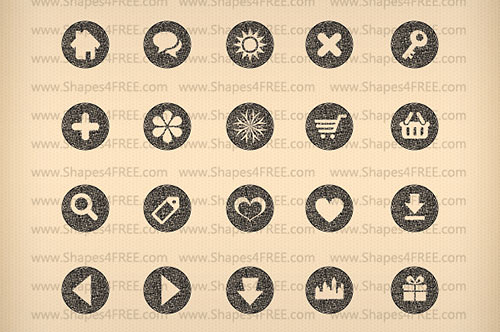
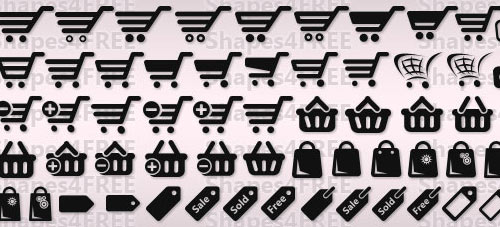
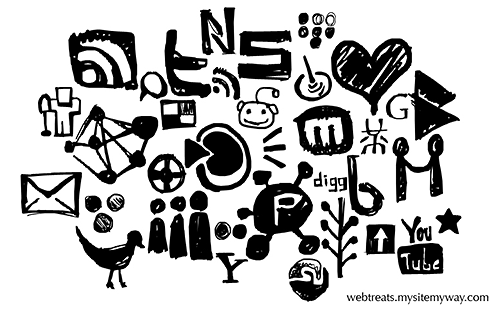
Photoshop users are able to benefit from the vast amount of high-quality resources that are freely available to the community. Brushes get a lot of attention, but custom shapes are also extremely useful in the right situations. Finding a custom shape that has already been created can save you some time and headaches in your design, and fortunately there is a very wide variety of custom shapes available.

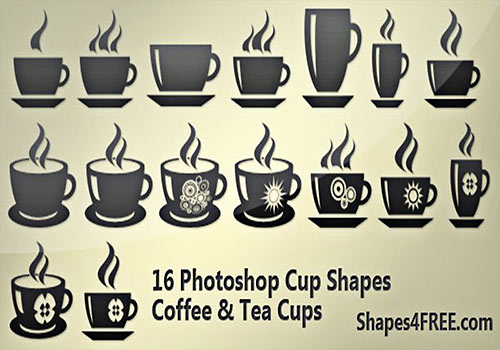
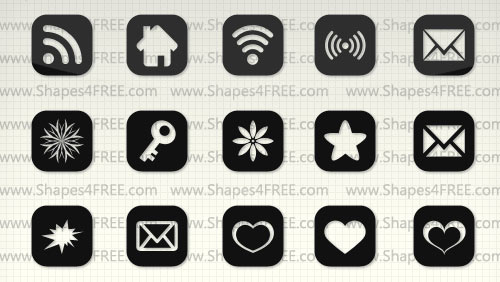
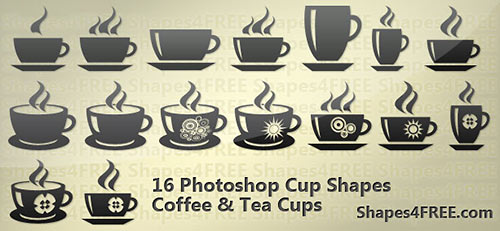
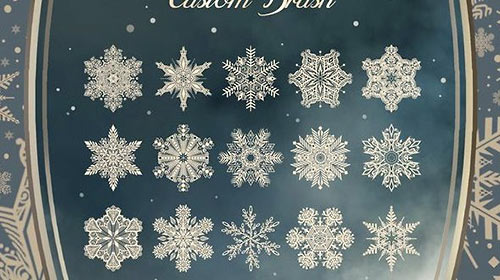
This post highlights 80 different sets of custom shapes (over 2,500 individual shapes) in several different categories. If you plan to download and use any of these shapes be sure to check to terms and conditions set by the creator of the shapes.

1. People

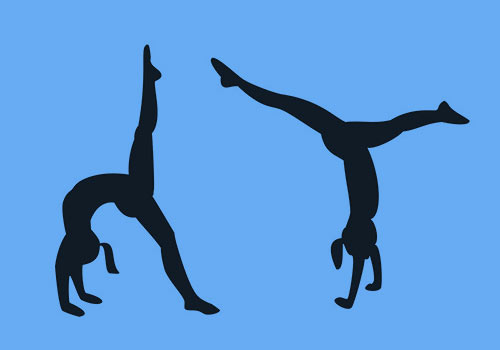
People Silhouettes (306 shapes)

Screenshot

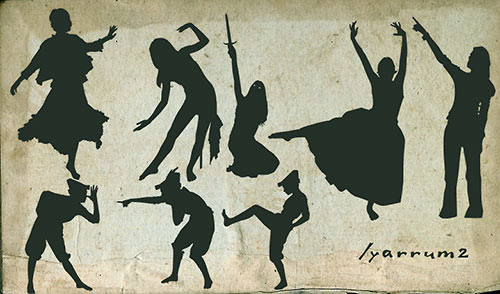
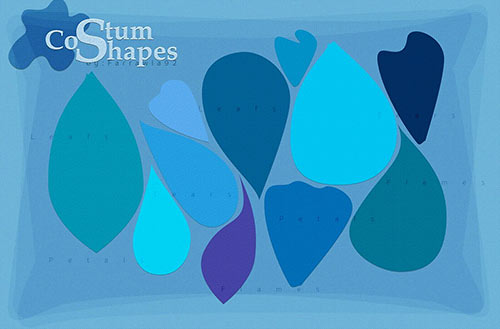
Costumes and Characters Shapes (56 shapes)

Screenshot

Skateboarding (9 shapes)

Screenshot

Skater Collection (3 shapes)

Screenshot

Skateboarders (8 shapes)

Screenshot

Stock Girls (8 shapes)

Screenshot

Businessman Silhouettes (12 shapes)

Screenshot

Business Girls (12 silhouettes)

Screenshot

Jumping People Silhouettes (104 shapes)

Screenshot

Break Dancing (8 shapes)

Screenshot

Hoops (57 shapes)

Screenshot

Presentational Shapes (10 shapes)

Screenshot

Random People Shapes (11 shapes)

Screenshot

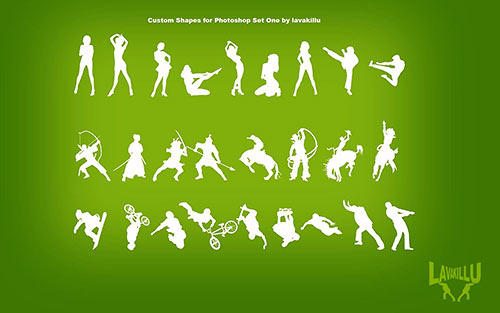
People Shape Set (25 shapes)

Screenshot

Hot Babes (7 shapes)

Screenshot

Go-Go Girls (18 shapes)

Screenshot

Sexy Stances (13 shapes)

Screenshot

Ladies (7 shapes)

Screenshot

Sexy Girls (47 shapes)

Screenshot

2. Animals

Birds (12 shapes)

Screenshot

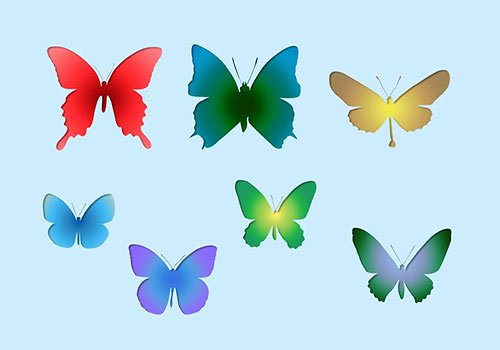
Butterflies (38 shapes)

Screenshot

Horses (9 shapes)

Screenshot

Horses (15 shapes)

Screenshot

Zebras (6 shapes)

Screenshot

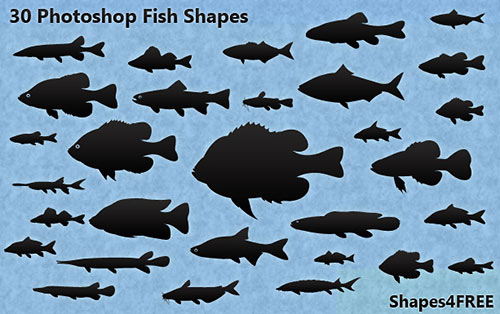
Sea Creatures (27 shapes)

Screenshot

Animals (10 shapes)

Screenshot

Animal Patterns (13 shapes)

Screenshot

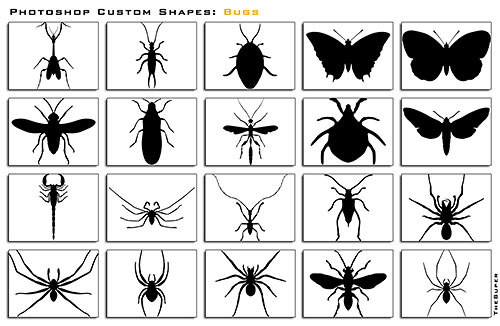
Bugs (20 shapes)

Screenshot

Weathered Flying Bugs (21 shapes)

Screenshot

3. Planes and Boats

Aircraft (21 shapes)

Screenshot

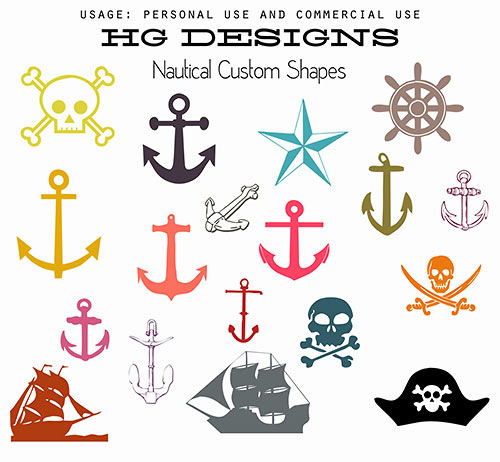
Maritime (27 shapes)

Screenshot

WW2 Planes (13 shapes)

Screenshot

4. Guns and Weapons

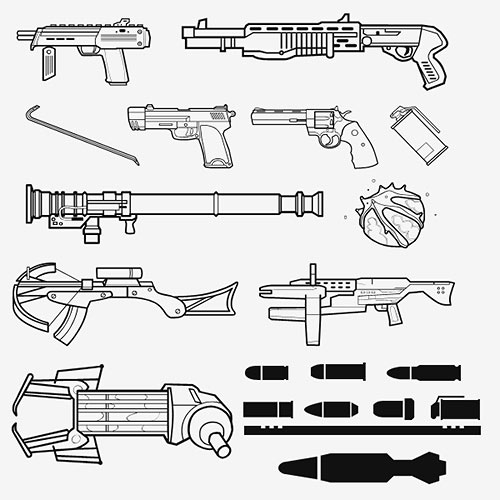
Guns (30 shapes)

Screenshot

Guns (26 shapes)

Screenshot

Ray Guns and Laser Blasters (15 shapes)

Screenshot

I Love Weapons (12 shapes)

Screenshot

5. Halloween Shapes

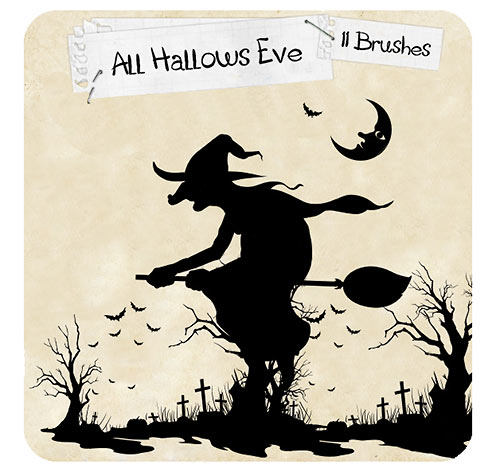
Halloween Shapes (23 shapes)

Screenshot

Halloween Shapes (10 shapes)

Screenshot

6. Trees

Trees (17 shapes)

Screenshot

Dead Trees (24 shapes)

Screenshot

Live Trees (21 shapes)

Screenshot

Plan Trees (20 shapes)

Screenshot

7. Circles

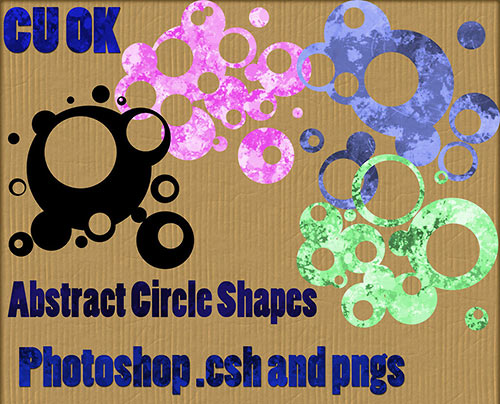
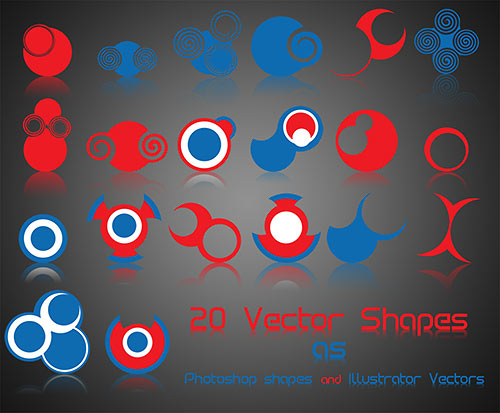
Retro Circles (10 shapes)

Screenshot

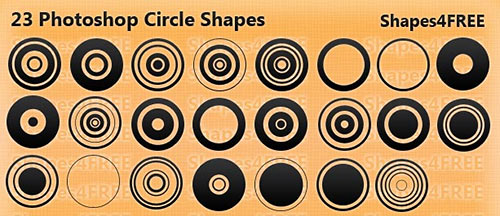
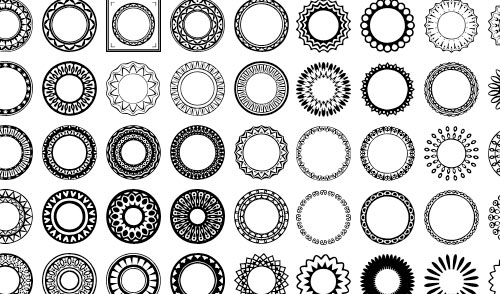
Circles (10 shapes)

Screenshot

Circles, Lines and Sunlights (108 shapes)

Screenshot

8. Random Shapes

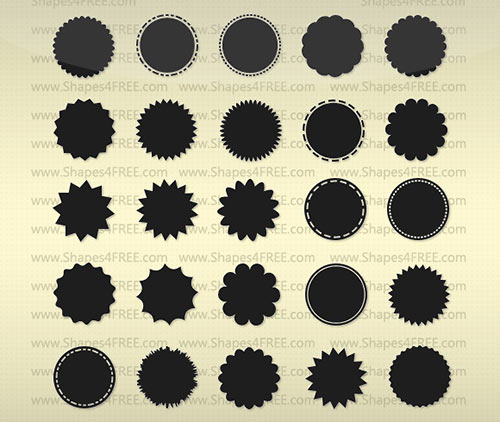
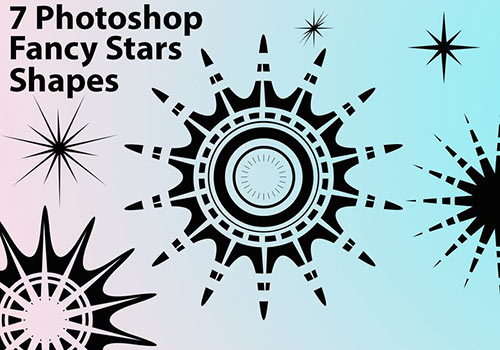
Stars (200 shapes)

Screenshot

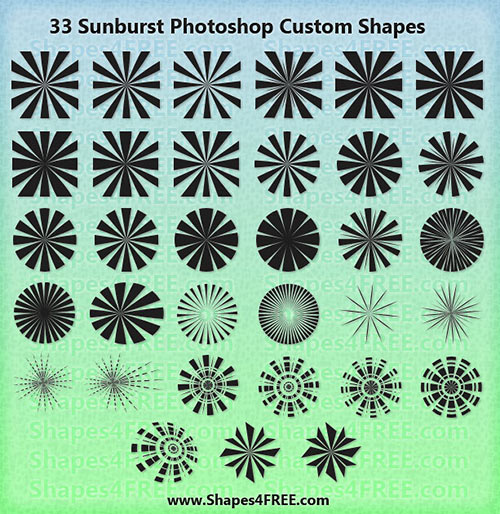
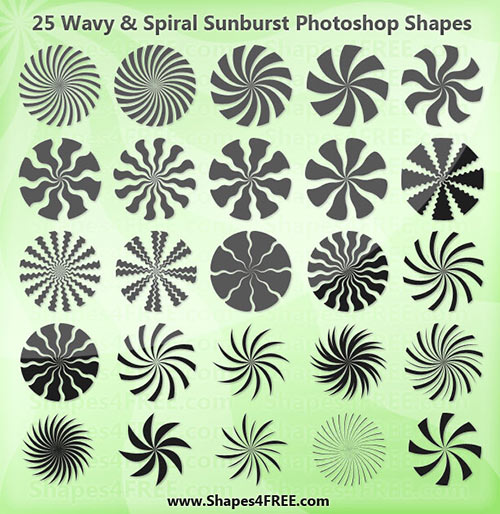
Sunbursts (30 shapes)

Screenshot

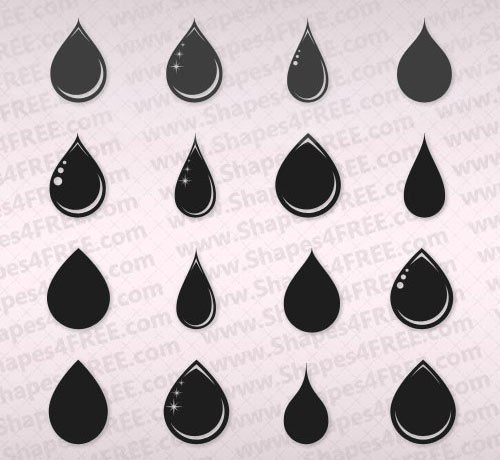
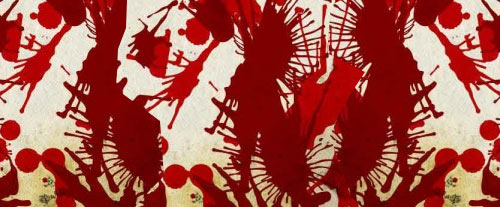
Splats and Drips (15 shapes)

Screenshot

Splat Shapes (8 shapes)

Screenshot

Stains & Blots (34 shapes)

Screenshot

Drips (25 shapes)

Screenshot

Paisley (24 shapes)

Screenshot

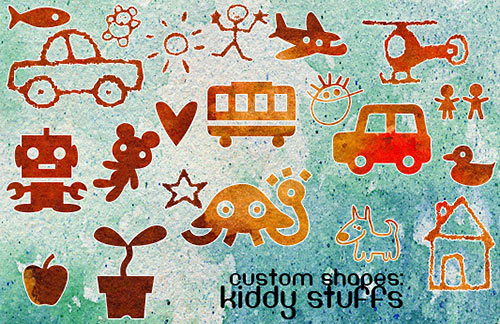
Kiddy Stuffs (72 shapes)

Screenshot

Ribbon Collection (3 shapes)

Screenshot

Voters Collection (2 shapes)

Screenshot

Surfing Themed Shapes (6 shapes)

Screenshot

Hero Shapes (13 shapes)

Screenshot

Flames (5 shapes)

Screenshot

Markers (23 shapes)

Screenshot

Vector Shapes (13 shapes)

Screenshot

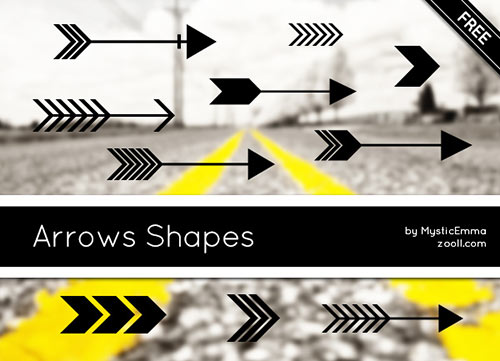
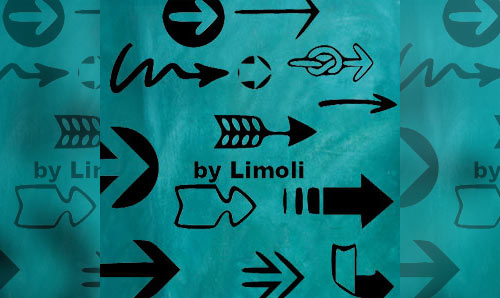
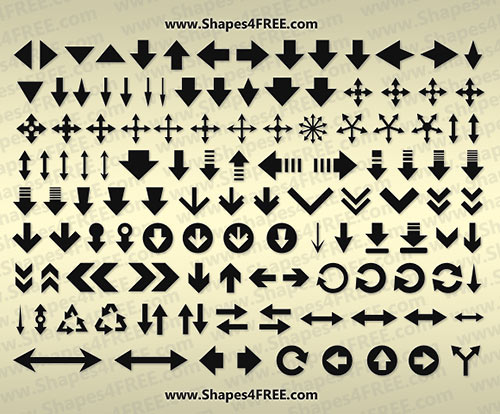
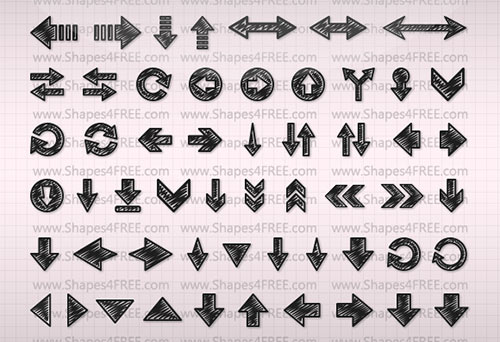
Arrows (10 shapes)

Screenshot

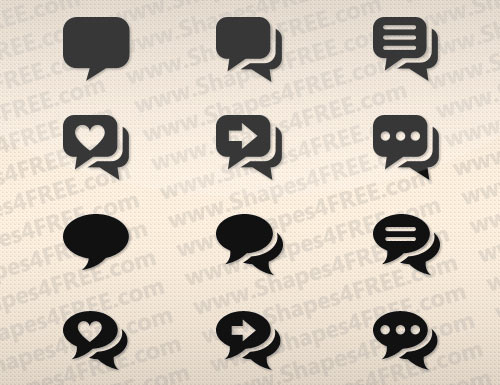
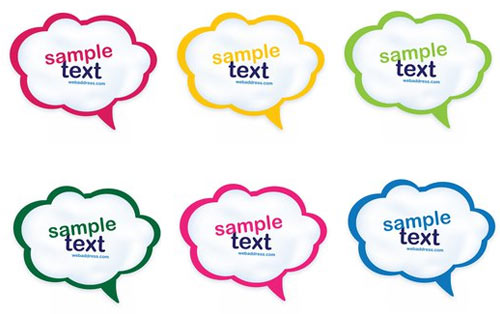
Speech Bubble Shapes (42 shapes)

Screenshot

Cartoon Shapes (25 shapes)

Screenshot

Assorted Logos (38 shapes)

Screenshot

CD & DVD Logos (7 shapes)

Screenshot

Foliage Shapes (371 shapes)

Screenshot

Tools (9 shapes)

Screenshot

I Love Skulls (12 shapes)

Screenshot

Urban Shapes (31 shapes)

Screenshot

World Map (3 shapes)

Screenshot

Banner and Scrolls (28 shapes)

Screenshot

Art Supplies (16 shapes)

Screenshot

Skyline Collection (6 shapes)

Screenshot

Arabeski (23 shapes)

Screenshot

9. Combination Packs

Custom Shapes Pack v. 1.1 (100 shapes)

Screenshot

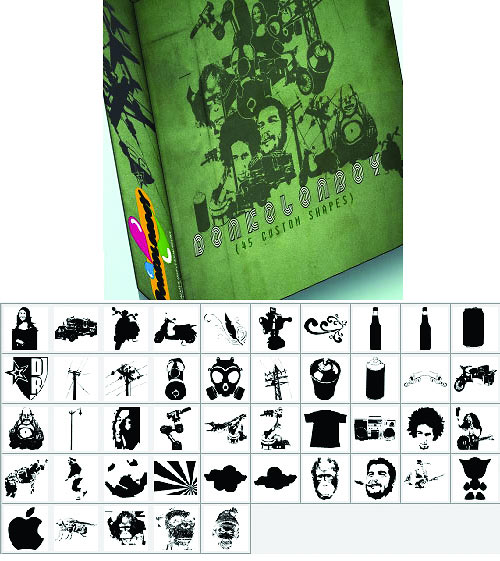
Custom Shape Pack (45 shapes)

Screenshot

50s Custom Shapes (14 shapes)

Screenshot

Revolution Collection (6 shapes)

Screenshot

Custom Shape Mix (24 shapes)

Screenshot

Vector Shape Mix (50 shapes)

Screenshot

If you’re interested in learning more about the basics of custom shapes, how to load them, and how to create your own, try the following resources.

(al)

Steven Snell is a Web designer and blogger. In addition to maintaining his own blog and writing for a number of other top design blogs, he also manages an online shop that offers premium graphic design resources. Steven's profile at Google+.

  1. 201

    WAOOO……….Thanks alot mate…. long live and stay happy

    0
  2. 202

    Abhishek Dilliwal

    September 4th, 2010 6:12 am

    hey thats nice!

    0
  3. 203

    it’s Osom.. but can u get some brushes of “GunZ”? reply on my mail :D

    +1
  4. 204

    what the!!!! sOooooo awesome!! thanks

    0
  5. 205

    thank you i was looking for particular shape and i found it here.. nice collection

    0
  6. 206

    Nice collection, thanks for sharing.

    0
  7. 207

    lifetime collection of custom shapes :)

    thanks a lot!

    0
  8. 208

    Amazing Collection of Photoshop Shapes except the inappropriate ones, thanks.

    +1
  9. 209

    I really need this information, thank you

    0
  10. 210
  11. 211

    Loving the info on this web site , you have done outstanding job on the blog posts.

    0
  12. 212

    WOW!!! thnx…

    0
  13. 213

    Manus Starlin

    April 22nd, 2011 3:08 pm

    Wow!!!! this is the most awesome post, that i saw on my life.
    Congratulation my friend.

    0
  14. 214

    Good Collection.Keep It Up……………………………………

    0
  15. 215

    Kevin Reynolds

    May 2nd, 2011 7:11 pm

    Great collection of Photoshop Shapes.. Thanks

    0
  16. 216

    This is awesome, thank you!
    I’ll give them a try right now.

    0
  17. 218

    please provide in kundle shape

    -1
  18. 219

    Wooooowww….!!!

    actually nice and very useful collection ….
    Thanks….

    0
  19. 220

    These are simply AWESOME! Thank you to the person who compiled this list complete with links – simply wonderful!

    0
  20. 221

    thanks so much for featuring a load of my shapes, I am seriously addicted to making them, it has sharpened my illustrator skills, seeing this has encouraged me to do more!

    0
  21. 222

    Thanks!! I really mean that, these are great.

    +1
  22. 223

    How do you manage to use them? I´m just a starter.

    +1
  23. 224

    the brilliant idea… Thank U so much….

    +1
  24. 225

    Its a nice work for photoshop users. Thnx

    +1
  25. 226

    Excellent Stuff. Every Designer have to seen.

    +1
  26. 227

    WOW! great stuff

    +1
  27. 228

    thank you i was looking for particular shape and i found it here.. nice collection…
    How to Use Pen Tool in Photoshop

    +4
  28. 229

    Shapes, Shapes and more Shapes!!! Super cool stuff guys.

    0
  29. 230

    amazing, thank you very much

    0
  30. 231

    Mitch from Canada

    November 2nd, 2011 2:46 pm

    Thank you very much for compiling such an extensive list, very appreciated!

    0
  31. 232

    Thanks you very much :)
    God Bless.

    0
  32. 233

    You guys are *Rock Steady*….ty.

    0
  33. 234

    Thank you so much. Awesome Collections!

    0

  1. 1

    thank you i was looking for particular shape and i found it here.. nice collection…
    How to Use Pen Tool in Photoshop

    +4
  2. 2

    WOW!! AWESOME!! thank you sooo much..

    +3
  3. 3

    yah surely i love these brushes…How to Photoshop

    +3
  4. 4

    incredibly attractive ..ooohoooh blender in assorted logo

    +2
  5. 5

    You surpise me… every day. Thanks!

    +1
  6. 6

    Wow that is a really good set of shapes.. I have to say you really do find the best content!

    +1
  7. 7

    Impressive – and useful. As always! ;)
    Thanks!

    +1
  8. 8

    thanks heaps man, some really useful stuff on their. definitely will download some!!

    +1
  9. 9

    Are these all royalty free to use?

    +1
  10. 10

    Sweet ! thnx

    +1
  11. 11

    it’s Osom.. but can u get some brushes of “GunZ”? reply on my mail :D

    +1
  12. 12

    Amazing Collection of Photoshop Shapes except the inappropriate ones, thanks.

    +1
  13. 13

    Thanks!! I really mean that, these are great.

    +1
  14. 14

    the brilliant idea… Thank U so much….

    +1
  15. 15

    Excellent Stuff. Every Designer have to seen.

    +1
  16. 16

    WOW! great stuff

    +1
  17. 17

    Its a nice work for photoshop users. Thnx

    +1
  18. 18

    How do you manage to use them? I´m just a starter.

    +1

Leave a Comment

Yay! You've decided to leave a comment. That's fantastic! Please keep in mind that comments are moderated and rel="nofollow" is in use. So, please do not use a spammy keyword or a domain as your name, or it will be deleted. Let's have a personal and meaningful conversation instead. Thanks for dropping by!

↑ Back to top