How To Use Icons To Support Content In Web Design
Why use icons? Design is all about communication: it doesn’t matter how important or exciting the information that you’re sharing is if you fail to hook your visitors. When initially viewing a website, most users will first scan the page for visually interesting content, and only after something grabs their attention will they actually begin reading. Icons are a simple, effective way to draw users into the content of your website.
Icons serve the same psychological purpose as paragraph breaks: they visually break up the content, making it less intimidating. A well-formatted page, with text broken into easily accessible paragraphs and accented by icons, is easy to read and visually interesting enough to sustain the user’s attention. So, stop wasting time writing so much content that no one will read, and start using icons!
In this article we showcase beautiful examples and best practices of using icons to support content in web design. Please feel free to take a look at the showcases of navigation menus, search boxes, blockquotes and web forms.
1. How To Use Icons
The primary goal of using icons should be to help the user absorb and process information more efficiently. This is usually done by using a lot of white space and using icons that don’t distract from the content but rather augment it. Using icons well enriches even minimal content by giving it more substance, enabling effective communication without wordiness. Icons should be used to draw attention to your content, not to diminish or replace it.
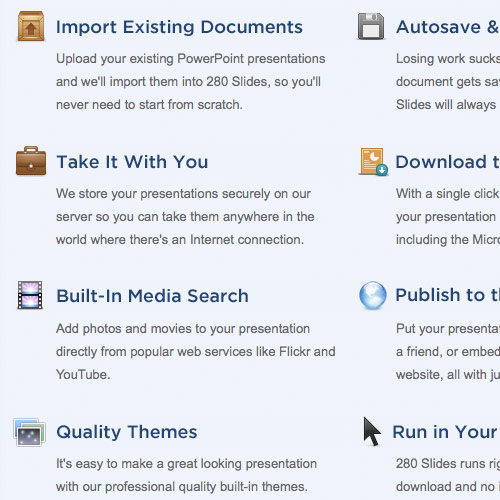
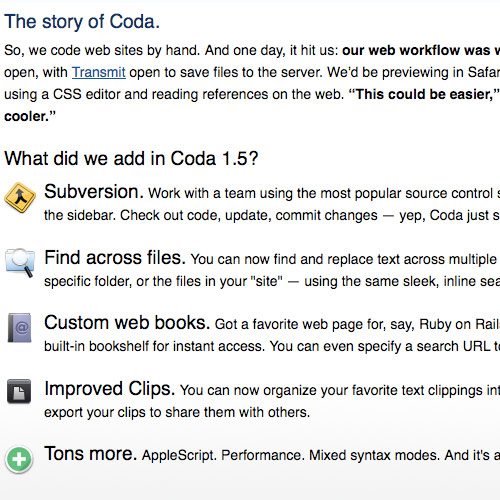
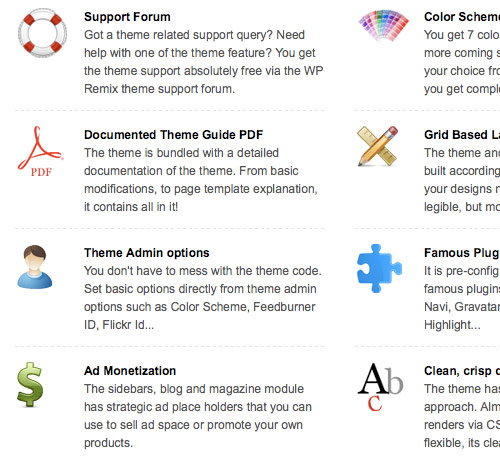
Spice up feature lists
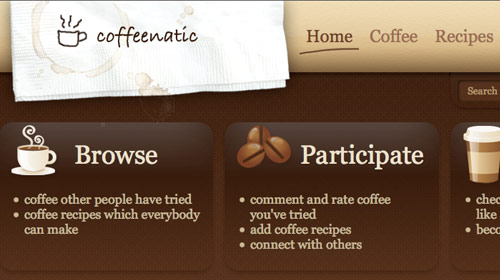
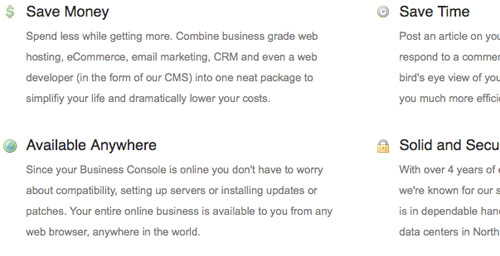
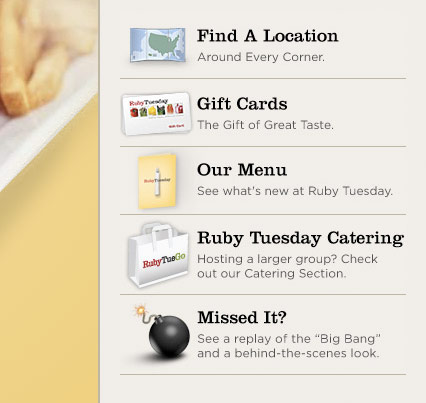
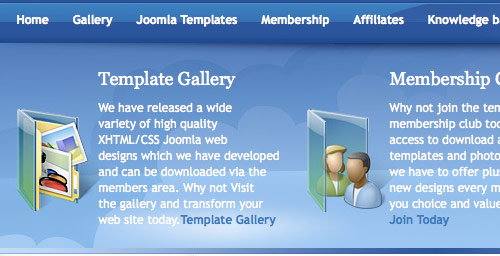
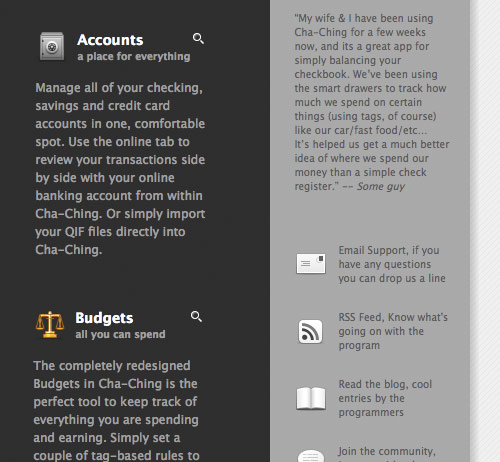
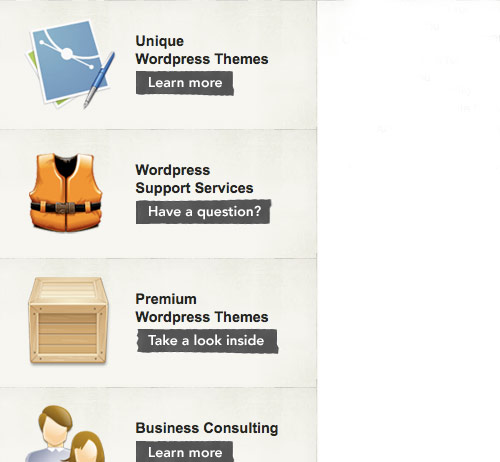
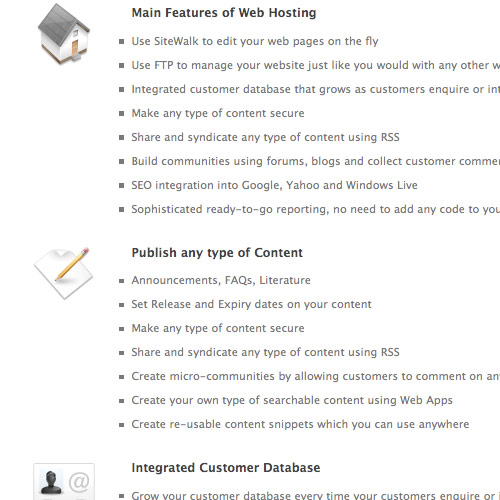
Listing services is a practical and necessary part of effective marketing, but lists are inherently bland and boring. Using icons in conjunction with your feature lists will make them more engaging.
Draw attention to new features in a Web application
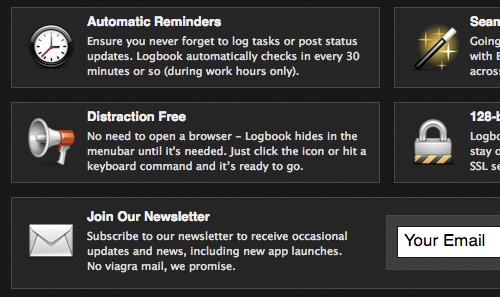
Icons are a visual invitation to users to try out the latest and greatest features of your Web application. Icons should capture your users’ attention and direct them to the new feature. Once you’ve grabbed their attention, tell them just what makes the new feature so great.
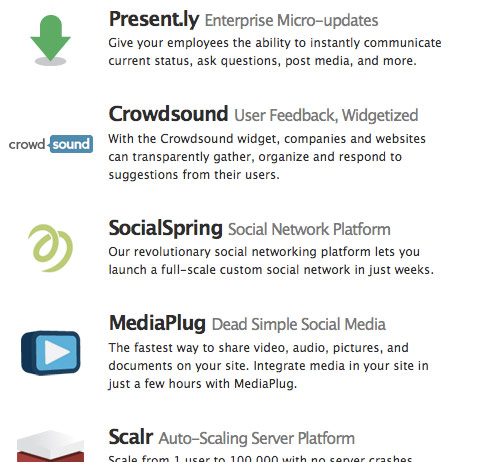
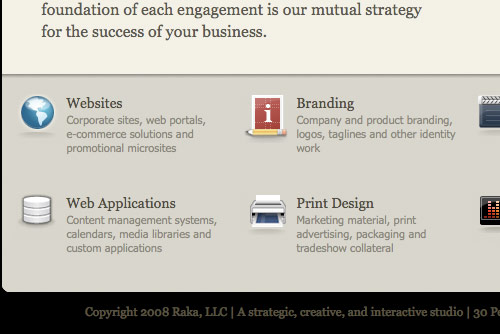
List different applications and products
In this case, think of the icon as a logo, keeping in mind that the goal of a logo is to build a mental association between a product and a particular image. The icon should be unique but simple: most icons are only 128 by 128 pixels, so take a minimalist approach and say more with less.
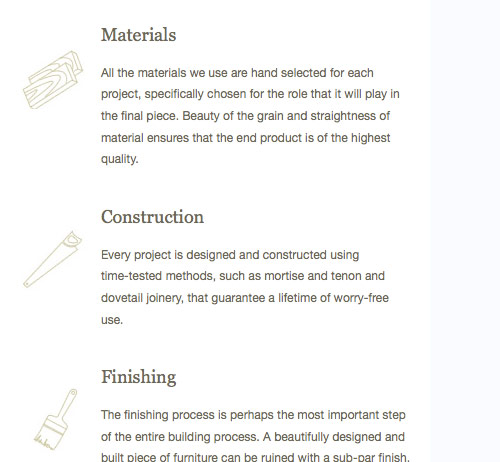
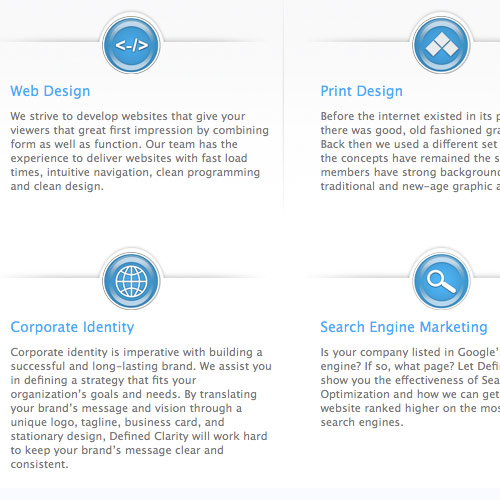
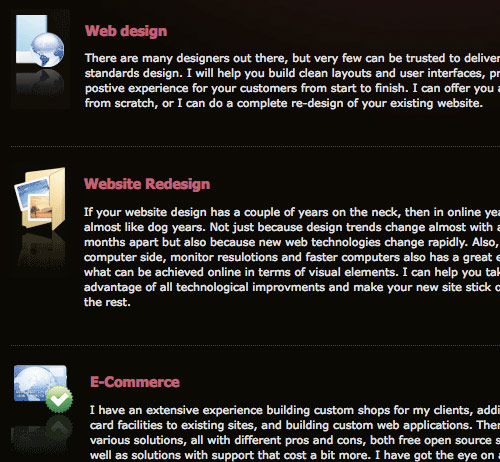
List your services and increase readability
Icons should be relevant to the content and simple in design. Consider what you are trying to express with the content and create the icon based on that. What is the theme of the website or article? What colors are used? What is the style? Modern? Classic? Icons should visually unify the ideas expressed in the content and in the personality of the website as a whole.
2. Purpose And Placement
Icons make your website friendly, inviting and professional, showing that you care about even the smallest details. Get creative with your icons: headers, sidebars, titles and feature lists are all great places to put them.
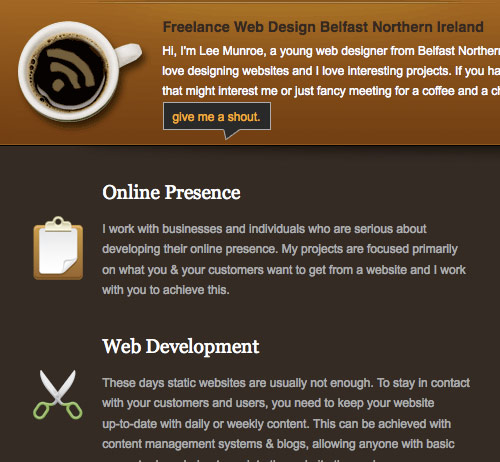
Accent headers to give titles a creative touch
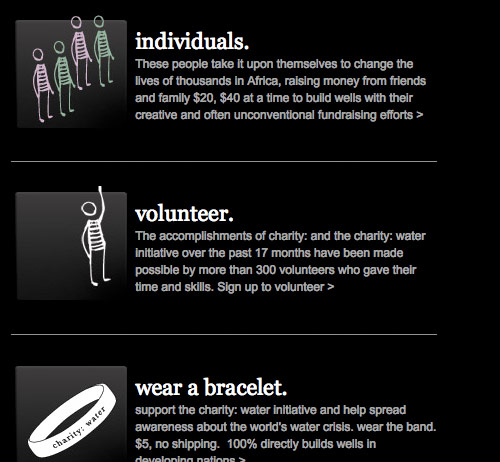
A very simple icon can add charm and personality to a website.
Engage readers on pages with extra long content
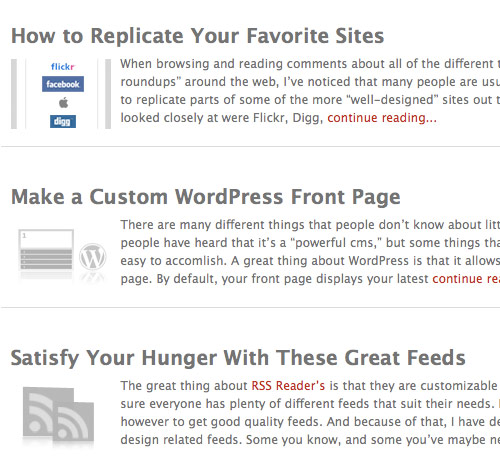
Use an icon that encapsulates the point you are trying to get across in your paragraph. This will make the text more accessible to your readers.
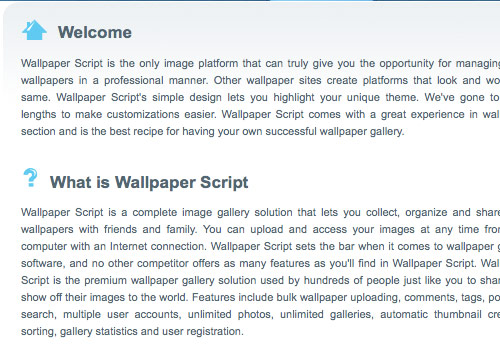
Offset headings and sections
Use icons to provide a visually stimulating point of separation between different sections of text.
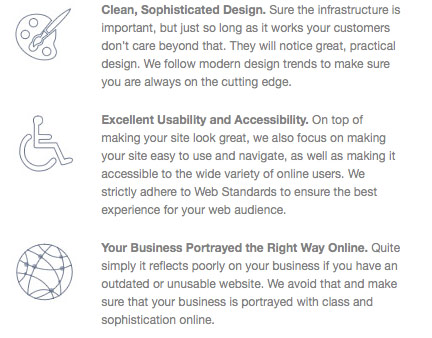
Size doesn’t matter! Even small icons can be effective
Small icons provide the same level of visual interest as large ones, but without the potential to be distracting. Make sure that the icons are easily recognizable and relate closely to the content that they are accenting.
Switch things up by placing icons to the right of the paragraph
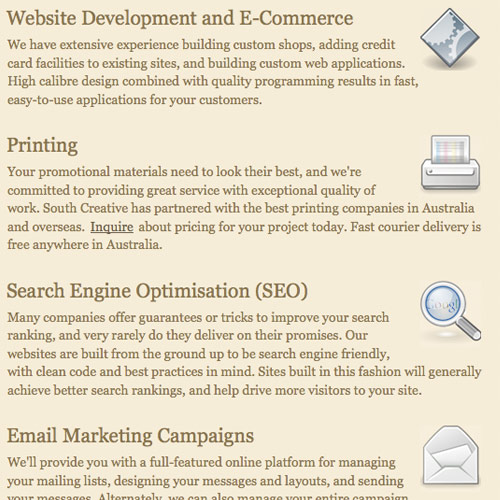
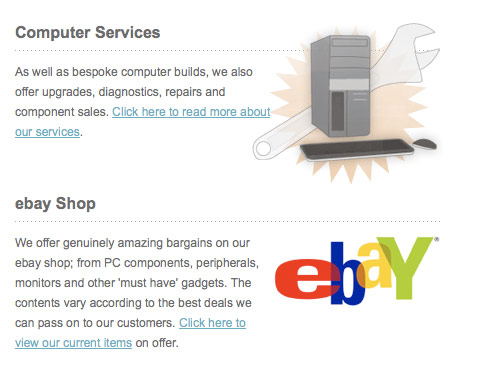
Don’t get stuck in a rut with your icon placement. Putting icons on the right is less common and will therefore be more visually striking. Beware, though, as this placement can sometimes look messy.
Vary size and placement of icons
Get creative! Changing the size and placement of icons will make the content appear more dynamic and interesting.
3. Choose Your Style
When it comes to style, aim to be effective. If your design is supposed to be unique, then original icons are good, but being effective is far more important. Remember, icons are used to enhance your content and design, so it is especially important to pay attention to how your icons match the rest of your website. Don’t simply purchase a cool-looking set of icons from iStockPhoto. Rather, take into account the style of your website.
It is also crucial that all of your icons match. Grouping mismatched icons, no matter how cool they are individually, is a glaring design mistake and very unprofessional. Here are some examples of icons effectively integrated in the style of their respective websites:
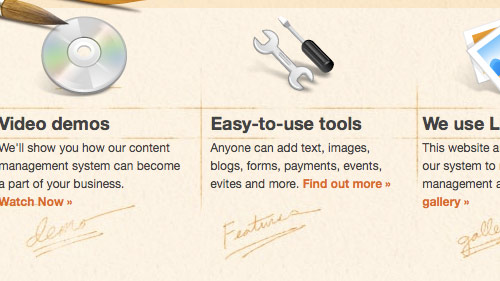
Using light colors and cool 3-D designs complements the look and feel of this website:
GoodBarry
Simplicity is attractive and practical, as shown in this example:
CrowdSPRING
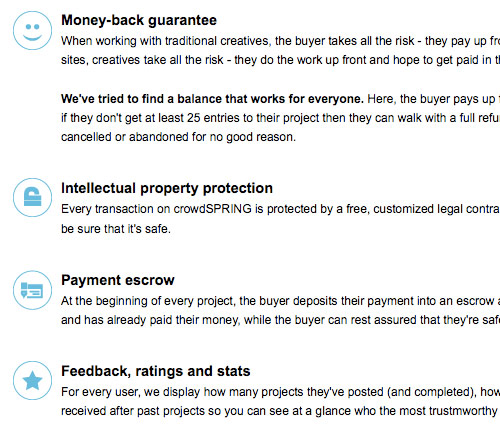
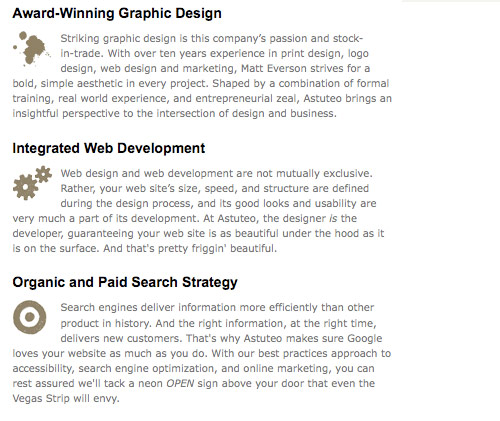
Using a grungy style on otherwise 2-D icons can add a lot of depth:
Take the Walk

Choosing a unique and consistent style is both dynamic and professional:
Squarespace
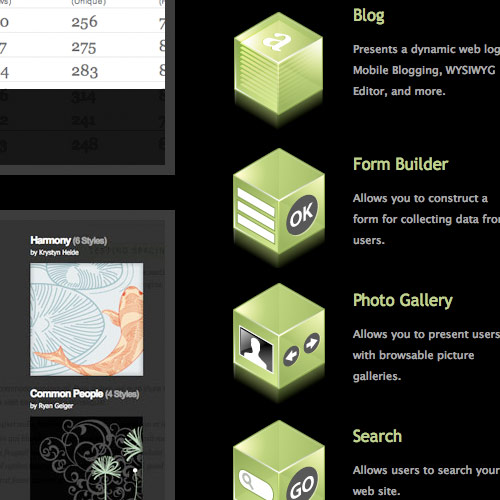
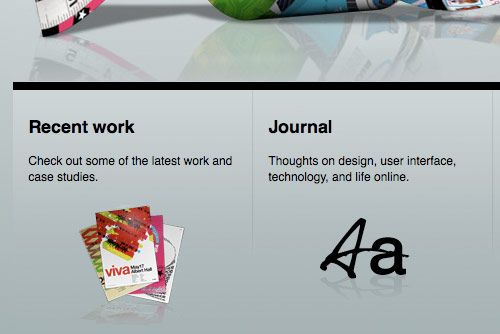
Monochromatic icons can help accent content without being distracting:
Studio 7 Designs
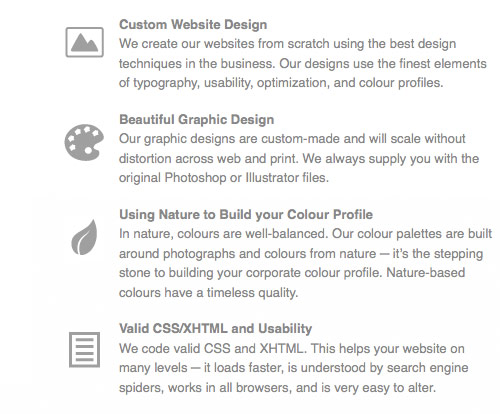
Use the power of suggestion to transform screenshots with simple gradients into unique icons:
Gist
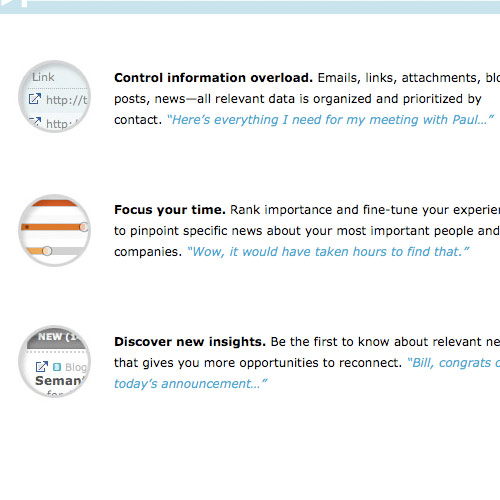
Don’t use icons just because they look cool; choose ones that really match your style and brand:
Treemo
4. Additional Examples
Here is a gallery of websites that use icons effectively. Hopefully, these will inspire you to better use icons on your own website.
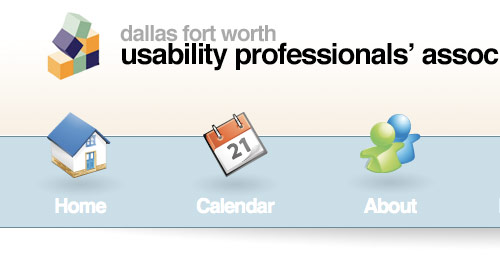
Dallas Usability Professionals
(al)


myDevWares
March 3rd, 2009 3:33 pmReally useful, and insightful advice…thanks SM.
edit: can hardly believe I’m the first commenter – i feel honoured
Peter Urban
March 3rd, 2009 3:40 pmGreat post. Same is true with using icons to design effective web applications. We are jut going though a design improvement phase with our apps an found that it is critical to find the right mix (in terms of amount and style) between icons and simple links.
Kartik
March 3rd, 2009 3:51 pmThanks a lot for the information
Its a really nice blog
Keep It Up !!
Rachel
March 3rd, 2009 4:31 pmReally nice showcase of thoughtful icon usage.
Jarques
March 3rd, 2009 4:34 pmGreat post, and I do agree that icons do help bring attention to paragraphs, especially when they need to highlight important changes or information to the user.
Though I would say that be careful, I have seen a lot of sites out there use icons (and just icons) for navigation. Not even a rollover would come up and tell me where it goes, I had to look at the status bar.
Great article and a nice inspiration piece too.
Nate
March 3rd, 2009 4:34 pmGreat collection, although the Joomla! Designs link is broken.
Ben may
March 3rd, 2009 4:41 pmReally really nice collection, thanks
Bob
March 3rd, 2009 4:45 pmAwesome article Nathan, great job showing how useful icons are in displaying content to users.
Anna @crinkled
March 3rd, 2009 4:55 pmI love the way icons look on the web when used effectively. In addition to the accenting content, they allow the site to become less of a “website” and more of a “useful tool”, with design elements of an application. I love that.
Aaron
March 3rd, 2009 5:03 pmI need to preface this by saying I love Smashing. Now that I’ve made that declaration, I have a small gripe.
I read most of your posts on my iPhone while commuting. In fact, I’m posting this comment from the back of a bus. That being the case, I’m often reading on a smaller screen with liter bandwidth. Posts such as this one practically crash my device because they are so graphics heavy. Andthey take forever to load.
I’ll probably get bashed for asking, but might you be able limit your feeds so they don’t send the whole post to rss readers? This has the added benefit of increasing pageviews on your site. Frankly, it just seems like good business for you and a better experience for you readers.
Michael
March 3rd, 2009 5:55 pmno mention of favicons? even just two sentences with links to your great favicon posts?
Glen Lipka
March 3rd, 2009 6:00 pmI went icon-crazy in my application, Marketo.
Video to see: http://pages2.marketo.com/demo.html
Using the V-Collection from iconExperience.
Enk.
March 3rd, 2009 7:17 pmWow, Cool and usefull Post !
Smashing Mag really rox !
Nathan Barry
March 3rd, 2009 8:10 pmThanks everyone for the kind comments. Do you have any other favorite examples of icons in use?
@Michael This post was focused on how icons relate to content. Since favicons are separate from the content, I decided not to mention them in this article.
Rajeesh
March 3rd, 2009 8:26 pmVery useful article….
TweetyBlossom
March 3rd, 2009 8:35 pmGreat information I have been working on building my own webpage but was completely lost. Thanks
Joel Smith
March 3rd, 2009 8:36 pmExcellent article. I definitely don’t use icons enough in my designs. My next project I will.
Tip: When using icons in your designs, keep related icons a consistent size & use consistent, proportional spacing around your icons, as well.
Love,
Joel
Dan Whitmore
March 3rd, 2009 9:01 pmFantastic post, thanks for this!
bs.kishore
March 3rd, 2009 9:10 pmThe kind of article I wanted just now..really smashing.
WDC
March 3rd, 2009 9:19 pmcool icons, hot designs
Dilip
March 3rd, 2009 9:20 pmthis is really nice one.
I think Joomla Designs URl is not correct.
srinivas
March 3rd, 2009 10:31 pmnice article with good knowledge of icons
Ann Storer
March 3rd, 2009 10:37 pmWow, this is a timely article considering I just finished a new set of icons about an hour ago.
I love how thoughtful and well-researched your articles are. I don’t know how you find such a wealth of information on your topics, but I’m glad you share it. Thank you.
Temecula
March 3rd, 2009 11:12 pmThat’s one seriously long article! Good job!
Michael
March 3rd, 2009 11:23 pmNice post, although the link of ‘Take The Walk’ should be takethewalk.net.
Keep up the good work!
rob
March 3rd, 2009 11:24 pmA few days I was looking for inspiration to use icons on a new design, I really spent a lot of time! Hope this can help others looking for inspiration, I will have a look for future inspiration :D
Thanks!
Jhay
March 3rd, 2009 11:48 pmVery informative! Thanks
Raj Kumar Maharjan
March 4th, 2009 12:21 amnice way to implementing the icons with different ideas. Thanks
Dörthe
March 4th, 2009 12:23 amThanks for inspiration.
Notnem
March 4th, 2009 12:38 amI use icons in my designs, but this opened my eyes a lot more. Great article.
Rory Martin
March 4th, 2009 12:59 amGreat article, icons are an integral part of website design. They must communicate various information to the user immediately and be used effectively. I hate when icons are just plonked on a website, with no thought of postioning. There are some really nice icons here, thanks for the inspiration.
Line of Design
March 4th, 2009 1:07 amNice examples.,… Especially : Squarespace is original and inspiring, and tells the “story”/sends the message well.
But I think that some websites use icons- just to use icons… Sometimes they don’t make that much sense, and then I think There is no need to use them- if the just confuse the viewer…
I have been dreamning of a iconset for a long time now. The set should include icons for:
acryllic paintins,
oil-paintins,
aqualelle pintings,
crayon-drawings,
pencil-drawings,
tush/ink-drawings
photoshop-drawings
flash-drawings
illustrator-drawings
and furtehrmore:
web-layouts
print-layouts
graphic design
But I havent found any icon-set that matches my needs… Do you know of any place I can get this?
OverZero.it
March 4th, 2009 1:13 amGreat article!
I already use the “List your services and increase readability” approach in my website, and I think it helps a lot the user.
The “Choose your style” part of the article is very interesting, nice list.
Thanks.
Kevin
March 4th, 2009 1:16 amReally informative article. Thx
Vitaly Friedman & Sven Lennartz
March 4th, 2009 1:25 am“joomla” and “take the walk” links updated. thanks for reporting!
Sarah
March 4th, 2009 1:30 amGreat article! I’m always a little anxious about when to use icons, but your examples really helped me understand the best practices of icon usage.
mecaniqueorange
March 4th, 2009 2:01 amnice post, thanks
Merkus
March 4th, 2009 2:03 amHi,
very nice article. I would like to have some icons for categories of my german shop.
But i don’t know, how i can create some. My dream is to have comic art icons like http://www.globetrotter.de.
Do anyone have some ideas to create them myself?
Kind regards
Merkus
sean
March 4th, 2009 2:26 amthis is really an smashing article
Vanilla Man
March 4th, 2009 3:02 amThere is a message “This Domain is FOR SALE.” on wordpressdesigners.com
Michael
March 4th, 2009 3:24 amOnce again thanks for a good article with lots of great examples.
Yatrik
March 4th, 2009 3:59 amVery good info. Thanks for posting.
Bruno Natal
March 4th, 2009 4:19 ami love so much icons…. :S i need to break this!!! a little jejeje
Art Scott
March 4th, 2009 4:35 amWay semasiographic!
Teddy
March 4th, 2009 4:49 amThis is a nice article and useful for me learning to make webpages. But is there a place, resource on the web where one can find some good (Web 2.0) icons?
Cheers and thanks in advance.
Tom Bradshaw
March 4th, 2009 5:04 amThanks for the useful article, I needed a reminder of how useful icons can be. They really do make the text on a site seem less intimidating as well as being an interesting element on any site
Jessica
March 4th, 2009 6:21 amGreat article! However, does anyone have any recommendations where to get good custom icons? I always go to istockphoto :?/
James Forbes Keir
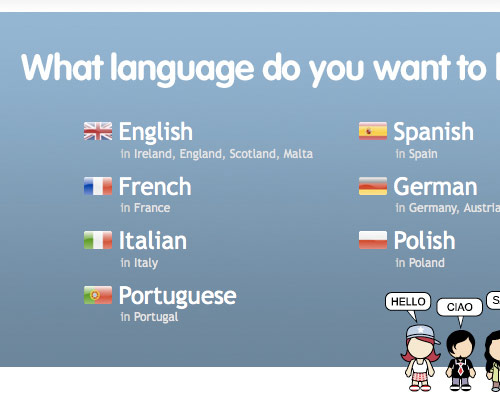
March 4th, 2009 6:55 amVery good article, but I would suggest against the use of flags to suggest (even euro) languages, fine to suggest a state or country, but generally a bad idea and insulting to many people to tie a language to a specific country.
Steve
March 4th, 2009 7:04 am// Begin Pedantic Rant
About half of the examples in this article are in fact spot illustrations and not icons per se.
A web page is an interactive computing environment and an icon in a computing environment has the affordance of an interactive object.
Using an icon in a way which violates it’s affordance (i.e. using an interactive-looking icon where no interaction exists) erodes a user’s trust in your interface (most web pages are interfaces) and can quickly lead to the user abandoning your site altogether.
There’s been a strong trend lately for the two to be confused; especially here on Smashing. I love this site, but mixing the two in a single article only compounds the problem and leads to more designers creating bad UI and bad User Experiences; which leads to poor user retention and user completions; which leads to your clients have less money in their pockets to pay you with. DON’T DO IT. Learn the difference and avoid the trap.
// End Pedantic Rant
heather van de mark
March 4th, 2009 7:47 ami concur–great article.
i’m curious about the logo icon. companies have very stringent brand standards, and i wonder how changing a logo to fit your design’s visual feel may be viewed as an issue…? the wp remix example on this page shows a modified adobe logo… are there issues around that?
gregory nicholas
March 4th, 2009 8:02 amthis article listed a lot of screenshots and examples.. but i think a better point to have been made was how icons can easily be misleading or inappropriate, and how to avoid overuse of icons..
angel rodriguez
March 4th, 2009 8:33 amyhea nice post , i think the icons are really importatn in one project , and they dont have to be too detailes, simplest logos are great for me ^^
sean steezy
March 4th, 2009 9:22 amdid this approach on our website for sidebar callouts. i like it. now i just need to fix the CSS
Jason
March 4th, 2009 9:33 amThis is a horrible article and horrible advice that ignores years of usability research. Icons have no intrinsic meaning. The use of obscene icons is even more hilarious. Anyone who follows the advice given here is an idiot.
Tolly
March 4th, 2009 9:46 amAnother great article – I love coming to the site and relearning some of the finer points of design like this.
Something which might be nice to expand on – the decipher-ability of icons as they relate to the information they are representing. That always seems to be a struggle on some accounts, and I see some of it in the examples above, as well as some nice solves for it (life jacket for a support area).
Thanks for the great article!
Nathan Barry
March 4th, 2009 9:54 am@Jason
Care to elaborate? Usability is a big factor when laying out content and designing a website so we always try to focus on it. From my experience icons actually help to make content more readable and usable.
Could you explain some of the downsides to using icons?
Martin
March 4th, 2009 10:09 amExcellent post, thank you very much !
Steve
March 4th, 2009 10:24 am@ Nathan Barry
I’m of similar mind as Jason. I tried posting the following message earlier but it’s still in moderation purgatory. I’ve created a Smashing account in the hopes that it will actually get posted. Please forgive me if it appears multiple times:
// Begin Pedantic Rant
About half of the examples in this article are in fact spot illustrations and not icons per se.
A web page is an interactive computing environment and an icon in a computing environment has the affordance of an interactive object.
Using an icon in a way which violates it’s affordance (i.e. using an interactive-looking icon where no interaction exists) erodes a user’s trust in your interface (most web pages are interfaces) and can quickly lead to the user abandoning your site altogether.
There’s been a strong trend lately for the two to be confused; especially here on Smashing. I love this site, but mixing the two in a single article only compounds the problem and leads to more designers creating bad UI and bad User Experiences; which leads to poor user retention and user completions; which leads to your clients have less money in their pockets to pay you with. DON’T DO IT. Learn the difference and avoid the trap.
// End Pedantic Rant
Andy
March 4th, 2009 11:20 amEdopter (social trendcasting site) uses big beautiful icons to showcase key elements on the site. The best example is their “visual glossary”:
Edopter Visual Glossary
Jordan
March 4th, 2009 11:47 amI was quite surprised to see that you had linked up Holdfire, although it’s Holdfire.net, not holdfire.com.
Yael K. Miller
March 4th, 2009 11:52 amThanks for doing this. Almost every day someone comes out with an icon set and I always think “what am I suppose to do with this?” Now I know.
@MillerMosaicLLC
John
March 4th, 2009 12:03 pmNice list – I would have liked to have seen some examples of ‘what not to do’.
Keep up the good work – smashingmagazine is my most clicked bookmark :-)
Carl
March 4th, 2009 1:37 pmRight on…Light CMS is one of my favorites. One I’m surprised I didn’t see was http://www.bizshark.com
heather van de mark
March 4th, 2009 2:07 pmWas quite interested in hearing about this difference about icon and spot illustrations. Thanks for pointing it out guys.
Austin
March 4th, 2009 5:44 pmAwesome post. Now where do I go to find icons like this to use? Or am I expected to design them myself?
letscounthedays
March 4th, 2009 6:24 pmI also use icons on my website to break up text and add to the readability. Check it out at here: http://www.shayhowe.com
I saw someone asked where to get some good icons. A few good places I’ve found to get free icons include:
http://www.vecteezy.com/
http://www.iconaholic.com/
http://freebiesdock.com/
Andrew
March 4th, 2009 7:20 pmYour subversion icon is for Bazaar. It makes no sense because the joining of arrows represents the merging of repositories, something subversion can’t do like Bazaar does.
Ganesh
March 4th, 2009 11:28 pmvery nice site!
de.logo
March 5th, 2009 1:03 amrealy realy great post !! i got myself some icons from this article in my website :)
Helen
March 5th, 2009 2:35 amReally nice article, I always liked icons in web design, and found
them very effective, but never understood why, you have managed to
rationalize it.
Not sure I agree with your point about making the icons different
sizes to make the content more dynamic, I think it contradicts your
next comment saying “It is also crucial that all of your icons match”
You asked for ‘favorite examples of icons in use?’ We use icons for
all the wedding activities we
offer, these icons are also used in each wedding so the user is able
to find similar weddings.
Meghana
March 5th, 2009 3:16 amthanks for sharing this beautiful article!! its really useful for web designers.
Johnson Koh
March 5th, 2009 3:38 amI love this article.
Thanks so much!!!!
Abner
March 5th, 2009 7:05 amThis was an extremely helpful post! I will be using some ideas from here to redo a homepage for a site because I was so convinced by this. Thanks SM!
Helen
March 5th, 2009 7:40 amReally nice article, I always liked icons in web design, and found them very effective, but never understood why, you have managed to rationalize it.
Not sure I agree with your point about making the icons different sizes to make the content more dynamic, I think it contradicts your next comment saying “It is also crucial that all of your icons match”
Nathan Barry
March 5th, 2009 9:32 am@Steve
Thanks for taking the time to explain your thoughts. I actually learned quite a bit from your point of the difference between an icon that is part of the interface (i.e. clickable) versus an icon (or spot illustration) that is only an accent for content. Looking back I should have made the distinction in the article.
Though really I think in the cases above it is very easy to distinguish which are links and which are not just due to their relationship to the content.
Thanks for pointing that out. I definitely learned from your comment!
Lee Munroe
March 5th, 2009 5:24 pmGreat article. Just by using icons the user can immediately identify what the text covers, so they can scan for what they’re looking for. Need to go find some nice icons now. Problem is trying to find unique iconsets that aren’t overused ;-)
Thanks for the feature Nathan
Scott Radcliff
March 5th, 2009 6:52 pmGreat post on the use of icons. Helped give me some insight into how I might use them. Sort of gives a web site a web app look.
mike
March 6th, 2009 9:27 amWhat happened to examples that were supposed to show ‘how not to do it’ ?
Although http://www.eurolanguages.com/ is trying quite hard to alienate people – I love how they tie ‘English’ to: “Ireland, England, Scotland, Malta”
I’ve always known that they speak a different language over the pond in the USA, but what happened to Wales, Australia, NZ, India etc?
And then they compound it by showing the Union Jack against Ireland: no-one in the south is going to be happy about that, and only half of the north for that matter!
brian
March 6th, 2009 11:23 amNice! One thing that really bugs me though is when people use icons but neglect to make the icon clickable along with the link.
Andrew
March 6th, 2009 9:57 pmI believe the link for Holdfire is supposed to go to holdfire.net not holdfire.com as it is currently linked.
Two Socks - Graphic design and print
March 8th, 2009 2:40 amThe link for “WordPress Designers” is gone-skis!
Steve D
March 9th, 2009 1:35 pmLots of cool applications but of course the designer has to decide whether icon usage is the correct solution for the client. In some cases it is tempting to overload the sites, however in many cases where a product is not a physical thing they can help vastly.
The site over at Media Temple is an example in point. A bunch of servers don’t usually look that cool, but a bit of icon work later and the whole package is much more saleable.
Anatinge
March 9th, 2009 4:04 pmwould be good to see the bad examples of using icons…
Simple example of how icons are really support and enrich the content it is Google and Yahoo! services pages.
Anna
March 9th, 2009 4:10 pmOn some of given examples icons are really spoiled the design
Joe Barstow
March 10th, 2009 8:27 amwow, even at a glance i could see what i’ve been doing wrong. after reading this article it has definitely restored my confidence,
thanks Nathan & of course the wonderful smaShing MagaZine
reed
March 10th, 2009 10:46 amI love comment #49.
This is one of the worst blogs I’ve ever read on this site over the past, eh 2 years. I really think this could have been condensed much further. It is nice to have an abundance of illustrations on different icon implementations, but the talking points seem almost repetitive.
mojito
March 15th, 2009 1:15 pmFor me – icons – are the most difficult area in webdesign. I wish I could draw by hand better, i think it helps a lot.
Jetha
March 24th, 2009 9:31 amPorn sites uses lots of good icons
azizbaba
April 6th, 2009 7:10 ami like it. thanks
Wyzyrd
April 6th, 2009 2:43 pmThanks – well written article with a sensible point of view
I am SO tired of sites who assume that I understand their version of ‘mystery meat’ – meaningless pictures and no explanatory text.
herr kaiser
April 7th, 2009 10:09 amgood list. perfect. thanks.
deepthi
June 12th, 2009 1:58 amhi
Poly
December 18th, 2009 3:35 pmThat was such a good article! So thorough.
Huey Tiffin
March 12th, 2012 7:41 pmI have been surfing online more than 3 hours today, yet I never found any interesting article like yours. It’s pretty worth enough for me. Personally, if all website owners and bloggers made good content as you did, the internet will be a lot more useful than ever before.