Smashing Magazine - we smash you with the information that will make your life easier. really.
45 Apple-Inspired Photoshop Tutorials

For years, Apple has had a huge impact on designers and graphic artists across the globe. The simplicity and sharpness of the Aqua interface in Mac OS X strongly influenced the way new products were being presented and designed. It’s not only the design of products that makes Apple’s products different, it’s also their appearance on the Web and in print.
No other company has managed to come up with such a crisp and brilliant style of presenting its recent designs as a new breakthrough innovation that will change our lives for a long time. Apple has found an extremely effective way to deliver its message to a wide audience, and Apple’s look and feel has played a major role in shaping that way.
In this post, we present a collection of beautiful Apple-inspired Adobe Photoshop tutorials. We collected them not because we are religiously in love with Apple, but because you may find these tutorials useful; for instance, if you are developing a new Mac or iPhone application or designing a concept for a new product. In these cases, you may want to consider Apple’s Human Interface Guidelines and our Designer’s Guide To Icon Design For Mac OS X. Please feel free to suggest further tutorials in the comments to this post.
[Offtopic: by the way, did you already get your copy of the brand new Smashing Book?]
Mac Photoshop Tutorials
MacBook Air
In this 20-step tutorial, you’ll learn how to create a MacBook Air.
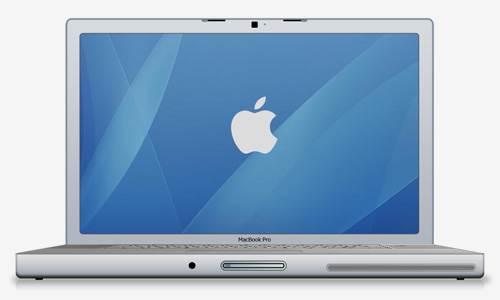
Creating a Vector-Style MacBook from Scratch
A long tutorial on making a MacBook Pro in Photoshop using shapes and different blending techniques.
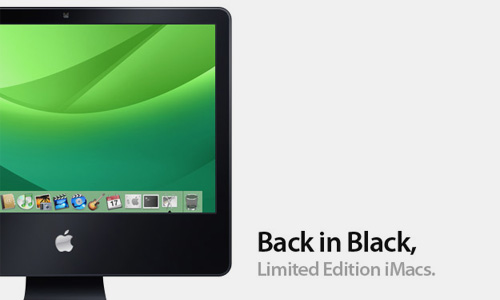
Create a Slick Black iMac
What would a black iMac look like? Being a Photoshopper, you can see for yourself.
Creating the Apple Mouse
Simple and elegant: the Apple mouse. Create the mouse in Adobe Photoshop.

iPhone
Apple iPhone Mobile Phone Design
Design the modern mobile phone using these easy-to-follow steps.
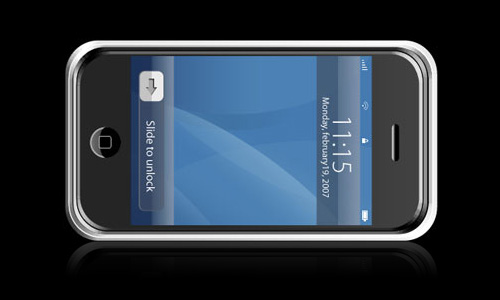
Create an Apple iPhone from Scratch
It is very fashionable to have an iPhone. Make your own in Photoshop.
iPhone-Style Icon Tutorial
Apple has posted some guidelines for making Web applications. Learn how to make an iPhone icon.
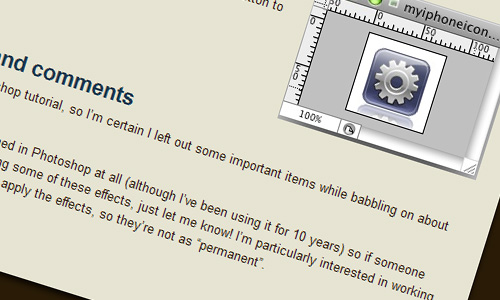
How to Create an iPod Touch
The easiest way to create an iPod Touch.
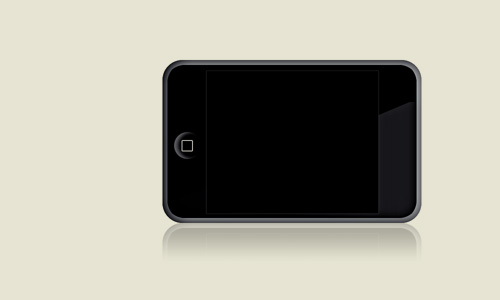
Create an iPod Touch
This tutorial shows you how to create an iPod Touch from scratch in Photoshop using no source images.
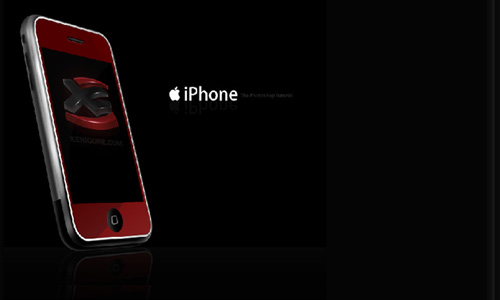
iPhone Tutorial
This tutorial describes in detail how to create the shapes, apply the effects, and make your own iPhone in Adobe Photoshop.
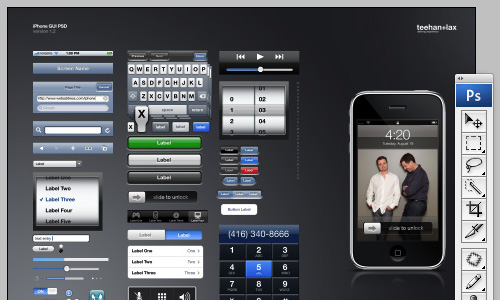
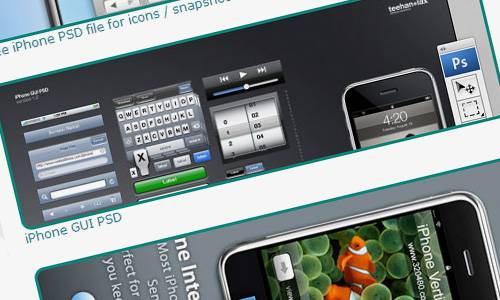
iPhone GUI PSD
A Photoshop file that has a fairly comprehensive library of elements, all fully editable. More iPhone GUI source files: iPhone UI Vector Elements (Illustrator) and iPhone PSD Vector Kit (Photoshop).
Designing for the iPhone: Resources
Here are some resources to get you going with your iPhone design project.
iCons and the Web
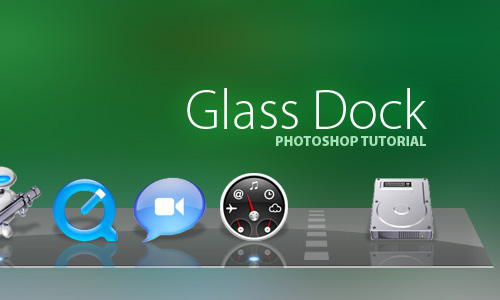
Create the Glass-Shelf Dock in Leopard OS
In the new MAC OS X Leopard operating system, the application bar has a new sleek look. This tutorial shows you how to create the glass-shelf dock used in the OS.
Apple Leopard Text Effects
The Apple operating system’s GUI for Leopard shows an “inset” effect for text, along with a new chrome finish for windows.
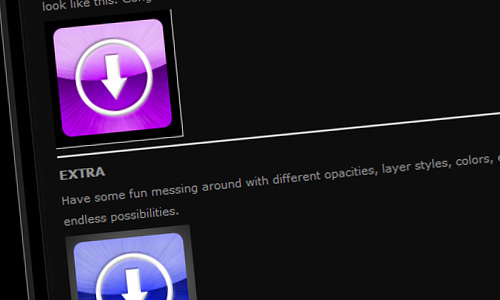
Design the iTunes Icon
This tutorial shows you how to create the iTunes icon.
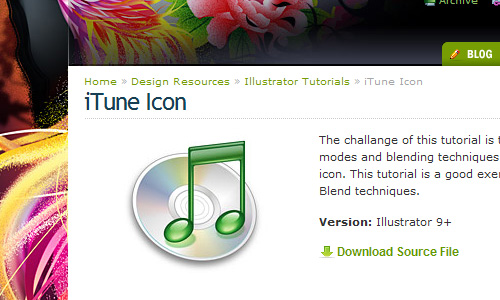
iTune Icon
Use various blending modes and techniques to replicate the iTune icon.
Mac Theme
How the masters at Apple may have created the old Mac theme.
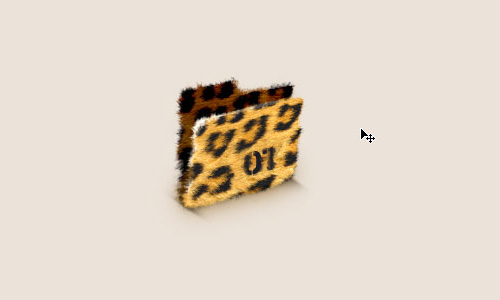
Jaguar Style Folder
In this tutorial, you will learn how to cover an object in a jaguar fur pattern.
iPod
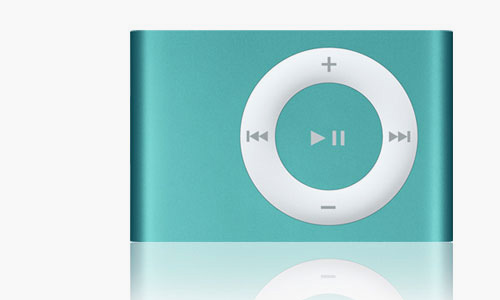
iPod Shuffle from Scratch
In this tutorial, you will learn how to create the Apple iPod Shuffle by using an original image as a reference.
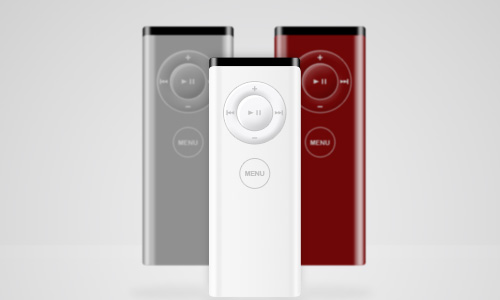
Apple Remote
In this tutorial, you will learn how to make a shiny Apple remote.
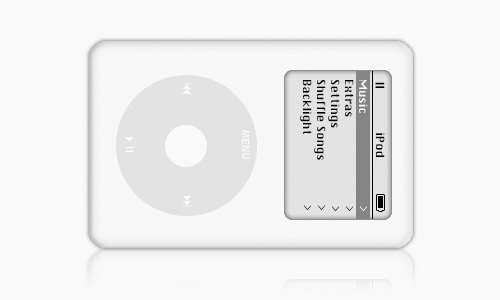
Realistic iPod
Learn how to create a realistic fourth-generation iPod.
iPod in Photoshop
The black version of the iPod.
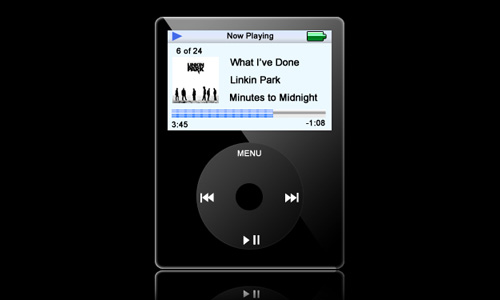
Make an iPod Classic
Learn how to create an iPod Classic with the same technique used to make an iPod Nano.
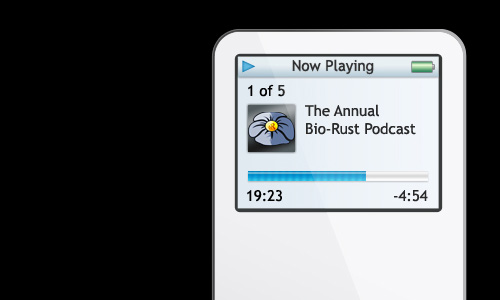
Creating an Apple iPod
Save yourself some money and create an iPod-style image in Photoshop.
Logo and Wallpaper
Green Apple Design
Learn in this tutorial how to create Apple-esque wallpaper.
Apple Wallpaper
Learn how to design an Apple desktop theme in this tutorial.
Apple’s Brushed Aluminum
Create a brushed aluminum texture similar to that of Apple’s products.
Mac – Colorful Design
Learn in this tutorial how to design wallpaper with the Mac logo.
Lighting Effect
Learn how to create that effect we saw on the screen at Macworld San Francisco.
Feed your iPhone
Learn everything from creating the liquid to blending the iPhone apps.
60 Most Beautiful Apple Wallpapers
Showcase of 60 most beautiful Apple-related wallpapers, including the Apple logo, the Mac OS X, time machine, iPods and more.
Video Tutorials
How to Make iPhone Icons
A five-minute tutorial on how to make icons like the ones displayed on iPhones and iPod Touches.
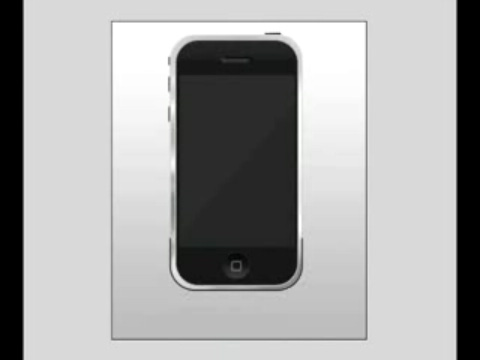
iPhone
A video tutorial on how to create an iPhone.
iPod Ad Effect
Learn in this video tutorial how to make an iPod ad effect.
Coldplay/Apple Commercial
This is a tutorial on how to make the new Apple/Coldplay commercial in Adobe Photoshop.
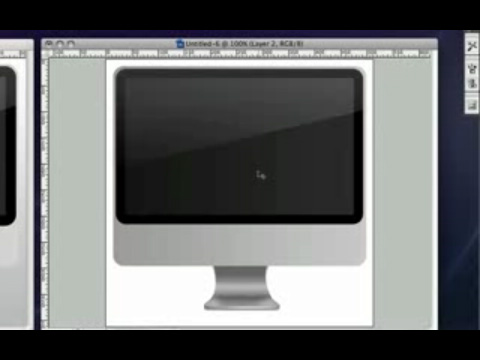
iMac
Create the new iMac completely in Photoshop.
Apple TV Background
Learn how to make an Apple TV-style background.
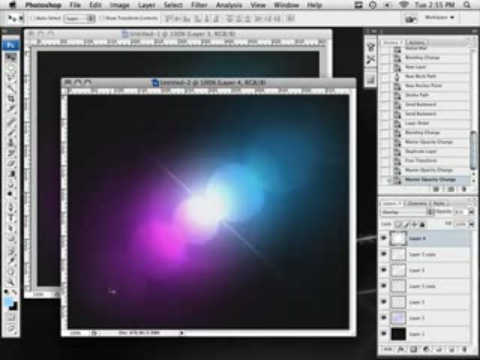
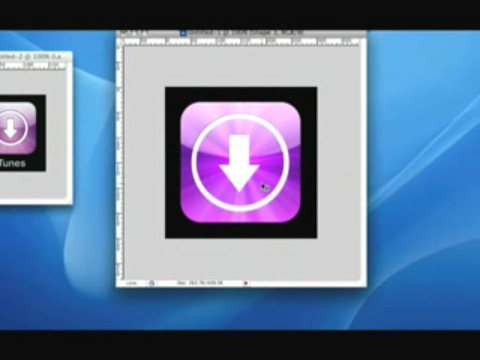
Creating the iTunes Icon
Create the iTunes iPhone icon in Photoshop.
Mac Advertisement
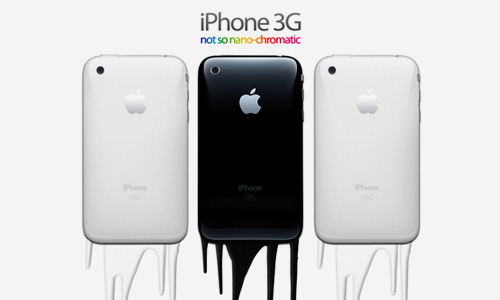
Create an iPhone Advertisement
Learn how to create an iPhone advertisement similar to this Nano ad with dripping paint.
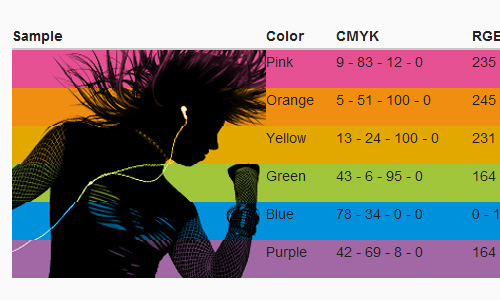
iPod-Style Brushes
We’ve all seen the iPod commercials: trendy and just about cliché by now. Here is a great way to simulate the silhouette style with a brush.

Grunge iPod Design
Learn the basics of creating a grunge iPod design in this tutorial covering vector drawing and brushing techniques in Photoshop.
I See iPod People
It is easy to simulate the iPod ads. The first thing you’ll need is an image of someone you can extract from the background without too much work.

Design a Coldplay/Apple-Inspired Portrait
Simulate the beautiful effect shown in the latest Coldplay/Apple ad.

Creating an Apple-Style Advert
A simple tutorial that shows how to make an Apple-style advert. It uses only a couple of effects. The source pack is included here if you want all the material.

Make Your Own iPod-Style Photo
The Apple iPod commercials on TV: crazy silhouetted people dancing around with white iPod’s. Learn how to create your own crazy ad.

Attack of the iPod People
Another silhouette-style ad tutorial, with the somewhat-semi-official iPod poster palette of colors.
(al)
Dirk Metzmacher is a professional Photoshop trainer, book author and designed with over 10 years of experience. He is also a creative mind behind Photoshop Weblog, a blog about techniques, tutorials and resources related to Adobe Photoshop.
- 58 Comments
- 1
- 2
March 25th, 2009 2:22 pmLike it!
- 3
March 25th, 2009 2:35 pmVery nice… Thanks…
- 4
March 25th, 2009 2:36 pmNice roundup Dirk…. thanks for sharing!!
DKumar M.
- 5
March 25th, 2009 2:41 pmnice list. thx
- 6
March 25th, 2009 2:58 pmI stumbled across the wallpapers. There was one awesome, original wallpaper there. The starring actor in Ice Age, grabbing the Apple. What a great idea!
- 7
March 25th, 2009 2:59 pmVery awesome collection!
Might a give a few of them a go to improve some areas I am lacking!Cheers
- 8
March 25th, 2009 3:10 pmCreate an iPhone Advertisement, Link for this tutorial is not working, think there’s something wrong with that site. None of the link on that site is working
- 9
March 25th, 2009 3:25 pmWhat a fantistic photoshop resource – I have always appreciated the ‘apple’ approach to design and let’s face it they have always been design trend setters!! Thanks for an excellent list!
Gordon
(Twitter: @morayweb) - 10
March 25th, 2009 4:27 pmYes, i have one. That all coooool
- 11
March 25th, 2009 4:52 pmWow, this is an awesome post! I’m so happy for this right now, I’m in the middle of an iPod themed poster and this will definitely help!
- 12
March 25th, 2009 5:24 pmFor some reason, some of the links aren’t working…
- 13
March 25th, 2009 8:49 pmWow ! Really nice stuff.
- 14
March 25th, 2009 8:54 pmI believe Apple is the biggest trendsetter. Everything they create, from hardware to software, still images to video, from website to marketing collateral, everything has stunning creativity yet they all are simple.
- 15
March 25th, 2009 9:00 pmNice collection…Good Work Dirk:)
- 16
March 25th, 2009 10:38 pmIncredibly useful techniques for everyday use too. Awesome.
- 17
March 25th, 2009 10:57 pmWell, there’re some cool tuts I’m gonna use for sure… Thanks a LOT =)
- 18
March 25th, 2009 11:38 pmVery nice selection of tutorials – thanks for compiling them.
- 19
March 25th, 2009 11:42 pmGreat collection, thanks alot. I have to create an apple styled Web interfave next time, so this collection went right into my bookmarks. :-)
- 20
March 26th, 2009 12:45 amnice post .. !
- 21
March 26th, 2009 1:06 amI guess some of the results look okay, but what’s the point in recreating an ipod in photoshop?
- 22
March 26th, 2009 1:38 amGreat collection!
- 23
March 26th, 2009 2:30 amIs that a ‘Windows’ reflection on the top left of the mouse illustration?
- 24
March 26th, 2009 3:15 am@soully
Though I’m not a fan of Apple, I like their graphic design. By learning how to create an iPod, you learn a lot of techniques of GFX which can be used to create a WHOLE lot of other stuff. It doesn’t necessarily have to be used to create an iPod, ya see? - 25
March 26th, 2009 3:17 amTo my mind, most of these tutorials are popular, as they are quite easy, sorry but, playing with gradients and glassy surfaces is not that challenging.
Do we realy need those similar designs you find everywhere? Shouldnt we be creative? - 26
March 26th, 2009 4:44 amWhenever I have to design a website that includes products, I always take inspiration from the way Apple displays their products and from their websites and interfaces. I like the simplicity of the reflections and other subtle effects to give a clean, sleek finish. I agree it’s not that challenging, but sometimes the minimalist look can be the best solution.
- 27
March 26th, 2009 4:53 amVery true! Apple has always made a style statement which everyone followed. Thanks for these pictures!
FIJ - 28
March 26th, 2009 5:01 amSmashing mag is really rocking !………….. another cool post.
- 29
March 26th, 2009 5:26 amSome of these are pretty week, and of a bad quality. Cant help but feel this is quantity over quality. I’d of dropped some of the low quality repeats as they ruin the tone of the article a little (for an actual designer anyway).
Mostly, whats with those iPalm ‘apple style brushes’ ??
- 30

- 31
March 26th, 2009 6:02 amThanks!!
- 32
March 26th, 2009 6:05 amCool. Now I know how to add a $500 premium to my design projects. Just add some shiny effects and slap on that Apple logo! ;-)
- 33
March 26th, 2009 6:30 amThese Effects Are Stunning !!
- 34
March 26th, 2009 6:48 amThanks!!
- 35
March 26th, 2009 7:05 amYawn.
- 36
March 26th, 2009 7:23 amthese tutorials are for men who prefer their apple computers to a girlfriend…
- 37
March 26th, 2009 7:31 amAn utterly pointless article. Poor tutorials, utterly useless. Why on earth do I want to create a “vector style” macbook? Really useful in the world of corporate web design i’m sure. An article filled with shameless mac love, low quality tutorials with pretty useless results.
This is less smashing magazine and more pixel2life.
- 38
March 26th, 2009 7:41 amThanks once again. I love Smashing Magazine. And you know what else I love? Apple products. They produce such awesome products.
Smashing Magazine, grazie mille!
- 39
March 26th, 2009 7:59 amI agree with winst0n.
Way too much MAC love, and what love is shown is portrayed through poor tutorials.
We need to move past the day when slapping an Apple logo to the finished product of a tutorial is enough to give it a feature.
- 40
March 26th, 2009 8:10 amThere is too much hate in this world. If people want to show a liking/love to a particular item, let them. Because they enjoy it. Yes, sometimes people may show too much love for some thing, but hey they’re not hurting anyone. Furthermore, a tutorial for you and me may seem rudimentary, but to someone who is a beginner might find that particular tutorial useful and informative. This site is not solely for professionals. If that is one’s opinion, then it is a myopic one.
Grazie mille Smashing Magazine!
A piu tardi - 41
March 26th, 2009 9:00 amrex, I never said tutorials were a bad thing. All of us have needed to learn at some point and most of us still do. Your right – its fine to show a liking / love for an item (even if its an unjustified attachment to a company) but that doesn’t warrant a feature with 45 tutorials on how to add apple logos to things, or draw apple products in various applications.
This site aims its self at professionals. Of course its not solely for them, but we make up a big part of the user base. Im more than happy to read good, high quality, tutorials. I don’t want to have to sift though 43 other nuggets of uselessness first. Furthermore, why does the person who put the article together not understand image optimisation? Or why did they deem it sensible to use very poorly optimised images on a site used frequently by creative profesionals?
Your content is slipping smashing, your starting to let yourselves down.
- 42
March 26th, 2009 1:12 pmwinstOn, you do make a valid point. After reading my post, I might have gone a little too far. I know posts and or emails can sometimes sound stronger than they are… that wasn’t my intention. Again, I do agree on some of your points… like having to sift through 43 tutorials, some of which aren’t very useful… maybe a little better editing the content on smashing’s part would do the trick. :-)
- 43
March 26th, 2009 10:23 pmGreat Post!
I was expecting some apple.com inspired navigation and typography tutorials as well. - 44
March 26th, 2009 10:34 pm45 old things I found on the Internet re # version 35,000!!!
Time to widen the scope of articles SM allow more topics.Perhaps then I can write one.
- 45
March 27th, 2009 1:01 amvery usefull, great!
- 46
March 27th, 2009 3:23 ambof 45 tutos pour faire un iphone…
- 47
March 27th, 2009 8:40 amThe ‘Create an iPhone Advertisement’ website is broken. It’s a shame, I’d really like to learn to create that kind of effect. Does anyone know of a site offering a similar tutorial? I had a quick look around but couldn’t find much.
Any pointers would be appreciated.
- 48
March 27th, 2009 10:03 pmMan! When will this Apple hype end? I don’t get it. Congrats to apple for making their brand into a religion for the masses tough.
- 49
March 28th, 2009 12:25 amAnother smashing post from smashing mag :) Brilliant!!!
Regarding Apple been a religion e.t.c they deserve everything they get, because their products are far superior in quality, functionality and value to any PC pound for pound. Seriously.
And their cooler. :)
- 50
March 28th, 2009 6:37 amApple superior in value and quality? Apple use the *very same* components as a pc maker does, only difference is that they wrap it in white plastic and charge double. The main reason people buy apple products is without a doubt because they’re trying to buy into this whole “im-a-hip-cool-designer” lifestyle that apple is branding themselves with. EOD. :)
- 51
March 30th, 2009 12:16 amEither that or they like a user-friendly, intuitive OS that actually works because it’s made by the same company that made the hardware.
I used to use a PC but got tired of my os freezing, crashing, getting viruses. URGH.
Enjoy your ctrl+alt+del, son. - 52
March 30th, 2009 10:00 amVery cool ;) tutorial i most like apple products tutorial …cuz i’m a apple crazy :P
- 53
March 30th, 2009 8:27 pmGreat Post!
- 54
March 31st, 2009 8:03 amGreat post.
I see many tutorials.
I’m brazilian, then I don’t know English very well.
But, I like this post very well.
See you. - 55
March 31st, 2009 9:47 amStop complaining, a tutorial is a tutorial! It’s okay to love Macs! It’s okay to love your PC! Just take the tutorial for what it is and be happy – stop bitching!
Too much time is taken up with ‘why did you use this platform or subject matter’ instead of focusing on the design!
Don’t like it?! Make your OWN BLOG!
- 56
August 22nd, 2009 2:49 amGreat post. Some really cool stuff here!
Here’s another video tute on photoshopping those iphone glass icons.
This one creates a really nice glassy icon.
http://www.photoguides.net/photoshopping-iphone-iconsThanks
- 57
September 7th, 2009 6:45 amit is very nice magazine Ilike it verymuch!!!!!!!!!!!!!!!!!!!!
- 58
November 30th, 2009 4:11 pmGreat collection.
Apple logo and wallpaper Photoshop tutorial.
http://bestpstutorials-tr.blogspot.com/2009/11/apple-logo-and-wallpaper-tutorial.html
- 00
There are no trackbacks at this time. If you are interested in leaving a trackback, please use this URL.
Leave a Comment
Make sure you enter the * required information where indicated. Please also rate the article as it will help us decide future content and posts. Comments are moderated – and rel="nofollow" is in use. Please no link dropping, no keywords or domains as names; do not spam, and do not advertise!
Interact
Popular
- 100 Wordpress Themes
- Photoshop Tutorials
- Fantastic Wallpapers
- 40+ Excellent Freefonts
- Dual-Screen Wallpapers
- Wordpress Themes for 2009
- Illustrator Tutorials
- Incredible Free Icon Sets
- High-Quality Free Fonts
- 30 Scripts For Galleries
- Photoshop Text Effects
- Useful Icon Sets
- Web Design Trends
- iPhone Wallpapers
- Before Launching a Website
- CSS Layouts And Templates
- Photoshop Actions
- Stunning Pictures and Photos
- Fantastic HDR Pictures
- Logo Design Tutorials
- Free Design Templates
- 10 Mistakes In Logo Design
- Photoshop Custom Shapes
- 40 Creative Design Layouts
- 8 Layout Solutions
- 53 CSS Techniques
- Photography Techniques
- Black & White Photography
- Styling Design Elements
- CSS-Based Forms
- 50 jQuery Techniques
- 50 Portfolio Websites
- 50 CSS Techniques
- Creative Logo Designs
- Desktop Wallpapers
- 25 Open Source Mac Apps
- 50 Free Icon Sets
- lovely-css: a grid-based CSS framework - http://bit.ly/ayA0wb
- How The CSS Selector nth-child Works - http://bit.ly/cgPMqe
- 33 New High Quality Adobe Illustrator Tutorials - http://bit.ly/bTgFbu
- How to Drastically Improve Your Designs - http://bit.ly/a9L1sb
- A Quick Look at Mobile Web Designs - http://bit.ly/9TCWCG
- How to Test your JavaScript Code with QUnit - http://bit.ly/da853c
- jQuery 1.4 API Cheat Sheet - http://bit.ly/5zYYnE


Very cool photoshop tutorials! Thanks ;)