
Adobe AIR Developer’s Toolbox: Resources And Tutorials

Email Newsletter
Weekly tips on front-end & UX.
Trusted by 182,000+ folks.


 Celebrating 10 million developers
Below, we present the Adobe AIR Developer’s Toolbox: Resources and Tutorials, a round-up of tutorials, links, references, cheat sheets and showcases that will help you create the next popular app.
What is AIR and How To Get Started?
First things first: Adobe Integrated Runtime (AIR) is a cross-platform runtime environment for building rich Internet applications using Adobe Flash, Adobe Flex, HTML, or Ajax, that can be deployed as a desktop application. The runtime bridges the “classic” user experience within Web-applications and rich, highly sophisticated user experience in modern desktop-applications.

To do so, the runtime complements the browser adding desktop integration, local data access, embedded database, convenient desktop APIs and a cross-operating system compatibility. In other words, Adobe Air makes it possible for web-developers to run rich Internet applcations outside the web browser (similar to Mozilla’s Prism) – on the desktop – and also guarantess cross-compatibility across operating systems. Hence, applications are created using a mixture of JavaScript, HTML, and Flash. The resulting application is delivered to end users in a single package and rendered using the WebKit HTML engine.
The only requirement is that the users of AIR-applications have the AIR runtime engine installed (very much like Adobe Flash users need to have the Flash-plugin installed on their system). In fact, Adobe AIR is becoming more and more popular with over 100 million installations of the engine across the globe and over 470 AIR-applications featured on Adobe AIR Market Place.
Adobe AIR SDK
To get you started, you will need the runtime environment for running AIR applications on your OS (download the latest version of Adobe AIR – you will be asked for the OS you are using). You will also need the Adobe AIR Software Development Kit (SDK) to develop, build and deploy Adobe AIR applications.
This development kit (will provide you with the framework for AIR APIs, a template for the Adobe AIR application install badge, the command-line Adobe AIR Debug Launcher and the command-line Adobe AIR Developer tool. The kits are available for Mac OS X (22.1 Mb), Windows (15.8 Mb) and Linux (18.5 Mb).
Official Adobe AIR Resources
For quick reference here is a brief overview of the essential official Adobe AIR resources that may come in handy for developers of AIR-applications.
- Adobe AIR Developer Center home
- Developer Center for HTML and AJAX
- Developer Center for Flash
- Developer Center for Flex
- AIR SDK home page
Adobe AIR Help, Support and Forums
- Official Adobe AIR Cookbook Beta
- Official Adobe AIR Forums
- Official Adobe AIR Support Center
- Aptana Adobe AIR Forum
- Troubleshoot Adobe AIR installation issues (Windows, Mac OS)
Adobe AIR Development Tools and References
AIR applications can be developed with any IDE or text editor using HTML, JavaScript, and/or Flash. You can then use the free Adobe AIR SDK to package the applications for deployment on Adobe AIR.
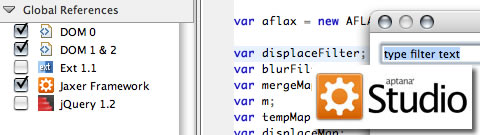
Aptana Studio Aptana Studio is a free open-source AJAX development environment that offers such features as JavaScript debugging, full HTML/CSS/JS content assist, FTP support and integrated samples. Aptana Studio also offers a plug-in for Adobe AIR development that combines the fully featured Web development environment and complete support for developing, running and exporting Adobe AIR applications.
- Developing Adobe AIR projects - Aptana Docs
- Developing Adobe AIR with Aptana Studio
Adobe Flex Builder 3 An Eclipse-based developer tool that allows for coding, interactive debugging and visual design of the user interface and behavior of Flex applications. Includes support for building desktop applications with Adobe AIR.
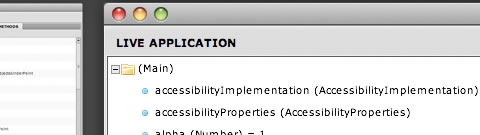
De MonsterDebugger De MonsterDebugger is an open-source debugger for Adobe Flash, Flex and AIR. De MonsterDebugger itself was built with Flex and AIR.
Adobe AIR Extensions for Dreamweaver The Adobe AIR extension for Dreamweaver allows you to package and preview AIR application files directly in Adobe Dreamweaver CS3 or CS4, so you can leverage your existing Web development skills to build rich Web-applications on the desktop.
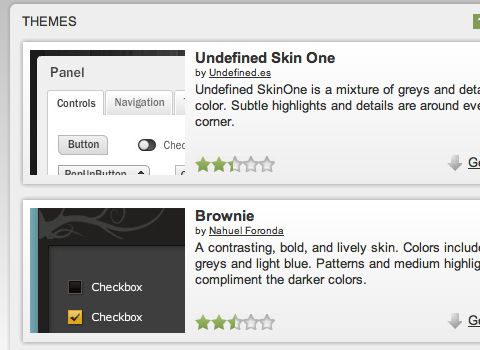
ScaleNine ScaleNine provides inspiration and resources to designers and developers working with Adobe technologies. The site offers a variety of themes and skins to turn vanilla Flex and AIR applications into custom visual experiences.
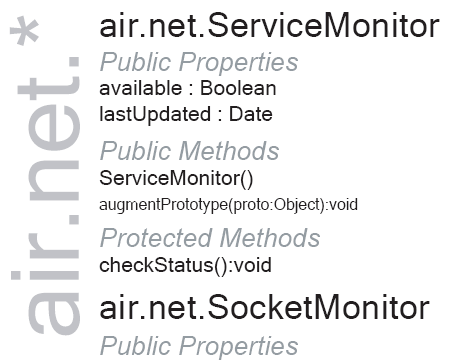
JavaScript Language Reference for Adobe AIR Overview of the JavaScript Language Reference for Adobe AIR.
Adobe AIR Cheat Sheets
Adobe AIR JavaScript Developers Pocket Guide This book provides a quick introduction to developing applications for Adobe AIR. The book gives an overview of Adobe AIR, shows how to set up your development environment, and discusses new Adobe AIR functionality and APIs. Once you have finished reading this book, you should have a good understanding of what Adobe AIR is as well as how to build HTML and JavaScript applications for it.
AIR Cheatsheet This 7-pages long Adobe AIR cheat sheet, created by Sean Moore – print out, learn and use as a quick reference.
Understanding the Potential of Adobe Integrated Runtime (AIR) (PDF) Most of the information that’s been made available about Adobe AIR so far, has been written for the programmers that are building applications, not for the visionaries that are designing the client experiences. The objective of this paper is to provide executives, project managers, marketers and other visionaries with an introduction to Adobe AIR, and information about how Adobe AIR can be leveraged to create next generation web experiences.
Adobe AIR Free Samples
Download free sample applications that will help you get started using Adobe AIR.
AIR Examples A bunch of Adobe AIR examples that can be downloaded and used for free. Flex and ActionScript examples are available as well.
Adobe AIR for Linux Sample Applications This page includes basic applications for Linux built by Adobe engineers to demonstrate capabilities of the runtime.
Six must-see Adobe AIR sample applications Applications available include Twitter Desktop, Kuler Desktop, Fresh, Finetune Desktop, DiggTop and SearchCoders.
Kevin Hoyt - JavaScript AIR Samples Updated (and more) A great collection of 75 Adobe Air samples from Kevin Hoyt.
Adobe AIR Beginner Tutorials
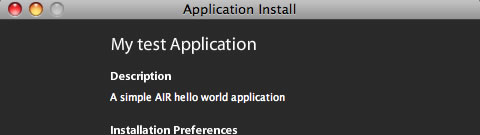
Introduction to Adobe Air “This tutorial introduces you to Adobe Air, a framework to build rich Internet applications.” The first introduction shows you how to create a simple application using HTML/JS technologies.
Build your first Adobe AIR App This walks you through all of the basic steps of setting up your development environment for the AIR SDK, with explanations of file dependencies and AIR’s Sandbox Security model. One of the coolest parts of the tutorial is learning how to store data via the AIR API.
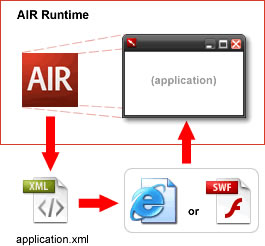
AIR 101 To be launched in AIR, an HTML or SWF application requires an application XML file (a.k.a. an application descriptor file). You can almost consider this application XML file the actual AIR application file: it is initially opened and read by AIR, it specifies application properties such as application window name and size, and it identifies which file (HTML or SWF) is to be loaded into the AIR container.
AIR Beginner Tutorials: Publishing an Application In this tut, you’ll learn how to publish your work and create an installer for it.
Create a To-do List in Five Minutes Using JavaScript and AJAX In this tutorial, you will be shown how to build a simple Web-based application for the desktop with Adobe AIR.
An Introduction To AIR on Linux This how-to-article explains how to install, run and use Adobe AIR on Linux.
Adobe Air Tutorials
Build a Desktop Application within Aptana and AIR Ext JS is an excellent framework for building applications in the Web browser that have desktop-like functionality. But what if you could run your JavaScript-powered application on the desktop like any other native application? Adobe AIR makes this a reality.
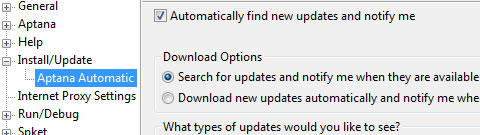
Introduction to SQLite in Adobe AIR A few tuts are on this page. You will learn about: SQLite in Adobe AIR, SQLite Contact Manager, SQLite wrapper classes, SQLite Editor and SQLite YouTube Database.
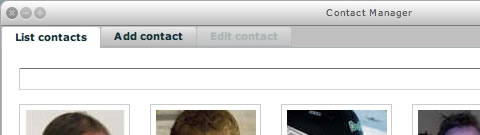
Using SQL with Adobe AIR If you didn’t know already, AIR comes with a genuine lightweight database: an implementation of SQLite. You can create tables and views, insert and delete data and run queries. The API that does this is the flash.data package. If you are interested in using the SQL capabilities of AIR, then read on.
Flash Applications for Use in the Browser and AIR This tutorial shows you how applications can be developed for both the Web and AIR runtime using a programming pattern known as the “factory pattern.”
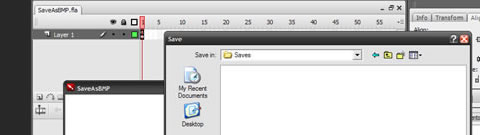
Creating an Image Viewer in AIR With Drag and Drop Here, you will see how an AIR application can be created to accept image files using drag-and-drop and then individually display those images within the application window.
Custom Move and Resize Window Controls in AIR This tutorial covers how to use ActionScript to both move and resize an AIR application’s window using Flash controls.
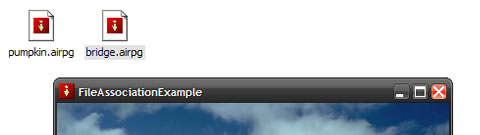
Setting Up an AIR Application with File Associations You can associate any file type with your AIR applications. This means associated files open in your AIR application. This greatly streamlines your ability to work with external files. This tutorial shows you how to do that.
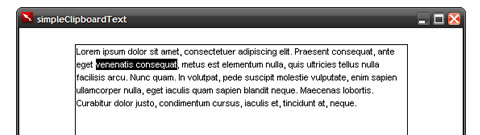
Using AIR to Get and Set Clipboard Text In addition to offering the advantages of running as a desktop application, AIR applications are also able to both get and set content from the operating system’s clipboard. This tutorial shows you how to do both with simple text data.
Adobe AIR and Flash Tutorial In this tut, you will build a little address-book application using the power of Adobe AIR and a local database.
Building an Adobe Air application with Flex In this tutorial, you will learn how to build an Adobe Air application with Flex, an open-source set of technologies for the development of rich Internet applications.
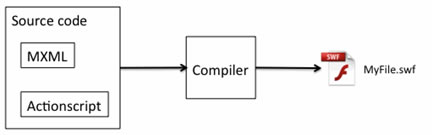
Adobe AIR and Flex - Getting Started This tut, a short one, helps you get your first AIR application going. The first thing you do is get everything in place to start running and building AIR applications. This tutorial requires a little knowledge of Flex.
Part 1, Build a Note-Storage App
Part 2, Build a Customer-Management App
This two-part tutorial is fairly lengthy and in-depth but gets you up to speed very quickly.

Create a Data-Driven Application The SQLite database engine is fast, lightweight and well suited to client-side data management. In this tutorial, you will learn how to build data-driven Adobe AIR applications using the SQLite components.
WebSnapshot - a simple Adobe AIR application
25 Excellent And Useful Adobe AIR Tutorials and Resources An overview of useful tutorials for newbies and professional developers.
The Tech Labs A growing blog that contains numerous tutorials related to Adobe Air, Flash and Flex.
Adobe AIR Video Tutorials
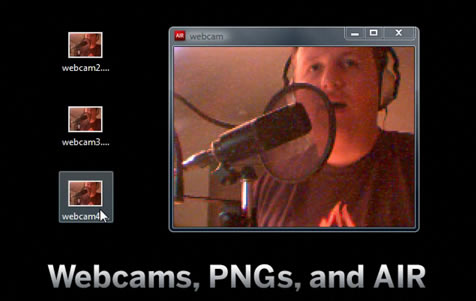
Webcams, PNGs and AIR Build an AIR application that takes webcam shots and saves them to the desktop.
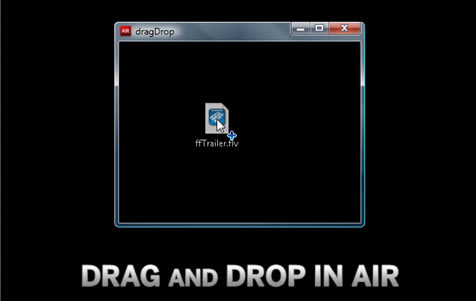
Drag and Drop in AIR Learn how to drag and drop files from the desktop to your AIR applications.
Developing AIR in Flash This tutorial shows you how to develop AIR using Flash CS3 Professional.
Getting Started With AIR on Linux In this tutorial, Mike Chambers explains the basics of getting set up with AIR on Linux.
Air Tutorial - Installing AIR SDK
Intro to Adobe Apollo (a.k.a. AIR)
Cool Adobe Air Applications
Snippage A few tuts on this page. You’ll learn about: SQLite in Adobe AIR, SQLite Contact Manager, SQLite wrapper classes, SQLite Editor and SQLite YouTube Database.

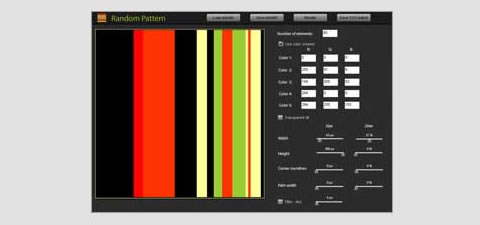
Random Pattern A simple app that creates patterns based on set parameters.
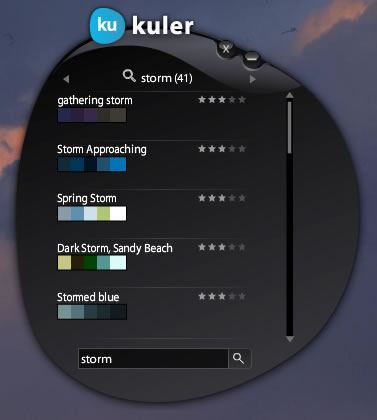
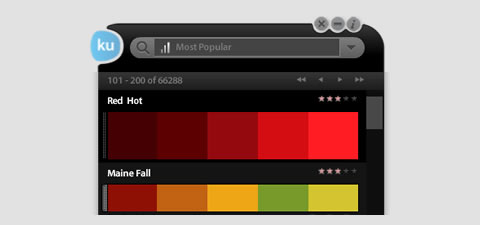
Kuler Desktop Browse and search color themes from kuler.
Spaz - Your Twitter Friend Spaz is one cool Twitter client.
Adobe AIR and Flex - Getting Started This tut, a short one, helps you get your first AIR application going. The first thing you do is get everything in place to start running and building AIR applications. This tutorial requires a little knowledge of Flex.
Part 1, Build a Note-Storage App
Part 2, Build a Customer-Management App
This two-part tutorial is fairly lengthy and in-depth but gets you up to speed very quickly.
Create a Data-Driven Application The SQLite database engine is fast, lightweight and well suited to client-side data management. In this tutorial, you will learn how to build data-driven Adobe AIR applications using the SQLite components.
WebSnapshot - a simple Adobe AIR application
25 Excellent And Useful Adobe AIR Tutorials and Resources An overview of useful tutorials for newbies and professional developers.
The Tech Labs A growing blog that contains numerous tutorials related to Adobe Air, Flash and Flex.
Adobe AIR Video Tutorials
Webcams, PNGs and AIR Build an AIR application that takes webcam shots and saves them to the desktop.
Drag and Drop in AIR Learn how to drag and drop files from the desktop to your AIR applications.
Developing AIR in Flash This tutorial shows you how to develop AIR using Flash CS3 Professional.
Getting Started With AIR on Linux In this tutorial, Mike Chambers explains the basics of getting set up with AIR on Linux.
Air Tutorial - Installing AIR SDK
Intro to Adobe Apollo (a.k.a. AIR)
Cool Adobe Air Applications
Snippage A few tuts on this page. You’ll learn about: SQLite in Adobe AIR, SQLite Contact Manager, SQLite wrapper classes, SQLite Editor and SQLite YouTube Database.
Random Pattern A simple app that creates patterns based on set parameters.
Kuler Desktop Browse and search color themes from kuler.
Spaz - Your Twitter Friend Spaz is one cool Twitter client.

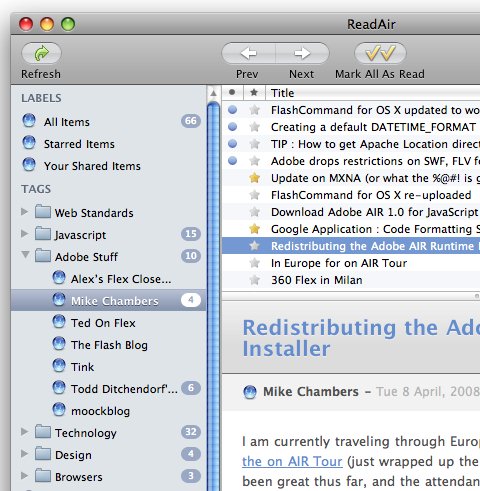
ReadAir ReadAir is nice OSX Themed Desktop Client for Mac or Windows, built with Adobe Air.
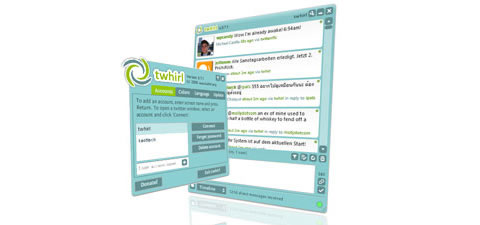
twhirl twhirl is a social software client for Twitter, Seesmic, Friendfeed and identi.ca.
Digg Reader A Digg headline reader that uses all digg.com RSS feeds and auto-updates headlines every two minutes.
GMDesk GMDesk lets you run Gmail, Google Calendar, Google Docs and Google Maps as a stand-alone application, letting you do all your mail handling, calendar planning, document reading and map browsing in one spot.
Snoto Photo Snoto Photo is a desktop application for browsing your and others’ recent photos. You can also view photos as a slideshow.
Font Picker A useful app that lets you browse and preview your computer’s fonts.
Moderator Moderator is a WordPress plug-in and associated desktop application that allows you to view and moderate comments from your desktop.
Further resources
- The Gradual Disappearance Of Flash Websites
- Sketch, Illustrator or Fireworks?
- Transform A Tablet Into An Affordable Kiosk For Your Clients/)
 (al)
(al)

