Best Tutorials For Cinematic Visual Effects

It doesn’t matter whether you are a designer, a developer, an artist or an amateur learner – at some point you need to improve the quality of the original picture or video. You may want to retouch and enhance his or her photographs and videos, make it look better, more spectacular and more original. It could be for personal or commercial use. Most of us know how to edit and enhance the digital photographs using our favorite image editing software. But when it comes to videos, the techniques are completely different from that of classic image editing.
In this post we present best tutorial for visual effects in movies (with Adobe After Effects, 3DSMax etc.) that will (hopefully) teach you how to create impressive videos which can be used for your presentations or websites. Visual effects are used in post production which involves integration of live-action footage and computer generated imagery. You can use it to enhance or manipulate videos, just the way you usually do with image processing tools.
Best Tutorials For Visual Video Effects
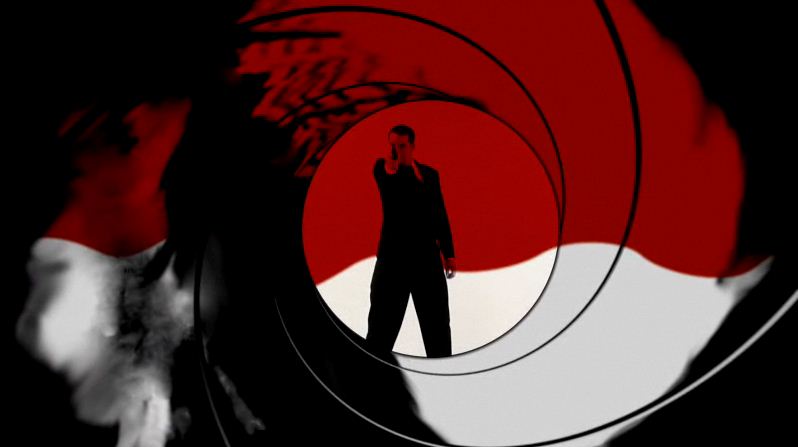
The 007 Intro
This tutorial shows you how to achieve the classic introduction of James Bond films using only basic After Effects plug-ins.
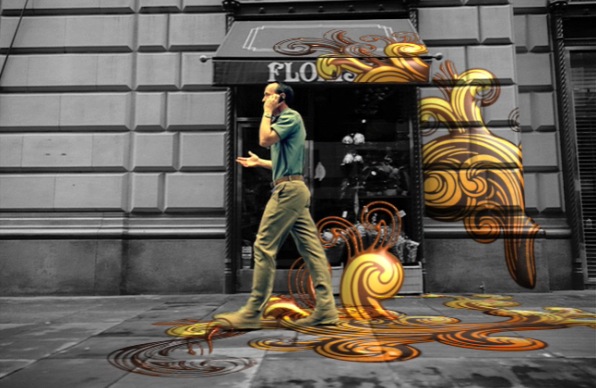
Create a MoGraph Urban Jungle
Use 3D Match moving to create stunning Urban Jungle effect where vector graphics are perfectly tracked to a city footage.
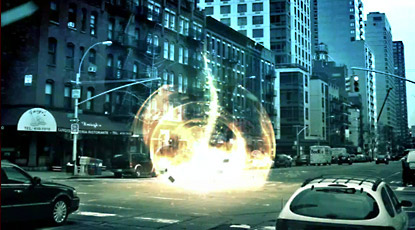
Energy
Create a complex energy scene with CC particle world in Adobe After Effects. Also learn to animate particles in 3D with multiple instances.
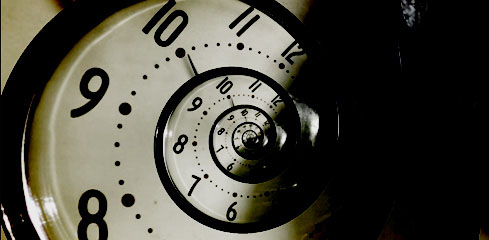
Droste Effect
This tutorial demonstrates the use of new Pixel Bender plug-in to obtain “Droste Effect”.
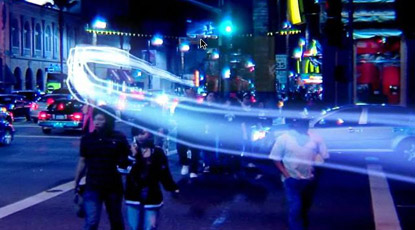
Light Streaks
This tutorial shows you how to create light streaks inside live action footage
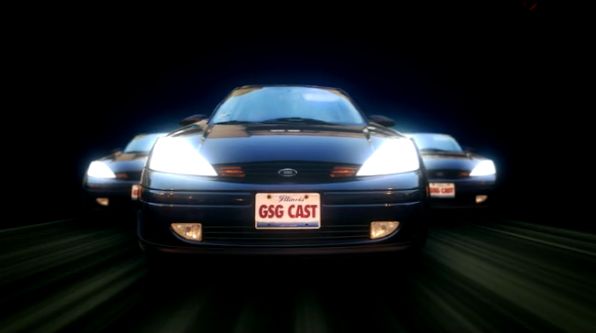
Car Racing Scene
Create a scene of cars racing down a road towards camera. This can be added to your car chase footage. Although the title states the use of photographs, it can be also used with your moving footage as well. Part 1 and Part 2
3D Shadows
Learn how cast 3D shadows onto live action footage.
Disintegration
Build a furious procedural disintegration effect in Adobe After Effects.
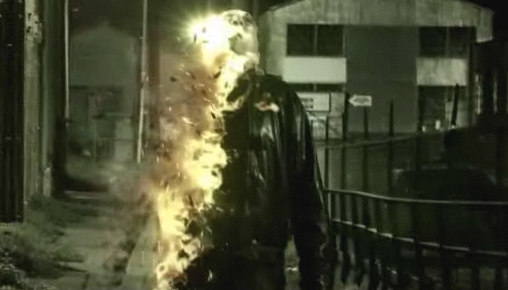
Futuristic HUD
Create 3D interface display in Adobe After Effects inspired by Iron Man’s helmet.
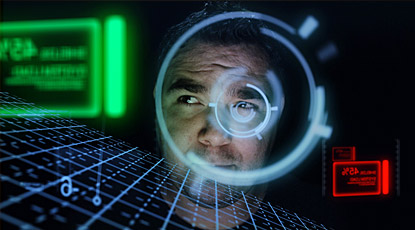
Underground Blast
Simulate a dramatic underground explosion that ripples and dislodges the ground.
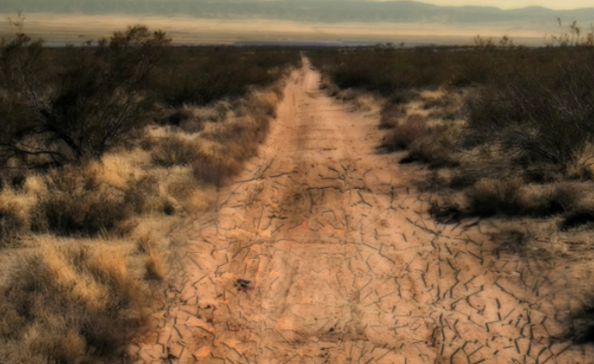
Aurora Borealis
Learn how to create the Northern Lights.
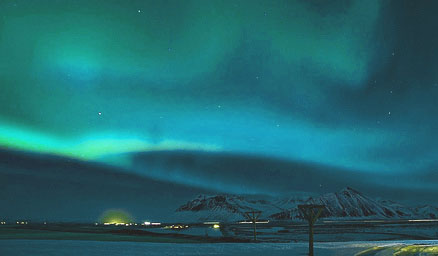
The Juno Opening Credit Look
Adobe After Effects tutorial to create famous handmade juno opening sequence.
Artistic Look
Creating an Artistic Look with Minimax and Overlay in After Effects .
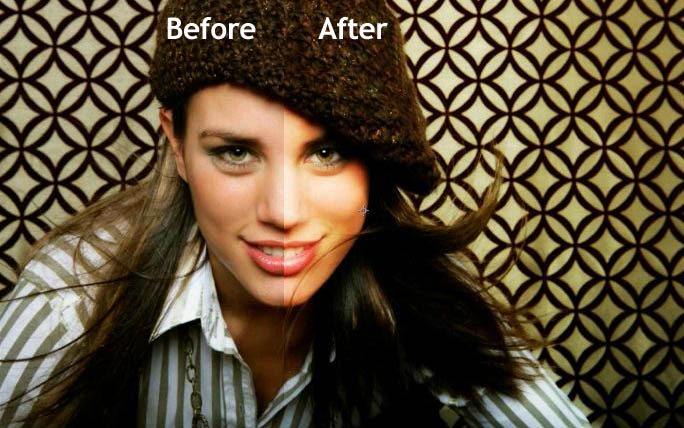
Realistic Camera Move with Parallax
Need to add realistic camera moves? This tutorial will help you to achieve it. Also you can refer to “Virtual 3D Photos” tutorial to get more deeper into it. “Virtual 3D Photos” tutorial will teach you to create a video footage from photos with “realistic camera move” effect.
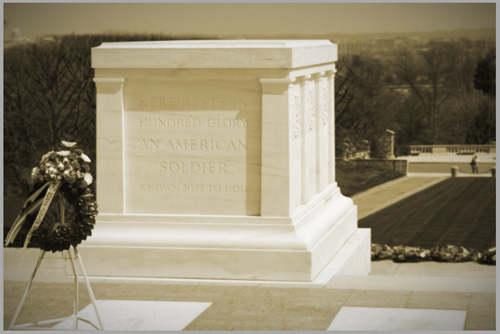
Historic Naval Battle Scene
This is another tutorial that will teach you how to create a VFX naval battle scene from an ordinary footage.
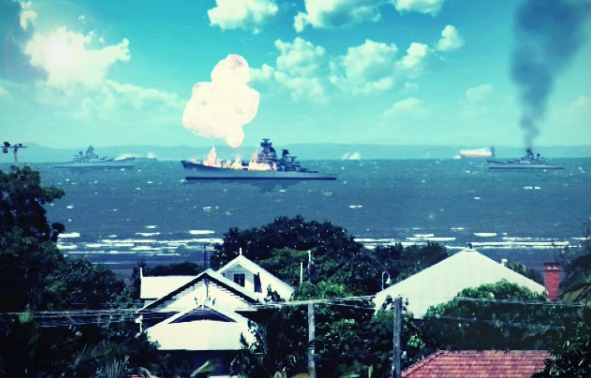
3D Crater
Create a realistic crater into a live footage. This tutorial has been divided into 3 parts – 3D Crater p1, 3D Crater p2 and 3D Crater p3.
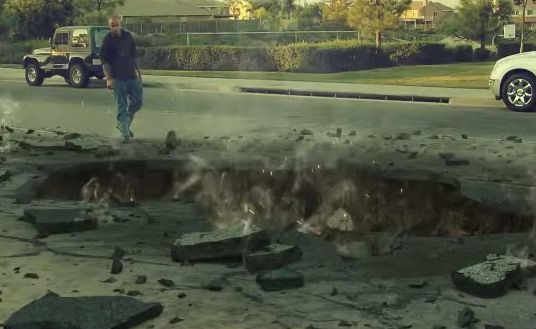
Creating an interior scene
This tutorial shows you how to make an interior scene using 3dsmax with realistic rendering in Vray. It could be used with your green screen video footage later.
Better Compositing with Particles
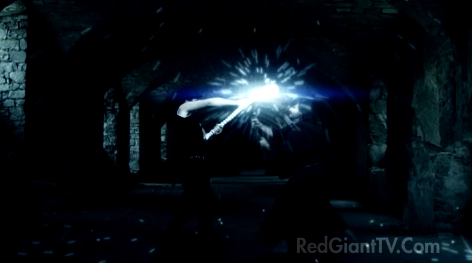
This tutorial shows you a technique for placing layers inside the middle of a particle system – crucial to truly integrating your CGI effects with your live action footage or motion graphics.
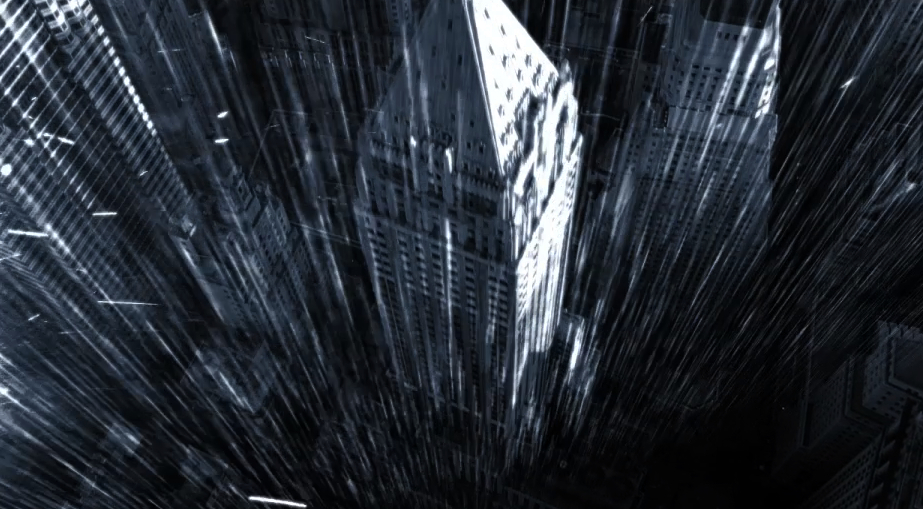
3D Rain
This tutorial will teach you how to turn an aerial video footage into a cold nighttime storm with torrential rain and lightning.
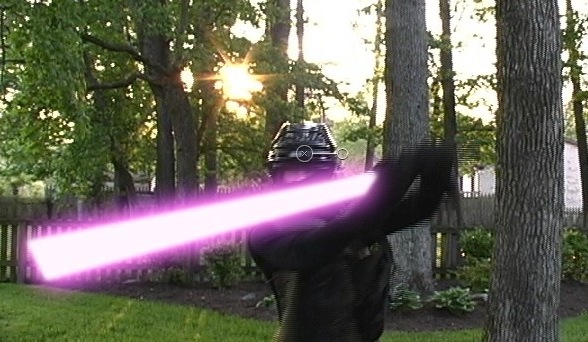
Lightsabers
Apple Motion tutorial for creating lightsabers.
Healer
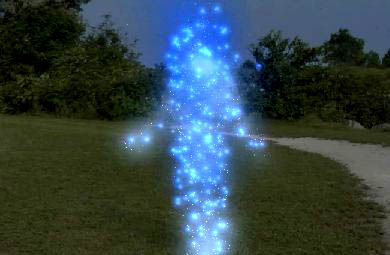
Adobe After Effects tutorial to create a realistic self healing effect.
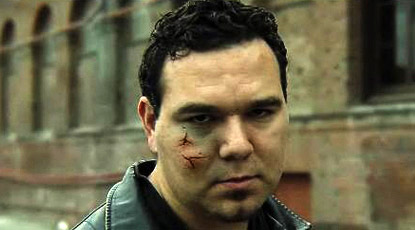
Time Freeze
Adobe After effects tutorial to a create illusion of frozen world around a person.
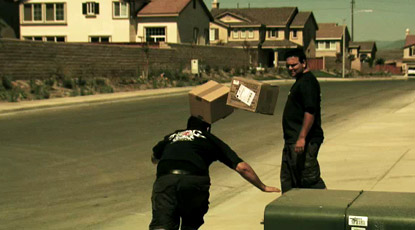
Breathtakingly Awesome Rain Scene
Adobe After Effects tutorial shows how to create the dramatic slow motion rain drops falling scene. Part 1 and Part 2
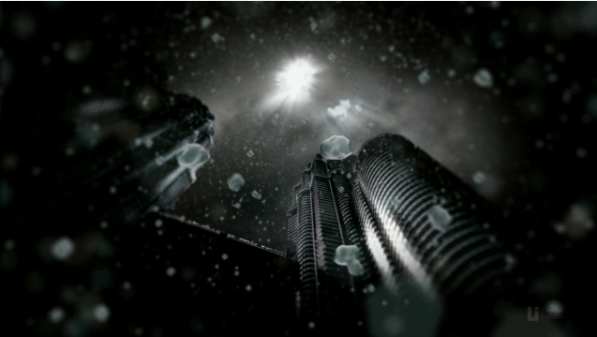
Slow Motion
Create a slow motion video footage without use of high speed camera.
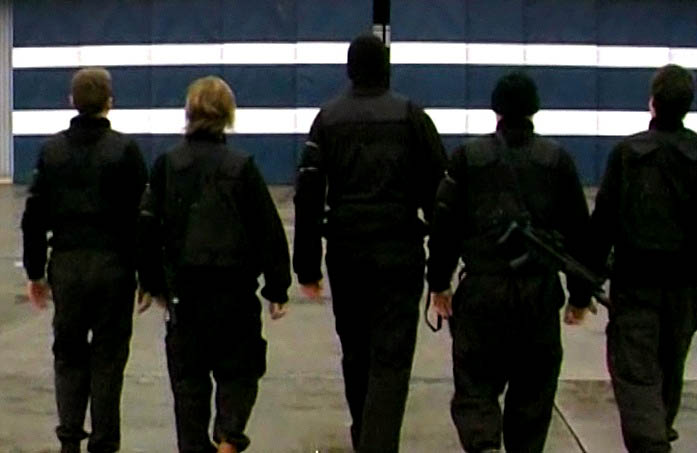
Car Light Trails
Create car light trail effect in Adobe After Effects with help of 3d stroke effect.
Instant Freeze
Adobe After Effects tutorial will explain how to add instant freeze effect to footage. Also shows how to add camera lens frost over and crack to give it a realistic look.
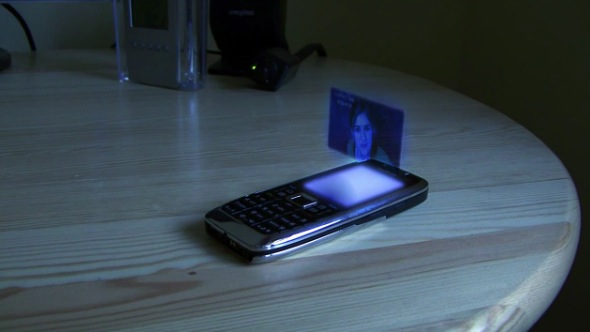
Futuristic Floating Hologram Effect
This tutorial will show you how to make a futuristic floating hologram over a cellphone.
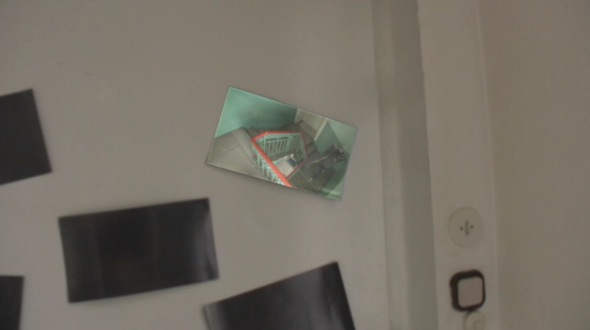
Track Live Video to a Postcard
This tutorial shows how to track video to a Postcard using scripts which are freely available. Also shows how to recover highlights from the tracked footage and apply them back over the moving video for a very convincing effect.
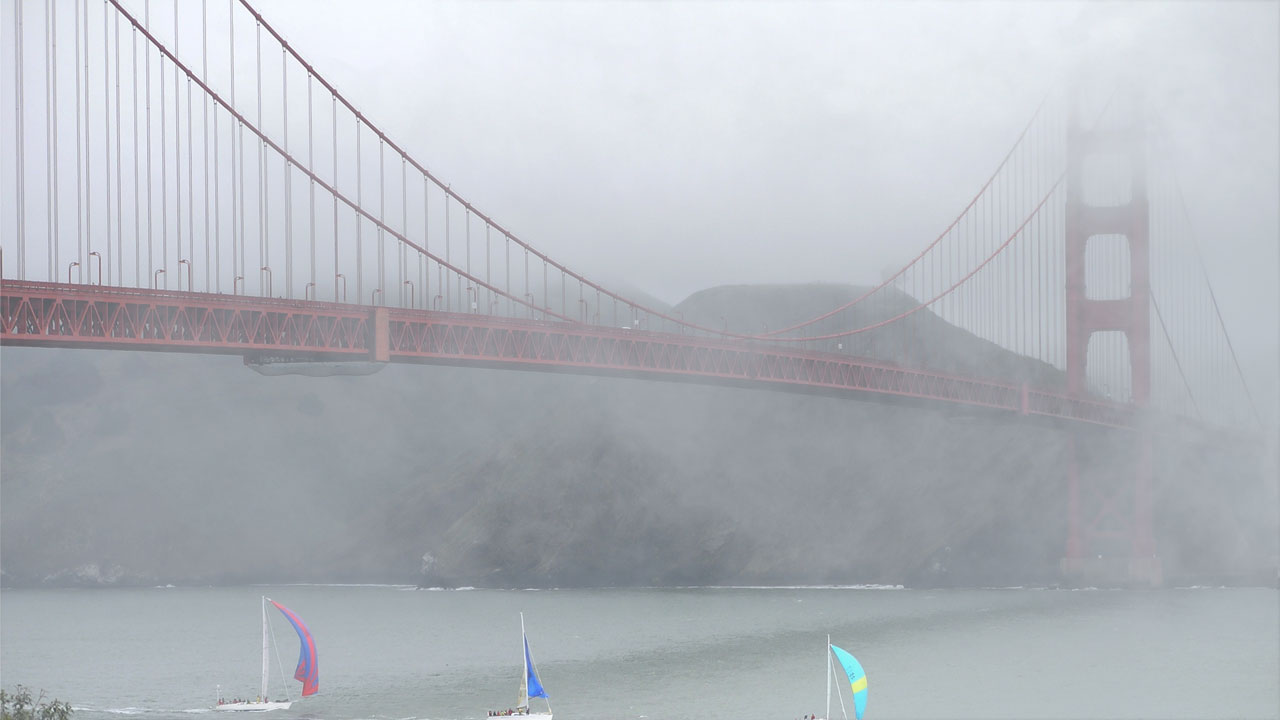
Compositing Fog
Daniel Broadway shows the correct way compositing fog elements in a video footage.
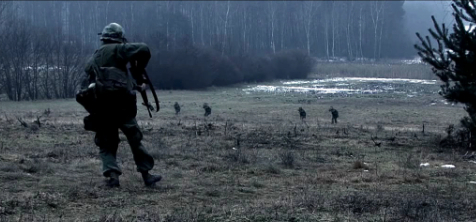
War scene
This tutorial shows you how to create a realistic war movie from a video footage shot using only one actor and a camera man. This is an advance tutorial in which color correction and effects like realistic camera shake and bullets hitting the ground are used to give it a realistic look. Part 1 and Part 2
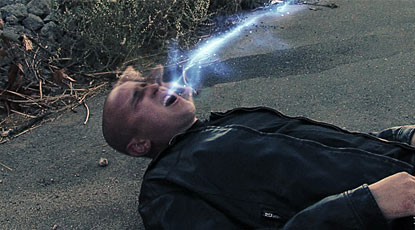
Soul Removal
Create soul removal effect using particle system in Adobe After Effects. This tutorial also shows you to add facial Distortion and handy expressions to make it more realistic.
Object Removal
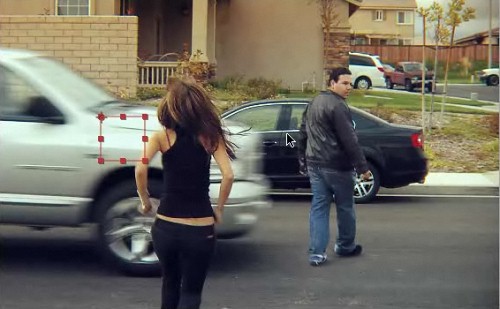
In this tutorial you will learn techniques for removing unwanted objects from the footage.
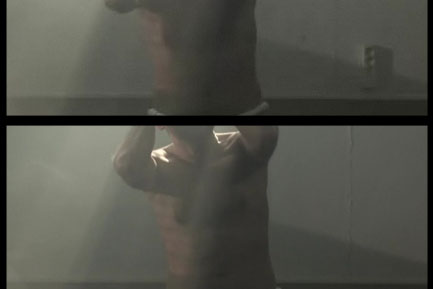
Body Shatter Effect
This shows you how to create a body shattering effect.
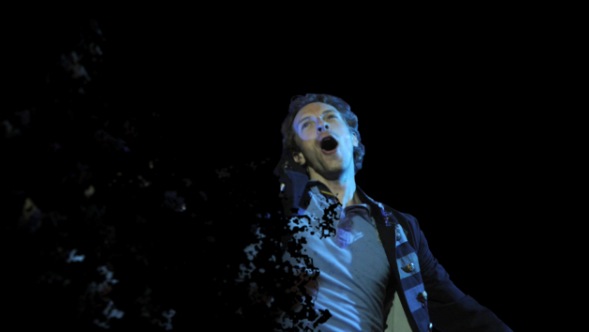
Meteor Crash
Create ground destruction using 3D Max and Adobe After Effects. Tutorial has been divided into 2 part Meteor Crash 3D p1 and Meteor Crash AE p2.
Simulated Lighting
Make explosions and muzzle flash.
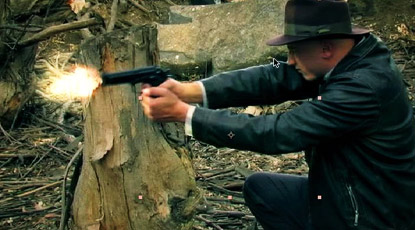
CE ColorCorrection
Adobe After Effects tutorial will teach you to change the look and feel of your footage easily with Color correction plug-in.
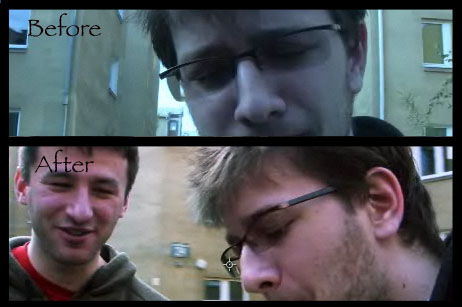
Kamehameha
Learn how to make a kamehameha using Adobe After Effects with Trapcode’s Shine.
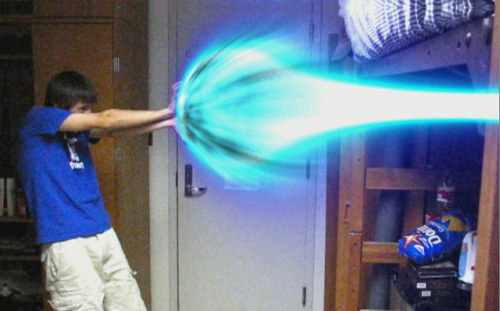
Day to Night Conversion
Tutorial to transform daylight footage to night footage along with artificial lights and illuminate windows.
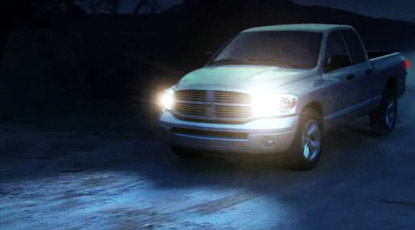
Bleach Bypass Effect
This tutorial shows you how to get bleach bypass look to your footage in Adobe After Effects. You can also have a look at similar tutorial which uses color correction filters available with Final Cut Pro.
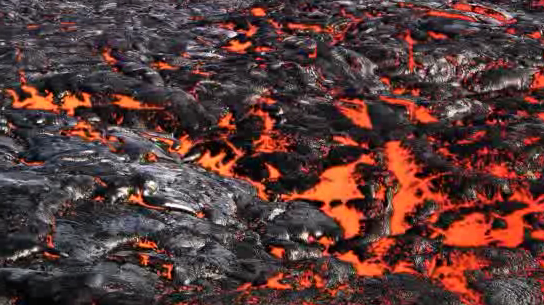
Lava from dry field image
This tutorial shows you how to create lava from a dry lava field image.
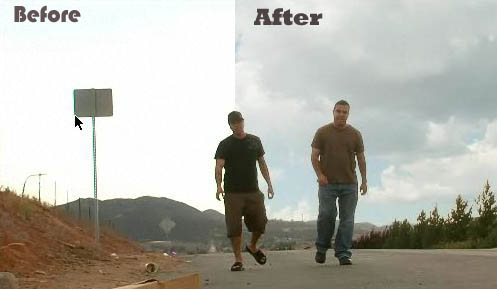
Sky Replacement
One of the most useful tutorial for your everyday videos, to fix blown out sky.
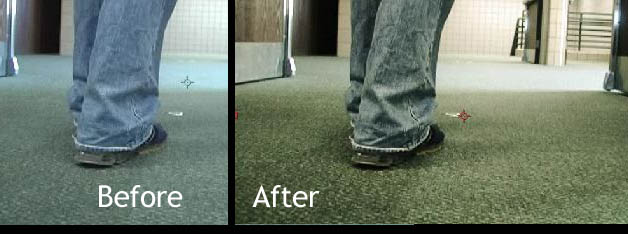
3D Eyeball
Tutorial for creating a 3D eyeball that can look around the room, using CC Sphere to create a material of the eyeball.
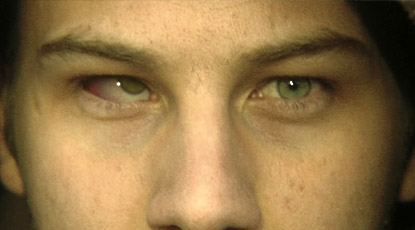
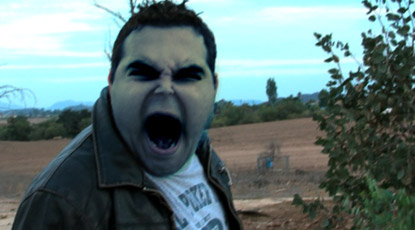
Demon Face
Very useful tutorial if you want to create a horor film. You can also have a look at the similar tutorial Vampire fang growth.
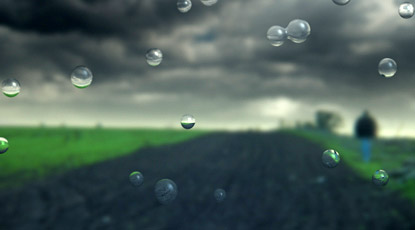
Water Drops
This tutorial will teach you to create water droplets on the camera lens with DOF.
Skin Displacement
Simulate the look of bugs crawling under the skin using Adobe After Effects.
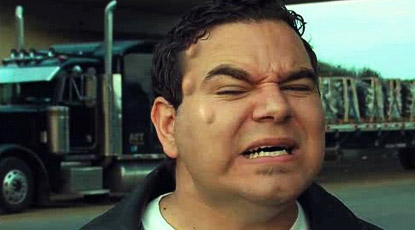
Turning to Skittles
Tutorial is quite detail (but no explanation) which shows how to create those skittles using 3D Max and compositing it in Adobe After Effects. It makes use of many techniques like rotoscoping, tracking etc. The final output it similar to Hilarious Skittles Commercial. This tutorial is split into two parts Part 1 and Part 2
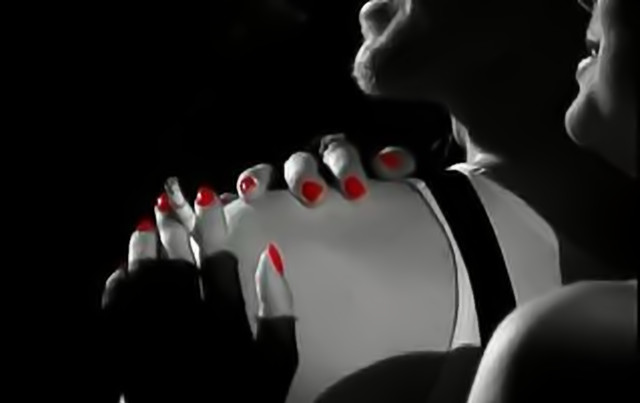
Sin City look
Tutorial for adding sin city look to your footage. This tutorial makes use of Silhouette Roto plug-in.
Blemish Removal
You must have gone through several skin enhancement Photoshop tutorials before. But when it comes to video, the technique totally differs to that used for digital photos.
Blood Splatter
Learn how to make blood stick to things.
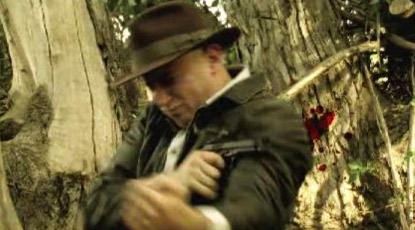
Assisted Suicide
Tutorial for compositing digital blood burst and a muzzle flash.
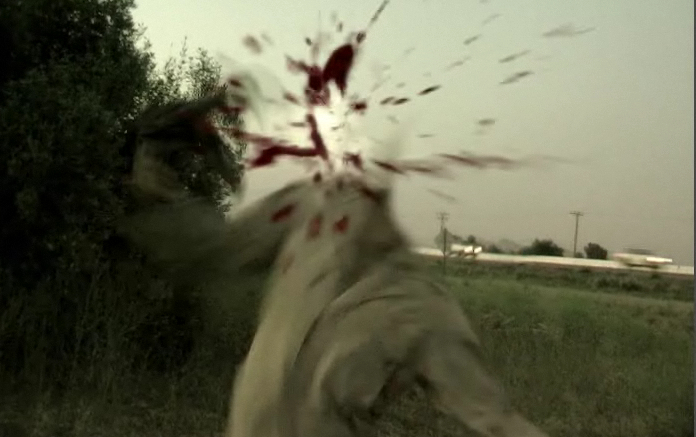
EarthQuake
Tutorial to add earthquake effect in a video footage.
Flashback Effect
This tutorial shows you how to add flashback look to your footage, like in the film “The Bourne Ultimatum”.
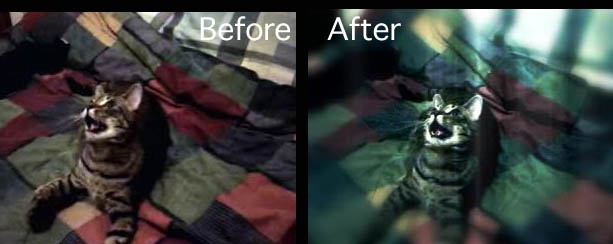
Set Extensions
This tutorial will help you to customize or extend a live action set with custom matte painting. You will also learn to link several motion trackers into one null object.
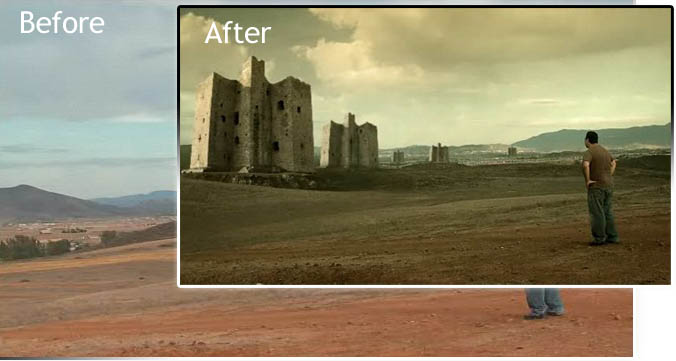
Frosty Breath
Create the illusion of cold breath on a warm day.
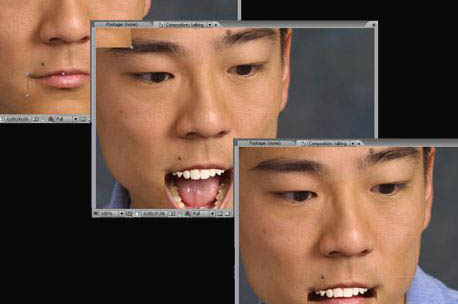
Talking Head
The fastest way to create talking creatures without the use of keyframes.
About the author
Vailancio Rodrigues likes to learn new things and share them with others. He likes to work in the creative field and is constantly improving his skills. You can follow Vailancio on Twitter.
Related posts
You may be interested in the following related posts:


Meach
May 4th, 2009 6:20 amTuts form videocopilot are still one of the best, we all love Andrew :)
Andrew
March 12th, 2013 8:33 pmAwww thanks
Jesse
May 4th, 2009 6:28 amGreat links. Although I don’t do video, mainly web + print; I’m sure if I do in the future, these will come in handy!
Nemo
May 4th, 2009 6:30 amDude that “flock of birds” final video looks soooo bad and unrealistic it has to be a joke, right?
Carlos
May 4th, 2009 6:49 amAwesome! Thanks.
LazyAdmin
May 4th, 2009 6:54 amGreat list! When I have some time I will defenetly try some of these
DKumar M.
May 4th, 2009 7:28 amSome Nice Stuff!!
DKumar M.
@instantshift
xea
May 4th, 2009 8:00 amStunning! Thanks
Andrew
May 4th, 2009 8:14 amI’m not a video guy, but I love watching these tutorials, especially the videocopilot ones. They’re surprisingly witty, plus the end results are really cool looking. I’ve always wondered how some special effects were done, these take the mystery out of it.
DyNamicLinQ
May 4th, 2009 8:28 amOMG This is the best compilation ever! Thanks a lot guys :)
Sebyrar
May 4th, 2009 9:29 amGreat compilation, my fav is Learn how cast 3D shadows onto live action footage. I’m trying to do the same ! Thxs
Heather
May 4th, 2009 10:36 amThere’s a reason most of these are from Video Copilot – Andrew Kramer is the best.
Damonstration
May 4th, 2009 12:50 pmHey my kamehameha tutorial! :D I’m flattered to be even remotely associated with Andrew Kramer haha.
By the way, here is a better image if you would rather use it:
http://i43.tinypic.com/2mrdwli.jpg
Vinícius Alencar
May 4th, 2009 1:35 pmVideocopilot is really the best…
All are very good, but the Andrew…
No Comments…!!!
Amazing
Cool
Vinícius Alencar
From Redenção – Pará – Brazil
sherwin (www.sherwinjupiter.com
May 4th, 2009 2:57 pmVideocopilot is the best online visual effect tutorial it got on this planet.. Andrew is de man for the job.. he is funny. intelligent. hats off to him… great guy
Alexis
May 4th, 2009 3:19 pmI agree, I think Videocopilot is really amazing!! I think visual effects are difficult no matter what the medium or technology. You have to strike a good balance between what is believable and what is amazing! I can say that I’m no expert but the few visual effects I’ve done have always been fun to pull off.
Alex – Professional Cutie
MioAmoreDesign
Darwin Santos
May 4th, 2009 4:00 pmAwesome tutorials. thanks.
mike
May 4th, 2009 5:16 pmso awesome!
Therapix
May 4th, 2009 5:31 pmGreat selection!
house
May 4th, 2009 8:01 pmreally good, thanks!
Neeraj Kumar
May 4th, 2009 8:01 pmThis is something which is called Seriously Smashing!!!
I would like SmashingMagazine to post some animation tutorials as well, like ones that you see in movies like wall-e and up or vodafone’s Zoozoos
This post has gained entry to my Vault!
Hanuma
December 16th, 2011 5:11 pmZoozoos are not animated characters they are Human beings that environment created using special Costumes and Sets… Refer Youtube for more information about making of Zoo Zoos
kanchan
May 4th, 2009 8:25 pmVideocopilot is really the best.
[Angelik]
May 5th, 2009 12:03 amThanks! great tutorials and great effects!
Russ
May 5th, 2009 12:29 amYou might aswell just put a link or videocopoilot!!!!!!!!!!!!!!!!!!!!!!!!!!!!!
justastranger
May 5th, 2009 1:06 amWahahaha damn theres a lot of videocopilot in this collection! Andrew Kramer FTW!!!
Dread
May 5th, 2009 2:37 amVideocopoilot is great. Support Andrew, buy the essential DVD or twitch. Its worth!
Víctor
May 5th, 2009 2:59 amAmazing Tutorials!!! I´m going to learn a lot today!!
;)
Yosh
May 5th, 2009 3:32 amThanks! great post ^^
bs.kishore
May 5th, 2009 3:46 amBreathtaking……..!
Quakeulf >:3
May 5th, 2009 4:57 amTaking a stab at CGSociety, are we? >:3
Nice list, even though it’s of limited usability for me as of now.
Kasper
May 5th, 2009 5:44 amFor all the (potential) AE ppl out there, here are some ressources:
VideoCopilot (Andrew Cramer)
AE tuts+ (Daily tuts – also for other Adobe products)
Creative Cow (Mother of all)
Red Giant TV (Trapcode is a must have plugin as well as other of their ressources)
Mark Christiansen (Guru)
Malt Annon (Tuts & scripts)
Dan Eberts (Script father of all – redifinery)
GrayMachine (Tuts & articles)
FXPhd (A PHD in FX…? worth an article in its own…)
MotionWorks (com.au)
AEenhancers (script forum)
Sry I didn’t provide links, should be easy to Google, but wrote these from the top of my head…
Also remeber the Adobe forums and different Adobe developers blogs.
Nice article, nothing groundbraking new, but nice to see that you Smashing people are looking at motion graphics as well.
Therapix
May 5th, 2009 8:57 am@20
Vodafone’s Zoozoos are real actors.
You, above all, should know that they’re women from Mumbai with foam costumes.
Siah
May 5th, 2009 9:57 amwow some really good stuff here, danke.
ATGP
May 5th, 2009 12:09 pm@30
thanx kasper. you posted some useful ressource.
Bemoi
May 5th, 2009 12:58 pmGreaaat Tuts, Thanks Mate, They Are Just What I Was Looking For…
Matt F
May 5th, 2009 8:42 pmNot too sure why Smashing just didn’t save some space and put two links for Videocopilot and AETuts+ . . .
Simpson
May 6th, 2009 1:50 amOMG Very good for me! Thanks! Support!
купить бассейн
May 6th, 2009 3:56 amRealistic Car Hit – very nice)
Almost the most viewed Tutorial.
Chris
May 6th, 2009 12:12 pmWhat a great tutorial! Thanks for this effort.
I still have a question. I’m a beginner in filming but trying to learn as much as possible. I’m wondering how to turn my movies into a real film look effect. You can always recognize professional movies. I hope you know what I mean.
Anyone know a good tutorial how to get this effect?
Matt F
May 6th, 2009 3:32 pm@38 – Chris.
Unfortunately it is usually not an “effect”, it’s good lighting and cinematography. There are technical limitations to video: frame rate, dynamic range, focus etc that cannot match film, but a lot of it is *how* you shoot. Study some movies you really like the look of and take note of how the camera moves and how the sets and actors are lit.
Dan
May 6th, 2009 8:18 pmI feel like every time I see posts like this it is mostly all Andrew Kramer when I know for a fact there are plenty of great people doing tutorials with a style different from Mr. Kremer. Don’t get me wrong he’s incredible, but find some others!
Kevin
May 8th, 2009 4:33 am“I feel like every time I see posts like this it is mostly all Andrew Kramer when I know for a fact there are plenty of great people doing tutorials with a style different from Mr. Kremer. Don’t get me wrong he’s incredible, but find some others!”
I agree.
–
Kevin
DDB
May 8th, 2009 9:25 pmLOL looks like the author finally discovered Video Copilot…
sama creation
May 10th, 2009 7:50 amWhat a great tutorial! Thanks for this effort.
arun
May 17th, 2009 10:24 pmi wnat to know that which is the best visul effect instituets in delhi ?
Jason Saggers
May 19th, 2009 3:38 amAdobe after affects is a nice program that I would love to try if it didn’t cost so much.
I have used other software before but it is simple compared to most adobe products.
Bilal Ghouri
May 21st, 2009 3:30 amGreat ! I’ve always wanted to know how do they create light streaks in movies.
petesangyal2
June 1st, 2009 9:12 pmman i have been looking for a site like this for a looooooong time!tnx to the author(s)….VERY MUCH!!!!
Qwojfgdm
June 22nd, 2009 4:58 amfGTW8P comment6 ,
Lasman
November 14th, 2009 12:45 pmWow!… this is awesome.
prabhakar
December 17th, 2009 1:35 amI Think This the Best tutorials for 2009
dasari srinath
February 11th, 2010 8:53 amyah great tutorial works by video copilot
i appreciate you
It has been helping lot of people in CG VFX
Ant
February 16th, 2010 2:26 amAndrew Kramer’s tutorials are best I’ve seen so far.
Sylvia
March 31st, 2010 9:55 pmMy way of saying thanks for gathering all these great tutes in one place….
Just some English tips. “A footage” is incorrect. It’s just “footage”. Footage is not quantifiable, like water, and you don’t say “a water”. You can say “a piece of footage”. “An webmaster” is also incorrect. Since webmaster starts with a consonant (not a, e, i, o, u) SOUND, you should say “a webmaster”. Also, the word ‘honor” in English starts with the short ‘o’ sound, so you would say “an honor”. “House” starts with the h sound, so it’s “a house”. There are a few other places where you don’t use any article (in this case “a” and “an”). For example: “Tutorial to add earthquake effect in a video footage.” This should be: “A tutorial to add an earthquake effect in video footage.” If you wanted to leave out the first “A” in front of “tutorial” you could.
Someone may say that it doesn’t matter, because they can understand you, but the truth is that when you leave these things out, you are less understandable and there are instances where you can confuse your listener and reader, and you are writing with an accent. If you were to look at my Spanish, you’d see similar things. And I would love it if someone EVER took the time to correct me. But for the most part, people don’t want to offend others, or they don’t have the energy.
rajeshgunjal09
June 11th, 2010 11:20 pmi love it
kosala nawarathna
August 30th, 2010 9:44 pmet`s Wooow—Maxaaa project
Luge
November 11th, 2010 5:09 pmAndre Kramer for President, I say!
Video CoPilot is the bomb. No surprise to see many of these tut’s are from him- wishing I had this epile of VFX goodness when I got started.. hoo, boy. Great primer- passing this one around this weekend-
M.
munna
December 9th, 2010 1:44 amWow, its really great tutorials and very essentials works for us….
thank you very much…
manoj
January 12th, 2011 8:32 pmI like to Learning Cine Lighting
Muhammad Nur Husni
March 2nd, 2011 5:57 amvery nice…………..
srikanth
May 4th, 2011 8:54 pmThanks dude
Super
Pawna Kumar
May 10th, 2011 4:24 amGreat Links for Visual Effects.
joseph
July 15th, 2011 11:10 pmGreat visual effect tutorial i found….