Smashing Magazine
50 Excellent 3D Adobe Illustrator Tutorials
Adobe Illustrator is one of the best applications for making graphic artwork like logos, print designs and Web pages. As time goes on, more and more Illustrator techniques are introduced by talented designers and artists in the industry who achieve some of the best results on the Web. One hot trend nowadays is 3D effects. So, we’ve gathered together some 3D tutorials to give you an idea of what Adobe Illustrator offers and how to use its 3D features. This list mixes tutorials for beginners and experts.
Here then is our round-up of 50 Excellent Adobe Illustrator Tutorials for 3D artwork. You’ll learn a lot of techniques and good practices.
You may also be interested in the following related posts:
[By the way, did you know we have a free Email Newsletter? Subscribe now and get fresh short tips and tricks in your inbox!]
Adobe Illustrator 3D Tutorials
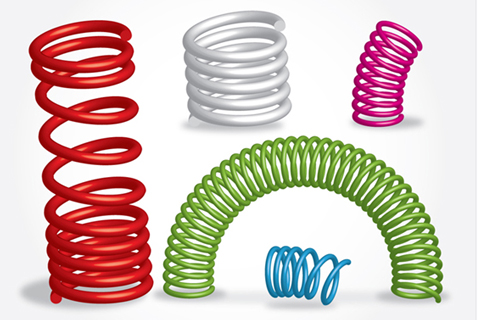
How to Create Funky 3D Springs in Illustrator
In this tutorial, learn how to create 3D springs in Illustrator.
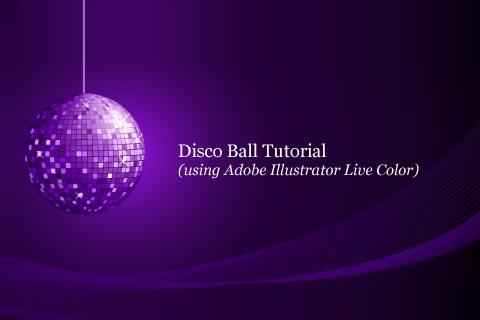
Disco Ball Tutorial
In this tutorial, you’ll learn how to create a disco ball effect in Illustrator.
Design Gift Boxes Using Illustrator’s 3D Tools
Learn how to make a fully editable 3D ribbon and masked 3D typography. Also, you’ll create sparkles using the Symbol Tools.

Let’s Make a Playful Yet Robust 3D Letter Design
This tutorial is perfect for the near beginner who wants to take their skills to the next level. You will create 3D text and use depth of field to enhance a design.

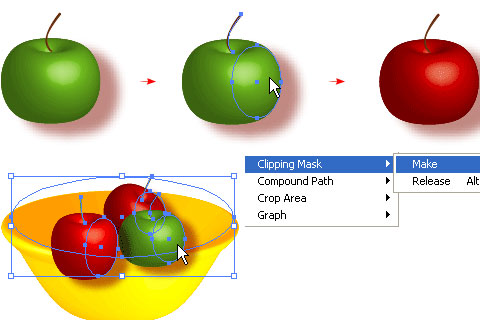
3-D Bowl
This tutorial shows how to create a realistic 3D fruit bowl illustration with Adobe Illustrator CS2.
Illustrator Tutorial – 3D lighted text effect
In this tutorial, you’ll learn how to create 3D text and then apply some brushes to get a neat, futuristic spacey effect.

How to Create an Open Book with Illustrator’s 3D Extrude & Bevel Tool
In this tutorial, you’ll learn how to create an open book mostly using Illustrator’s 3D Extrude and Bevel Tool. You’ll create open pages with graphics and then add a wavy background.

3-D Blue LCD Alarm Clock
Create a 3D neon-blue digital LCD clock in Illustrator, with a final step in Photoshop. This tutorial covers the Illustrator portion. Some skills you’ll learn here are creating perspective, blending and adding gloss.

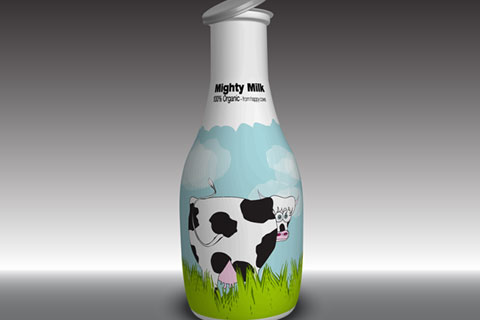
Create a Milk Bottle with a Funny Cow Label
In this tutorial, you will create a 3D milk bottle with a cute cow label.
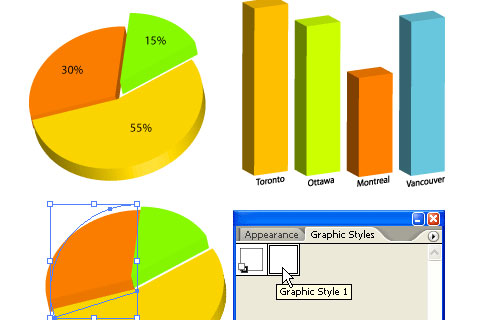
3-D Charts in Adobe Illustrator CS
Create a 3D pie chart with transparency and highlights so that the graphic looks like semi-opaque plastic.

Make 3D Yet Flat-Looking Shopping Basket Icons
Learn how to create a custom shopping-basket icon for your next Web design project. You’ll need a solid understanding of Adobe Illustrator’s tools to complete this tutorial.

How to Make a Vector Military Cap Icon
This tutorial shows the intermediate-to-advanced Adobe Illustrator artist how to make a realistic military-style cap icon using mainly gradients, blends and the Gradient Mesh tool.

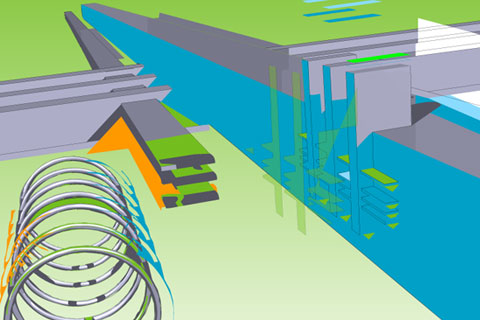
Rendering a 2-D Spark Plug Diagram from 3D Components in Illustrator
This tutorial takes you through building a 3D spark plug from multiple components and then expanding the image into a 2-D vector diagram.
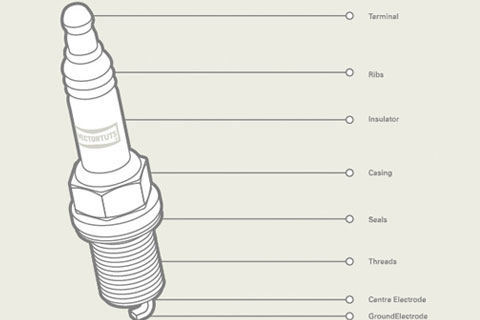
Cool 3D Logo
In this tutorial, you’ll learn how to create a company logo with a cool 3D style.
Create a Checkered 3D Chess Figure Scene
In this tutorial, you’ll learn how to create a 3D chess scene with the help of the 3D Revolve tool and gradient masks.

Big 3D Graffiti Tutorial
An easy step-by-step tutorial on creating 3D graffiti artwork in Adobe Illustrator.
3-D Graphs
This tutorial shows you how to create 3D graphs in Adobe Illustrator CS2 with ease.
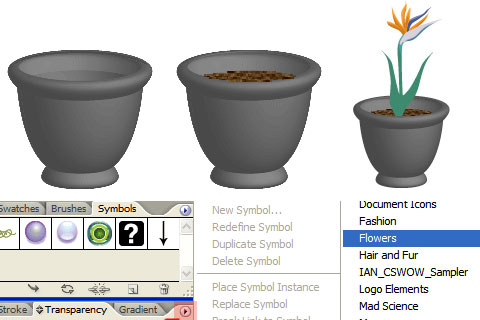
3-D Flower Pot
Create a 3D flower pot, including soil and flower, in this tutorial.
Make a Handy 3D Vector Calendar Icon
Make a handy calendar icon to use on your blog, website or print projects. You’ll use Illustrator’s Path and 3D tools to create this design.

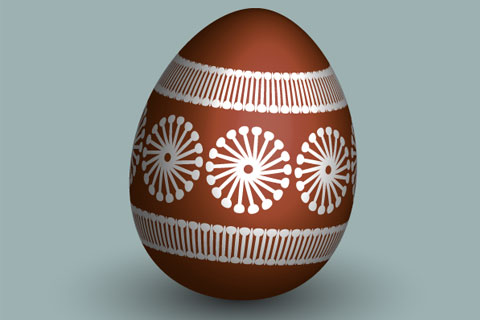
Create and Color an Eco Easter Egg in Adobe Illustrator
In this tutorial, you will learn how to create an “eco”-colored egg for Easter. It is eco because no artificial colorants are used.
Using Swift as a Powerful 3D Illustration Tool
Learn how to create 3D illustrations using Adobe illustrator and Swift 3D .
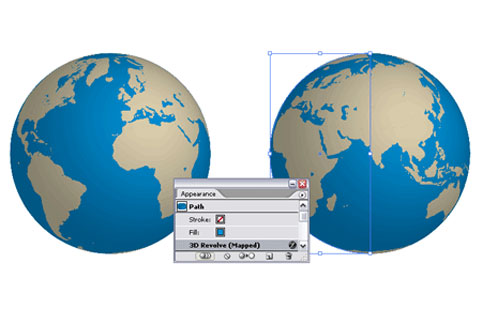
Create a Rotatable Globe in Adobe Illustrator
Create a 3D globe of the earth that revolves to show countries and continents.
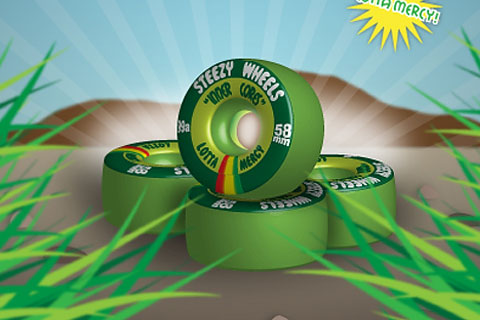
How to Make Realistic Skate Wheels in Illustrator
In this tutorial, you’ll create a set of realistic skateboard wheels and map the wheels using the 3D Revolve tool in Illustrator. You will also learn some cool tricks to add finishing touches.
Glossy Dice Tutorial
Create glossy dice in just seven steps. Throughout this tutorial, you’ll learn how to use the 3D features and other features in Illustrator.

Create a Vibrant 3D Pixel Type Treatment
This tutorial shows you how to give fonts a 3D pixelated look. Using a free font, gradients and Illustrator’s 3D filter, you will easily create a type treatment that you can apply to many other fonts.

Create a Can of Beans by Mapping Vectors to a 3D Object
Learn how to create a can of beans, built entirely from vectors, using the Symbols palette, the Extrude tool and Illustrator’s image mapping.

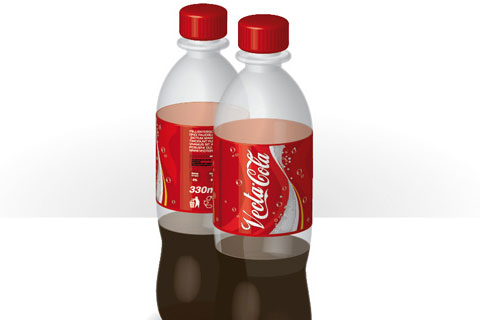
Working with 3D Objects and Transparencies to Make a Vector Cola Bottle Design
A tutorial that discusses how Illustrator deals with transparency in 3D objects. Learn how to create a plastic cola bottle.
3-D Logo
This tutorial shows you how to make 3D gradient logo in minutes. This technique is great for making 3D graphic objects and icons.
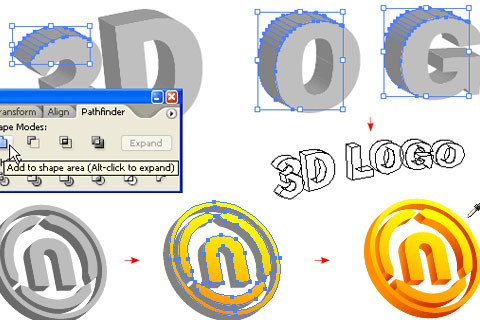
3-D Hammer Using Illustrator
This tutorial show how to create a 3D hammer in 10 steps.
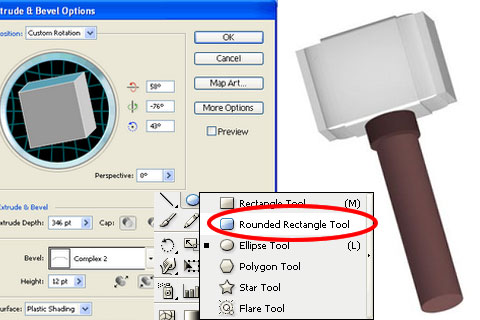
Drawing a Vase in Illustrator Tutorial
In this tutorial, you’ll create a 3D vase using paths and 3D revolve options.
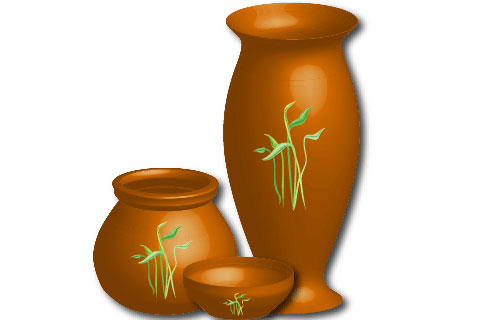
Turn a Boring Bar Graph into a 3D Masterpiece
In this tutorial, you’ll plot an accurate bar graph using Adobe Illustrator’s Graph tool and render the graph to give it added visual appeal.
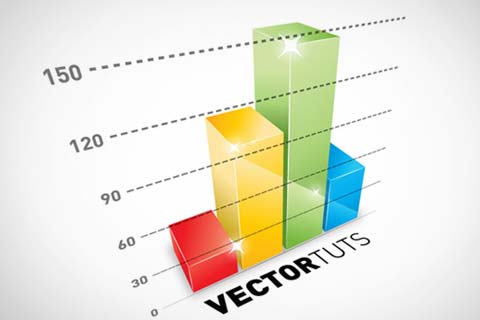
Fun with AI’s 3D tool
A tutorial exploring more of the 3D tools in Illustrator.
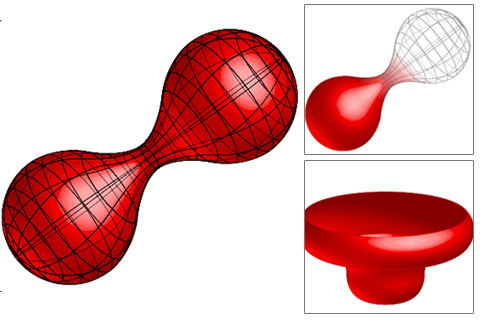
Create a 3D Pushpin and a Paper Note in Illustrator
A tutorial on creating a 3D pushpin with the 3D Revolve tool. You will also learn how to apply highlights and create shadows for a more realistic effect, and add a paper note.
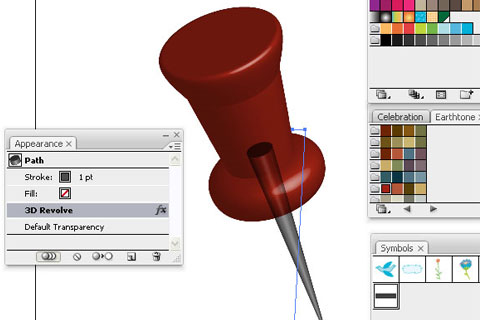
Creating Omspace 3D cylinder graphic in Illustrator
In this tutorial, you will create good-looking 3D cylinders and symbols.
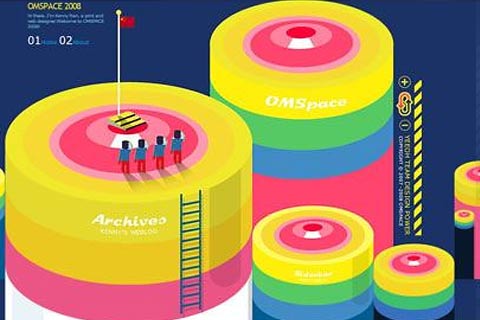
Design a Business Report Cover
Build a classic design layout quickly using Adobe Illustrator. Throughout this tutorial, you’ll use the 3D tool to make a set of business buildings, and then add motion lines.

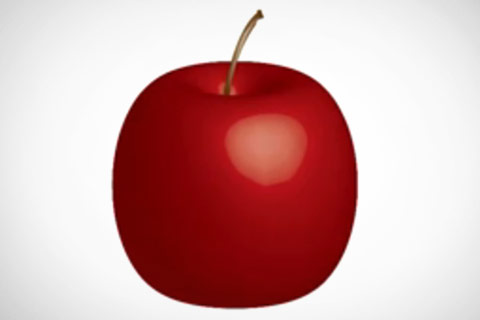
3-D Apple Tutorial
A tutorial on how to create a 3D apple.
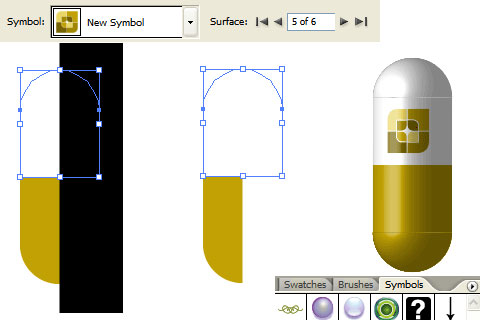
3-D Pill
In this tutorial, you’ll learn how to create a 3D pill to cure your design headaches.
Create a Dream Design with 3D Typography
In this tutorial, you’ll create a dreamscape with 3D typography using Illustrator and Photoshop.

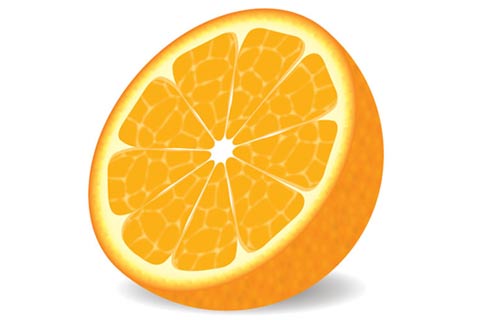
How to Make a Delicious Vector Orange in 9 Decisive Steps
Create a semi-realistic vector orange with simple shapes and tools and multiple effects.
Craft a Delicious Chinese Food Icon
This tutorial demonstrates how to craft a delicious Chinese food icon set, along with numerous vector Illustration techniques. You’ll need a strong command of Adobe Illustrator’s tools for this one.

Create a Colourful 3D Text Explosion
Create a 3D text explosion using Illustrator, and finish it with Photoshop.

Adobe Illustrator in 3-D
Create a 3D can and label in Illustrator.
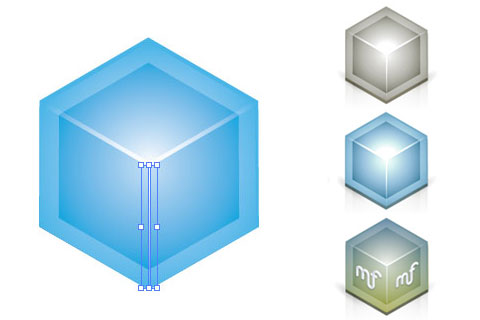
3-D Isometric Vector Icon
Learn how to create a 3D isometric vector icon in Illustrator.
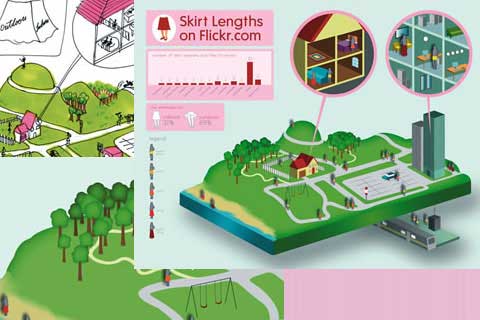
Use the power of Illustrator to Create Cool 3D Infographics
Translate abstract data into an easy-to-understand 3D illustration with these tips.
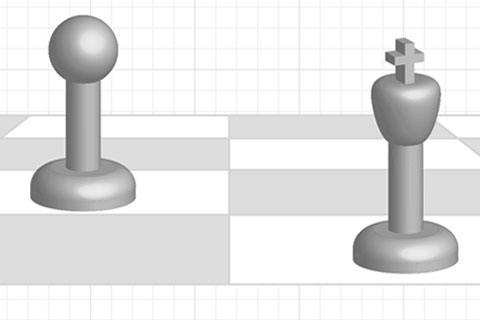
3D Chess Board, King, and Pawn
Learn Illustrator’s 3D tools, Live Paint Bucket tool and pathfinders, and learn how to make a grid and show basic perspective.
Make a 3D Red Blood Cell Button in Illustrator
A tutorial that teaches you how to make red blood cells using the 3D effects in Illustrator.
3-D Effects in Illustrator CS
A tutorial focusing on basic 3D effects in Illustrator. You will learn extrusion and bevel techniques, including surface mapping and other options.
Related Posts
You may be interested in the following related posts:
(al)
Ronald Bien is a Web/graphic designer and a blogger. He is also a creative mind behind Naldz Graphics, a design blog of tutorials, freebies and resources. If you want to connect with the author, you can follow him on Twitter.
- 49 Comments
- 1
- 2
June 16th, 2009 7:43 amSimply Brilliant!
- 3
June 16th, 2009 7:53 amNice set of tutorials, good post!
- 4
June 16th, 2009 7:55 amThanx a thousand time ! Very useful !
- 5
June 16th, 2009 7:59 amThank you..Very useful resources for learning…
- 6
June 16th, 2009 8:07 amin the past couple weeks i’ve seen dubstep and 4:20 references. sm rox.
still my homepage.
- 7
June 16th, 2009 8:13 amLOL 4:20!!!! its weed time!!!! xD I LOVE SMASHING MAGAZINE!!! KEEP UP THE GOOD WORK!!!!
- 8
June 16th, 2009 8:18 am:D nice list, but 3-D Blue LCD Alarm Clock’s tutorial should blend to a “how to make true reflexions” tutorial ;)
:) this will improve a lot to illustrator beginners and enthusiasts
- 9
June 16th, 2009 8:21 amvery good (-: tnx
- 10
June 16th, 2009 8:37 amAmazing Tutorials! Thanks.
- 11
June 16th, 2009 8:47 amThese are great tutorials for those looking to punch up their designs with a smattering of 3D. However, I use the 3D tools in Illustrator on an extremely limited basis. They are so clunky and frustrating.
Eventually I turned to the free 3D app Blender to handle all my 3D needs. Yeah there was a (pretty steep) learning curve but man, the results can not be beat! My clients love what I’m able to do, and so will yours. I can even export the .obj from there and import it into photoshop (extended version) and paint on it!
I use Illustrator daily at my job and in my own personal projects. It excels in so many areas, but I won’t use it for 3D. It’s just ugly…
- 12
June 16th, 2009 8:50 amNice roundup, the “Rendering a 2D Spark Plug…” is a great tut I dig the style and techniques.
- 13
June 16th, 2009 8:58 amAWESOME…great…always wanted to collect more 3d illustrator tutorials….really helped me
thanx A LOT !
cheers - 14
June 16th, 2009 9:38 amI agree with post #11. I’ve played around with 3d objects in Illustrator and it’s extremely frustrating, it’s a resource hog too. Most of these objects are super basic and would take a matter of minutes to create in any 3d application. Just download one of the many “lifetime trial” versions off your favorite torrent site ;).
- 15
June 16th, 2009 9:54 amNice collection but i must say they are not fresh. Fresh means something which has been published recently. and half of the tutorials from this collection can be found on dozens of showcase sites as they are quite old. Still you got a good collection there.
DKumar M.
@instantshift - 16
June 16th, 2009 9:56 amThe most tutorials show the usage of the same functionalities – bevel and extrude. :-(
The Military Cap and the Chinese Food Box are some of the best tutorials, I think.
- 17
June 16th, 2009 9:57 amThis is really excellent! Thank you for sharing! :)
- 18
June 16th, 2009 10:42 amgood stuff really love this!
- 19
June 16th, 2009 5:06 pmthis was a good tutorial i haven’t seen b4, its cool man~
thank you
- 20
June 16th, 2009 5:24 pmI dabble with the 3D Tool from time to time… but it doesn’t beat real 3D software.
- 21
June 16th, 2009 8:14 pmThis could be summed up with a single post about the 3D tool and how revolve + various lighting settings work.
Not really fresh or interesting for anyone who has looked at the 3D tool ever.
- 22
June 16th, 2009 10:07 pmNothing quite as grand as a fabulous illustration. I have the old CS2 Illustrator, and it has so many features. I can’t imagine having more.
- 23
June 16th, 2009 10:59 pmreally kool very nice representation of 3D ;)
- 24
June 17th, 2009 12:59 amThank you so much for this! Now I need to get Adobe Illustrator..
- 25
June 17th, 2009 1:00 amGreat collection, really love it .
- 26
June 17th, 2009 1:03 amAWE-SOM-O
- 27
June 17th, 2009 1:15 amThx for this great post.. :)
- 28
June 17th, 2009 4:47 amNSFW Warning: If you are at work or in a similarly quiet environment, the 3-D Apple tutorial leads to a YouTube video with obnoxiously loud “music” playing in the background.
Mute your speakers and your earphones if you want to avoid going deaf or suffering a synthetic drum-induced heart arrhythmia.
- 29
June 17th, 2009 6:32 amawesome collection! thanks for contribution putting these. I just love 3D things.
- 30
June 17th, 2009 6:48 amAwesome, thanks for including my skate wheels from vector tuts! Some people are knocking illustrators 3D applications, but if you experiment with it, you will find its more than just making semi realistic 3D objects, but you can get abstract and create some awesome effects. Explore your vector illustration software’s 3D possibilities, that’s my advice to you 3D haters…
- 31
June 17th, 2009 2:41 pmFantastic… Thanks for sharing this illustration showcase.
- 32
June 17th, 2009 3:56 pmGreat!!! Fantastic Tutorials!!! Great Contribution!!!! i’m really happy whit the collection!!!
- 33
June 17th, 2009 5:34 pmAmazing collection.
For anyone interested, some more can be found here: http://idesigntuts.com
- 34
June 18th, 2009 7:30 ami for one loved the music ebbing from the apple tut =)
- 35
June 19th, 2009 12:00 amAwesome collection of tutorials. Thanks SM!
- 36
June 21st, 2009 12:10 amthanks alot for sharing
- 37
June 29th, 2009 10:19 amAmazing !
- 38
July 1st, 2009 11:24 pmi am so lucky to found you.
- 39
July 2nd, 2009 12:33 amgreat hai ggggggggggggg
- 40
July 15th, 2009 3:18 pmThanks a lot! Excellent work on gathering all these tutorials!
- 41
July 17th, 2009 12:58 pmJojojo ¡Excelente! voy a sacarle el jugo a todo este material :D. Yeah!
- 42
September 17th, 2009 7:38 pmreally nice tutorials, these will improve my skills
- 43
January 3rd, 2010 8:53 pmIts really amazing tutorials
I wanted to something similar to like this
I think it will take lot of time to reach this level
anyhow great isnt it tttttttttttttttttt
- 44
January 23rd, 2010 11:31 amI prefer real 3d app over 3d effect in Illustrator, because that effect has very low performance, and more difficult to edit.
The only situation I would use 3d in Illustrator, when I am going to use simplified version (i.e, silhouette).
- 45
February 23rd, 2010 9:09 amit is very good and thank you for being helpfull
- 46
February 23rd, 2010 9:11 amit is very good and thank you for being helpfull I am looking forward for
your other tutorials - 47
March 12th, 2010 8:18 amThis is really excellent for user! Thank you for sharing.
- 48
April 2nd, 2010 1:18 amThank’s for tutorial’s…
- 49
May 11th, 2010 5:14 ami like, i like i, like!!!!!!!!!!!! well done
Leave a Comment
Make sure you enter the * required information where indicated. Please also rate the article as it will help us decide future content and posts. Comments are moderated – and rel="nofollow" is in use. Please no link dropping, no keywords or domains as names; do not spam, and do not advertise!
- @sazzy yaaay, happy birthday, Sarah! And congratulations to the wedding! You are a great couple!
- Good News: Dual-Core CPU Opens Door To 1080p On Smartphones - http://bit.ly/a0KowT
- Man Who Destroyed the Boring Interface and Lived - http://bit.ly/c2SjIh - Very interesting read. #graphic #design
- @simoncollison Happy Birthday, Simon. Have a good one, a don't work too much ;-)
- Fresh on SmashingMag: Designing and Producing Creative Business Cards: Techniques and Details - http://bit.ly/ceOKDd
- Google Instant Search Is Released - http://bit.ly/drRq8U
- Web Project: Weighing Cost vs Speed vs Quality - http://bit.ly/ap9IIl
- CSS3Menu: create CSS3-based menus with this free library - http://bit.ly/bJfj1l
- Web Wireframe Kit (a free PSD file) - http://bit.ly/d14tll
- A step to be ahead: start designing for mobile devices - http://bit.ly/dv6DQN


Fantastic collection, I just recently got into using Illustrator!