
The Ultimate Collection Of Maya 3D Tutorials

Email Newsletter
Weekly tips on front-end & UX.
Trusted by 182,000+ folks.


 Celebrating 10 million developers
Maya was developed for the film industry and is now being used for design, visual effects, games, film, animation, visualization and simulation. The most significant thing that sets it apart from other 3D packages — and the reason it is used so widely in these major industries — is that it is highly customizable. Big studios can write custom code to suit their productions using the software’s development kit. This makes Maya highly adaptable to any workflow.
You may want to take a look at related articles:
- 45 Amazing Examples of Code Generated and 3D CG Artworks
- Beautiful Photoshop Illustrations By Artists Around The World
- Inspiring Illustrator Artworks By Artists Around The World
- Best Tutorials For Cinematic Visual Effects
Below, we feature tutorials that address most Maya-related topics for beginners and advanced users. These tutorials cover almost everything Maya has to offer, from modeling to the final rendering process.
For Beginners
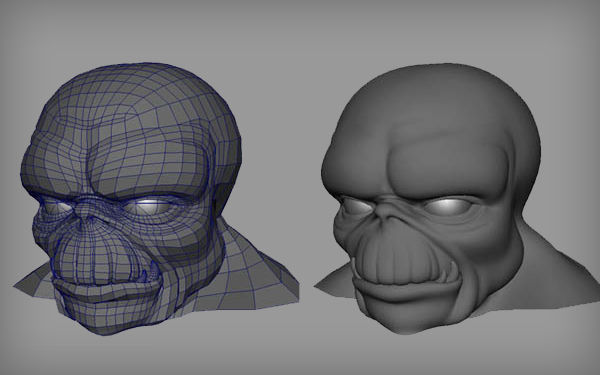
Box Modeling a Male Brief tutorial on the box-modeling technique.
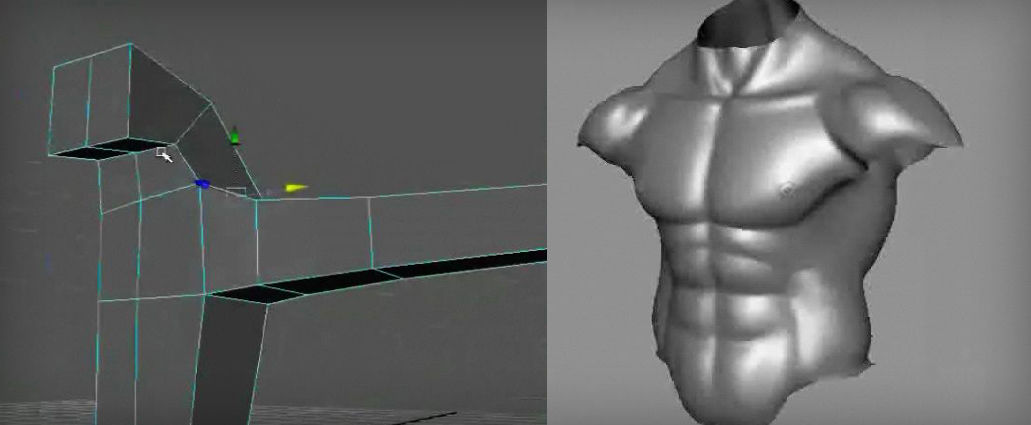
Low Poly Character In this tutorial, you will see how to create a low poly character in 3D.
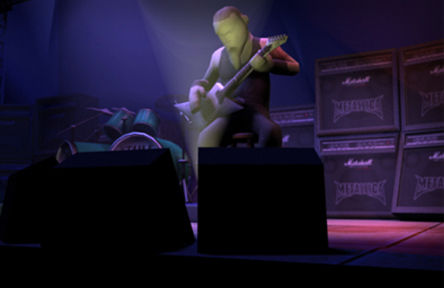
Real-Time Character Modeling Modeling a real-time character.
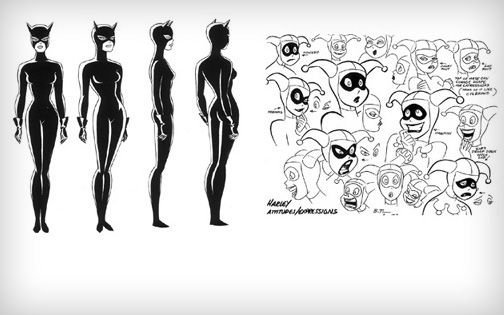
Subdivision Surfaces Use subdivision surfaces to model a character in Maya.
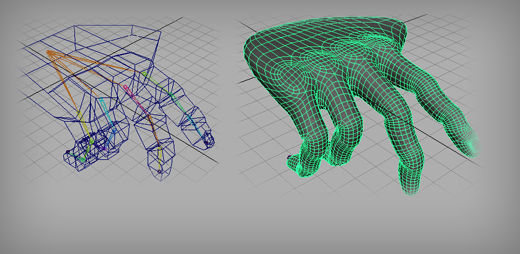
Face This video tutorial teaches you how to model a face in Maya using polygons.
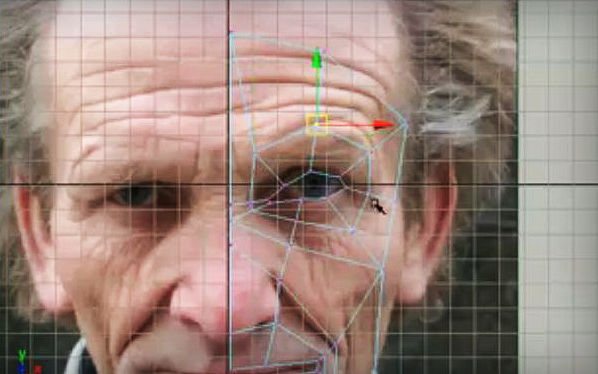
Texture Map NURBS Dragon This tutorial teaches you how to paint 3D texture maps onto a NURBS dragon model.
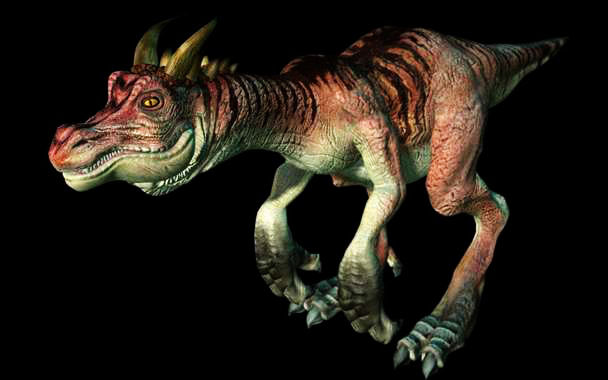
Layered Texture In this tutorial, you learn how to use the alpha channel of your projected image to “stencil” your image over or under other images in your geometry using a layered shader.
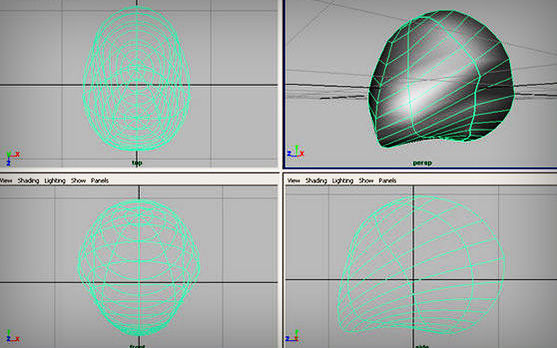
Fur Basic tutorial on Maya fur.
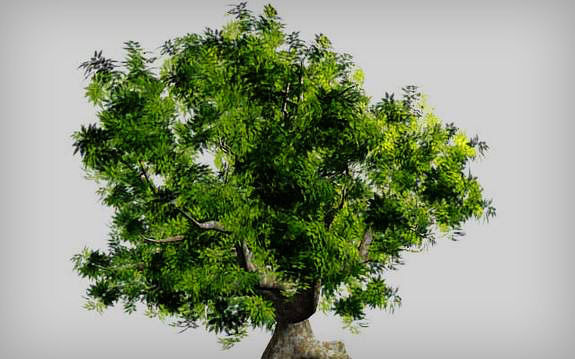
Tree Create a realistic tree in Maya.
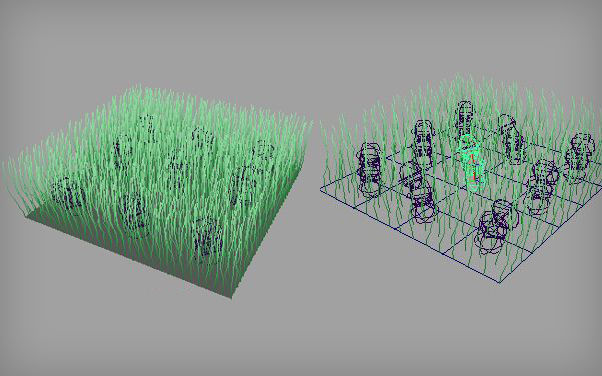
Grass Creating simple grass in Maya.
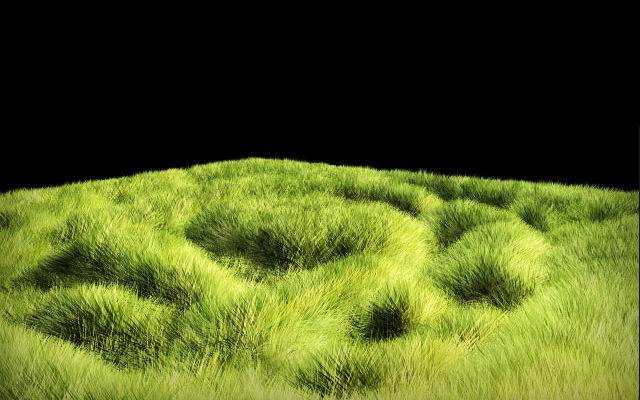
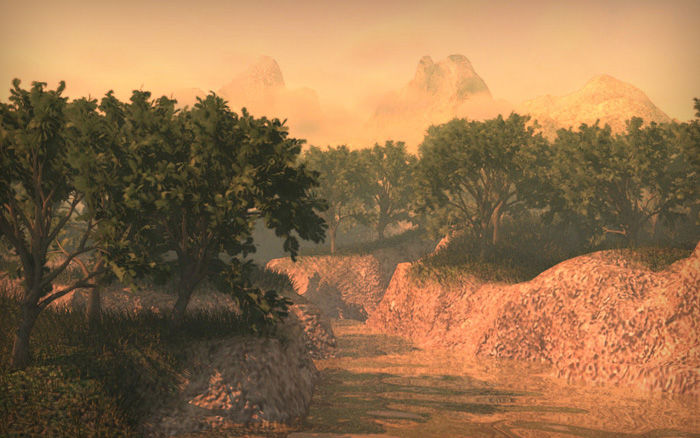
CG Nature This tutorial shows you how to make terrain, trees and grass using Maya.
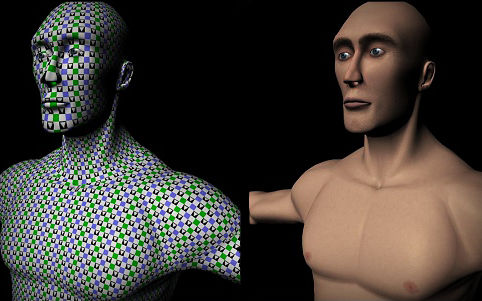
Human Anatomy UV Coordinates Setup for Texturing Learn how to create your UV texture maps correctly so that they don’t blur or stretch.
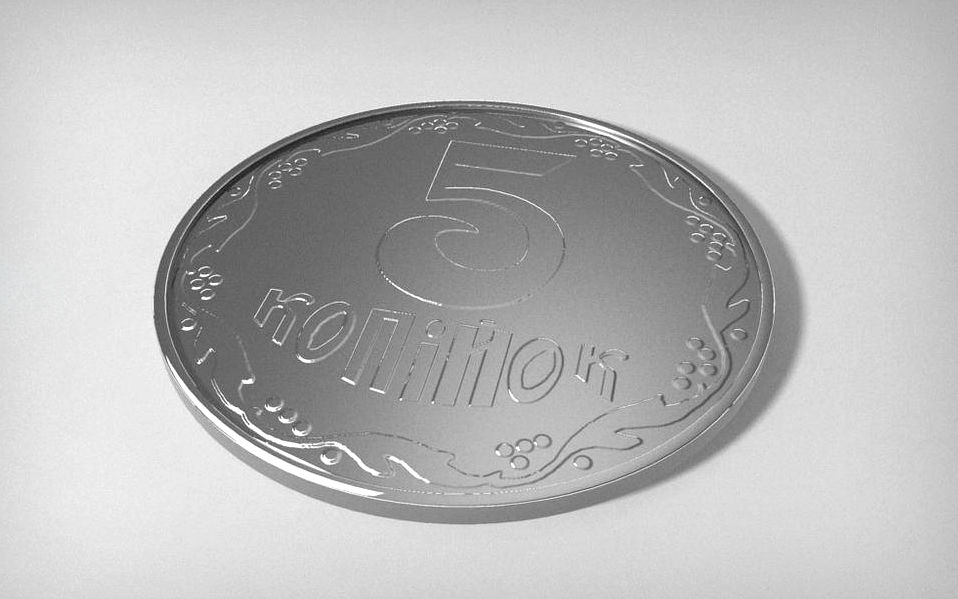
Coin This tutorial shows you how to create a very realistic coin using Maya.
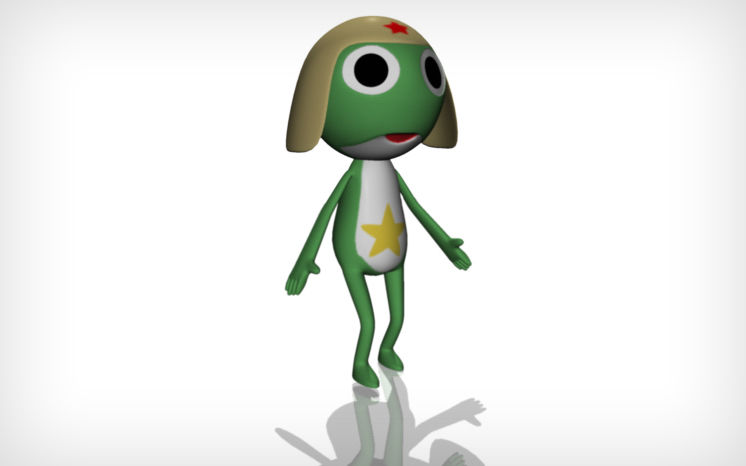
Keroro Gunso In this Maya tutorial, you learn how to model Keroro Gunso.
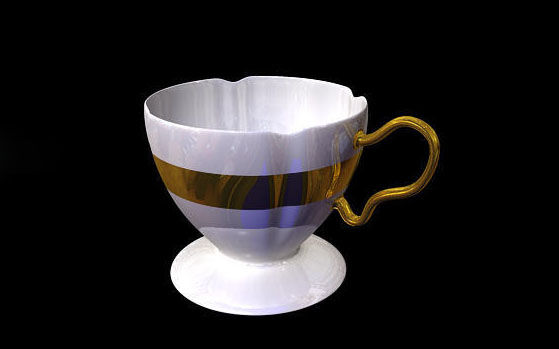
Coffee cup This tutorial shows you how to create a coffee cup in Maya.
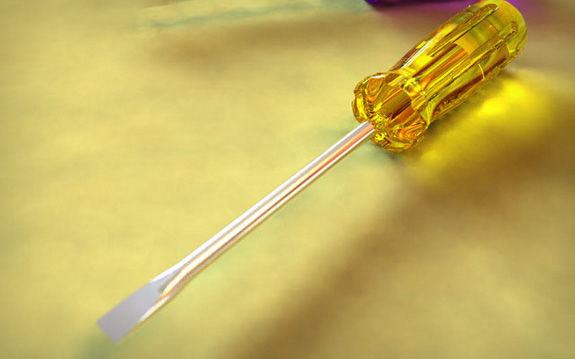
Screwdriver This is a basic modeling tutorial that teaches you how to create a screw-driver and then use Final Gather to render global illumination, HDRI and depth of field.
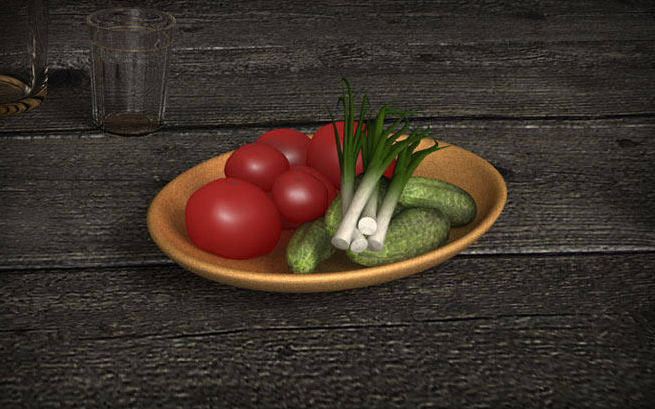
Onion Create a realistic-looking onion in Maya.
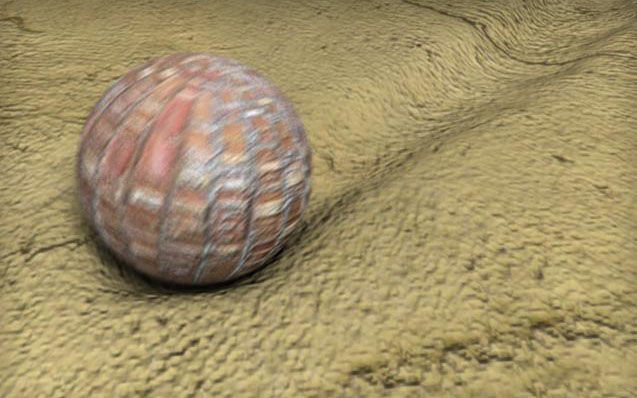
Mud Effect Tutorial on creating a dynamic mud effect in Maya using soft body.
Wine Glass This video tutorial teaches you how to model a wine glass in Maya.
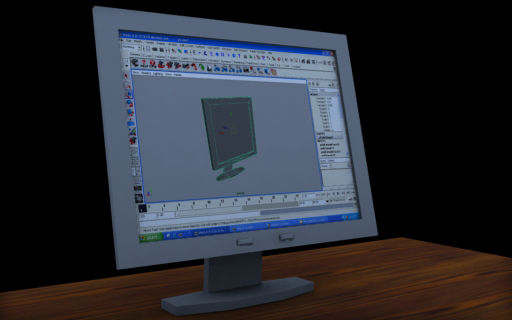
LCD Monitor In this tutorial, you learn the basic modeling of an LCD monitor in Maya.
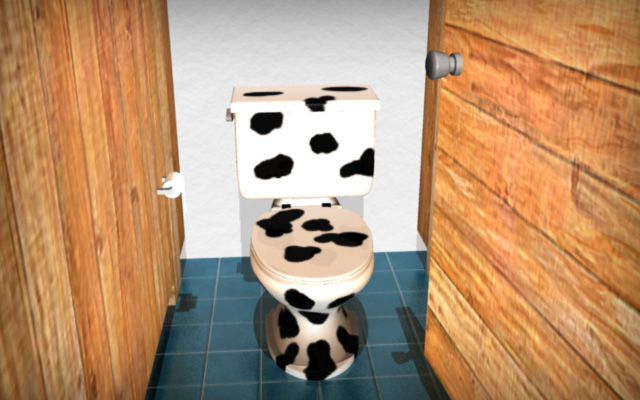
Toilet Tutorial on modeling a simple toilet in Maya.
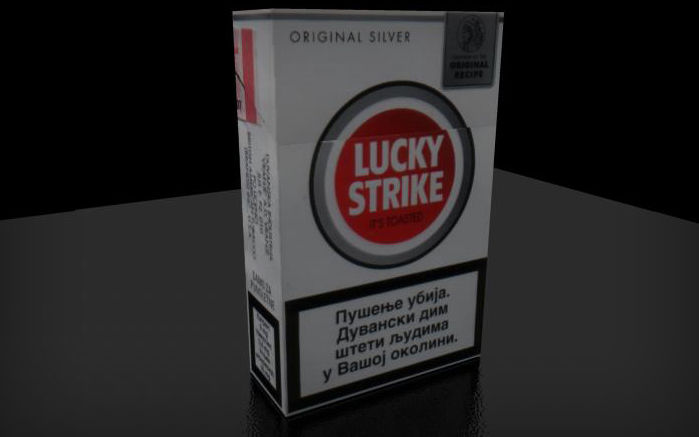
Cigarette Box In this tutorial, you learn basic modeling and UV mapping for a cigarette box.
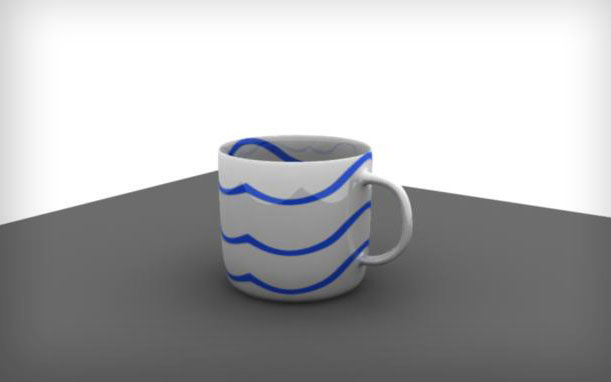
Tea Cup In this tutorial, you learn how to model and texture a tea cup.
Space Ship Learn how to model a space ship.
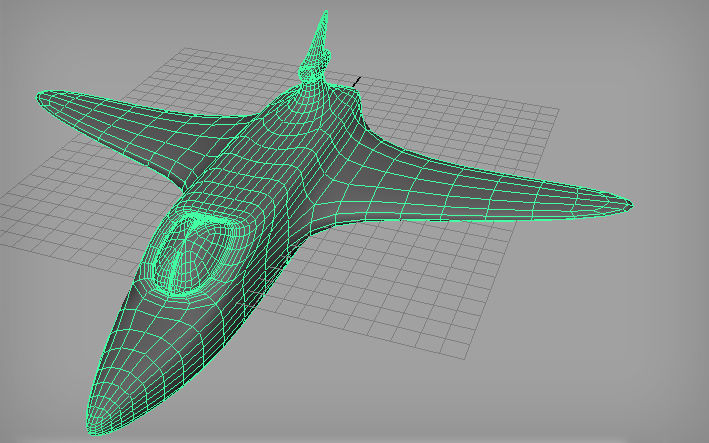
Airplane Video tutorial shows you how to model an airplane in Maya.
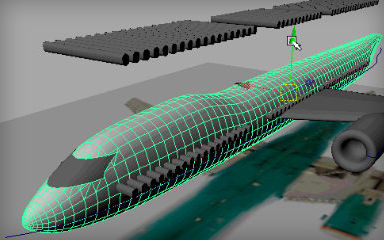
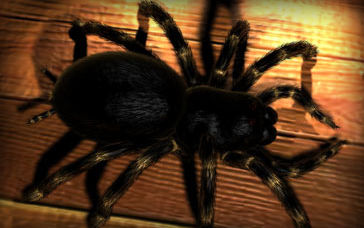
Tarantula Tutorial shows you how to model a tarantula in Maya.
Paint Geometry Tool The Paint Geometry Tool can be very useful when adding anything that needs to be duplicated and randomized across a given surface. In this tutorial, you learn all the basics of Maya`s Geometry Tool.
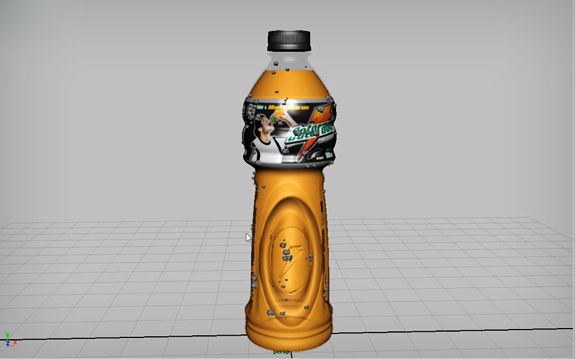
Using Bump Map to Sculpt Details
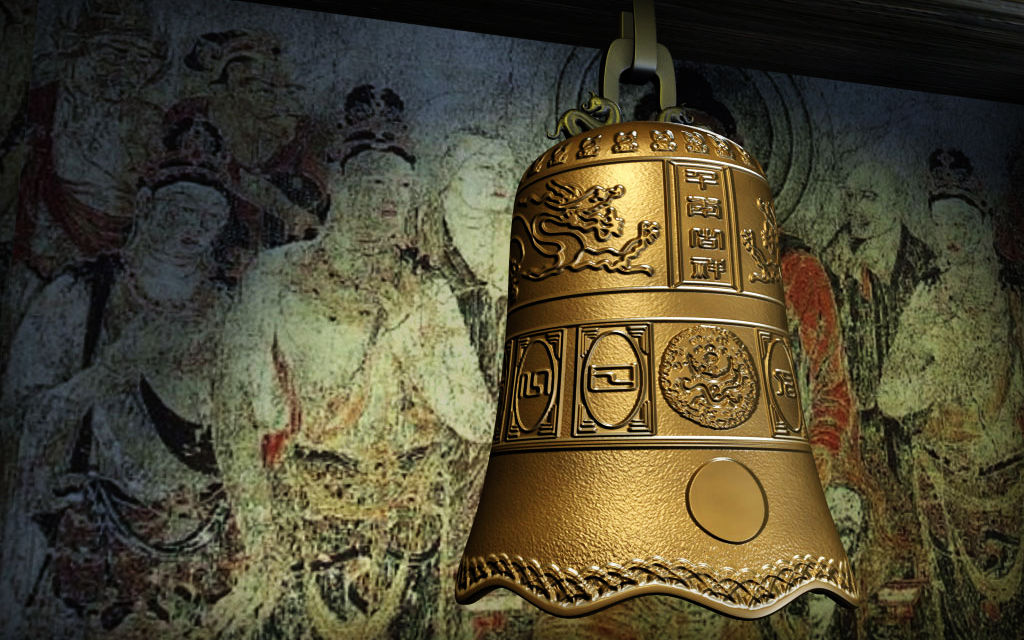
Rendering Wireframe This tutorial shows you how to render wireframes on top of 3D models.
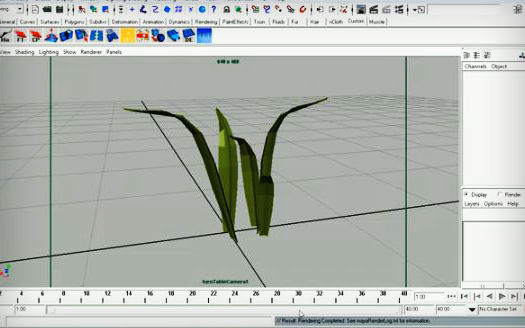
Subsurface Scattering Simulating subsurface scattering with Mental Ray.
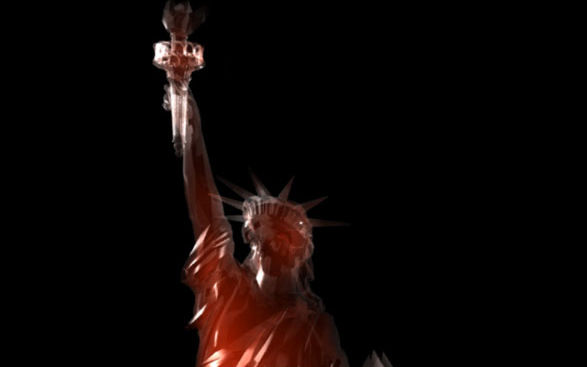
3D Cloud Shader Create a realistic cloud in Maya using fluids.

Light Lamp Creating a realistic lamp light using Maya.
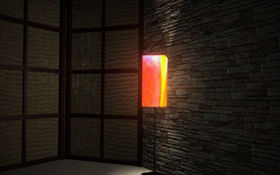
Mental Ray Studio Lighting This tutorial teaches you how to achieve a basic studio lighting setup with Maya and Mental Ray, using a single HDR image and Final Gather.
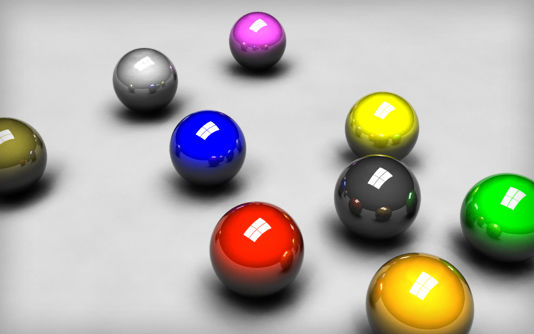
Maya Optics A brief explanation of how lighting works in Maya and how it is different from physical real-world lighting.
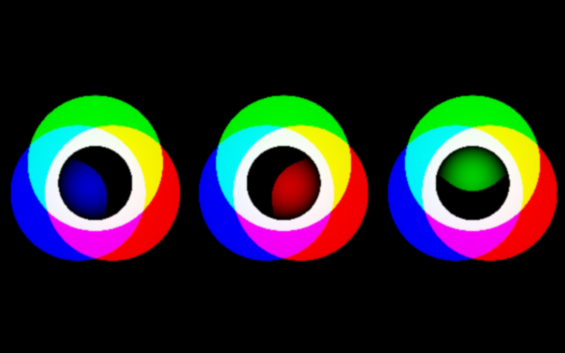
Getting Started With Mental Ray`s Final Gather Basic guide teaches you how to use Mental Ray’s Final Gather to render a model.
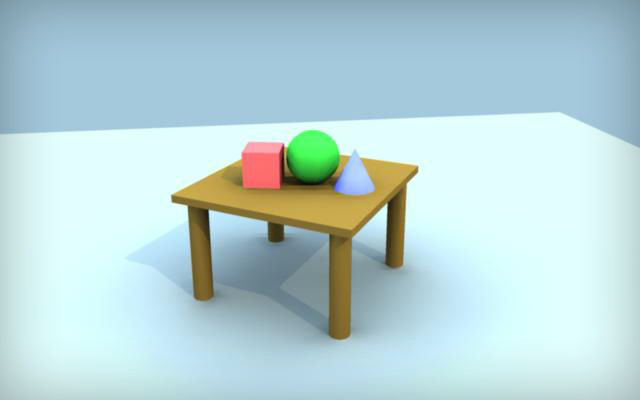
Light A detailed tutorial on lighting in Maya.
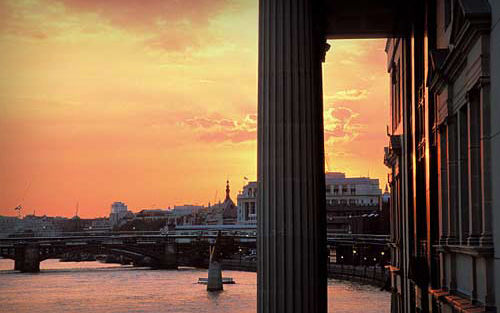
Studio Lighting in Autodesk Maya 2009 Tutorial gives brief explanation on studio lighting in Maya 2009.
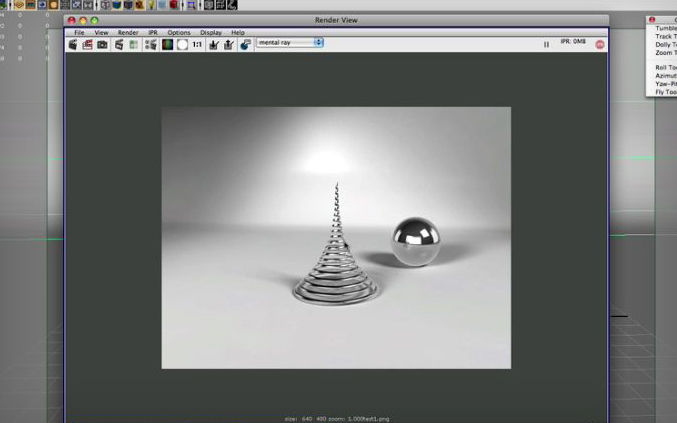
Image-Based Lighting In this video tutorial, you learn how to create shadows under an object with a photorealistic image in the background.
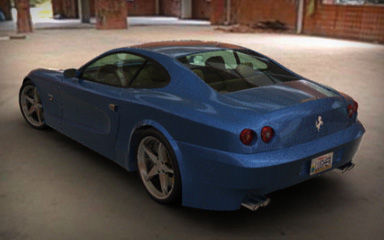
HDRI in Mental Ray This tutorial demonstrates how to use HDRI to achieve photorealistic rendering in Maya.
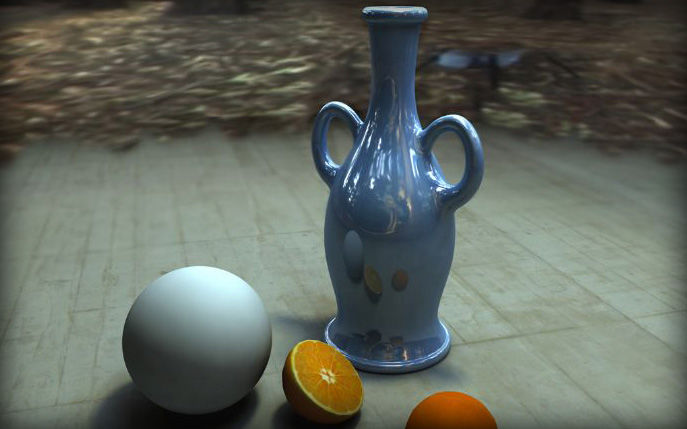
Realistic Lighting with LDRI Images
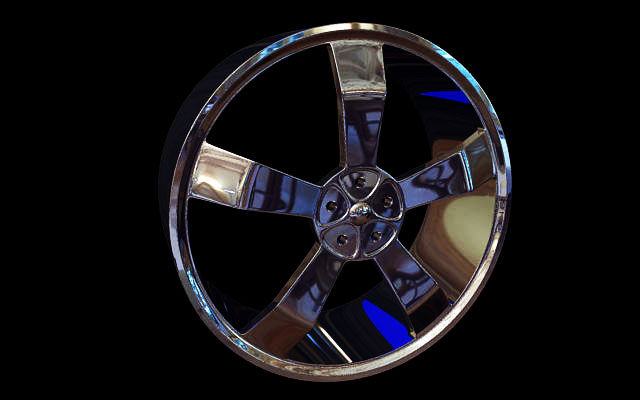
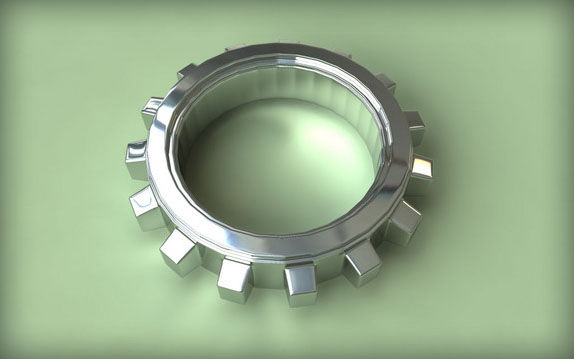
Chrome Car Rims This tutorial guides you through the process of creating realistic-looking chrome car rims.
MapCreation in Maya 2009 Video examines how, using Maya 2009’s new render pass features, we can easily export a normal map from high poly geometry.
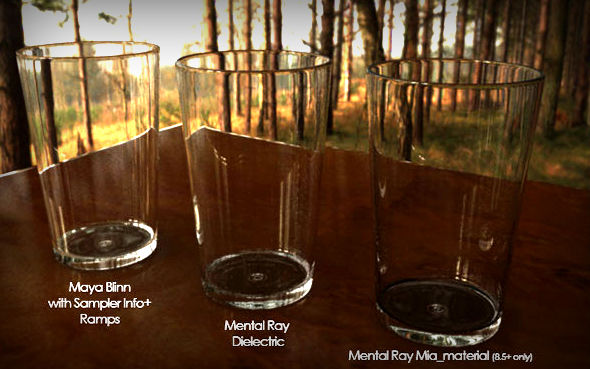
Realistic Glass This tutorial explains three methods of creating realistic glass in Maya.
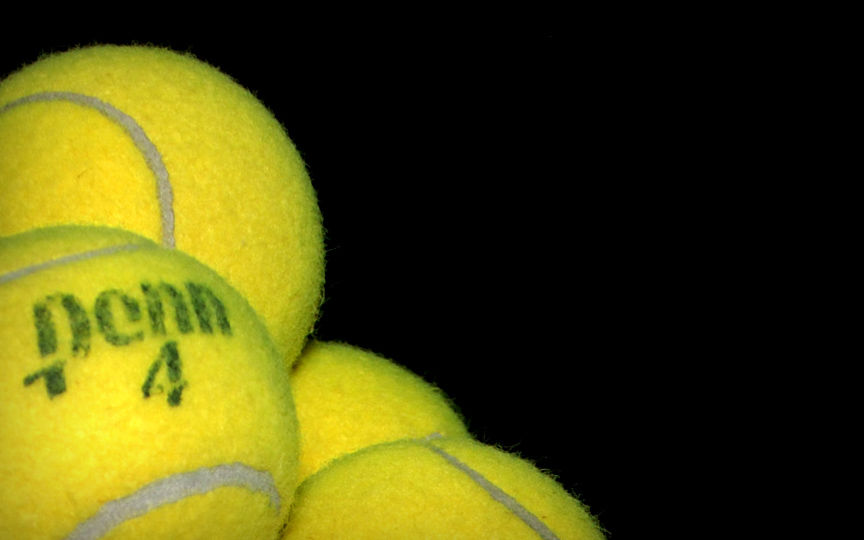
Tennis Ball Fur
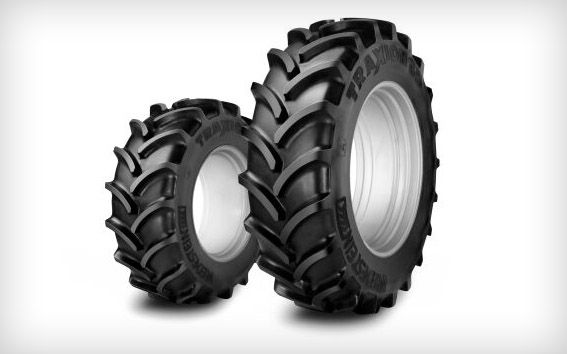
Tire Cover This tutorial shows how to model difficult rotating objects.
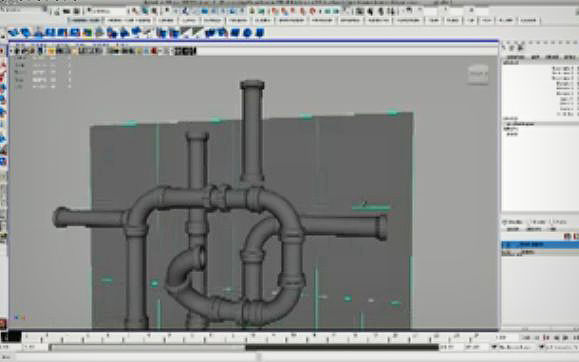
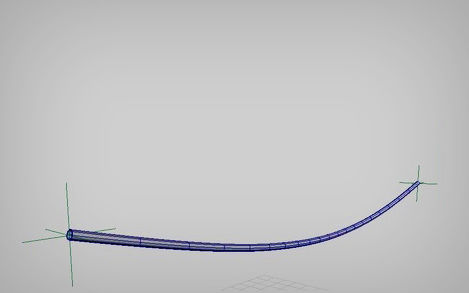
Cable In this tutorial, you learn how to make a simple NURBS cylinder behave like a real cable, affected by gravity, elasticity and other real-life physical forces.
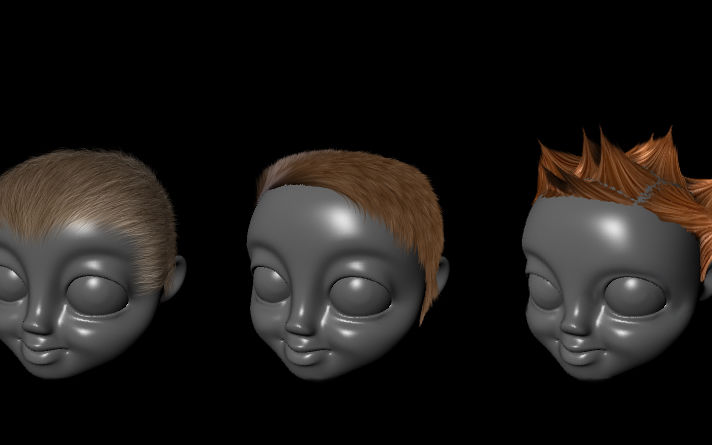
Hair styles with Maya fur In this tutorial, you learn how to create various hairstyles with the Maya fur plug-in.
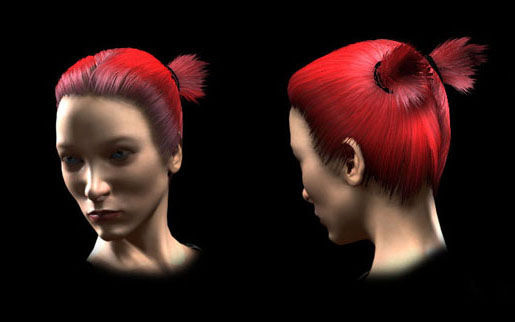
Hair Dynamics
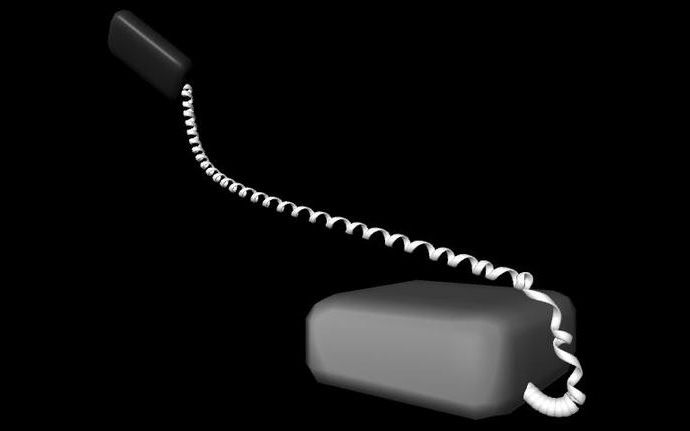
Dynamic Telephone Cord This tutorial shows you how to create a dynamic telephone cord using Maya Hair.
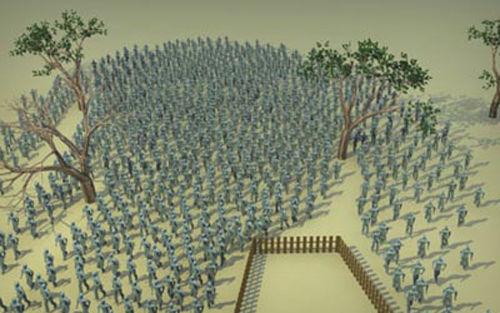
Crowd Create a simple crowd in Maya with the help of the CrowdMaker Rendering Engine.
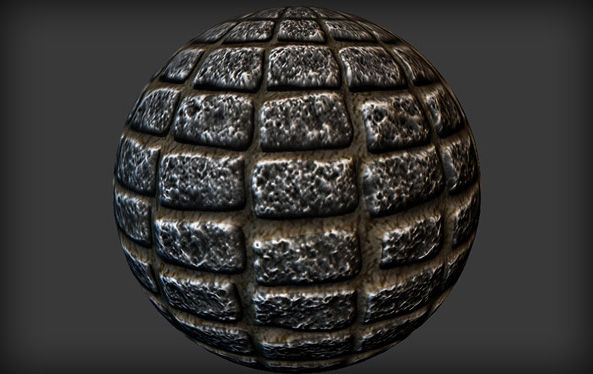
Cobblestone This tutorial guides you through creating a 3D mesh in Maya that will be used for repeating material. It also includes instructions on how to create the model and then obtain a color map and normal map from the model.
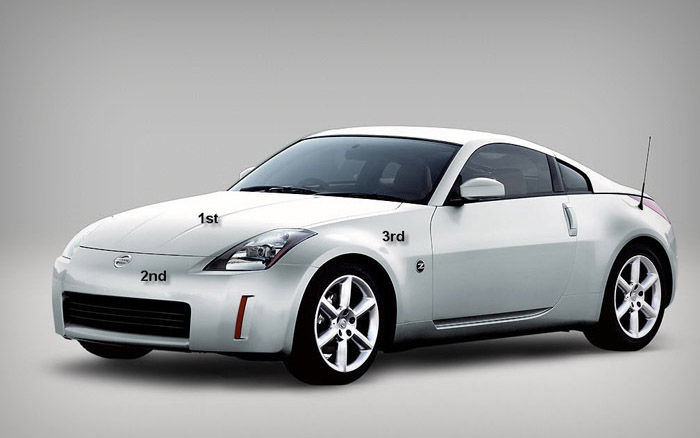
Sport Car Nissan 350-Z Tutorial explains how to create 350Z’s body using polygonal modeling with blueprints in Maya.
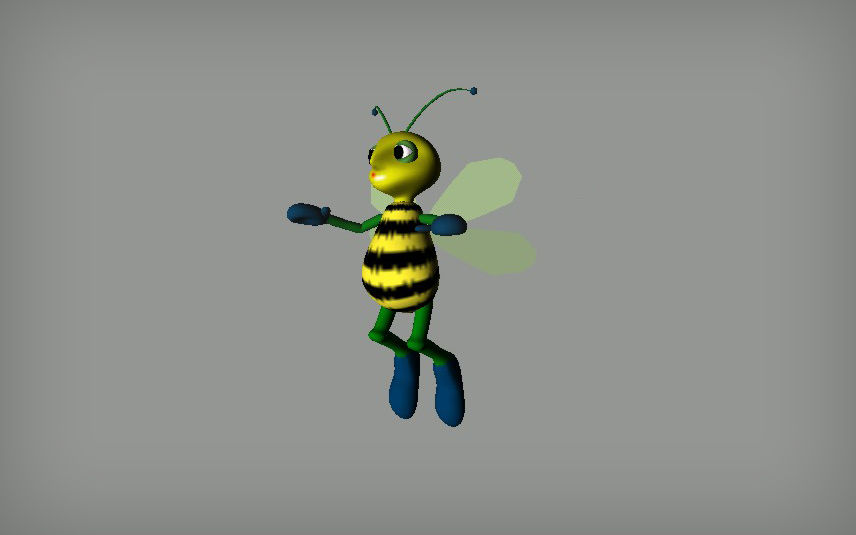
Bee This basic tutorial covers topics such as modeling, texturing, rigging, animation, rendering and particles.
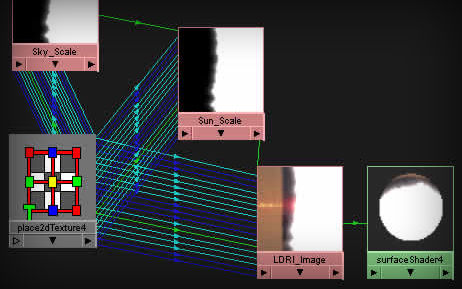
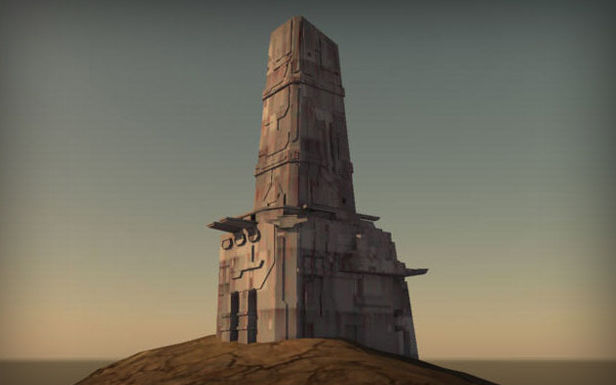
Using Sun and Sky in Mental Ray with Maya This tutorial demonstrates Sun and Sky system options in the Mental Ray Maya rendering engine.
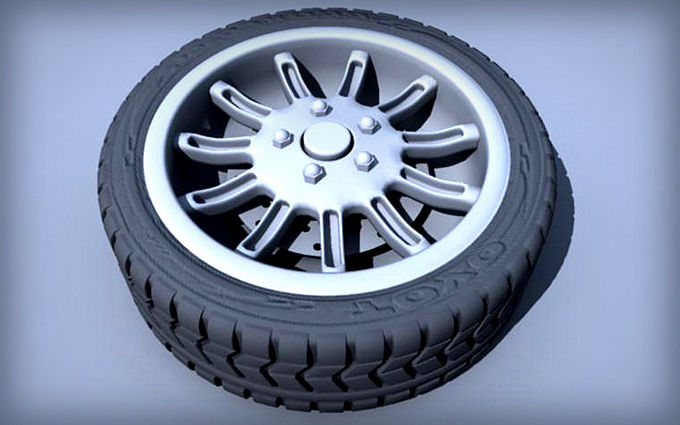
Tire In this tutorial, you see how to create realistic-looking sports car tire in Maya.
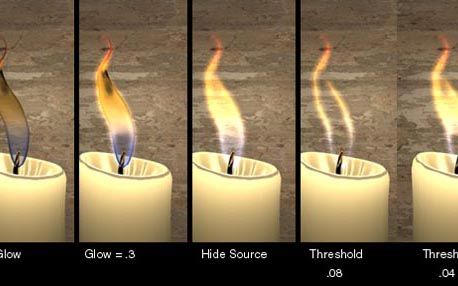
Candle Flame Create a realistic candle flame in Maya.
UV mapping Techniques This tutorial shows most of the UV mapping techniques and tricks of Maya software.
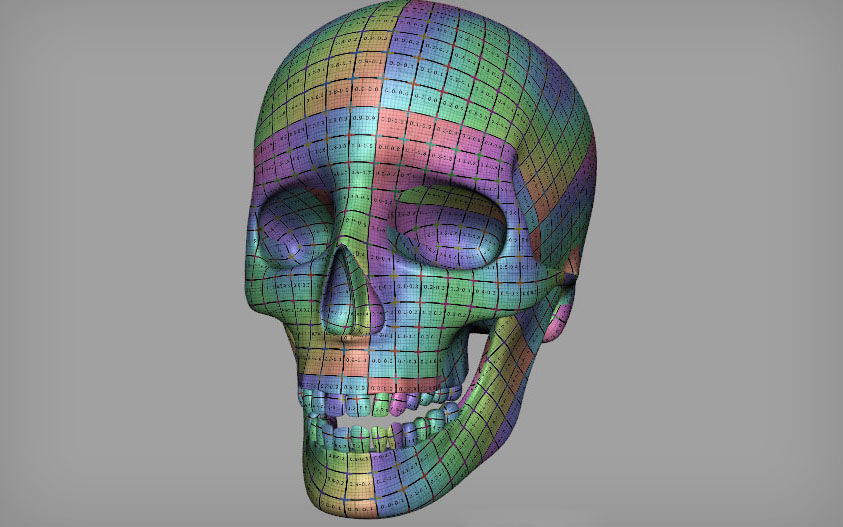
Water from Particle Learn how to create realistic water, with effects, from Particle in Maya.
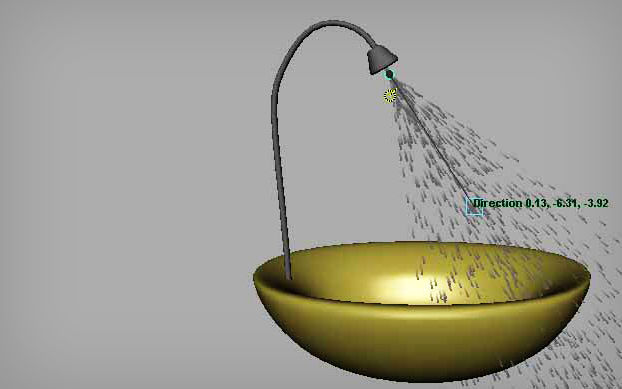
Pillow with ncloth Maya ncloth provides excellent ways for CG artists to create realistic clothing. It simulates real-life factors such as forces acting, friction, rigidity, glue strength, pressure, tearing surfaces, etc. This video tutorial teaches you how to use ncloth to create a pillow.
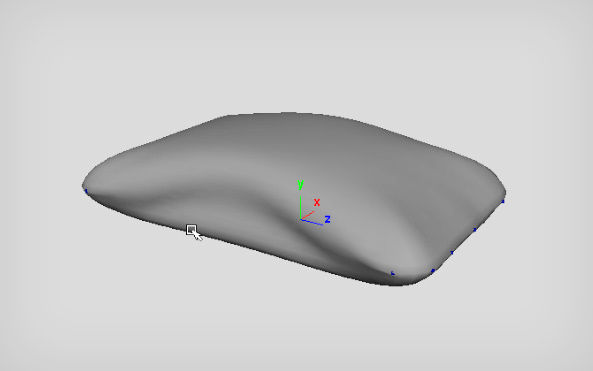
Controlling Fog Density Create and control a fog effect in Maya.
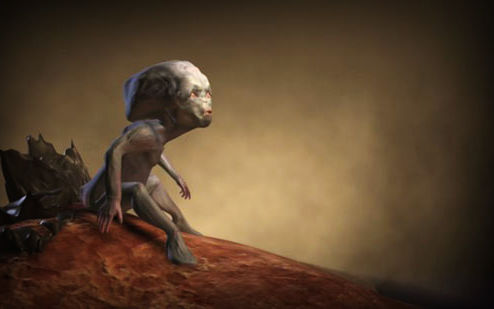
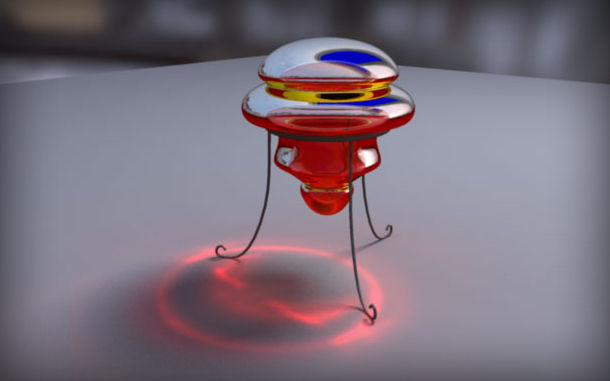
Optimized Caustics in Maya Mental Ray In this tutorial, you learn how to make fast and optimized caustics effect with Maya and Mental Ray.
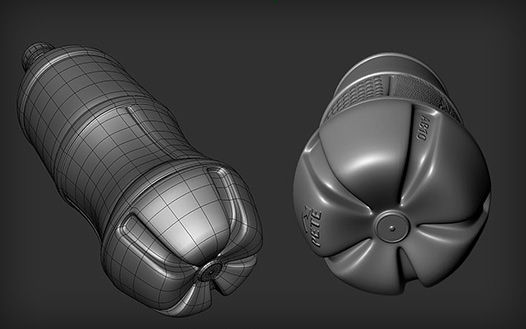
Coca-Cola Bottle Modeling a Coca-Cola bottle in Maya.
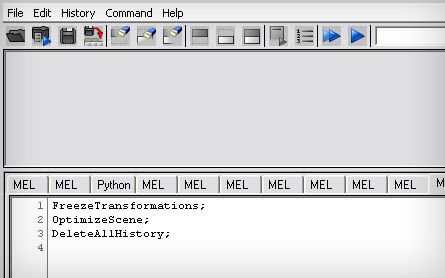
Shelves And Mel scripts Mel is a scripting language for Maya that is similar to C. Using Maya’s Mel scripts, you can link objects, loop an action, simulate real-world dynamics and do many other things. This tutorial teaches you how to make shelves and create Mel scripts to speed up repetitive tasks.
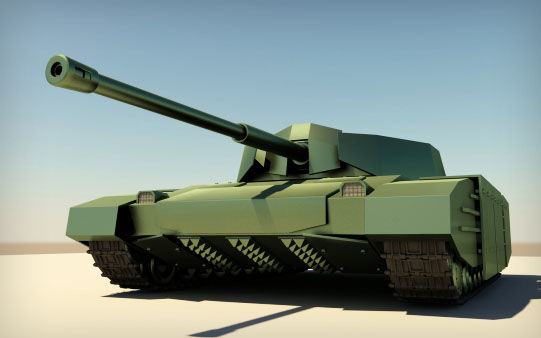
Tank This tutorial focuses on making tank treads using Mel scripts.
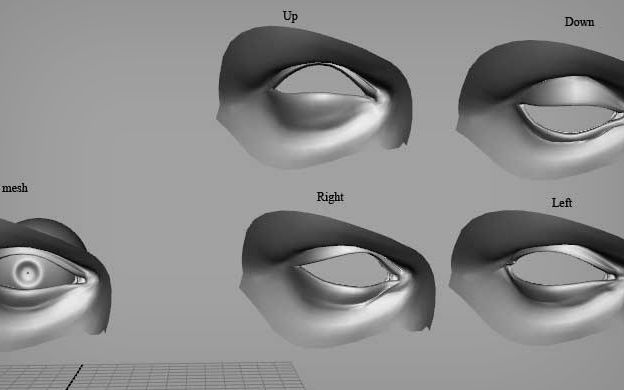
Making eyelid rig with driven keys and expressions This tutorial teaches you how to create an eyelid rig with driven keys and expressions.
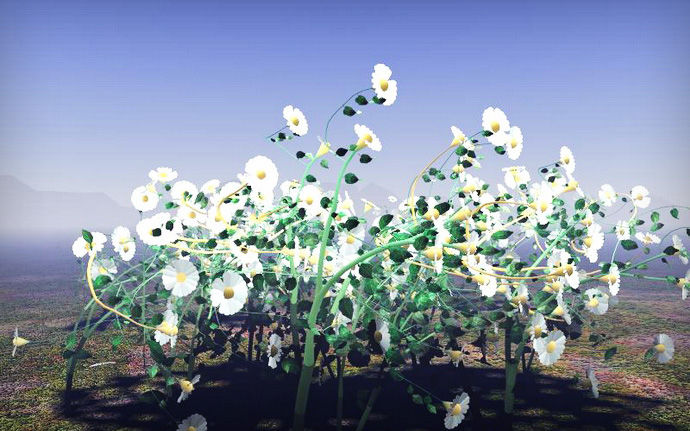
Growing Flowers In this tutorial, you see how to create a growing flower animation.
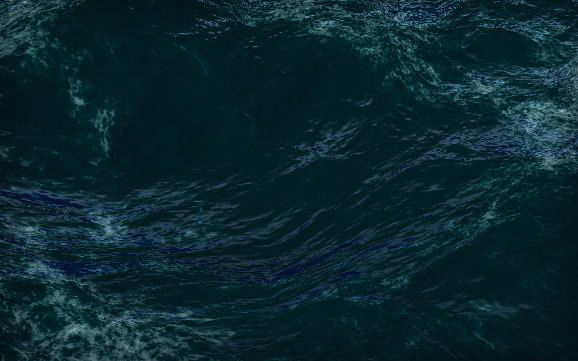
Stormy Ocean This animation tutorial teaches you how to create a realistic ocean storm.
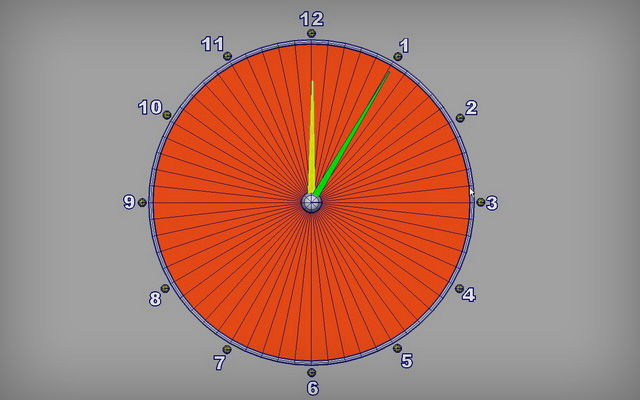
Clock Animation Create a clock animation using Maya Expression.
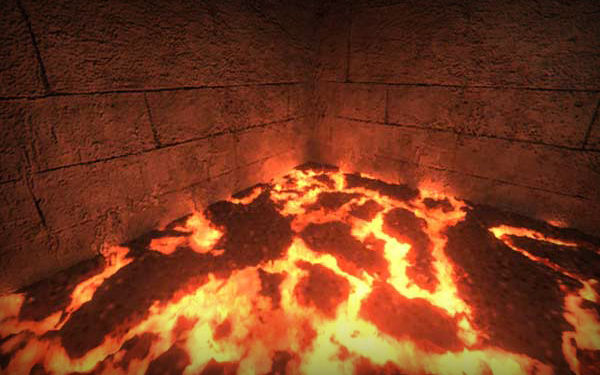
Lava Effect This tutorial explains how to make a shader for lava effects using Maya’s material editor, called Hypershade.
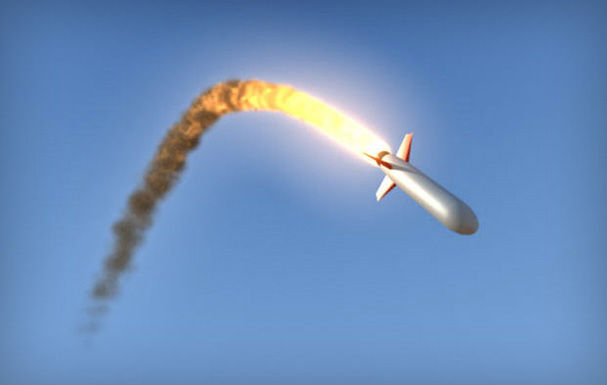
Rocket Model a rocket with a particle trail in Maya.
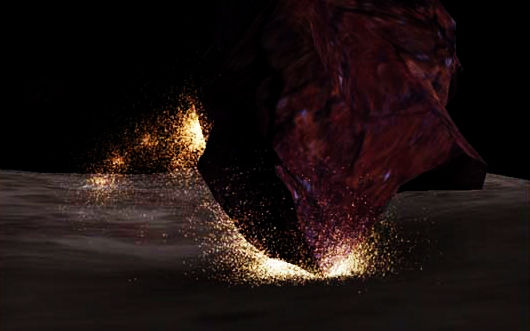
Particle Emission When Objects Collide Emit particles at the exact location of the collision of objects.
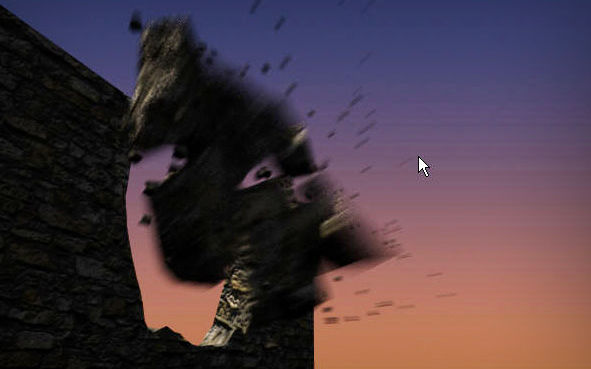
Destroying A Wall Destroy a wall using rigid bodies and particles in Maya.
Rigid Body Collision Detection
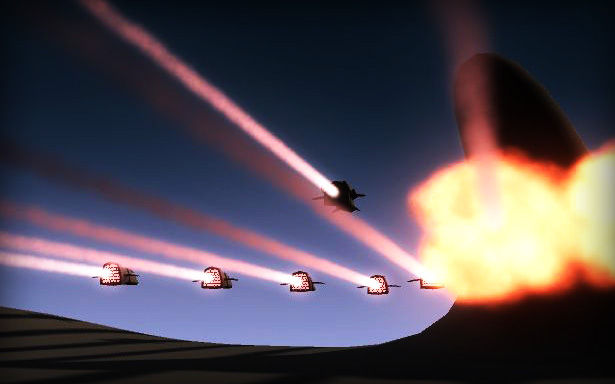
Spaceship Fleet This animation tutorial shows you how to use the particle instancer to create a fleet of spaceships flying across a plain.
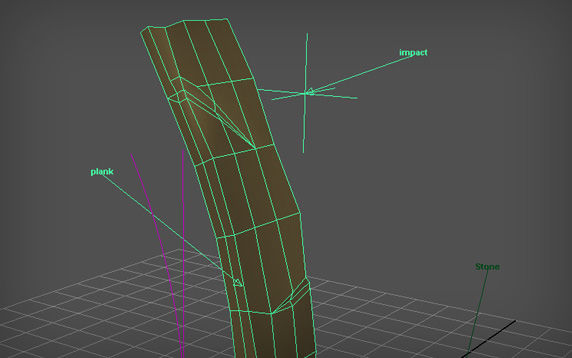
Bend Deformer This Maya tutorial covers the use of the Bend Deformer, which links one attribute to another, and the use of math in expressions to create animation.
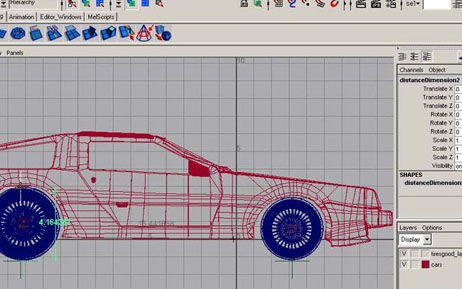
Rotating Wheels Learn how to create an animation of a wheel that rotates in sync with the speed of the car. The final animation is more accurate and realistic.
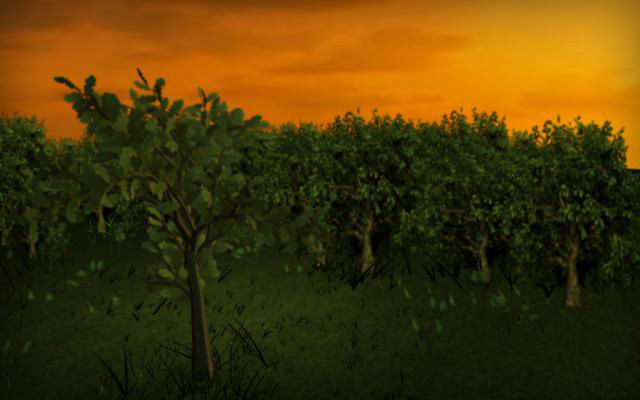
Falling Leaves Create a falling leaves animation in Maya using nCloth and Paint Effects.
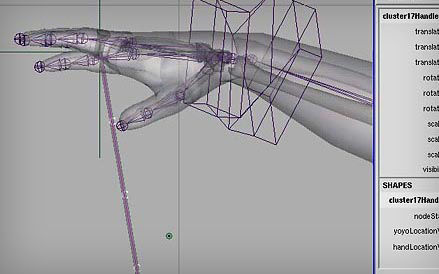
Yoyo Animation Tutorial on animating a yo-yo, with the string wrapping around the fingers of a deforming hand.
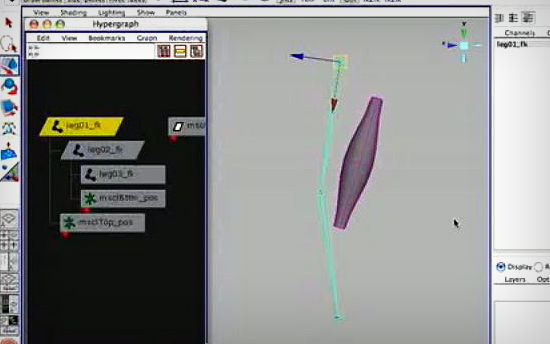
Muscle Rigging Maya tutorial on creating muscles that contract and expand a few frames before the limb moves.
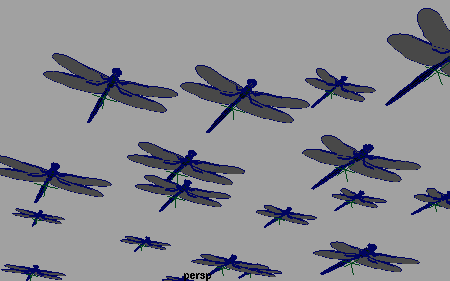
Instancing Animated Geometry To Particles Particle Instancing saves time when animating many identical objects in a scene.
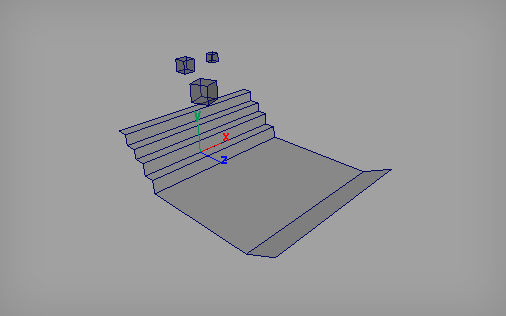
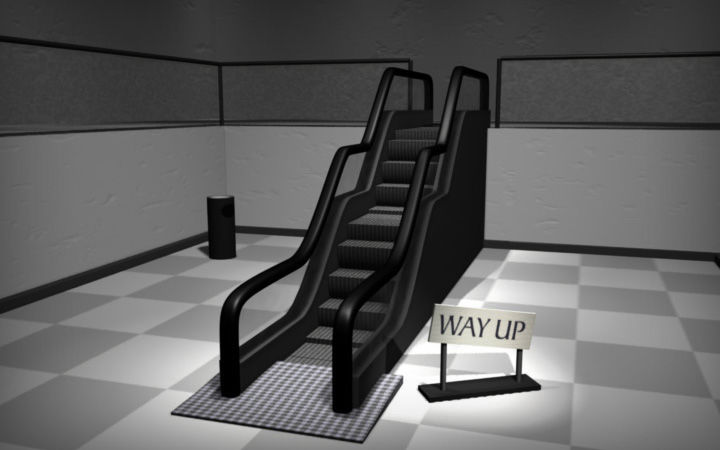
Mechanical Stairs This tutorial teaches you how to create a set of mechanical stairs.
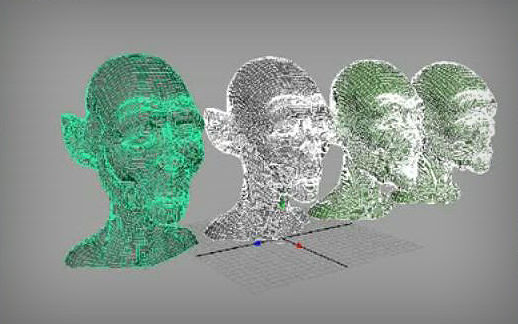
BlendShapes This Maya tutorial explains the process of using BlendShapes for facial animation.
Domino Effect This tutorial teaches you how to set up the geometry of a domino effect and apply a passive-to-active key switch.

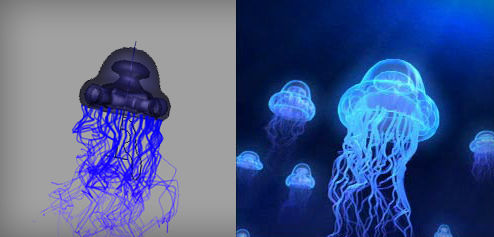
Jellyfish This tutorial shows you how to create and animate jellyfish. It covers many topics such as modeling, texturing, animation and paint effects.
Motion Blur Add motion blur to your 3D animation in post-production by creating 2-D motion vectors in Maya.
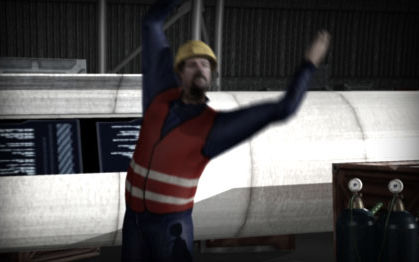
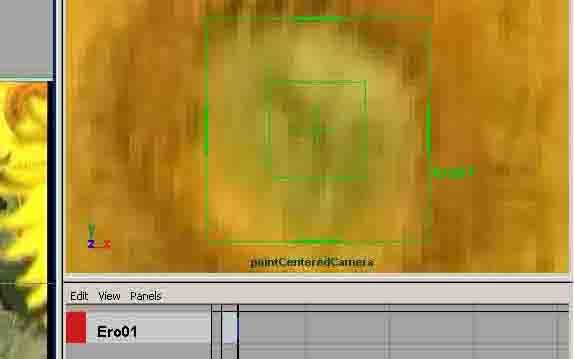
Maya Live Maya Live is a set of motion-tracking tools for matching CG to clean plate footage. This basic tutorial teaches you how to use Maya Live.
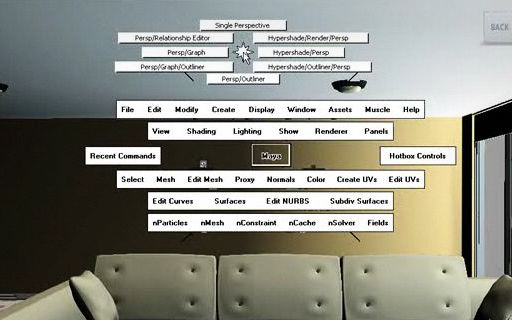
Hotbox Hotbox is a great feature of Maya that will increase your speed and productivity. It allows artists to access every tool in Maya with the keyboard space bar, without having to waste time searching for tools and menu items all over the large Maya interface.
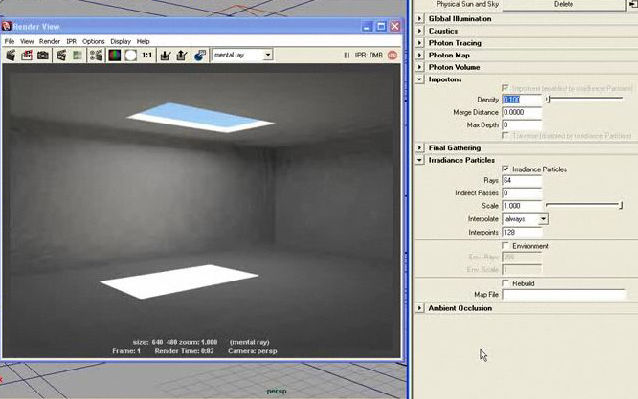
Irradiance Particles in Mental Ray Learn how to use the powerful irradiance particle system in Mental Ray to lower your rendering times while balancing the rendering quality of your image using custom techniques and settings.
For Advanced Users
The tutorials featured below come from skilled professionals who work in the CG industry and are intended for advanced users of Maya software. You can use these techniques in other 3D software packages as well. Some of the tutorials use other packages like ZBrush, Mudbox and Photoshop in combination with Maya for best results. Before you begin any of these tutorials, make sure you have enough processing power: most of these tutorials are resource hungry. If you perfect the basic techniques covered above, try to use your skills to work on some of the high-quality projects featured below. Practice is the key to success.
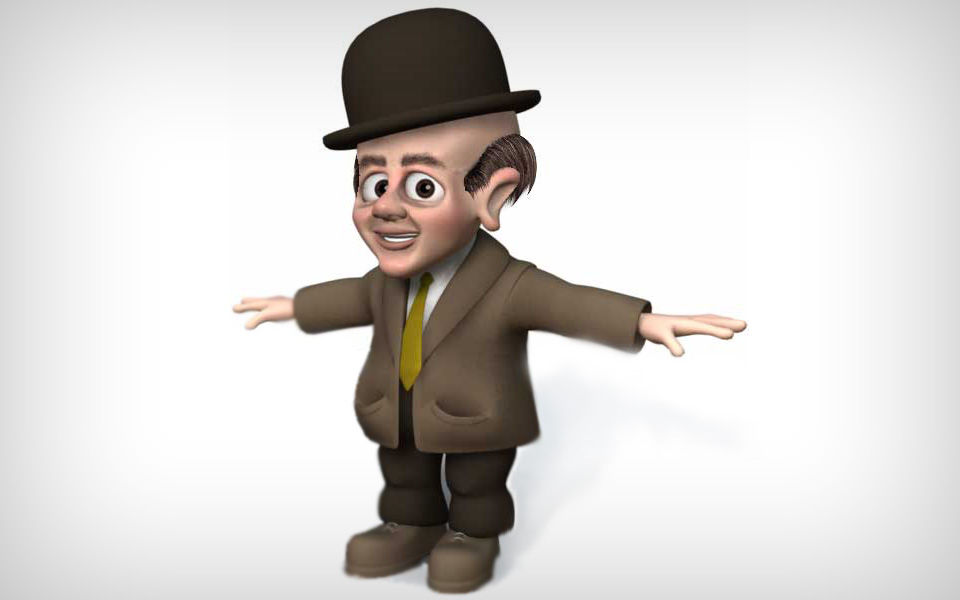
Modeling a Character In this tutorial, you see how Carsten Lind creates a character model in Maya.
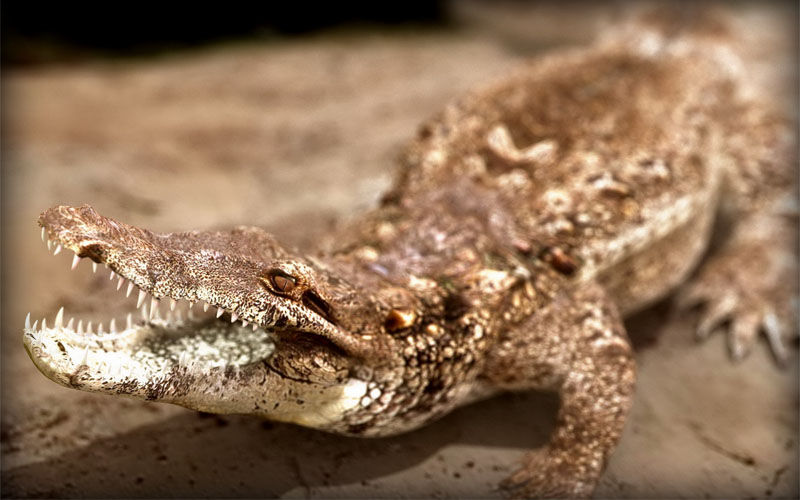
American Alligator See how Massimo Righi creates a sunbathing American alligator.
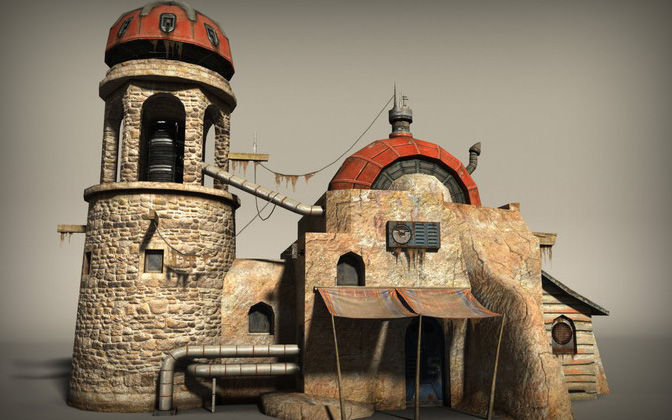
Next-Gen Environment Textures A tutorial by Daniel Vijoi on creating next-gen environment textures in Maya. This tutorial focuses more on texturing.
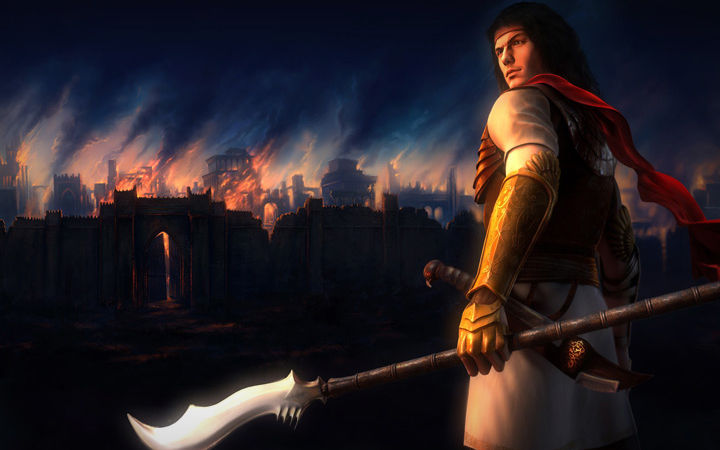
Sohrab Making Sohrab, by Farzad Dalvand.
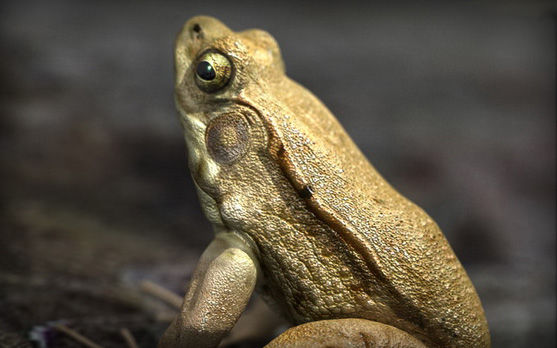
Male Green Frog Tutorial teaches you how to create a photorealistic render and 3D model that can be used for animation.
Steam MasterNext Making Steam Master: next-gen game head by Sorin Lupu.
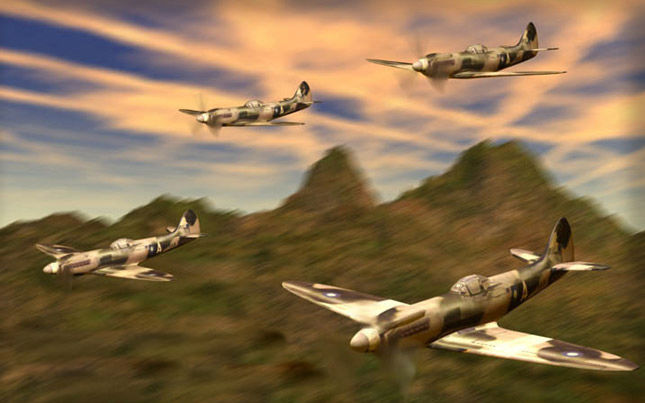
Spitfire War Plane In this tutorial, you see how to model a Spitfire war plane.
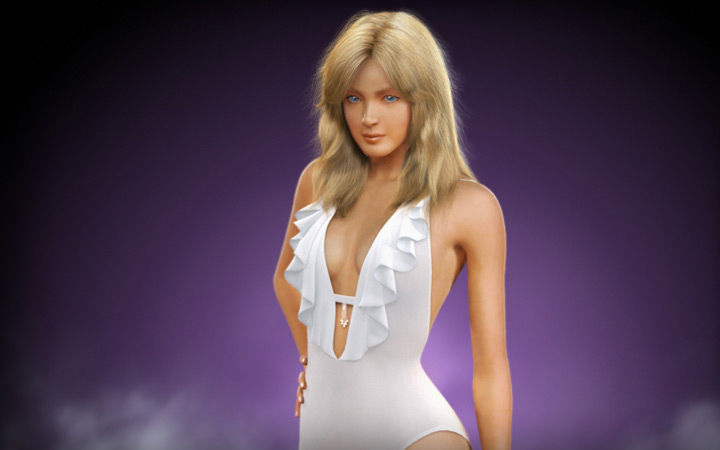
Swimsuit Babe Make an attractive woman, by Jimmy Chow.
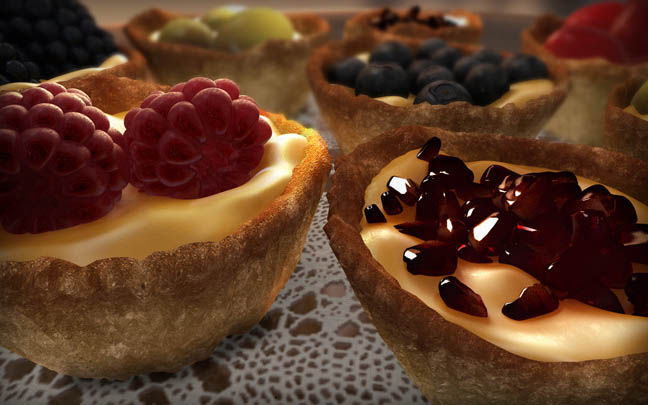
Fruit Tarts Make lovely fruit tarts, by Hau Ming.
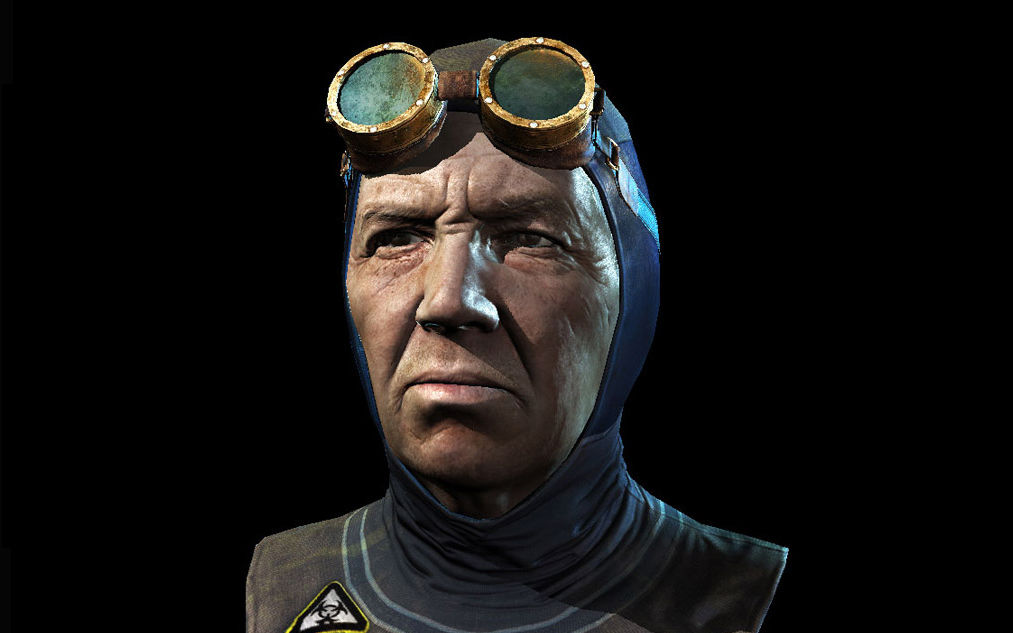
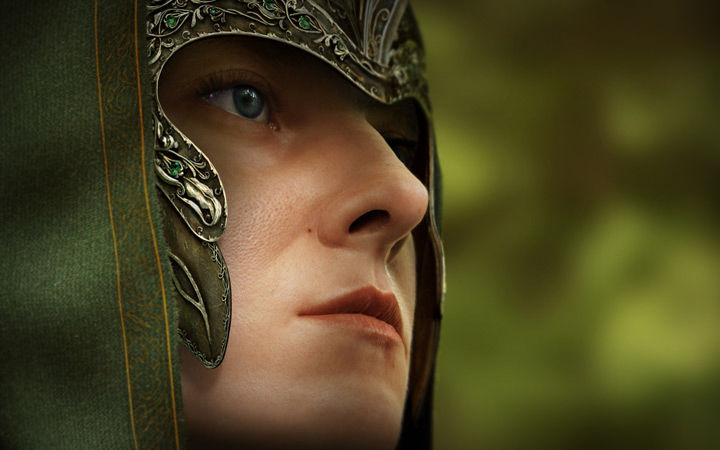
Last ELF Make the Last Elf in Maya. The author, Piotr Fox Wysocki, has done everything in detail to give it a real-life look.
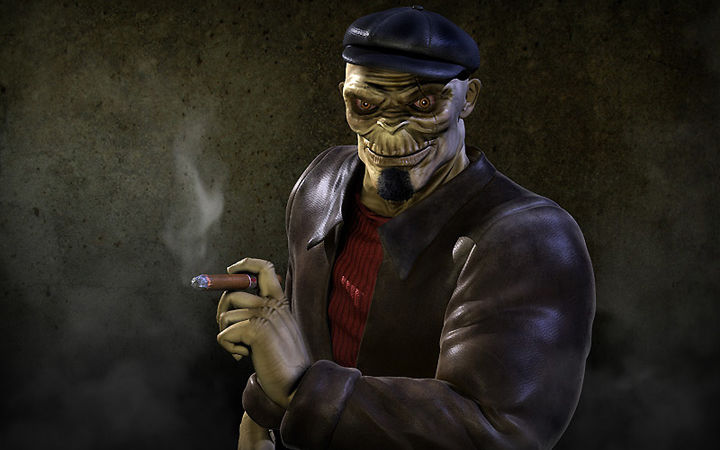
Skullhead Mobster Making Skullhead Mobster, by Harsh Borah.
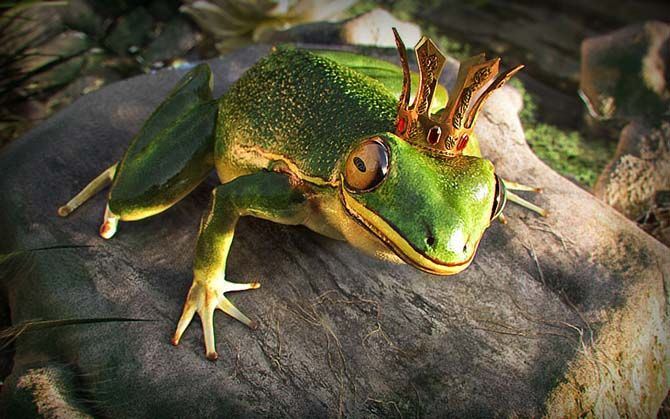
Prince Making Prince, by Robert Vari.
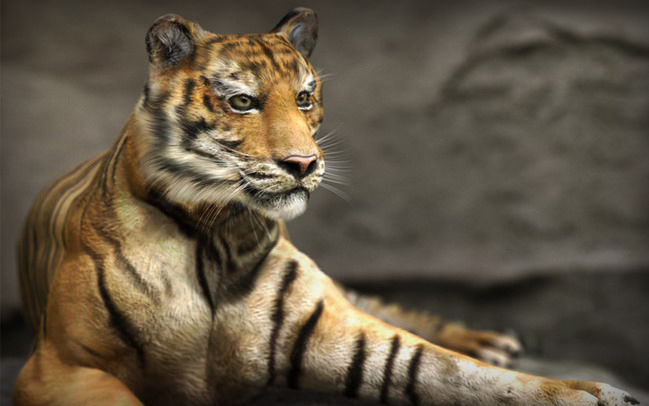
Tiger Zoo Making Tiger Zoo, by Massimo Righi.
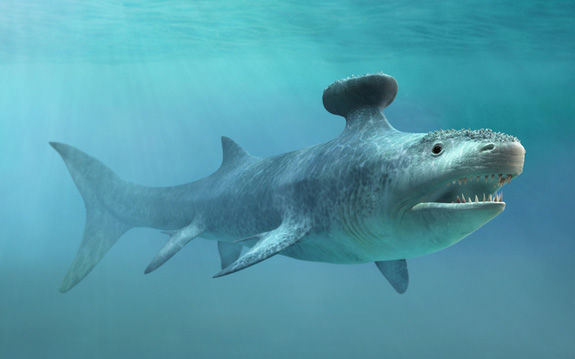
Prehistoric Animals A demonstration of how this artist renders realistic-looking prehistoric animals.
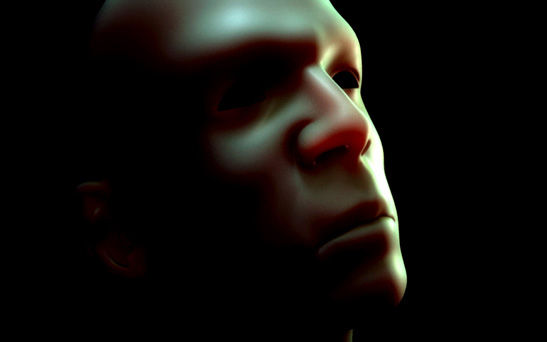
Ingrid Bergman Making Ingrid Bergman, by Max Edwin Wahyudi.

Morgane Modeling Morgane in Maya, by Cousigne Adrien.
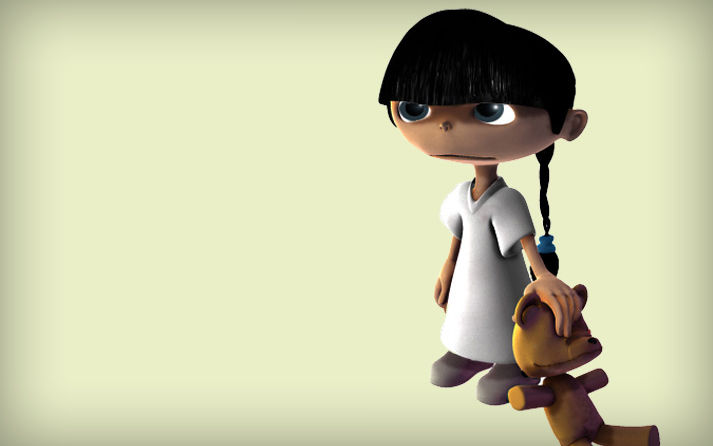
Breaking Subsurface Scattering into Render Layers in Maya This tutorial is about the process of breaking the subsurface into rendering layers and compositing them in post.
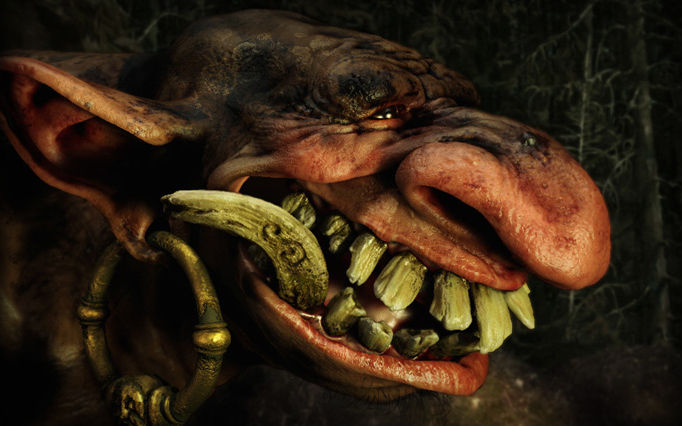
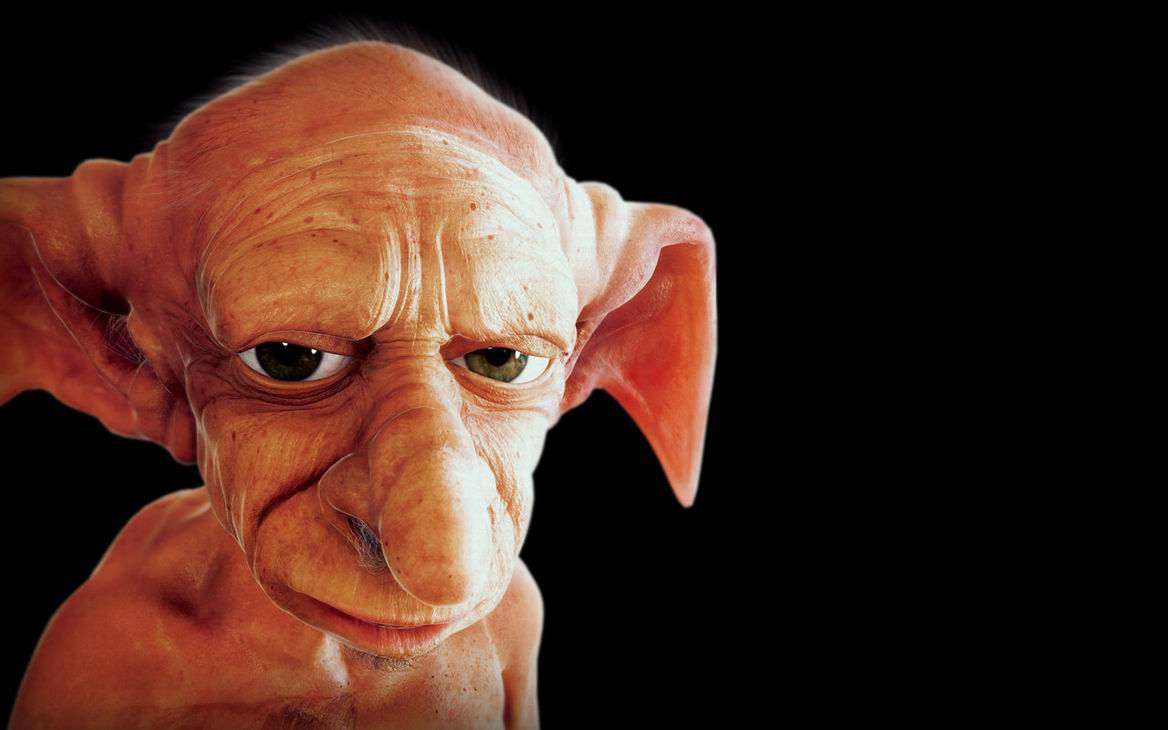
Portrait of a Troll Jonas Persson creates this Portrait of a Troll.
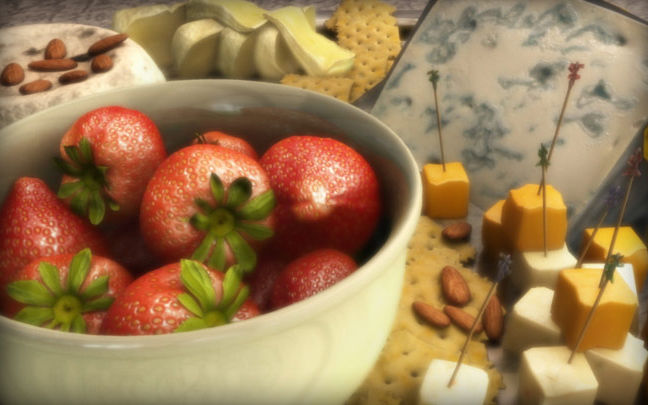
Cheese Platter Detailed tutorial on making a cheese platter, by Hau Ming.
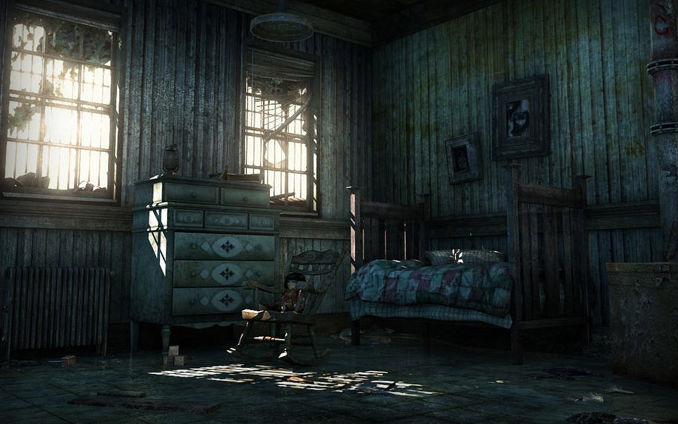
Quiet Room Making a quiet room, by Yan Chan.
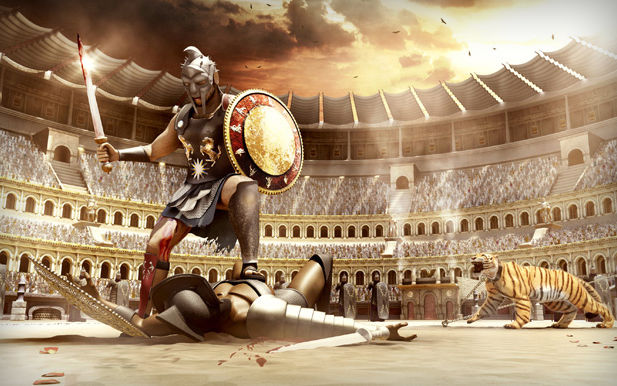
Gladiator Making a gladiator, by Christopher ADAJAR.
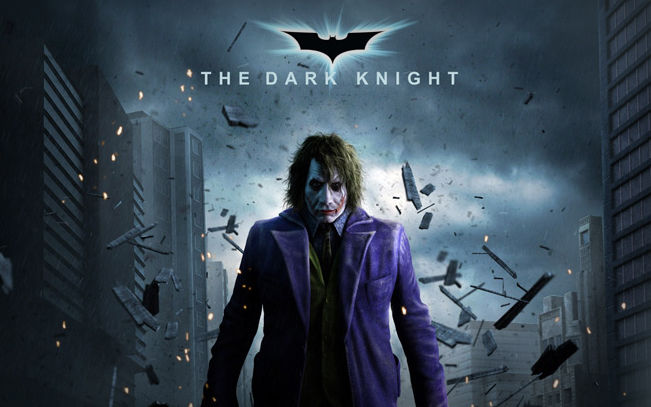
Joker Making the Joker, by Mohammadtaghi Aibaghi Esfehani. The detailing is done with ZBrush, texturing and matte painting and shave and haircut with Adobe Photoshop, and the finaly rendering with Mental Ray.
Varga Making Varga in Maya.
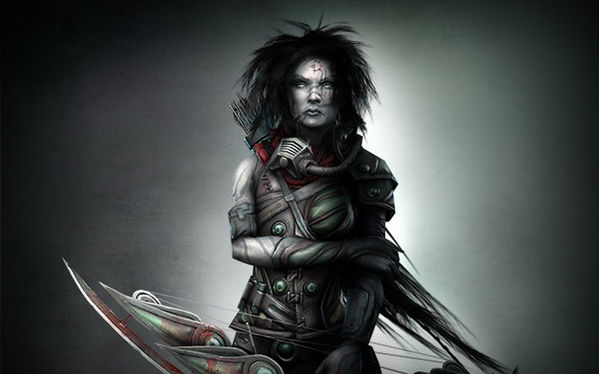
Old Farm Creating an old farm, by Daniel VIJOI.
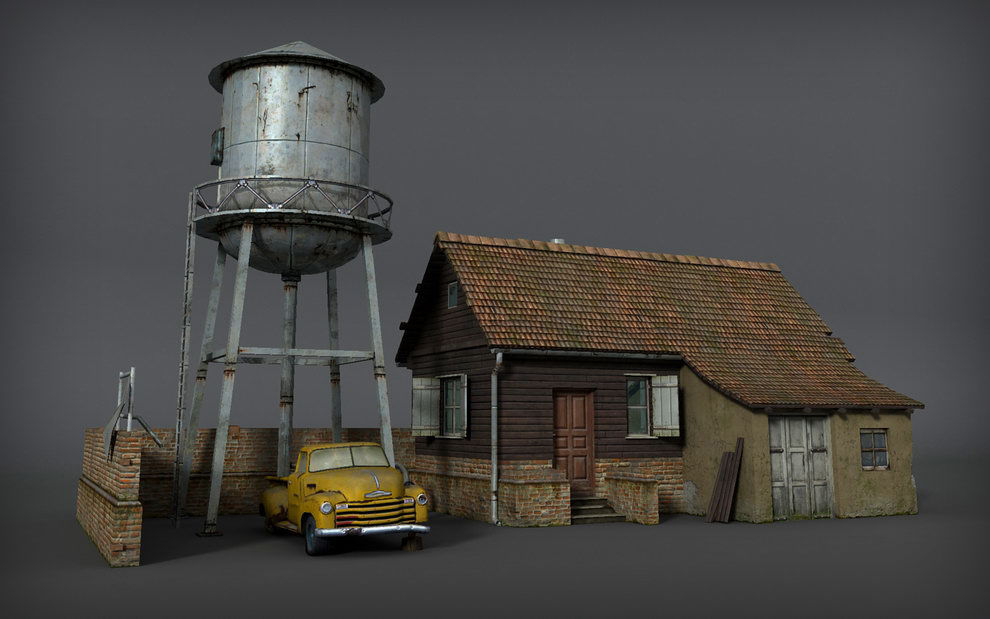
Trapped Making Trapped, by Massimo Righi.
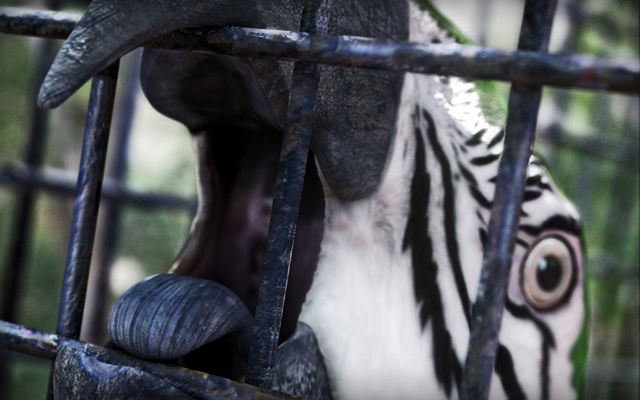
Fatjon’s Performance Making of Fatjon’s Performance, by Qu Yu Cheng.
High Polygon Realistic Character Creation Creating a realistic high polygon character in Maya.
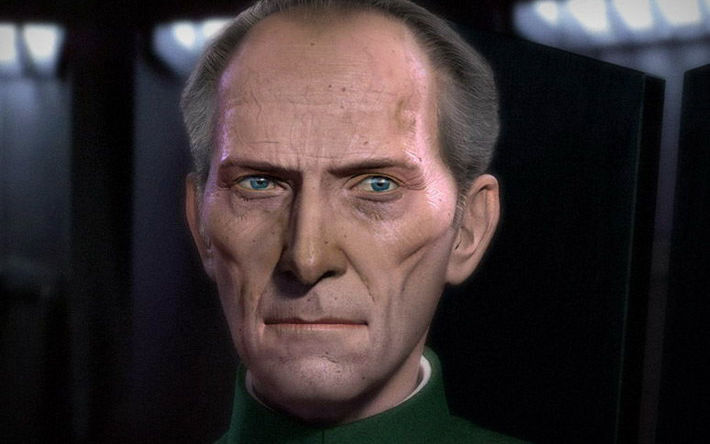
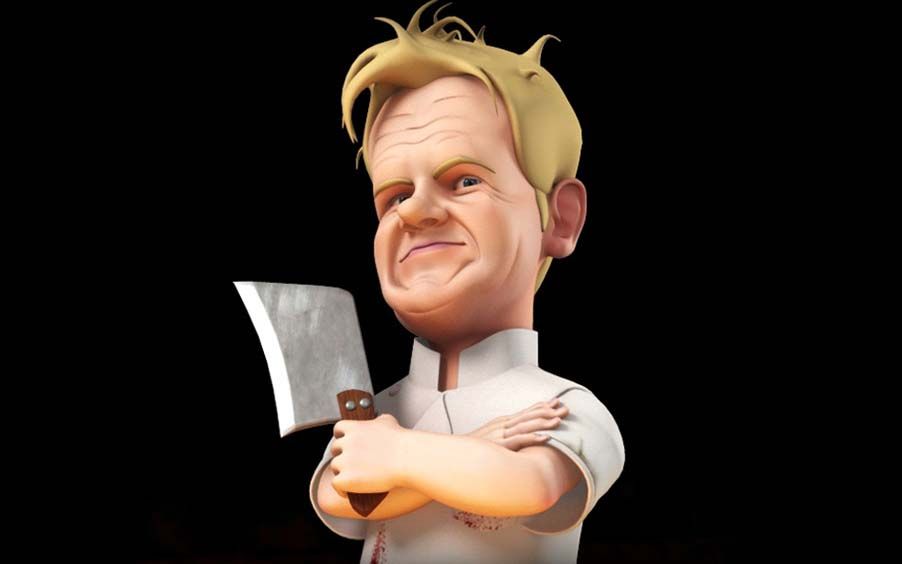
Gordon Ramsay`s Caricature Making Gordon Ramsay, caricature by Jason Edwards
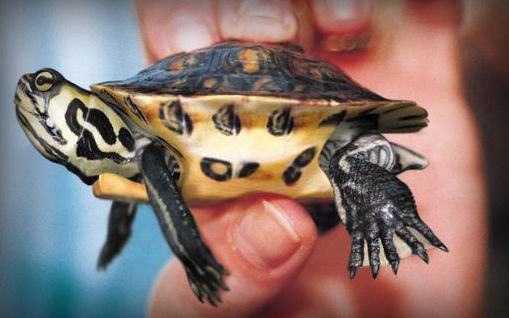
Street Cop Creating a street cop, by Mashru Mishu.
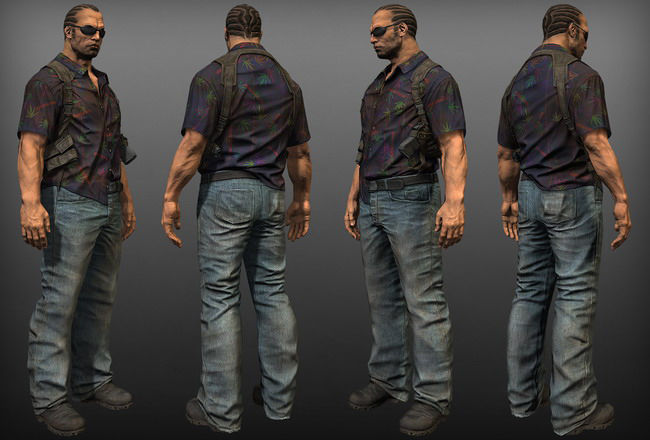
Dr Julian Maya texturing tutorial by Julian Jeremy Johnson-Mortimer.
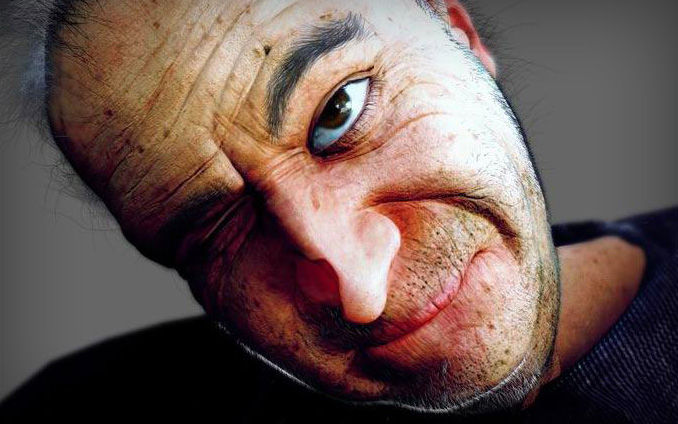
Character Walk Through Maya tutorial on creating a stunning character.
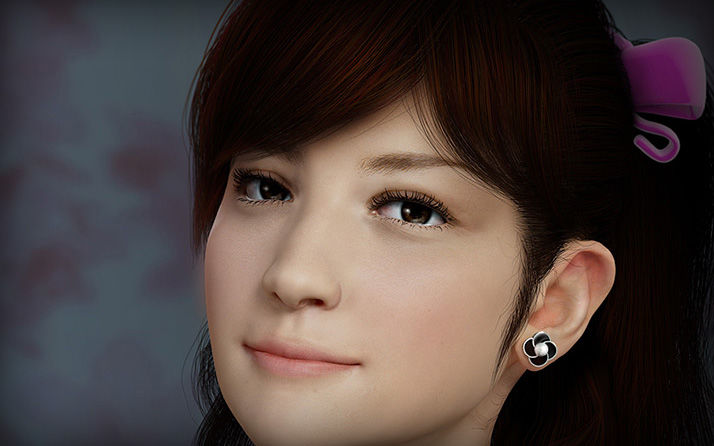
Meet You Making of Meet You by Zhang Sheng.
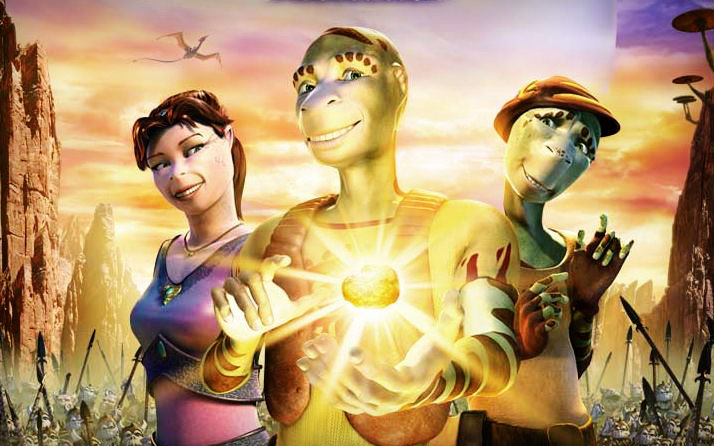
Facial Animation Rig for Delgo This tutorial from Warren Grubb shows how he created a facial animation rig for this character, which is more powerful and flexible than standard multi-targeted blendshape rigs.
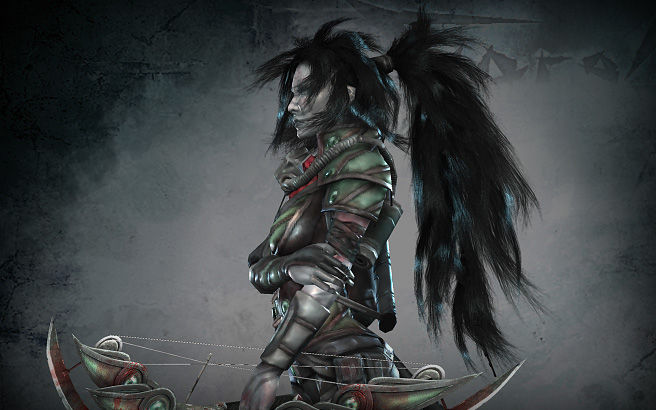
Character hair This tutorial shows how to create low poly hair for game characters using lots of images and some printscreens directly from the application used ( Maya, Photoshop, etc.)
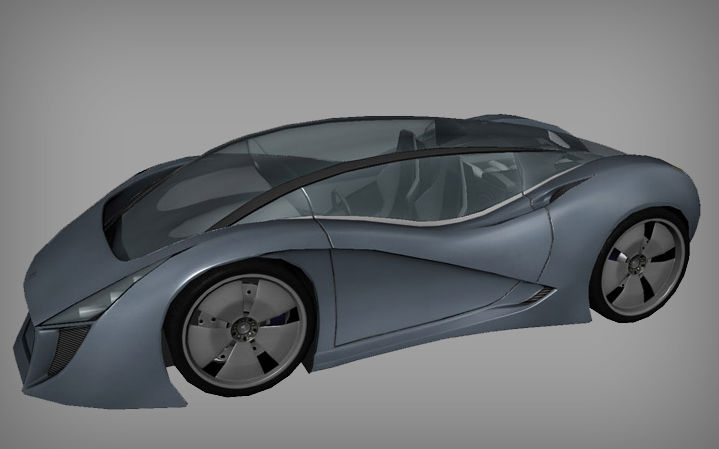
Next-Gen Game Car Model a game car without blueprints. This tutorial covers modeling, UV mapping and texturing.
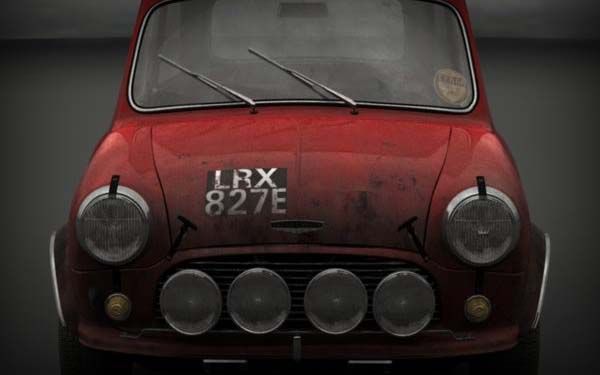
Mini Cooper This Maya tutorial focuses on shading and texturing.
Classical Girl Making a Classical Girl by Wang Shiyong.
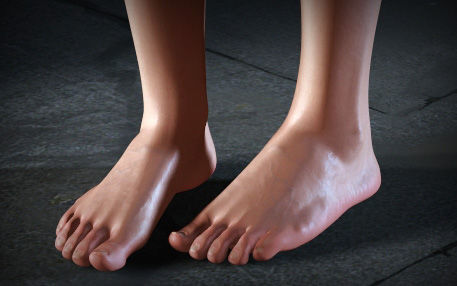
Foot Modeling a foot in Maya, by Steven Stahlberg.
 (al)
(al)

