
40 Excellent Illustrator Tutorials

Email Newsletter
Weekly tips on front-end & UX.
Trusted by 182,000+ folks.
 Celebrating 10 million developers



Learning is a process which continues throughout the life of an artist, graphic designer, and illustrator. Along the way, designers find the task of mastering Adobe Illustrator a large obstacle which requires practice and experience in using the vector-based application. Practice comes in the form of Illustrator tutorials, which offer tips, tricks, and artistic styles from other designers who have mastered certain techniques based on their experience.
From these tutorials, a designer can polish their skillsets on a variety of topics which will strengthen their own artwork. Sometimes a simple tutorial has tips which may have been overlooked based on the subject of the tutorial. By looking past the subjects of the tutorials, an endless array of learning opportunities exist. Essentially, the tutorials become not only a teacher but a “class” which a designer can repeat as often as necessary to refine their skills.
Further Reading on SmashingMag:
- 10 Useful Typography Tips For Adobe Illustrator
- 50 Excellent 3D Adobe Illustrator Tutorials
- 35 Excellent Adobe Illustrator Video Tutorials
- 35 Incredible Digital Painting Tutorials
This post presents 40 excellent simple to complex Illustrator tutorials and presents the overall techniques of each tutorial, summarized in a brief overview. The purpose is to pick and choose among the tutorials based on the areas that need improvment. Whether your are a seasoned professional or a designer just starting out, these Illustrator tutorials offer a way to brush up on your skills.
Adobe Illustrator Tutorials
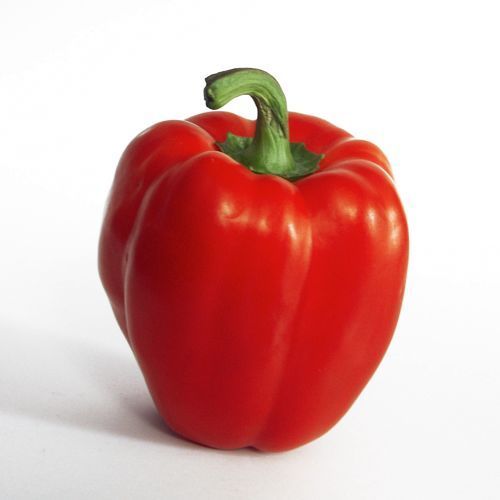
Gradient Mesh Bell Pepper Tutorial
- Use multiple smaller Meshes to create a realistic object
- Learn to use the Eyedropper Tool (I) to sample colors from a reference photo
How to create a Television Icon
- Using Offset Path on an object
- Learn to use Gradients to create surface texture and depth
- Create a reflection using an Opacity Mask

Working with 3D Objects and Transparencies to Make a Vector Cola Bottle Design
- Learn to “cut” up an image in Pathfinder and use the pieces in 3D Revolve to create solid objects
- Map art (symbols) onto a 3D object

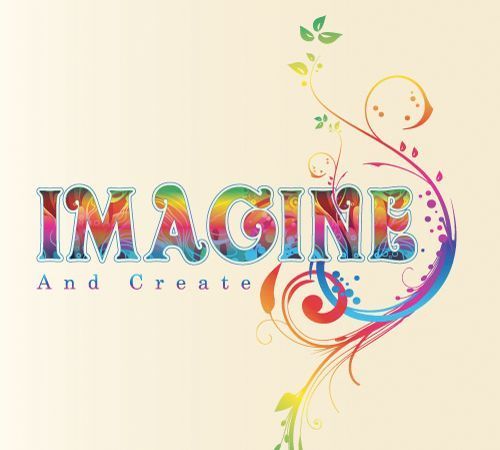
Create a Multicolored Splashed Text Effect in Adobe Illustrator
- Learn to use Offset Stroke on text
- Apply a Pattern Swatch to text
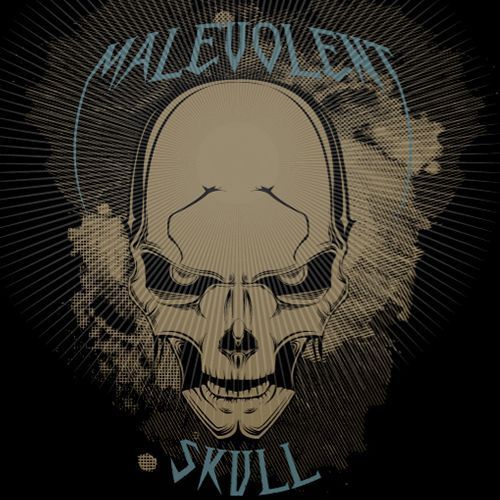
Illustrate a Malevolent Skull in 8 Steps
- Working with a sketch and outlining with the Pen Tool (P)
- Use Outline/Preview modes during design process
- How to use the Reflect Tool (O) to save time
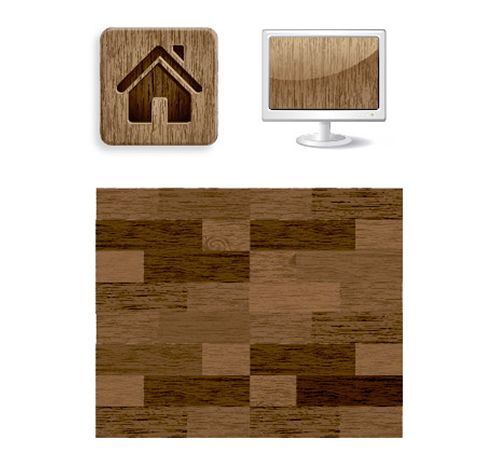
- Use Raster Effects, Live Trace, and Expand to create a texture
- Learn to use the Warp Tool (Shift +R) to customize a texture
Illustrator ring shape via overlapping crescents effect
- Create abstract geometric shapes with Linear Gradients, Align, and Pathfinder
- Learn to use Smart Guides (Cmd/Ctrl + U)

How to Illustrate a Brain Icon for OSX and Vista
- For faster coloring, use the Live Paint Bucket (K)
- Bonus Lesson: How to turn art into an icon

Create a Realistic Candy Bar in Illustrator
- Tips on stacking order for the Layers Panel when using a sketch
- Create realistic creases in paper
- Where to place shadows/highlights and why

How to Create a Vector Smiley Icon
- Working with Radial Gradients
- Copy design elements for symmetry
- Learn how to use the Isolation Mode

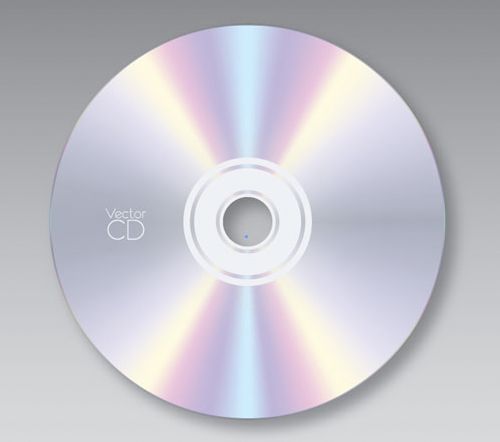
How to Create a Radial Mesh in Illustrator and Make a Vector CD
- Create a radial mesh from a Radial Gradient and the Mesh Tool (U)
- Learn the finer points of selecting mesh points
- Create a Clipping Mask
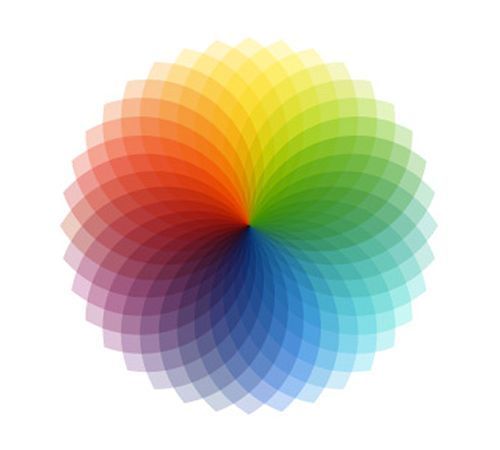
Illustrator full spectrum spirograph
- Using the Rotate Tool ® to create abstract shapes
- Learn to use Transform Again to save time
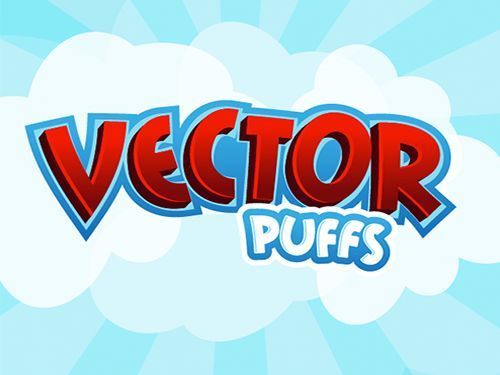
How to Make a Cartoon Style Cereal Box Logo in Adobe Illustrator CS3
- Effectively use Strokes, Align Stroke, and Selection Tool (V) to modify fonts
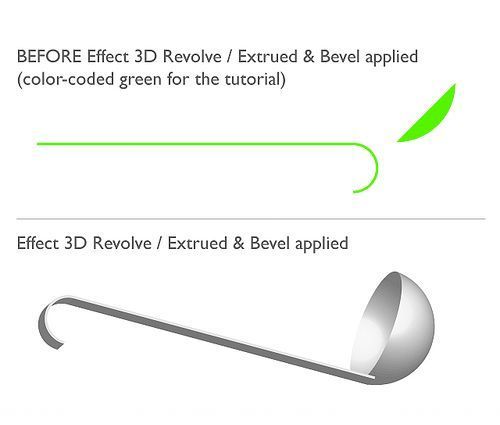
- How to use 3D Extrude & Bevel Options to Create 3D Text
How to Create a Gearbox Settings Icon Using Simple Shapes
- Use the Rotate Tool ® to rotate shapes relative to another shape
- Create a metallic texture using shapes and Radial Blur
- Design a perforated metal backing using Gradients

- Learn to use simple shapes to create a 3D object with Extrude & Bevel
Illustrator Tutorial: Realistic Orange
- Learn to use Plastic Wrap Effect and Sponge Effect to create an orange peel texture
- Effectively use Opacity in an illustration

How to Create Semi-Realistic Scissors in Illustrator
- Using shapes and Gaussian Blur, create an aged metallic texture
- Learn to add highlights on metal contours

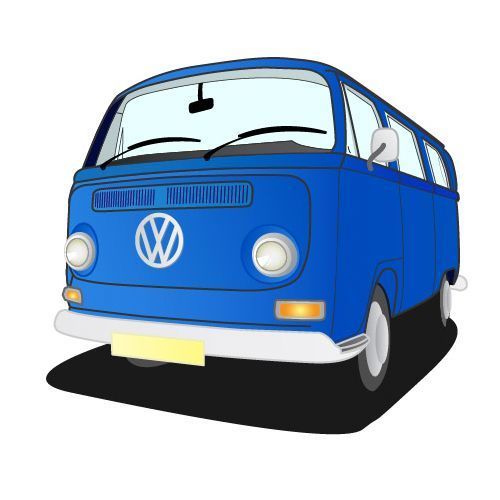
How to Create a Hippy Van Vector in Illustrator
- Trace a photo with the Pen Tool (P)
- Expand strokes to add Gradients
Illustrator Quick Tips #1 - Complex Symbols with Pathfinder
- Use the Gradient Tool (G) to create a 3D effect
- With the Pathfinder Divide, create abstract shapes
- Learn to use the Blending Mode Multiply
How to Make a Vector Diamond Ring in Illustrator
- Use Pathfinder to create a compound shape
- Create a metallic finish with Gradients
- Create a diamond with Linear Gradients

Create Fun, Eye-catching Text with Adobe Illustrator
- Use the Free Transform Tool (E) on text to create depth and perspective
- Highlight and shadow placement on text

‘Women and Cats’ How-To Advanced Tutorial
- Learn about shading/highlights in vector portraits
- Use of Transparency and Opacity Masks

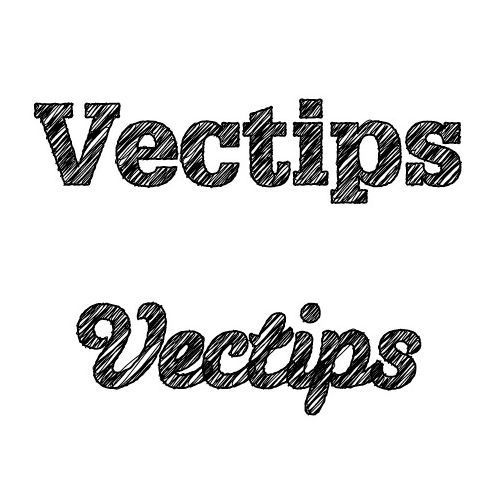
Turn Any Font Into a Sketch Font
- Learn to use the Scribble Effect and Roughen to create a font
- Create a custom Graphic Style
How To Create A Realistic Pendrive in Adobe Illustrator
- Learn how to align objects to the Artboard
- Create a realistic metallic surface using Linear Gradients

How to Create a Rainy Window Vector Background
- Create an abstract background with the Mesh Tool (U) and circles
- Use Gradients, Inner Glow, and Warp to design raindrops
- Learn to make a Symbol from artwork

Draw a Cute Purse Using Simple Shapes
- Modify shapes using the Warp Tool
- Use Pathfinder Exclude to create new shapes
- Learn to design a simple pattern
- Quick Tip: Horizontal Align to align anchor points

Make a Christmas Light Bulb in Illustrator
- Create a quick glossy orb using Gradients and the Blend Mode
- Add an image to a round surface using Pathfinder

How to Create Shiny, Vector Dice in Illustrator
- Learn to use the 3D Extrude & Bevel
- Create highlights on a 3D object with the Gradient Mesh Tool (U)

Create a Cute Vector Monster from a Pencil Sketch
- Learn to rough in a character using the Pen Tool (P)
- Use tapered brushes to create a sketch style


- Create symmetric shapes using the Rotate Tool ® and Ctrl+D
- Overlay images using Symbols and Color Burn
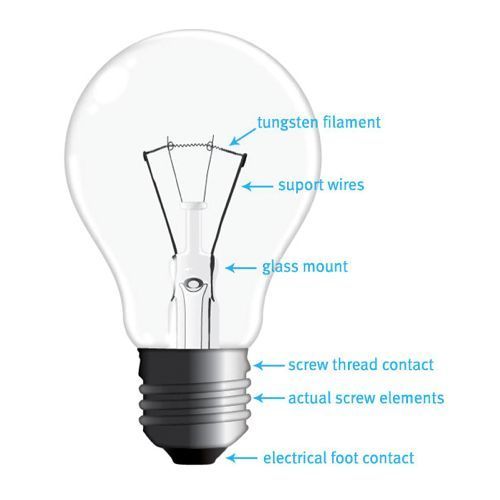
How to Draw A Realistic Vector Light Bulb From Scratch
- Create a metal thread contact with Effects and Gradients
- Use the Zig Zag Effect to create wires
Create a Character Mascot with Adobe Illustrator CS4
- How to set up an Adobe Illustrator file to trace with a sketch
- Create a Custom Art Brush

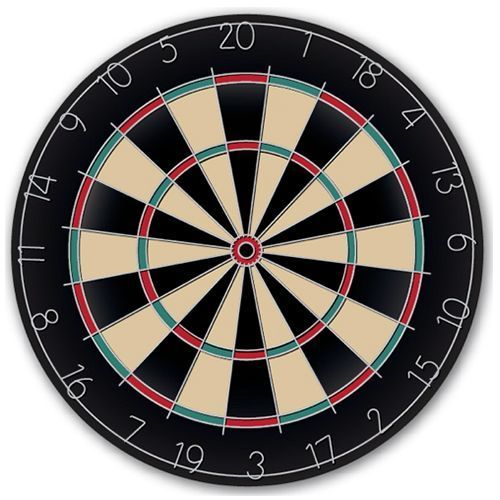
Hit the Mark with a Realistic Vector Dartboard
- Using Transform Effect to create segments
- Save time with Live Paint
- Learn to create bent wire numbers
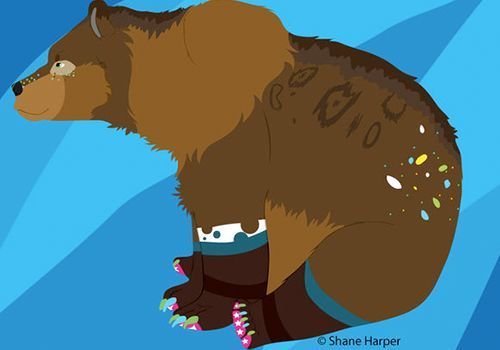
The Shane Harper way to go Lineless!
- Add details to a drawing with the Pencil Tool (N)
- Alter shapes quickly using the Knife Tool
Illustrator Tutorial: How to Make an Icy Cocktail
- Simulate “glass” using Color Burn and Gradients
- Create Water Drops quickly

Create a Simple Vector Creature in Illustrator
- Learn to use Guidelines effectively
- Use the Reflect Tool (O) for symmetry
- Change end caps on Strokes to alter paths

Create an easy landscape scene in Illustrator
- How to use the Crystallize Tool to create shapes
- Learn to use the Free Transform Tool (E) to create perspective

How to Create a Killer Chainsaw Bunny Character
- Learn to trace with vectors
- Block a character in using the Pen Tool (P)

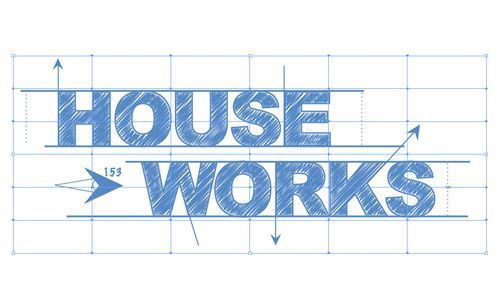
Blueprint-Style Text in Adobe Illustrator
- Use Scribble Effect to create a hand drawn font
- Learn to use an Opacity Mask with a Gradient
- Working with shapes and Pathfinder
- Learn shading tips for 3D Objects
- Design a Reflection on a shiny surface

Conclusion
These Adobe Illustrator tutorials are just a sample of some of the free learning opportunities available online. Learn to look past the tutorial subject and find what skills the tutorial covers. After all, it’s never too late to go back to school!


