
Beautiful Motion Graphics Created With Programming: Showcase, Tools and Tutorials

Email Newsletter
Weekly tips on front-end & UX.
Trusted by 182,000+ folks.

 Celebrating 10 million developers


When you hear the word “creative”, what type of profession comes to mind? Maybe a graphic designer, painter, sculptor, illustrator, or writer? It’s unlikely that you would consider a “programmer” when thinking of creative fields of work. But programmers have the potential to be creative and come up with ideas or concepts that will impact others in positive ways.
We often turn to programmers to solve mathematical-related problems, but the concept of mathematics in programming is what powers programmers to innovate. When you think of mathematics you imagine numbers, expressions, and equations. But what about art, music, or even beautiful visuals? Those numbers and equations that we often view as mundane and overly-formulaic can generate beautiful visuals and music. This article will present dozens of examples of motion graphics and interactive visuals created with computational code, along with some useful references and resources.
Also consider the following Smashing Magazine articles:
- The Ultimate Motion Graphics Tutorials Round-Up
- Best Tutorials For Cinematic Visual Effects
- The Art Of Film Title Design Throughout Cinema History
- Creating Advanced Animations In Photoshop
Beautiful Motion Graphics Created with Programming
First we’ll look at some examples of beautiful and inspiring motion graphics created by programmers. Some of these are audio-reactive whereas others are data visualization.
Metamorphosis by Glenn Marshall

Swan Lake - Zeno Music Visualiser by Glenn Marshall

Black Hole by 360angles
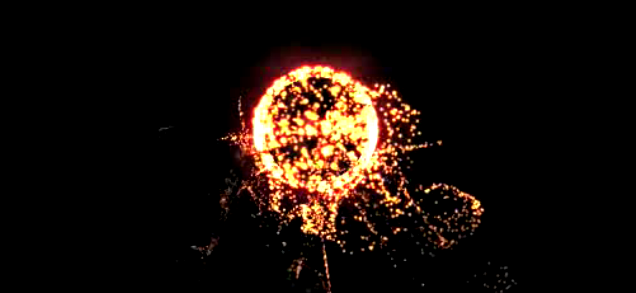
Flightpattern by Gwen Vanhee These beautiful motion graphics were created using ActionScript.
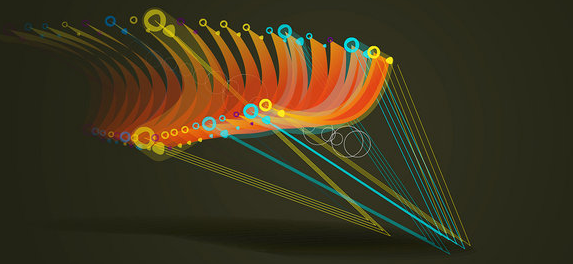
Disco Maths 1 by Stefan Goodchild
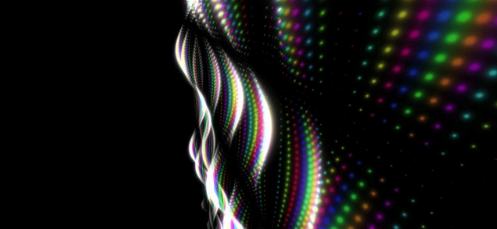
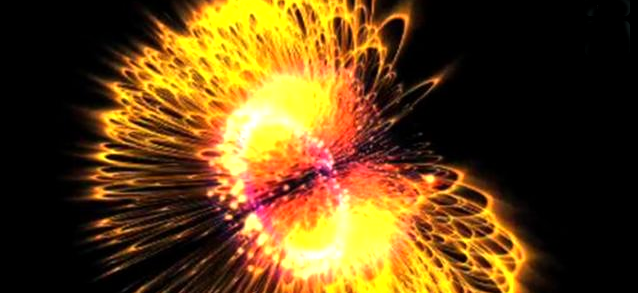
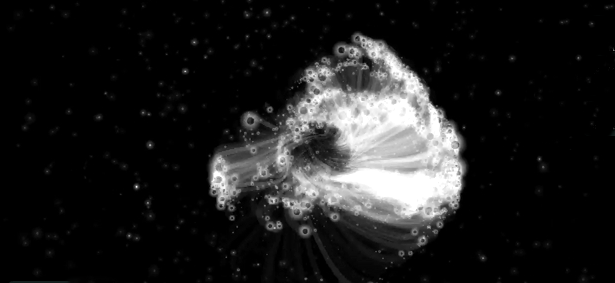
Audio Reactive Bubbles by Matthias Dörfelt.
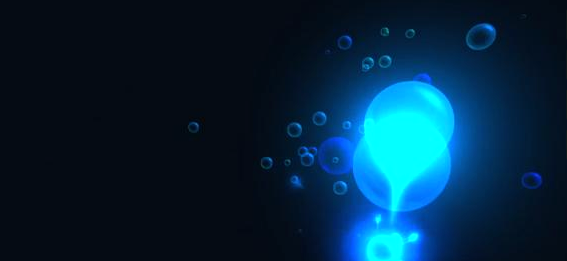
Visualization in 7⁄4 by Eamae Mirkin

Music Is Math by Glenn Marshall

Audio-generated landscape by flight404
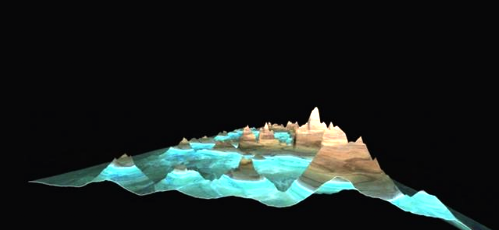
okdeluxe XMAS card 2008 by okdeluxe
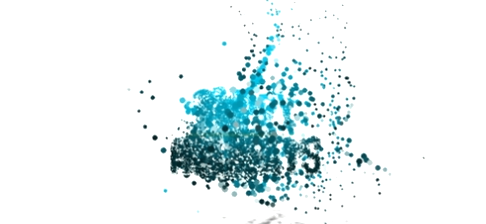
Solar, with lyrics. by flight404
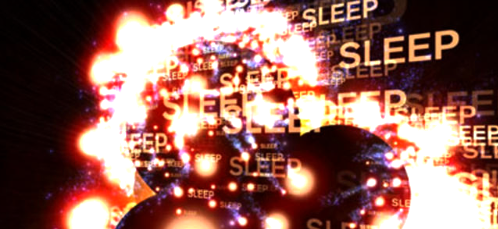
Bubbletrouble_2 by Leander Herzog
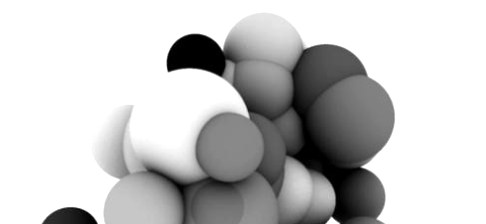
House of Cards by Radiohead In Radiohead’s video for “House of Cards”, no cameras or lights were used. Instead, 3D plotting technologies collected information about the shapes and relative distances of objects. The video (directed by James Frost) was created entirely with visualizations of that data.
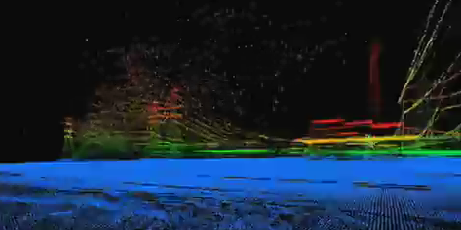

Shifty by Pedro Mari
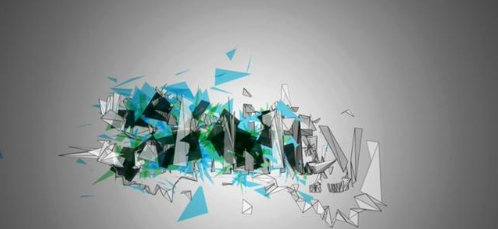
Advanced Beauty 13 of 18 by Universal Everything

I Am David Sparkle - Jaded Afghan by Eduardo Omine
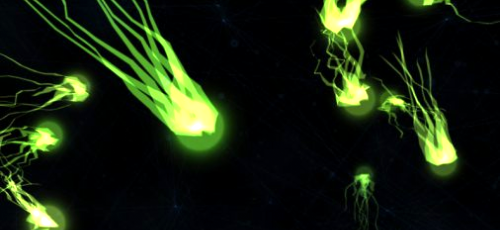
Relentless, The REV by flight404

Aphex Twin - Rhubarb by Simon Geilfus
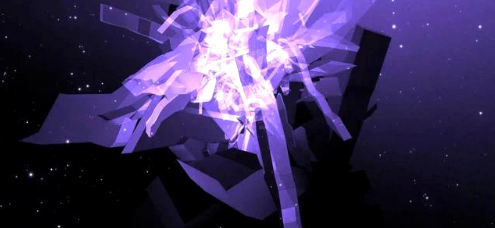
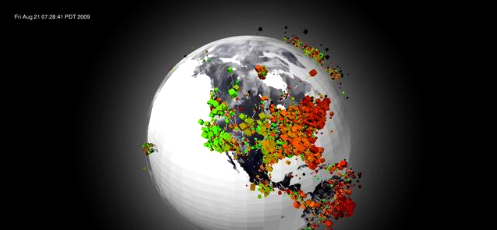
Magnetosphere Revisited by flight404
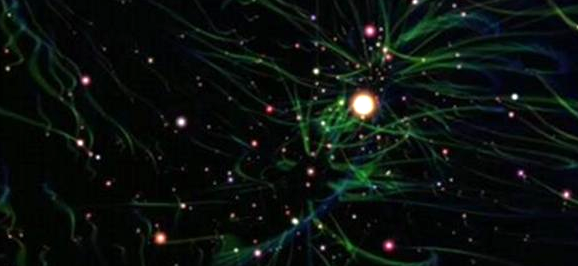
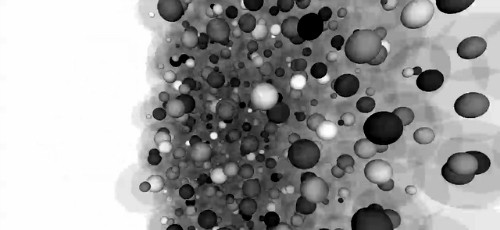
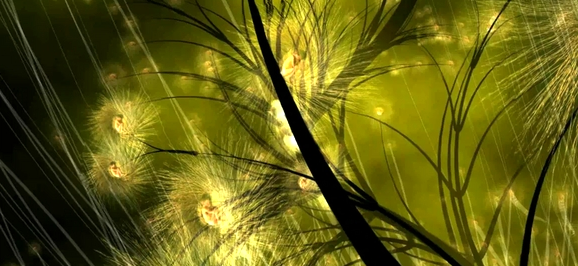
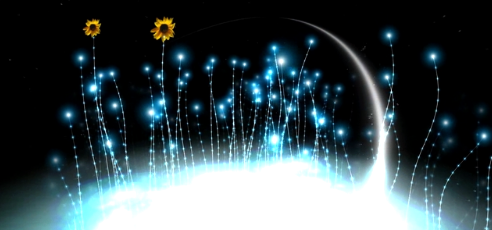
The Nest That Sailed The Sky by Glenn Marshall
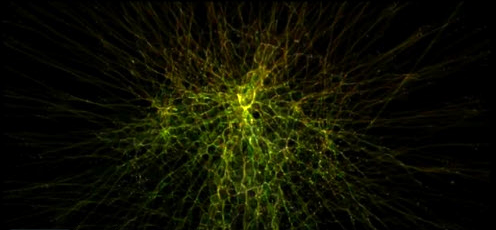
Interpol - Rest My Chemistry Video by Aaron Koblin
Free Applications for Creating Visuals with Computational Code
Processing
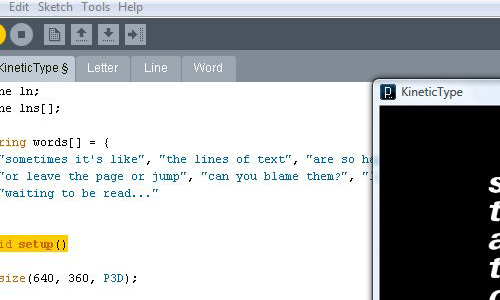
Processing is a popular and powerful application for generating visuals using programming. It’s free and open source and uses Java as its coding language. It’s been used in professional, educational, and scientific environments and is available for GNU/Linux, Mac OS X, and Windows. It can also be used for web by embedding as Java applets or through the use of Processing.js, which uses JavaScript to draw shapes and manipulate images using the HTML5 Canvas element. Processing is also available for Java-based mobiles (Mobile Processing).
- Open Processing Share your sketches online.
- Useful Processing Applet Source Codes A collection of free Java applet source codes.
- Processing with Eclipse If you are an avid Java programmer and have been using Eclipse for your daily routine this would be best way to use Processing, making your workspace comfortable and familiar. Another benefit that Eclipse adds is that you can harness the power of the latest Java IDE.
Quartz Composer
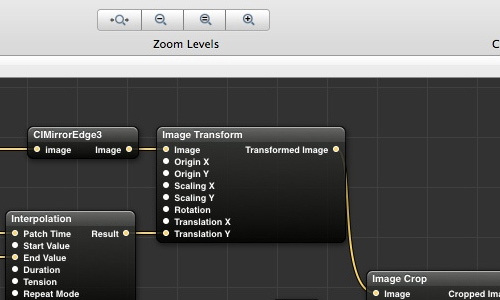
Popular among Mac developers and VJs, Quartz Composer is the simplest application for creating still as well interactive motion graphics. It uses a node-based sequencing visual programming language that takes advantage of the Open GL, JavaScript, Core Image and Core Video devices and other technologies built into Mac OS X. It’s intended for non-programmers and is used by developers to construct user interfaces in conjunction with Cocao and other developer tools bundled in Xcode. It’s also used to create iTunes Music Visualizers.
Using third-party tools like Effect Builder AE and QC Integration FX you can turn your Quartz compositions into plug-ins for professional video editing / motion graphics applications such as Apple Final Cut, Adobe After Effects, Apple Motion, etc., without writing a single line of code. Many professional applications like Pixelmator use Quartz Composer on Mac to generate graphics and this is one of the reasons why some graphics processing application are available only for Mac OS X. As you probably guessed, Quartz Composer is only available for Mac OS X. Users of Mac OS X 10.6 or later can utilize OpenCL in Quartz Composers.
- Quartz Composer Programming Guide Guide for Quartz Composer.
- Quartz Composer Release Notes for Mac OS X v10.6 Highlights major changes to Quartz Composer in Snow Leopard.
- Quartz Compositions Forum dedicated to Quartz Composer users.
- Quartz Composer Tutorials Collection of some of the best Quartz Composer tutorials.
- Installing 3rd Party Plug-Ins for Quartz Composer
- Kineme Kineme offers plug-ins for Quartz Composer, including audio analysis, particle effects, and Kineme3D which can import 3D Models.
- Futurismo Zugakousaku A great collection of Quartz Composer examples.
- Sam Kass Blog Quartz Composer examples that use iSight as an input source for creating real-time effects.
- Free Webcam Audio Visualizer
OpenFrameworks
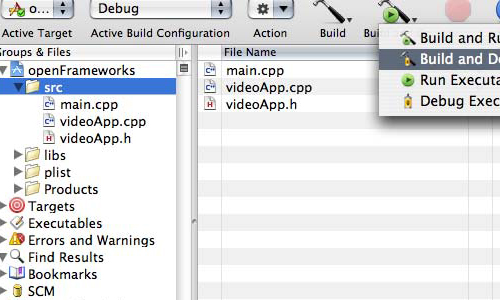
OpenFrameworks is a tool for creating interactive visuals, and is widely used among creative programmers. The user interface is simple and similar to that of Processing. Similar to Processing, it uses libraries, but it’s difficult to find third-party libraries and requires knowledge of C++ programming.
NodeBox
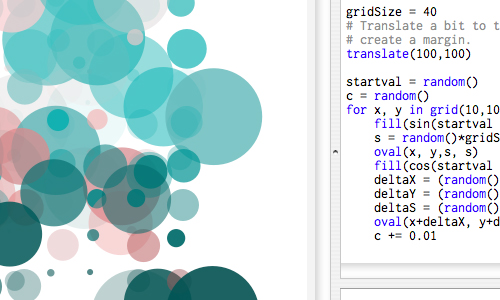
NodeBox is similar to Processing and OpenFrameworks with the only major difference being the programming language used, which is Python. Although NodeBox has a small number of libraries in comparison with Processing, they are of good quality. NodeBox supports PDF, QuickTime movies, fonts and uses the Mac OS X Core Image library for image manipulations (blend modes, color changes, filters etc). NodeBox is available only for Mac OS X.
- NodeBox Library A collection of libraries, add-ons, and extensions.
VVVV
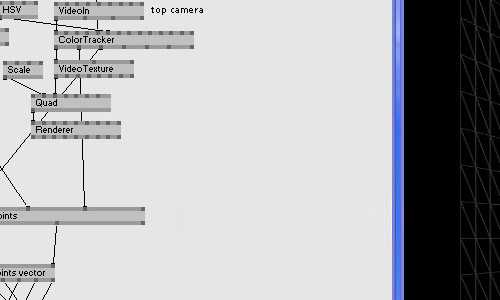
VVVV is usually used in large media environments like concerts and art installations for real-time motion graphics, video and audio processing and interactive motion graphics. Unlike Quartz Composer, VVVV comes with audio synthesis, 3D Mesh manipulation, and real-time video synthesis built in. It is a powerful application for generating visuals in real-time, even at very high resolution and high frame-rates.
Another important feature of VVVV is that it can make use of multiple computers behaving in sync. All programming and editing can be done on one server computer, while all client computers execute their respective tasks. You can easily use the CPU and GPU power of each computer to do some amazing effects at a cheaper cost. Since VVVV uses DirectX, it’s only available for Windows.
- Strukt Strukt has done many projects using VVVV, including this beautiful letter universe installation.
eMotion
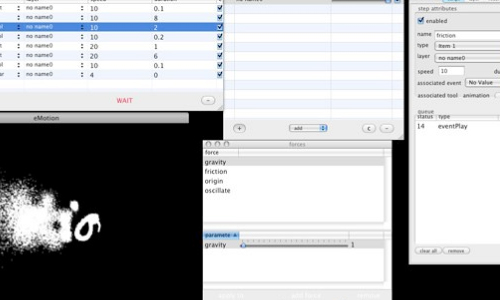
eMotion is a new free application which can generate real-time as well as offset graphics. It has an awesome text and particle engine which is driven by real-world physics. It is available only for Mac OS X.
Creating Interactive Visuals with Computational Code
Here are some examples demonstrating adding interactivity into visuals.

Graffiti Analysis 2.0 by Evan Roth

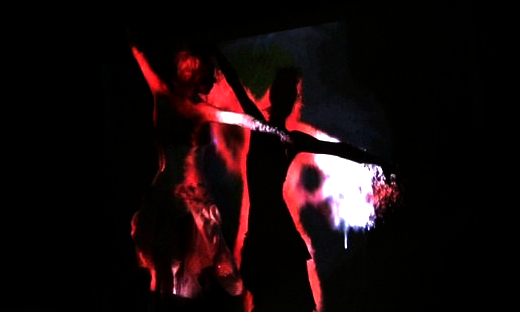
Amoeba Dance is built using Quartz Composer. Its not a pre-rendered visual but works totally in real-time mode, controlled using VDMX and is reactive to the audio input.

The Beauty of Fluid Dynamics by Jens Heinen Beautiful live interactive visual performances. Also watch Lichtfaktor vs Optix and Reincarnation.
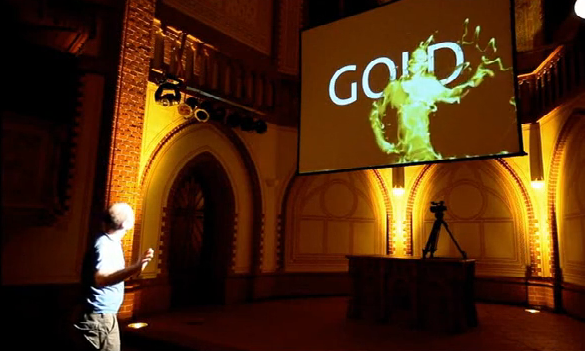
Interactive Projection at GAGA Gallery | Laser tag This project uses powerful lasers to virtually in-script graffiti on tall buildings. The laser is tracked and the graphics are projected in real time. Also check out the Eyewriter project which uses the same technology for helping physically disabled graffiti artists to once again bring their talent back to life. You can take a look at how-to and source code, too.
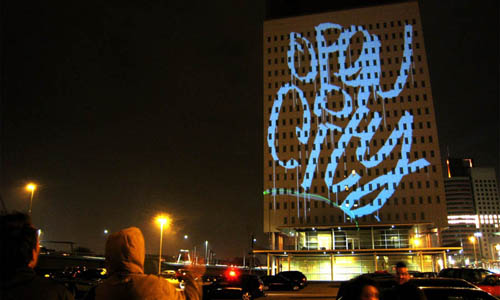
Digital Graffiti Wall + Stencils by Alex Beim Another similar version, also built with OpenFrameworks.
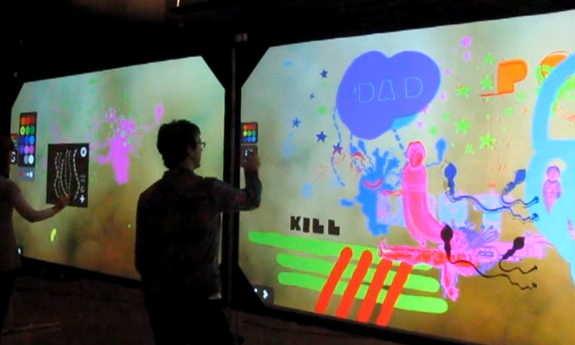
Digital Wallpaper by Gregor Hofbauer Uses VVVV to generate graphics which are then projected and mapped to the wall.
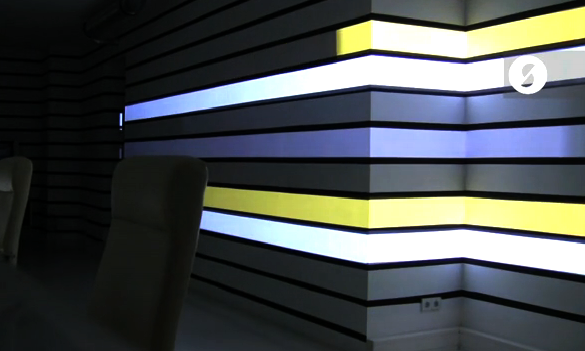
Body Navigation by Ole Kristensen Amazing example where interactive visuals are projected on to a wall. To add interactivity, everything is tracked using infrared light and cameras.
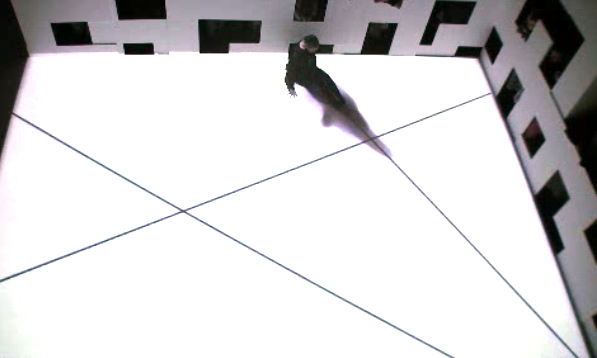
Hand from Above by Chris O’Shea An amazing installation built with openFrameworks and openCV. Pedestrians are tickled, stretched, flicked or removed virtually in real-time.
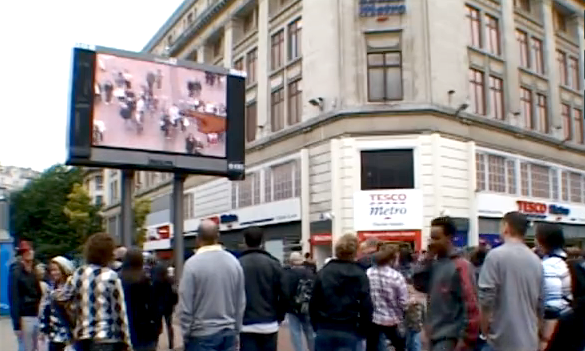
Quadrature by Griduo The walls of the building are virtually stretched, broken and reconstructed. A similar installation:
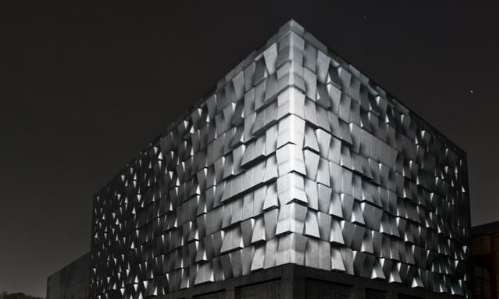
Castel Dell’Ovo by Quy & N1ente A stunning audio-visual performance created by mapping an entire building in a virtual world.
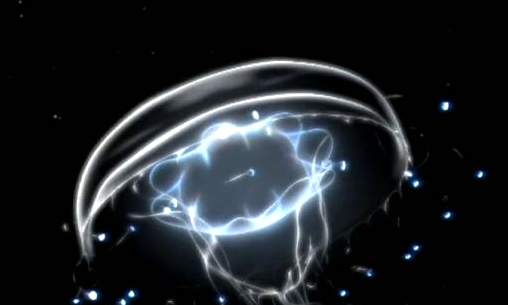
Body Paint by Memo Akten Beautiful interactive installation which allows performers to paint on a virtual canvas with their body, interpreting gestures and dance into evolving compositions.
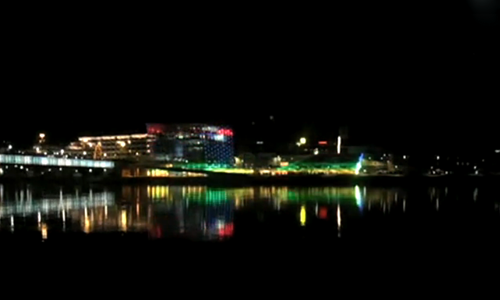
Lights on by thesystemis Created for the Ars Electronica museum, which has a facade that contains 1085 LED controllable windows. The window colors are changed in real time with music that is broadcast on speakers surrounding the building. Visuals are created using openFrameworks.
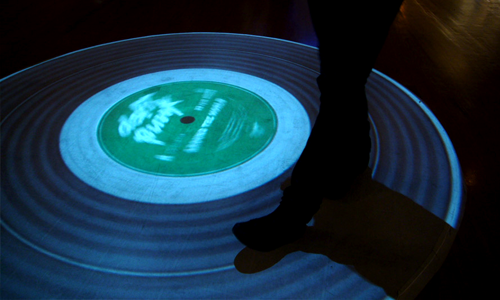
Vinyl Workout by Theo Watson A giant record is projected on the floor and it can be played by running around its surface in the direction you want it to go. The speed of playing music is in sync with the speed of the moving person.
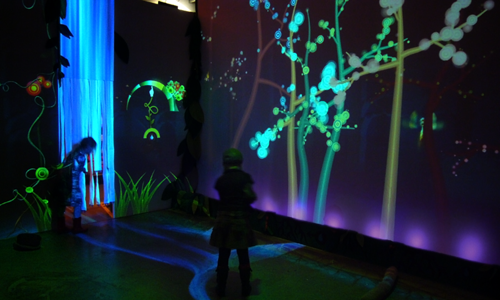
Funky Forest - Interactive Ecosystem by Theo Watson Funky Forest is an interactive installation for children. They can play with the water on floor, grow trees and water it and interact with various creatures. Built using openFrameworks. Also see these other amazing installations: Interactive Mural, Interactive Projection at GAGA Gallery, Guten Touch, Jellyfishes and Interactive Dancers System.
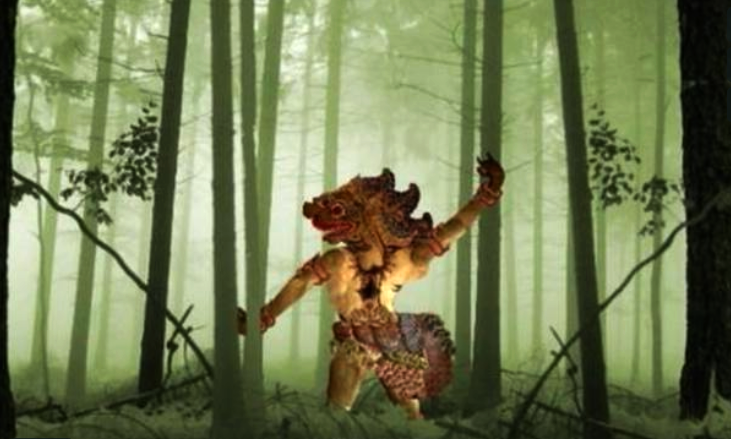
Reverse Shadow Theatre by Gabor Papp Amazing example in which the code powers the real-time puppet animation. Uses multiple software - Processing, Eyesweb and Animata. Both Eyesweb and Animata are open source, as is Processing. Here Eyesweb handles the motion tracking while Animata takes in the input data from Eyesweb and does the real-time animation. Also watch Jazz Pub.
Tutorials
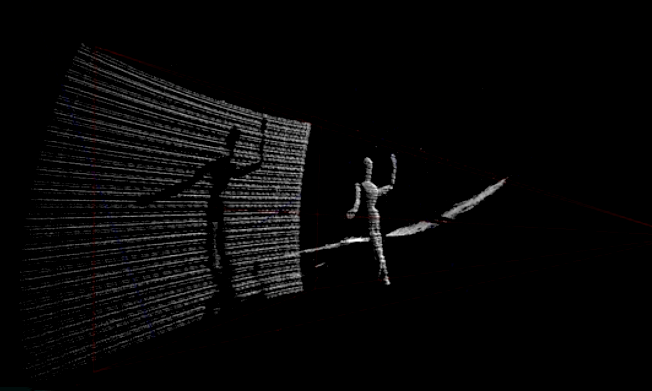
DIY 3D Scanner by Kyle McDonald Another great application of computational code.
DaVinci by Razorfish - Emerging Experiences Apart from producing amazing visual and real-time animations, computational code can give new meaning to human-computer interaction. If you like Microsoft Touch Screen Table then you are sure to like DaVinci. You can interact with a virtual world through a user interface that uses object recognition, real-world physics simulation, and gestural interface design.
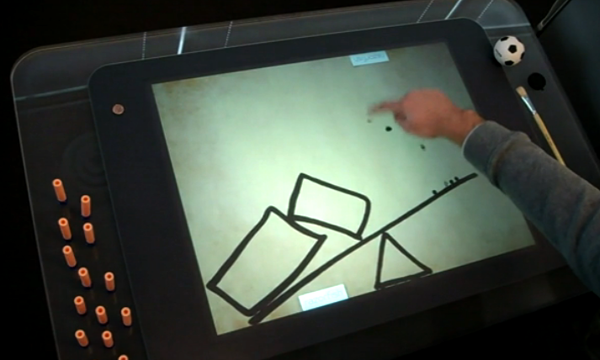
London Digital Week by seeper Multi-touch music sequencer.

Books for Reference
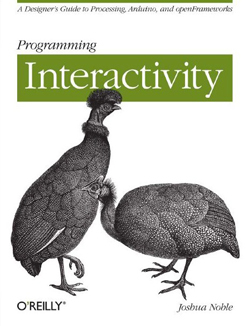
Programming Interactivity: A Designer’s Guide to Processing, Arduino, and Openframeworks by Joshua Noble and Noble Joshua
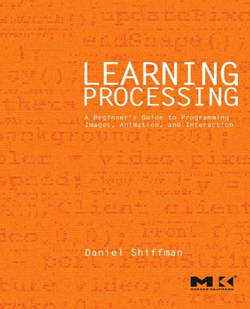
Learning Processing: A Beginner’s Guide to Programming Images, Animation, and Interaction by Daniel Shiffman
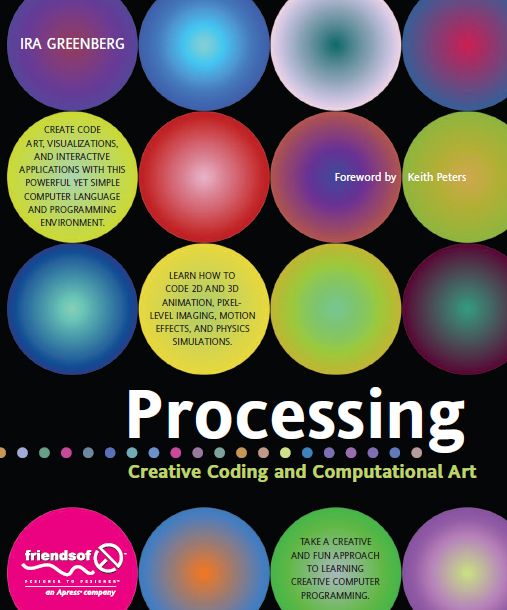
Processing: Creative Coding and Computational Art by Ira Greenberg
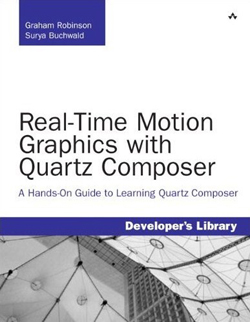
Real-Time Motion Graphics with Quartz Composer: A Hands-On Guide to Learning Quartz Composer by Graham Robinson and Surya Buchwald
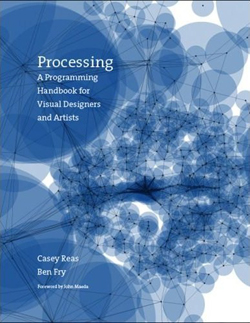
Processing: A Programming Handbook for Visual Designers and Artists by Casey Reas and Ben Fry
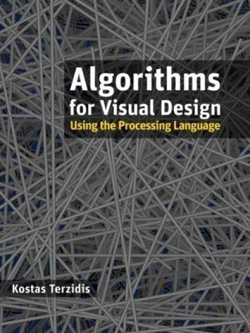
Algorithms for Visual Design Using the Processing Language by Kostas Terzidis
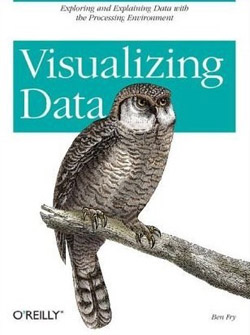
Visualizing Data by Ben Fry
Resources
- OpenCV OpenCV is a library of programming functions for real-time computer vision. You can use it for human-computer interaction, object identification, segmentation and recognition, face recognition, gesture recognition, camera and motion tracking, ego motion, motion understanding, stereo and multi-camera calibration and depth computation, and mobile robotics.
- Arduino Open-source software to send signals to the i/o board.
- 10 Best Software for Visual Performance Artists Some of the best professional software for live audio-visual performance
- Flickr Group: Processing.org Collection of graphics created using Processing
- Flickr Group: Algorithmic Abstracts Abstract art created by writing code.
- Flickr Group: VVVV Collection of images created with VVVV.
- Flickr Group: Generative Visuals
 (ll)
(ll)

